FileInsight-plugins:用于恶意软件分析的McAfee FileInsight十六进制编辑器解码工具箱

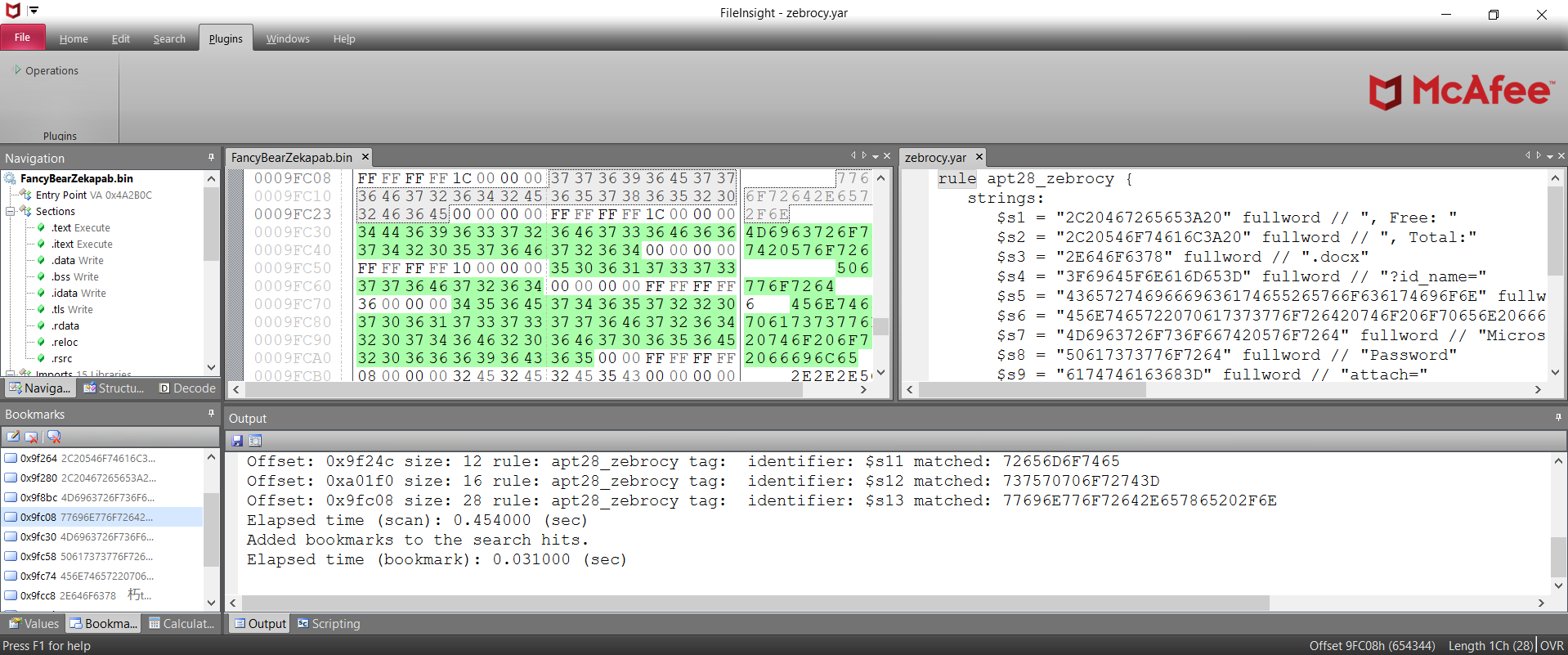
FileInsight-plugins 是 McAfee FileInsight 十六进制编辑器的一个大型插件集。 它增加了许多功能,例如解密、解压缩、搜索异或文本字符串、使用 YARA 规则扫描、代码模拟、反汇编等等! 它对于恶意软件分析中的各种解码任务非常有用(例如,从恶意文档文件中提取恶意软件可执行文件和诱饵文档)。
寻找 FileInsight 安装程序的用户可访问: https://downloadcenter.trellix.com/products/mcafee-avert/fileinsight.msi
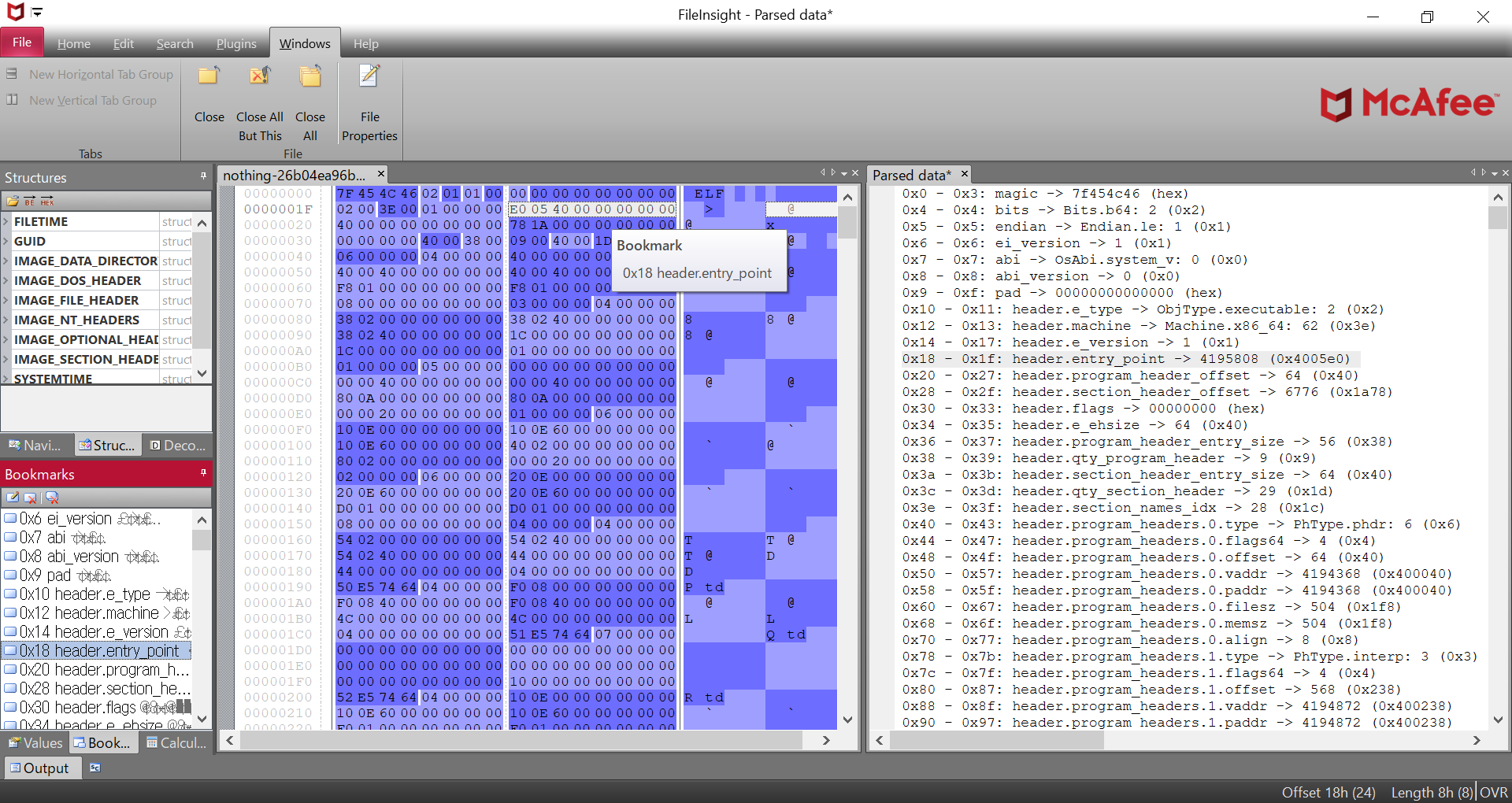
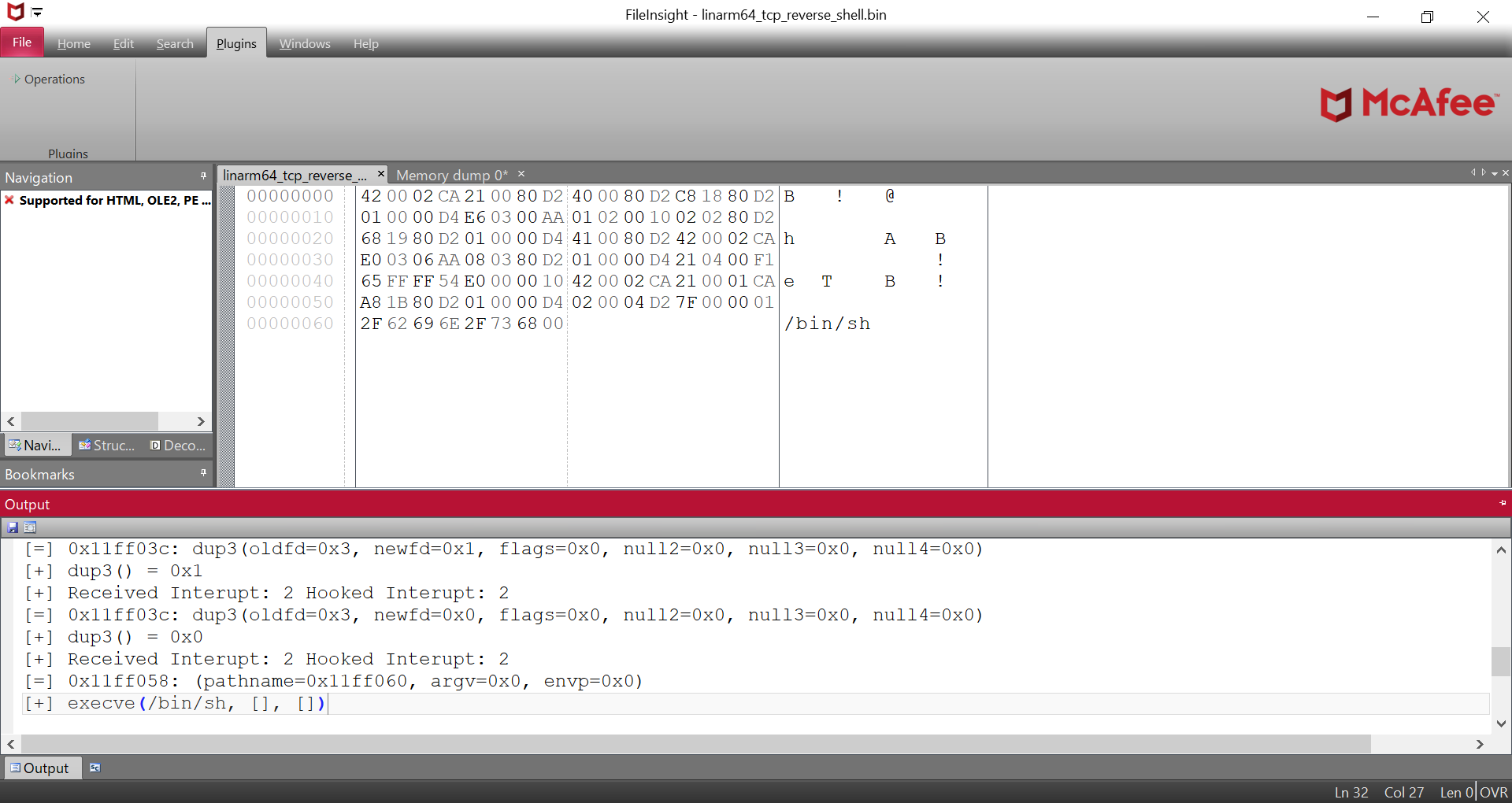
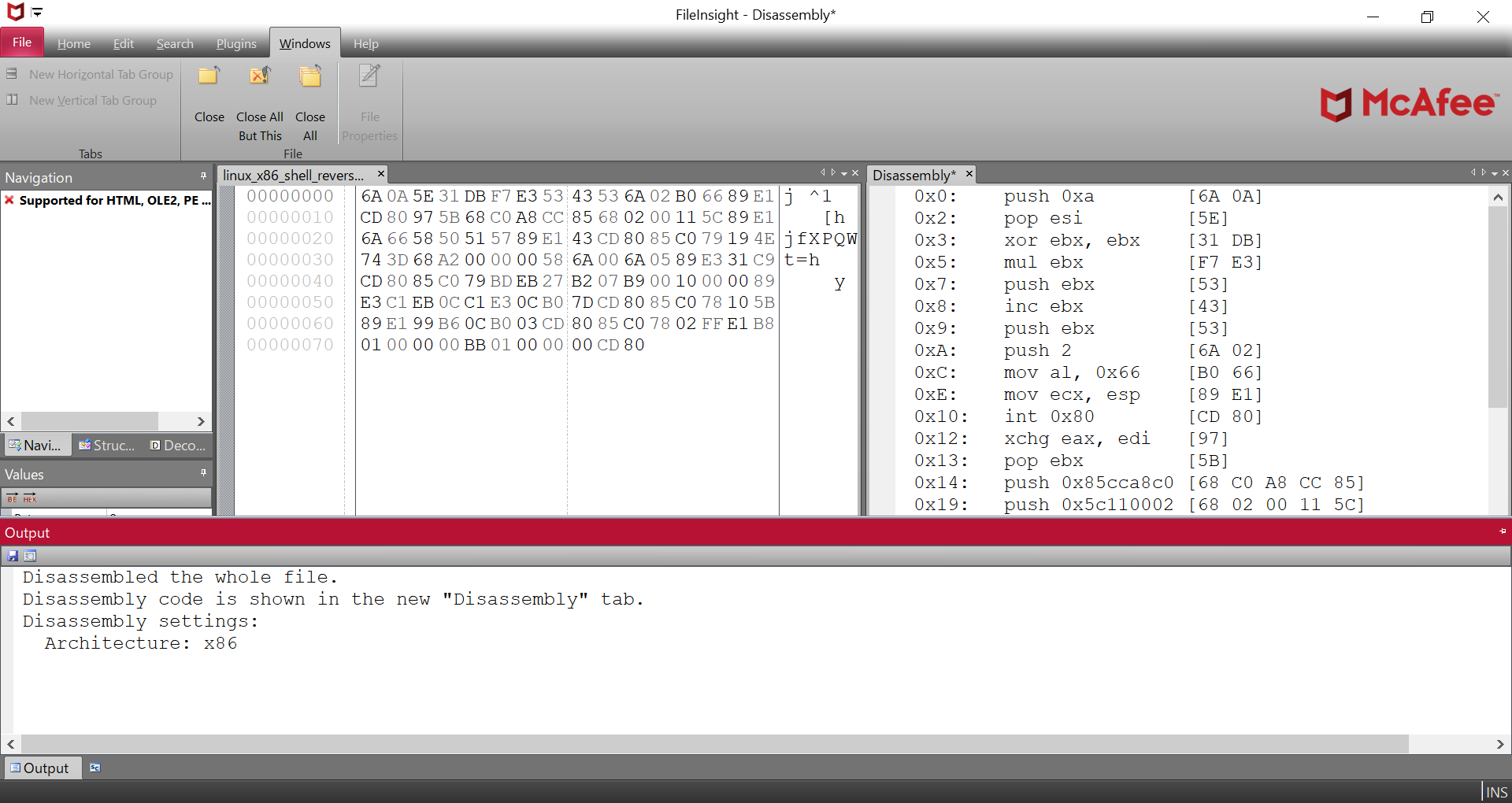
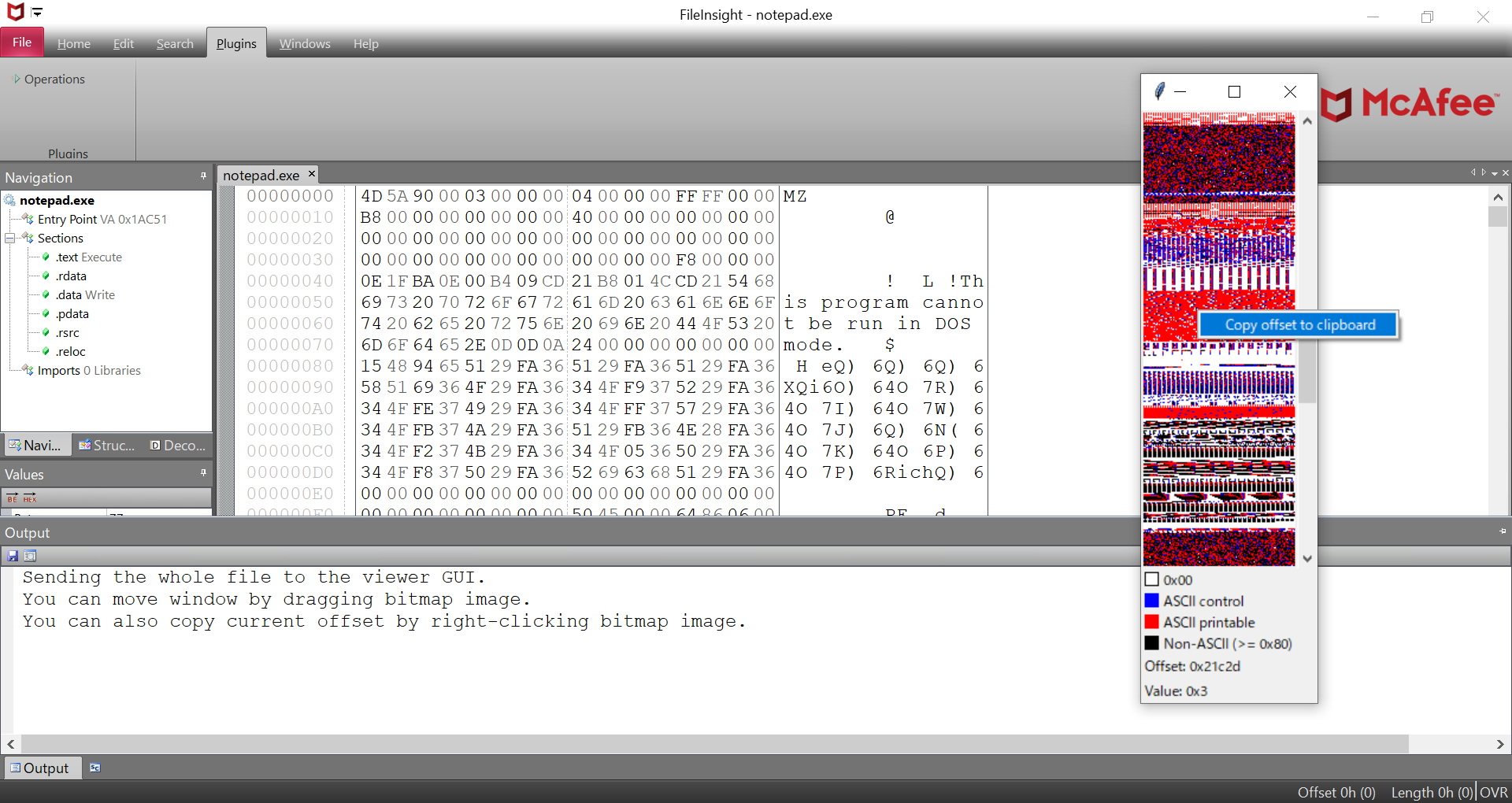
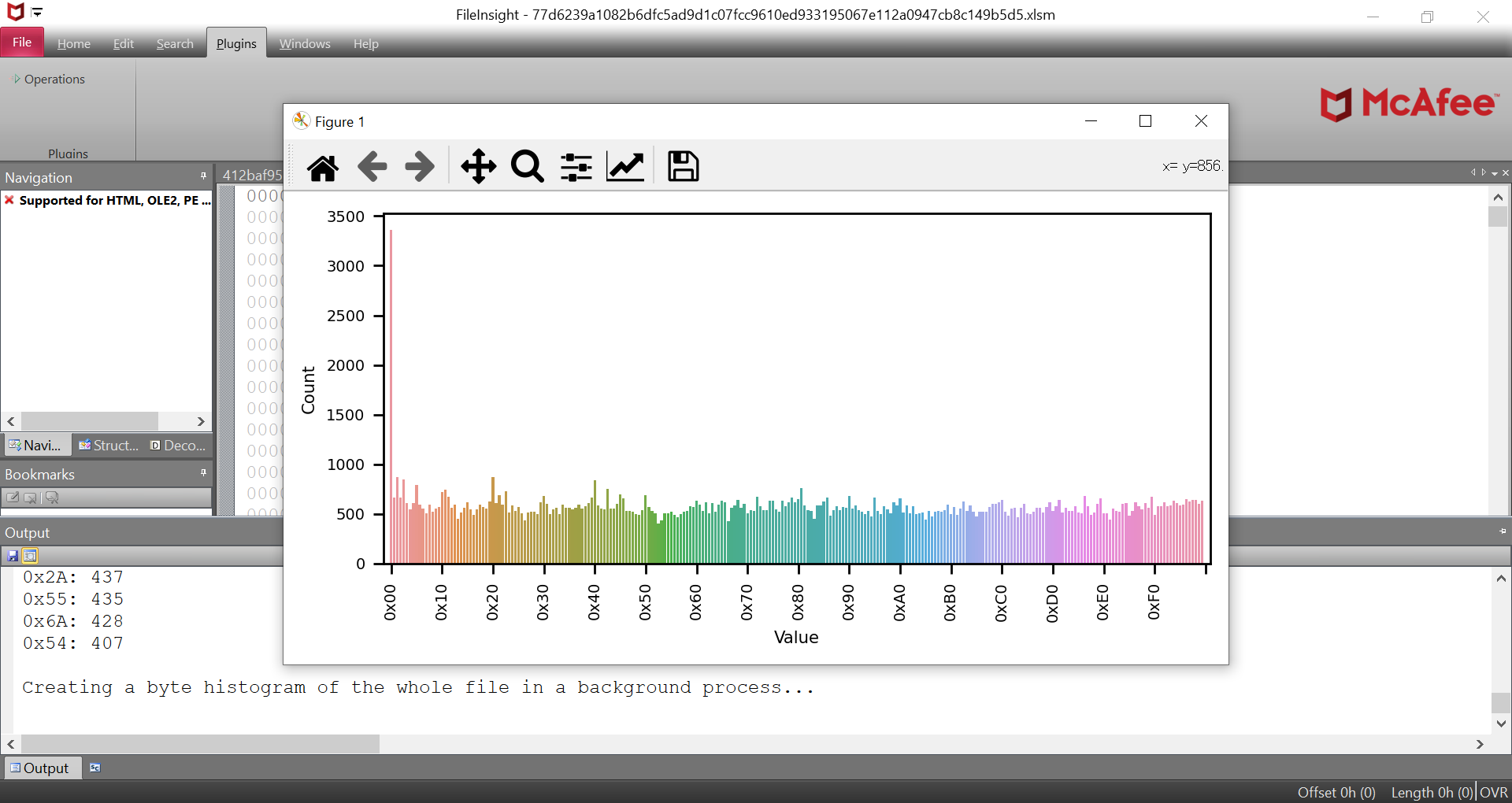
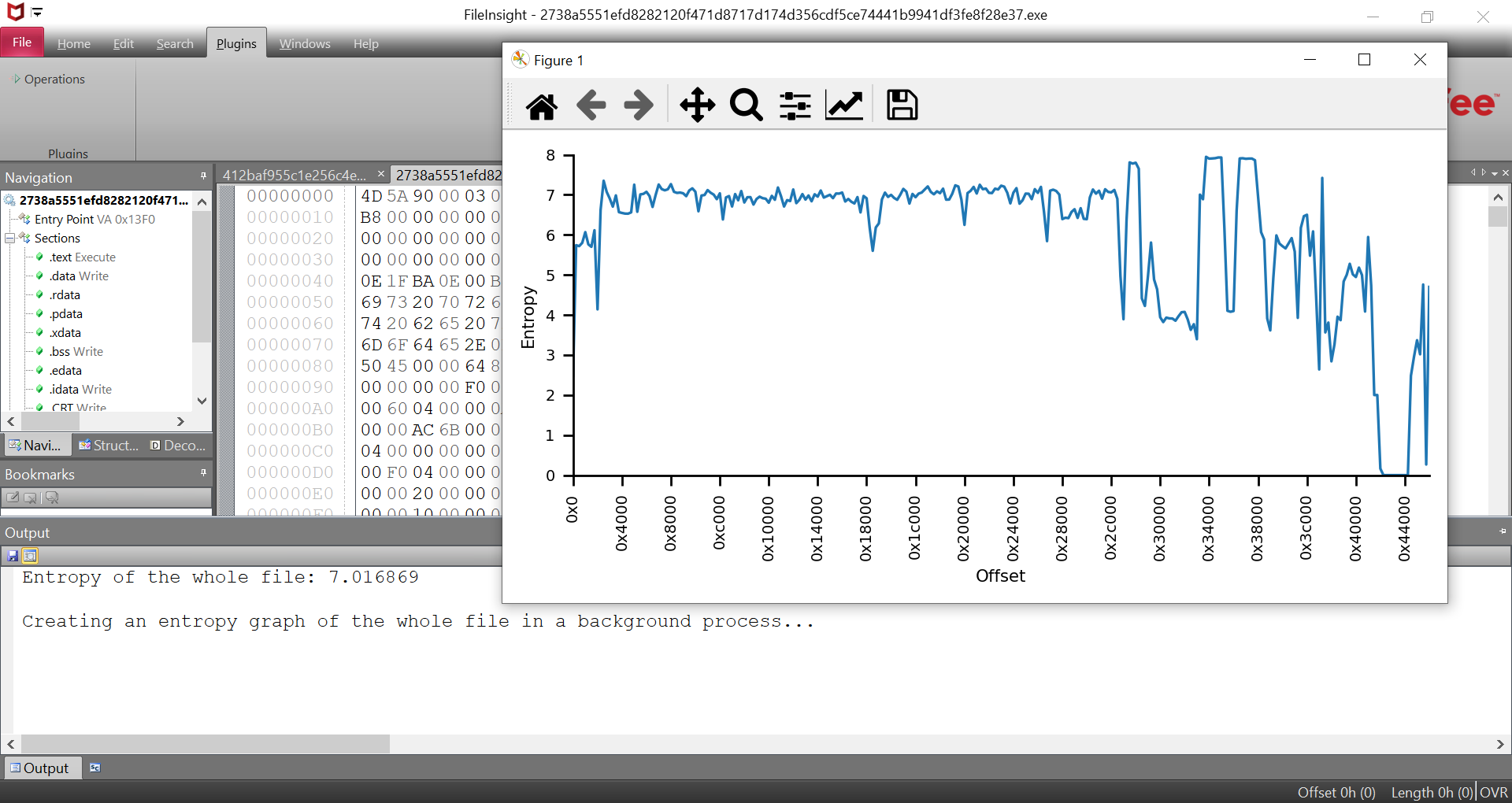
请执行以下命令。将安装 FileInsight-plugins 的最新发布版本及其先决条件,包括 FileInsight 和 Python 3.12.x(x64)。
powershell -exec bypass -command "IEX((New-Object Net.WebClient).DownloadString('https://raw.githubusercontent.com/nmantani/FileInsight-plugins/master/install.ps1'))"
如果您使用代理服务器(例如,IP 地址:10.0.0.1,端口:8080),请执行以下命令。
curl -x http://10.0.0.1:8080 -Lo install.ps1 https://raw.githubusercontent.com/nmantani/FileInsight-plugins/master/install.ps1
powershell -exec bypass .\install.ps1
有少数 Python 模块需要手动安装。请遵循插件显示的安装说明。
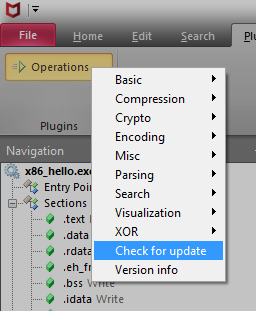
请点击 "Plugins" 选项卡中的 "Operations",然后选择一个插件。
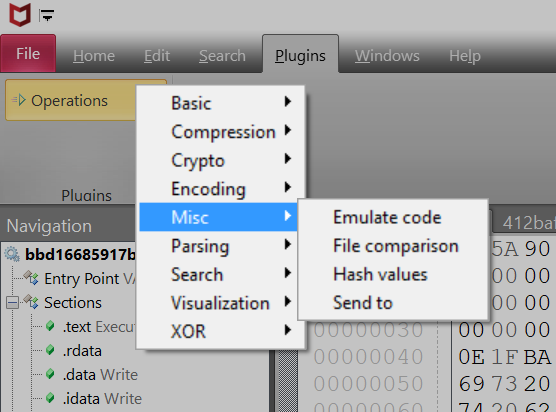
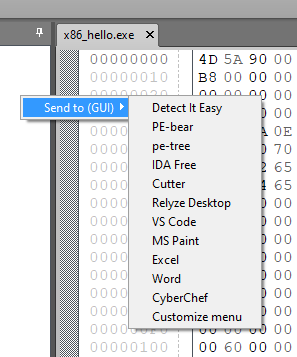
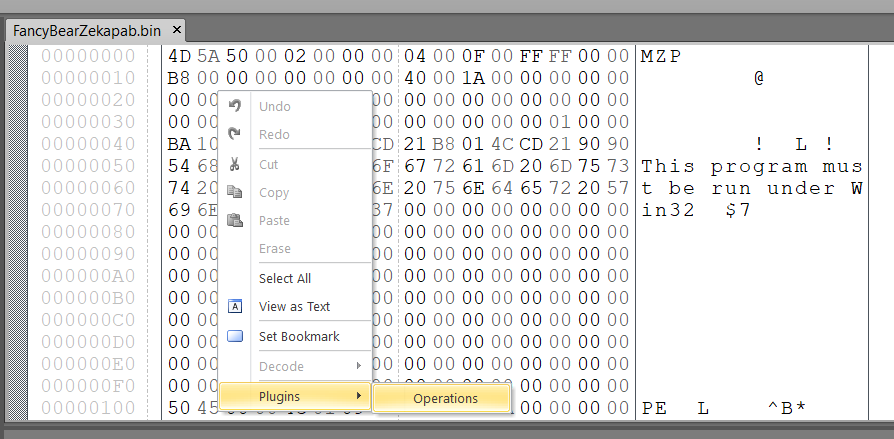
您也可以通过右键菜单使用插件。
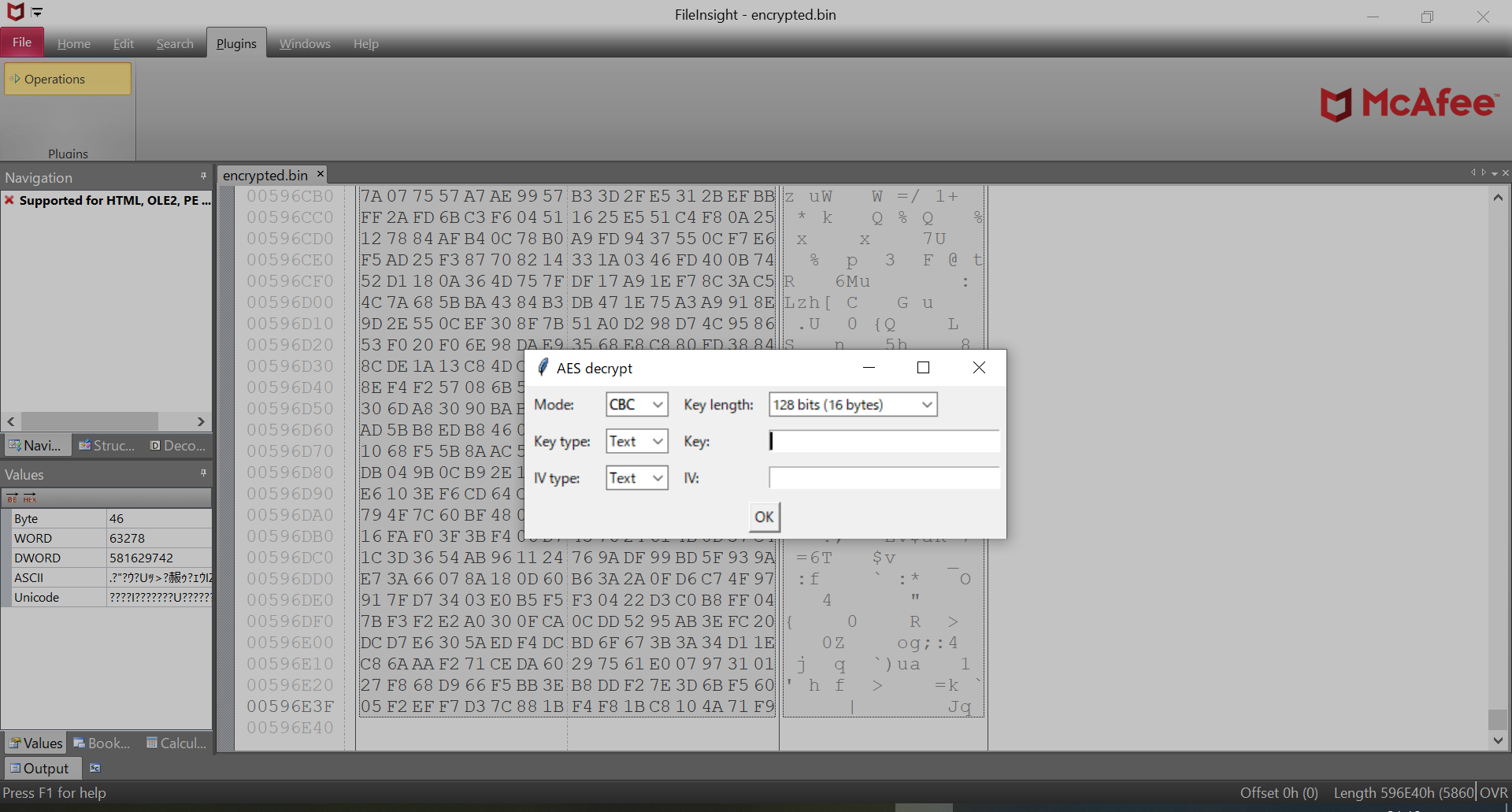
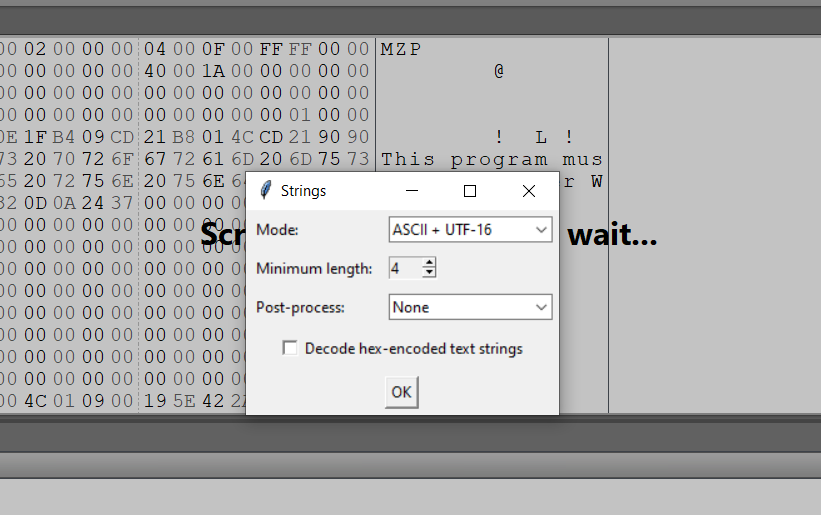
某些插件在使用时会显示一个额外的设置对话框。
如果您想将 FileInsight-plugins 更新到最新的发布版本, 请点击插件菜单中的 "Check for update"。如果有新版本, 将执行安装 PowerShell 脚本(https://raw.githubusercontent.com/nmantani/FileInsight-plugins/master/install.ps1)。 现有文件将被覆盖。
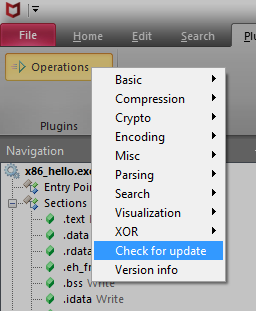
您也可以通过以下命令进行更新("Check for update" 会执行此命令)。
powershell -exec bypass -command "& ([scriptblock]::Create((New-Object Net.WebClient).DownloadString('https://raw.githubusercontent.com/nmantani/FileInsight-plugins/master/install.ps1'))) -update"
如果您使用代理服务器(例如,IP 地址:10.0.0.1,端口:8080),请执行以下命令。
curl -x http://10.0.0.1:8080 -Lo install.ps1 https://raw.githubusercontent.com/nmantani/FileInsight-plugins/master/install.ps1
powershell -exec bypass .\install.ps1 -update
如果您想将 FileInsight-plugins 更新到最新的快照版本, 请添加 "-snapshot" 选项。
powershell -exec bypass -command "& ([scriptblock]::Create((New-Object Net.WebClient).DownloadString('https://raw.githubusercontent.com/nmantani/FileInsight-plugins/master/install.ps1'))) -update -snapshot"
对于 "Send to (CLI)" 插件和 "Send to (GUI)" 插件,您可以用自己喜欢的程序打开文件。 请点击插件菜单中的 "Customize menu"。
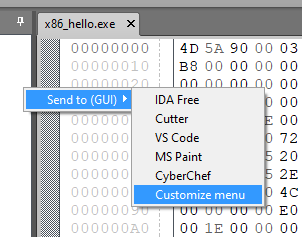
"plugins\Operations\Misc\send_to_cli.json"(用于 "Send to (CLI)" 插件)或 "plugins\Operations\Misc\send_to.json"(用于 "Send to (GUI)" 插件)将用您的默认文本编辑器打开。 请编辑并保存。
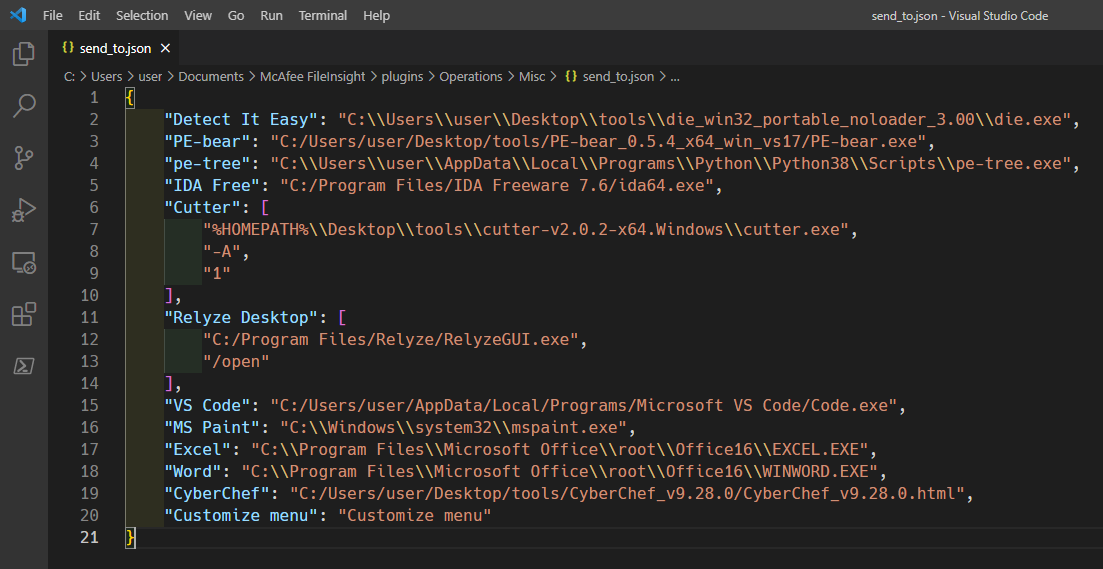
您的自定义设置将反映在菜单项中。