用于 AI 编码代理的沙箱。在 kernel-level 沙箱内运行 Copilot CLI、Claude Code、OpenCode、Gemini CLI、Antigravity、Pi、goose 或普通 shell,并带有 git 和 gh 防护,且沙箱策略已提交到仓库中。



面向 AI 编码代理的内核级强制沙箱。 cplt 封装 GitHub Copilot CLI、OpenCode、Gemini CLI、Antigravity CLI、Pi、Claude Code、goose、DeepSeek Harness 或任意 shell,使代理可以编写代码,但无法窃取凭据、推送到 main、合并 PR 或外泄机密。
sandbox-exec 使用 Apple Seatbelt/SBPL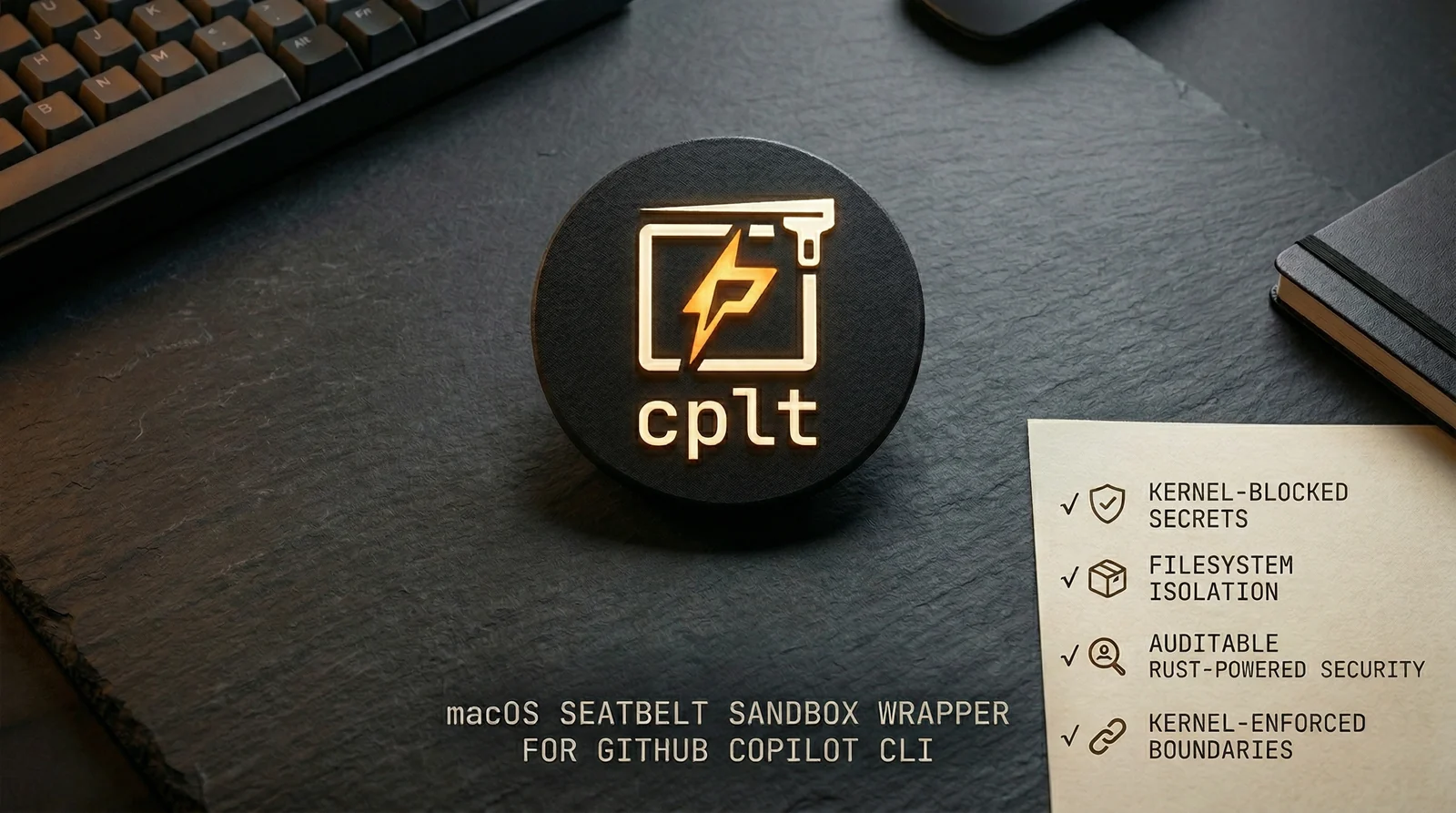
AI 代理会执行任意代码。一个被攻陷的代理——无论是通过提示注入、供应链攻击还是恶意 MCP 服务器——都可能读取 ~/.ssh、推送到 main、合并 PR 或外泄你的代码,除非操作系统本身予以拒绝。
cplt 为你提供内核级强制实施,并配有团队可配置的策略:
.cplt.toml 中按仓库配置策略,并提交到版本控制,因此防篡改且可审计详细文档: 配置 · 代理与域名过滤 · gh 命令防护 · git 命令防护 · 已知影响 · 安全详情 · 安全模型
brew install navikt/tap/cplt   # macOS. On Debian or Ubuntu, see apt below
cplt --shell-install        # make 'copilot' run sandboxed (persistent)
                            # --agent opencode for any other agent
cplt doctor                 # check your environment
cplt -- -p "fix the tests"  # run Copilot in sandbox
其他代理和沙箱命令:
cplt --agent opencode                       # OpenCode (Copilot subscription)
cplt --agent opencode --pass-env ANTHROPIC_API_KEY  # third-party provider
cplt --agent shell                          # interactive sandboxed shell (no AI)
cplt exec -- npm install                    # sandbox any command directly
cplt exec -c "npm install && npm test"      # compound commands in sandbox
alias npm="cplt exec -- npm"               # sandboxed npm for every invocation
# 1. Generate per-repo policy
cplt init --write

# 2. Developers approve on first run
cplt trust accept --all

# 3. Tune the command guards (both block by default)
cplt config set git_guard.protect_default_branch_only false # block every push, not just main
cplt config set git_guard.mode warn                         # observe instead of blocking
沙箱会阻止对内核中凭据和密钥的访问。命令防护会拦截破坏性操作。每项限制都同时作用于该 agent 及其派生的每一个进程。