当我开始学习如何使用 Suricata 时,很快发现需要一个工具来检查 eve.json 文件;大多数教程和文档都建议安装一套技术栈来完成以下任务:
这非常有用,但如果我只是需要快速检查事件呢?
迟早你会无聊得要死地做这件事:
cat eve.json | jq -r -c 'select(.event_type=="alert")|.payload'| base64 --decode
SuricataLog 是一组用于解析和显示 Suricata 日志文件(如 /var/log/suricata/eve.json)的工具/脚本。
Eve JSON 格式并不复杂,所以我写了几个脚本,包含了我认为对家庭网络分析最有用的功能。
作为额外收获,我将学习经验写成了一篇教程,你可以用它来学习 Suricata 以及如何测试它。
uv pip install SuricataLog
git clone [email protected]:josevnz/SuricataLog.git
cd SuricataLog
uv build
uv pip install dist/suricatalog-1.1.6-py3-none-any.whl
所以你想贡献代码?或者发现了一个 bug 并认为可以提交补丁?太好了!以下是你可以在开发模式下运行的操作:
git clone [email protected]:josevnz/SuricataLog.git
cd SuricataLog
uv build
uv sync --dev
uv pip install --editable .
之后运行单元测试非常简单:
(SuricataLog) [josevnz@dmaf5 SuricataLog]$ python -m unittest test/*.py
.........
----------------------------------------------------------------------
Ran 9 tests in 0.334s

OK
如果单元测试失败,那么这很可能是首先需要修复问题的地方。
我还建议运行 textualize 控制台并观察控制台消息:
# textual console
textual console --exclude SYSTEM --exclude EVENT
然后在另一个终端中:
textual run --dev --command eve_log --timestamp '2015-01-01 10:41:21.642899' test/eve.json
这将在控制台上打印甚至调试消息(如果你用 '--exclude DEBUG' 重启控制台,可以排除这些消息)
请查看 DOCKER.md 了解更多详情。
在虚拟环境中安装好一切后,你应该能够调用这些脚本了。
激活虚拟环境后,你可以通过自动补全来查看安装了哪些应用程序:
eve_[tab][tab]
如果你安装了 Bash 自动补全扩展,你还会得到一些标志的建议。
最好自己试试看(记住,使用 --help 来了解支持哪些选项)
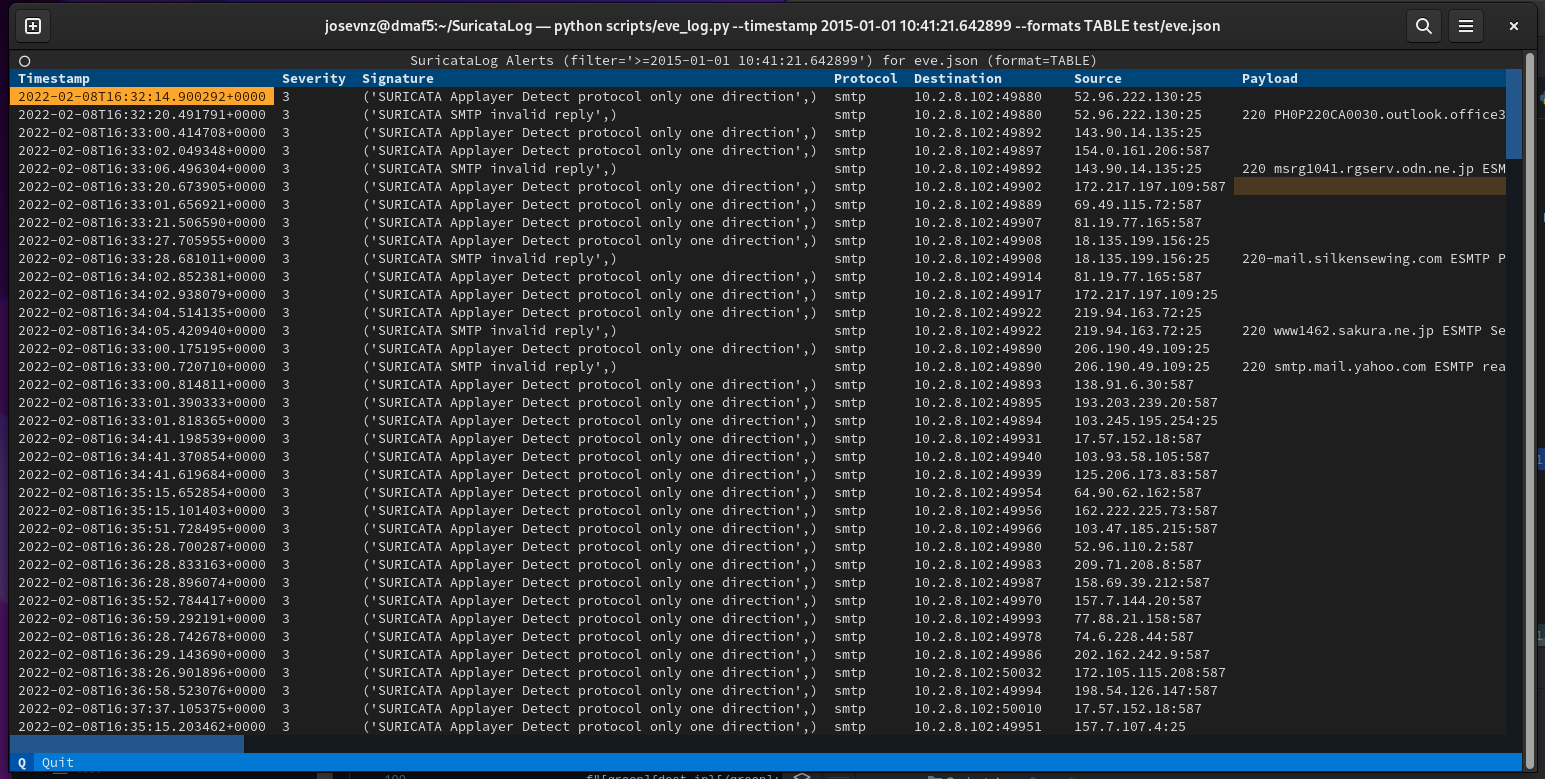
eve_log --timestamp '2015-01-01 10:41:21.642899' --formats TABLE test/eve.json
(suricatalog) [josevnz@dmaf5 SuricataLog]$ eve_json --help
usage: eve_json [-h] [--nxdomain | --payload | --flow | --netflow NETFLOW | --useragent] eve [eve ...]

This script is inspired by the examples provided on [15.1.3. Eve JSON ‘jq’ Examples](https://suricata.readthedocs.io/en/suricata-6.0.0/output/eve/eve-json-
examplesjq.html) A few things: * The output uses colorized JSON

positional arguments:
  eve                Path to one or more /var/log/suricata/eve.json file to parse.

optional arguments:
  -h, --help         show this help message and exit
  --nxdomain         Show DNS records with NXDOMAIN
  --payload          Show alerts with a printable payload
  --flow             Aggregated flow report per protocol and destination port
  --netflow NETFLOW  Get the netflow for a given IP address
  --useragent        Top user agent in HTTP traffic
看看下面的一些示例:
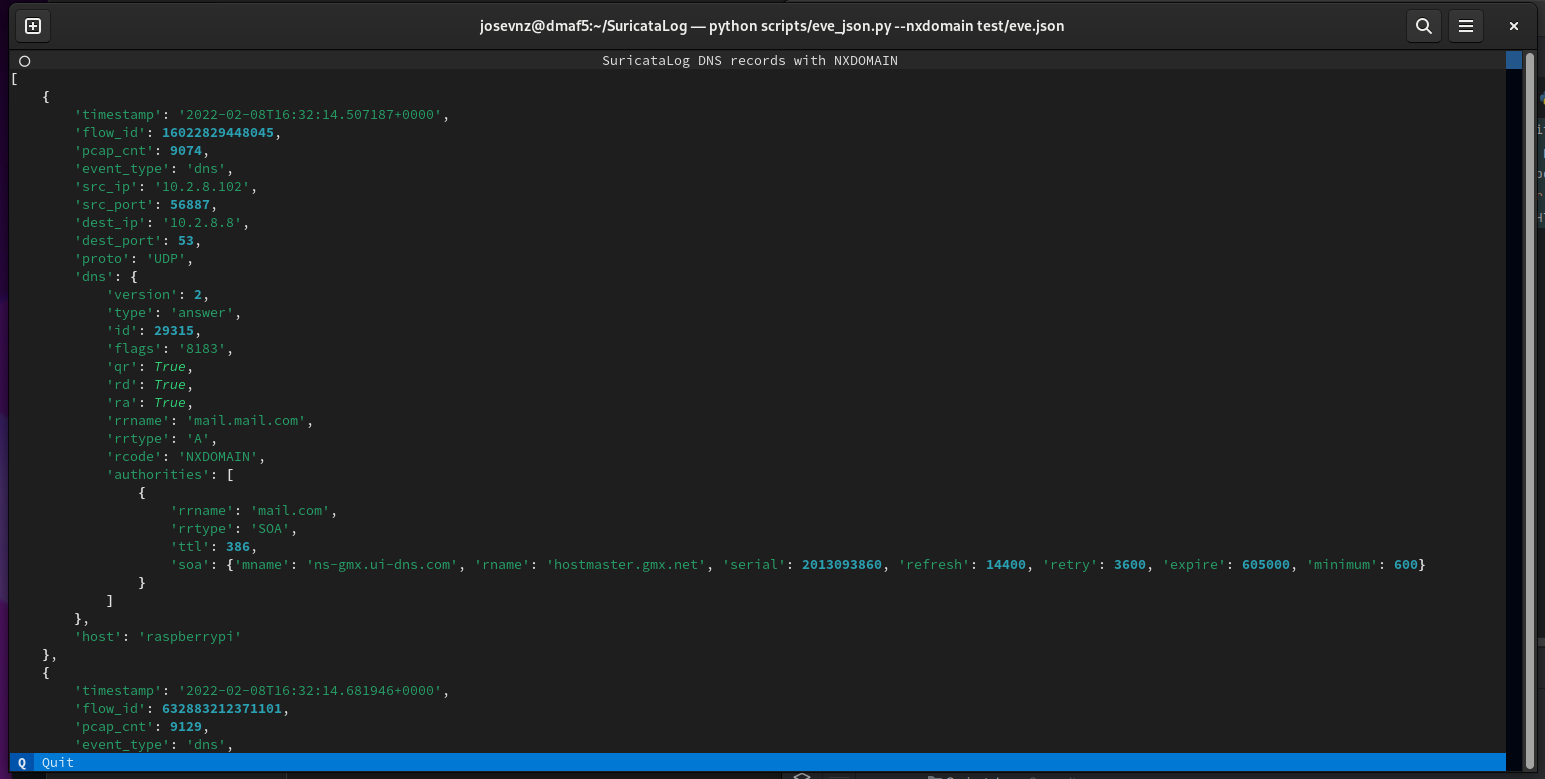
eve_json --nxdomain test/eve.json
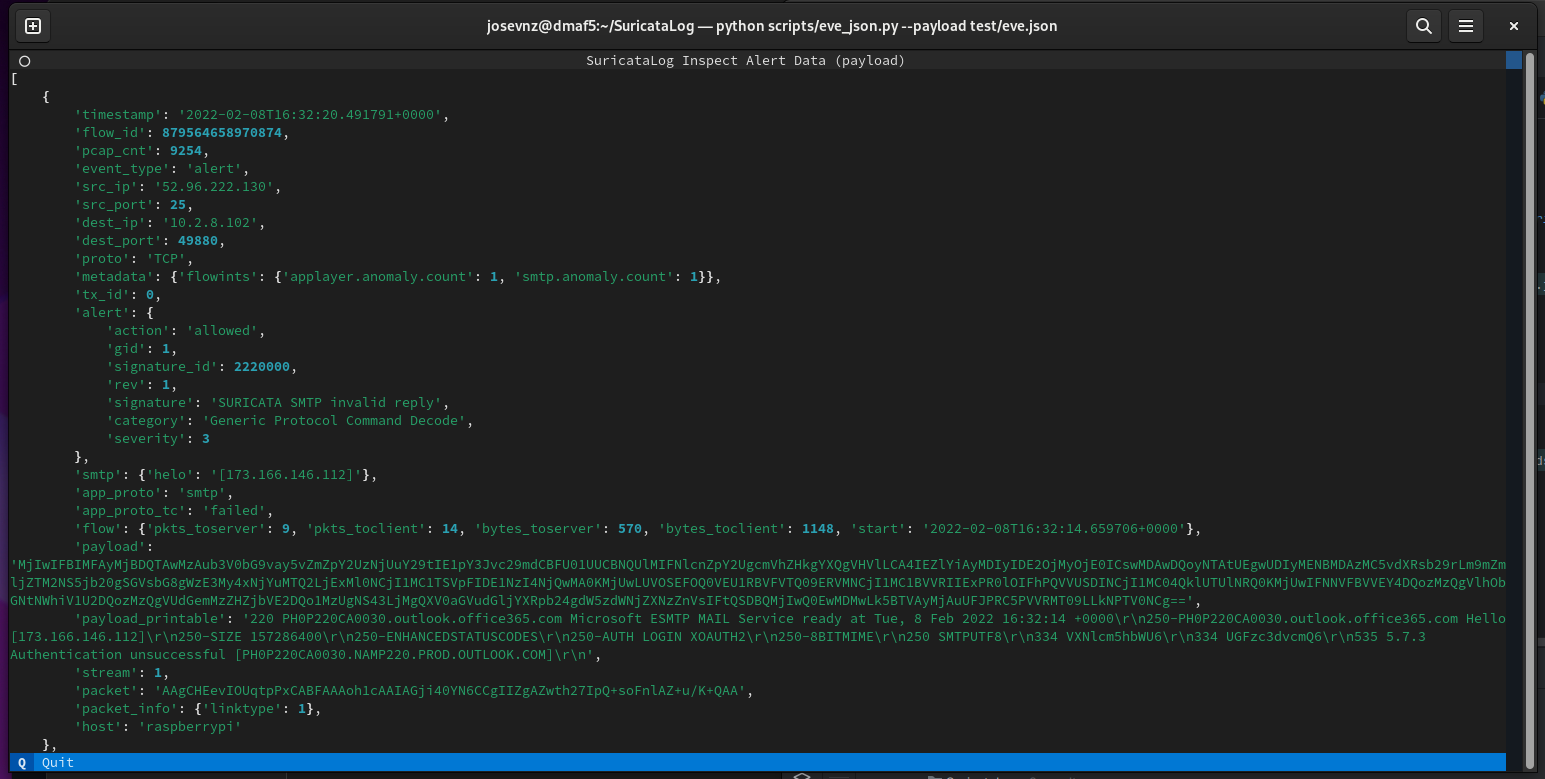
eve_json --payload ~/Downloads/eve.json
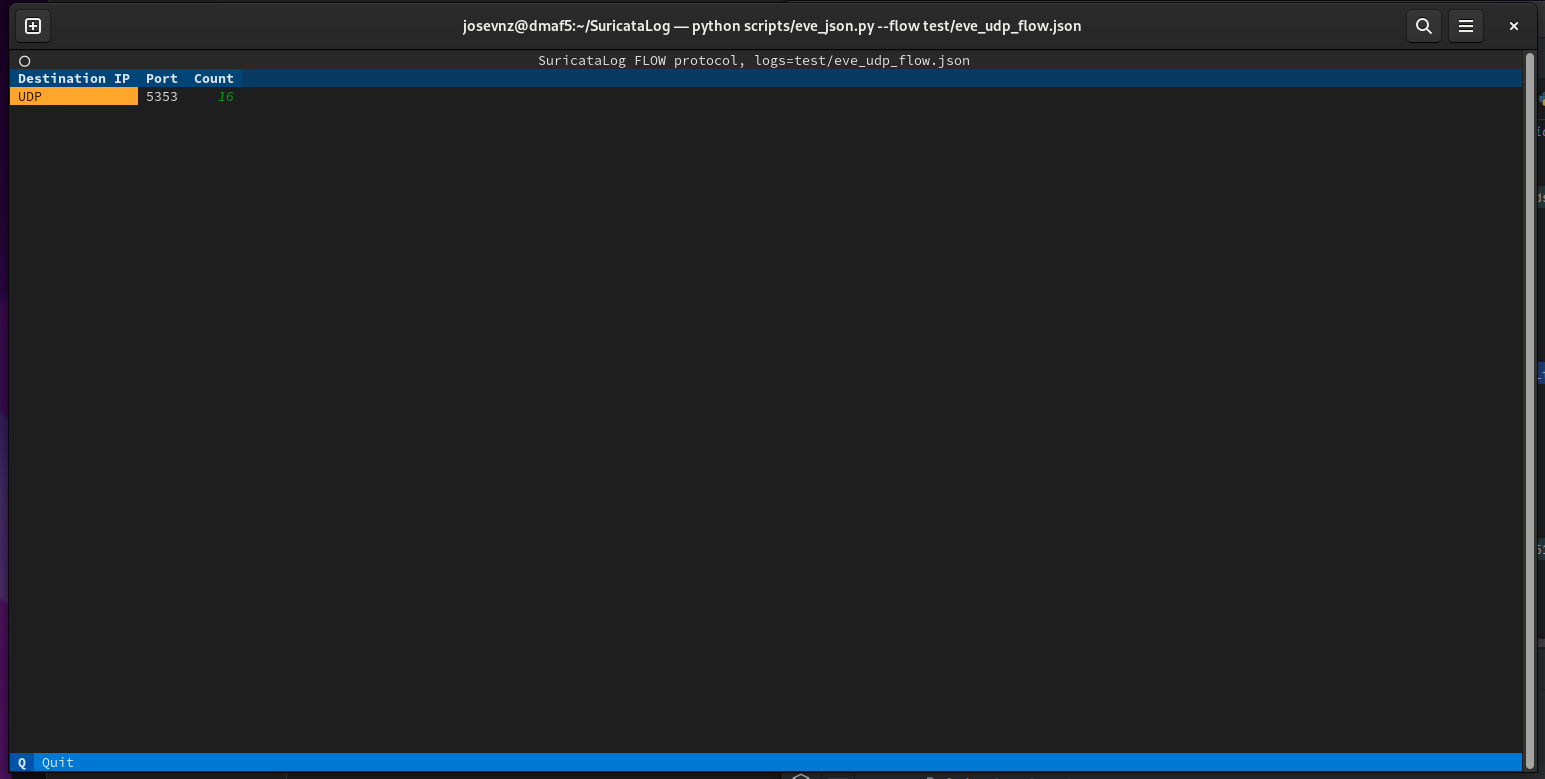
eve_json --flow test/eve_udp_flow.json
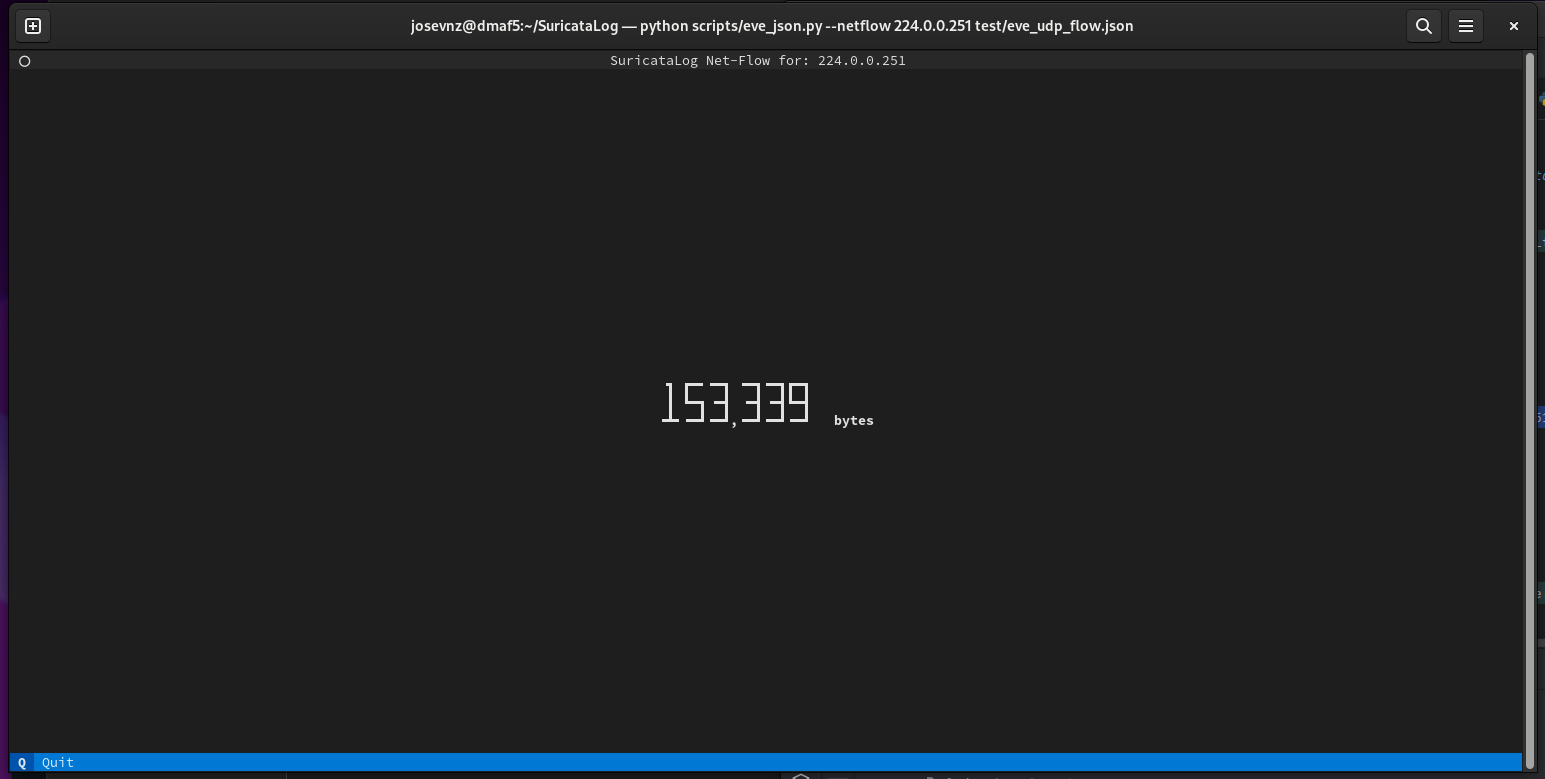
eve_json --netflow 224.0.0.251 test/eve_udp_flow.json
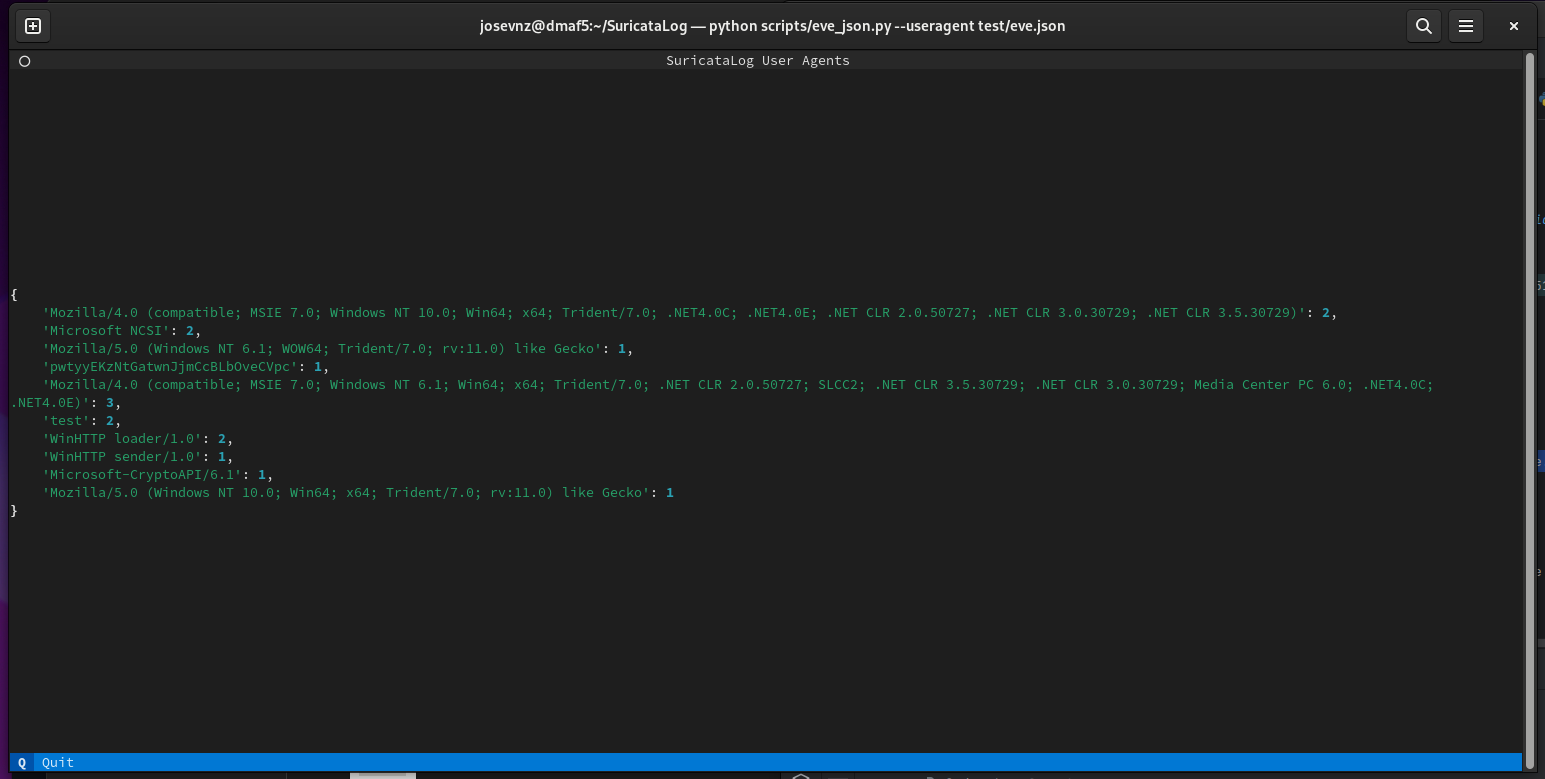
eve_json --useragent test/eve.json
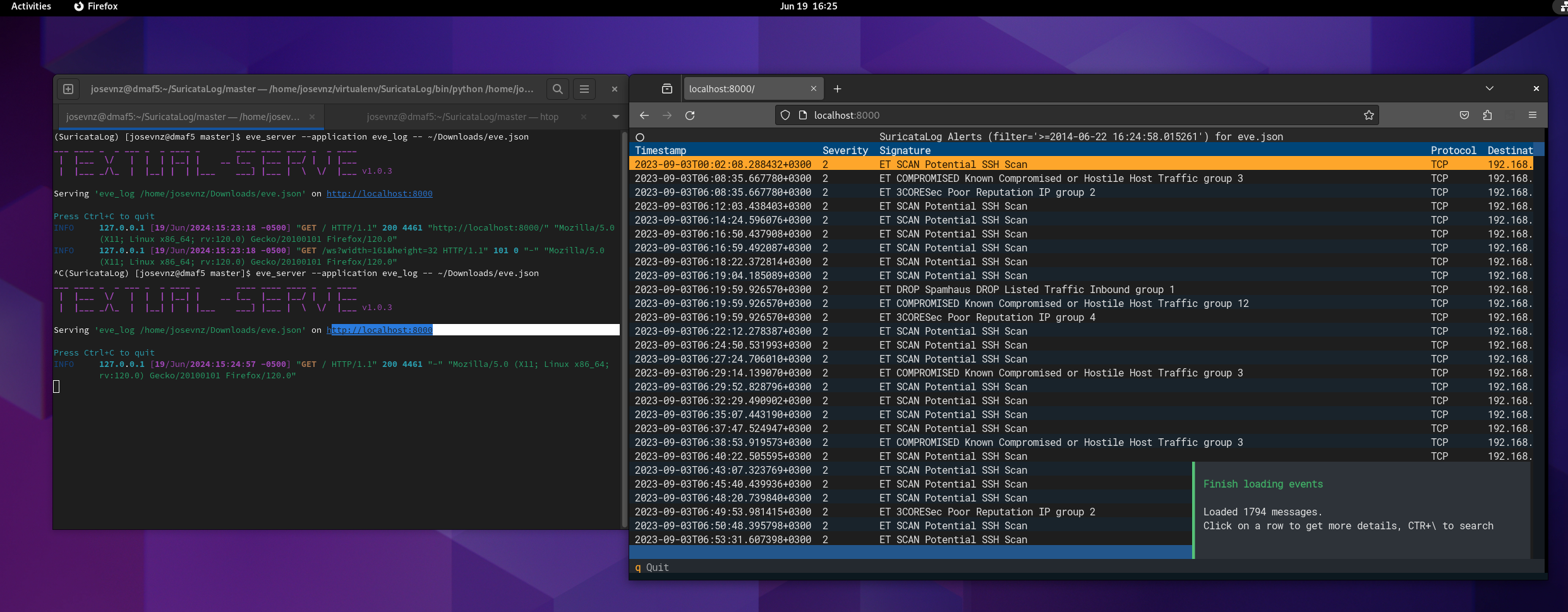
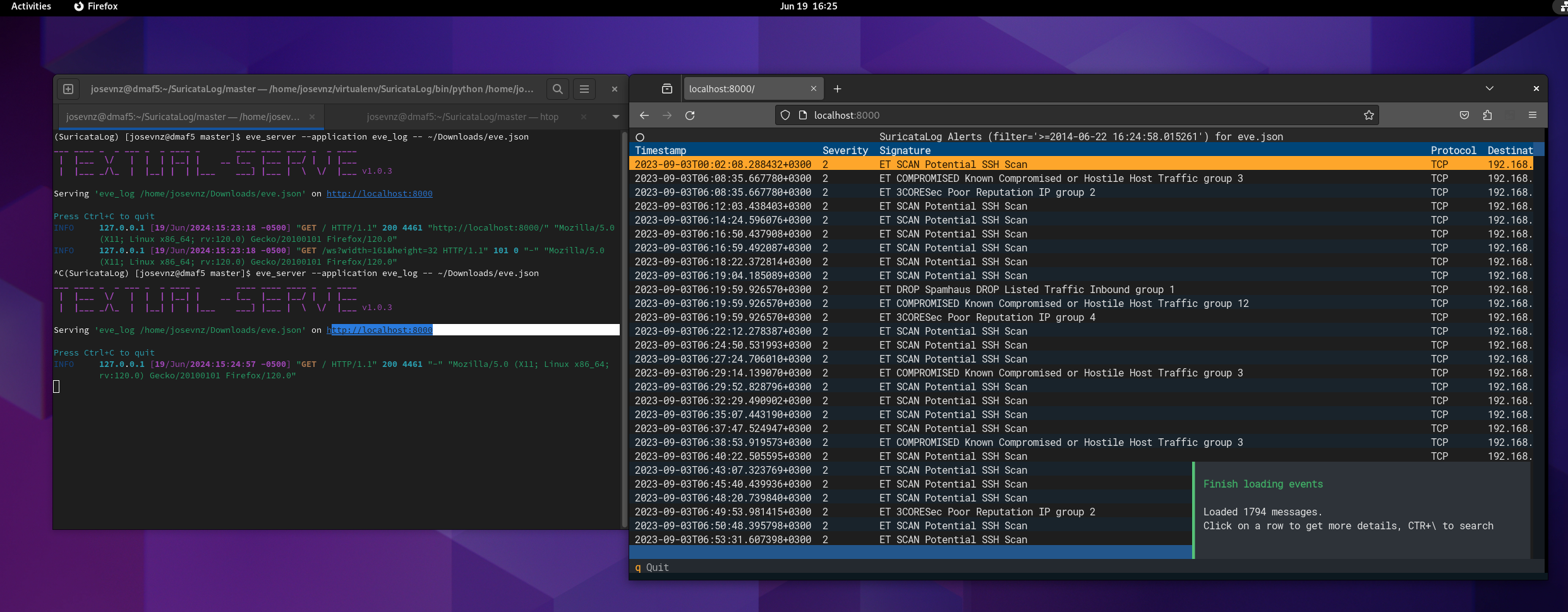
你可以使用 eve_server 包装器在浏览器中运行 Suricata Log 应用程序:
# Show the flow report on a eve.json file
eve_server --application eve_json -- --flow ~/eve.json

# Show NX domain report
eve_server --application eve_json -- --nxdomain ~/eve.json

# Inspect the eve.json records
eve_server --applications eve_log -- ~/eve.json
你需要传递 '--' 来告诉服务器这些选项属于你想要调用的底层 eve_* 程序。
也可以从 Docker 容器运行 SuricataLog。请查看 DOCKER.md 了解更多详情。
如果你有 uv,可以直接这样做:
uvx --from SuricataLog eve_log /var/log/suricata/eve.json
uvx --from SuricataLog eve_json --useragent /var/log/suricata/eve.json
uvx --from SuricataLog eve_server --application eve_json -- --flow /var/log/suricata/eve.json
你懂的。
我尽力遵循了 8.6 Programmable Completion
我为最常见的标志提供了自动补全。你可以通过向任何脚本传递 '--help' 来了解所有标志。
你可以为所有 SuricataLog 脚本安装 Bash 自动补全。只需运行 'eve_autocomplete' 并按照指示操作:
eve_autocomplete --help
我在业余时间开发这个项目,无法支持所有现存的 Linux/Python 组合。 这是我当前的测试环境,可能会在不另行通知的情况下更改。
| SuricataLog | Supported | OS | Python | Suricata |
|---|---|---|---|---|
| <= 0.8 | NO | NA | < 3.8 | 6.04 |
| 0.9+ | NO | fedora 37 | => 3.11.4 | 6.04 |
| 0.9+ | NO | Armbian 23.02.2 Jammy | => 3.10.6 | 6.04 |
| 0.9+ | NO | Ubuntu 20.04.4 LTS (Focal Fossa) | => 3.8.10 | 6.04 |
| 1.0.3+ | YES | fedora 40 | => 3.11.4 | 7.0.6 |
非常欢迎你: