我在 GitHub 上见过多个深网爬虫项目, 但它们中的大多数都达不到我对深网 OSINT 的标准。 因此我决定创建自己的深网 OSINT 工具。
本工具旨在提醒大家:在深网中应始终遵循 OPSEC 的最佳实践。
本项目作者不对使用本工具可能造成的任何损害负责。
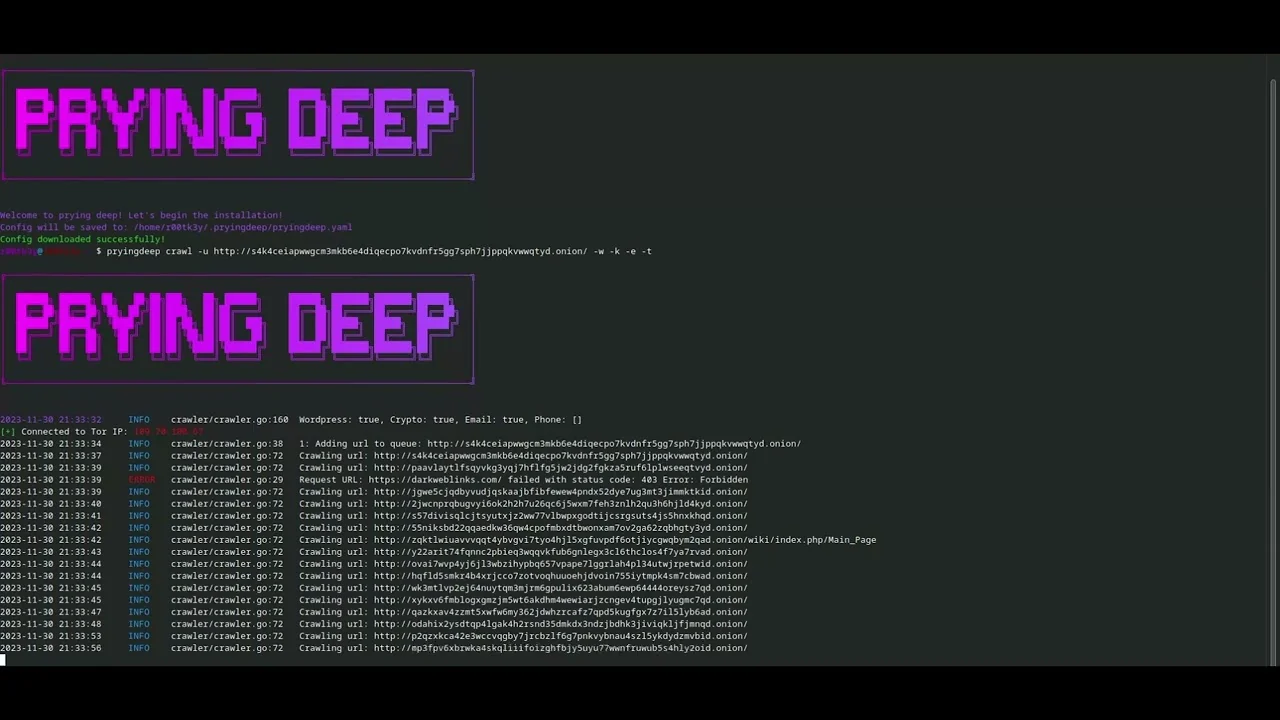
Prying Deep 会爬取暗网/明网平台,并尽可能高效地提取情报。
在使用我们的 OSINT 工具之前,请确保已安装以下依赖项:
Docker:(可选)
Go:(必需)
PostgresSQL:(如果不使用 docker 则为必需)
pryingdeep.yaml 环境变量与 docker-compose.yaml 中的环境一致go install -v github.com/iudicium/pryingdeep/cmd/pryingdeep@latest
pryingdeep install
克隆仓库:
git clone https://github.com/iudicium/pryingdeep.git
通过标志或手动方式调整 .yaml 配置中的值。
Database、logger、tor 都需要手动配置。
go build -> 在 cmd/pryingdeep 目录内go build cmd/pryingdeep/pryingdeep.go -> 根目录,二进制文件也会在那里。要在 docker 容器内启动并运行 pryingdeep,请使用以下命令:
docker-compose up
在此处详细了解每个参数: config
在此处详细了解如何构建和运行我们的 tor 容器: Tor
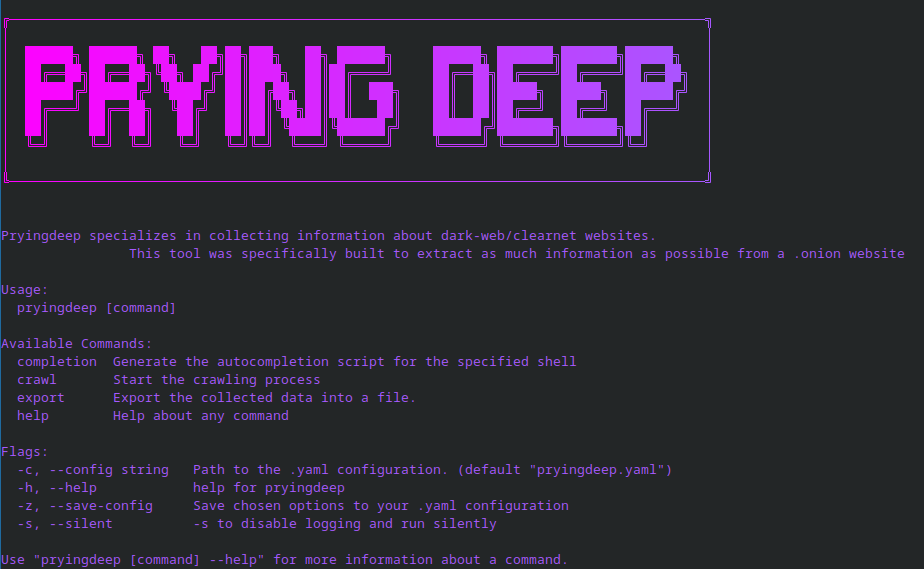
Pryingdeep specializes in collecting information about dark-web/clearnet websites.
This tool was specifically built to extract as much information as possible from a .onion website

Usage:
pryingdeep [command]

Available Commands:
completion  Generate the autocompletion script for the specified shell
crawl       Start the crawling process
export      Export the collected data into a file.
help        Help about any command
install     Installation of config files

Flags:
-c, --config string   Path to the .yaml configuration. (default "pryingdeep.yaml")
-h, --help            help for pryingdeep
-z, --save-config     Save chosen options to your .yaml configuration
-s, --silent          -s to disable logging and run silently
git checkout dev)goimports 对代码进行 lint 检查基于 GPL-3.0 许可证分发。更多信息请参阅 LICENSE。

如果你觉得这个仓库有用并且愿意慷慨解囊,可以向以下地址捐赠一些 Monero(XMR):
48bEkvkzP3W4SGKSJAkWx2V8s4axCKwpDFf7ZmwBawg5DBSq2imbcZVKNzMriukuPqjCyf2BSax1D3AktiUq5vWk1satWJt
谢谢!