[!WARNING] 该项目已不再积极维护。




tartufo 在 git 仓库中搜索机密信息,深入挖掘提交历史和分支。这能有效发现意外提交的机密信息。tartufo 也可用于 git pre-commit 脚本,在更改提交到仓库之前筛查其中的机密信息。
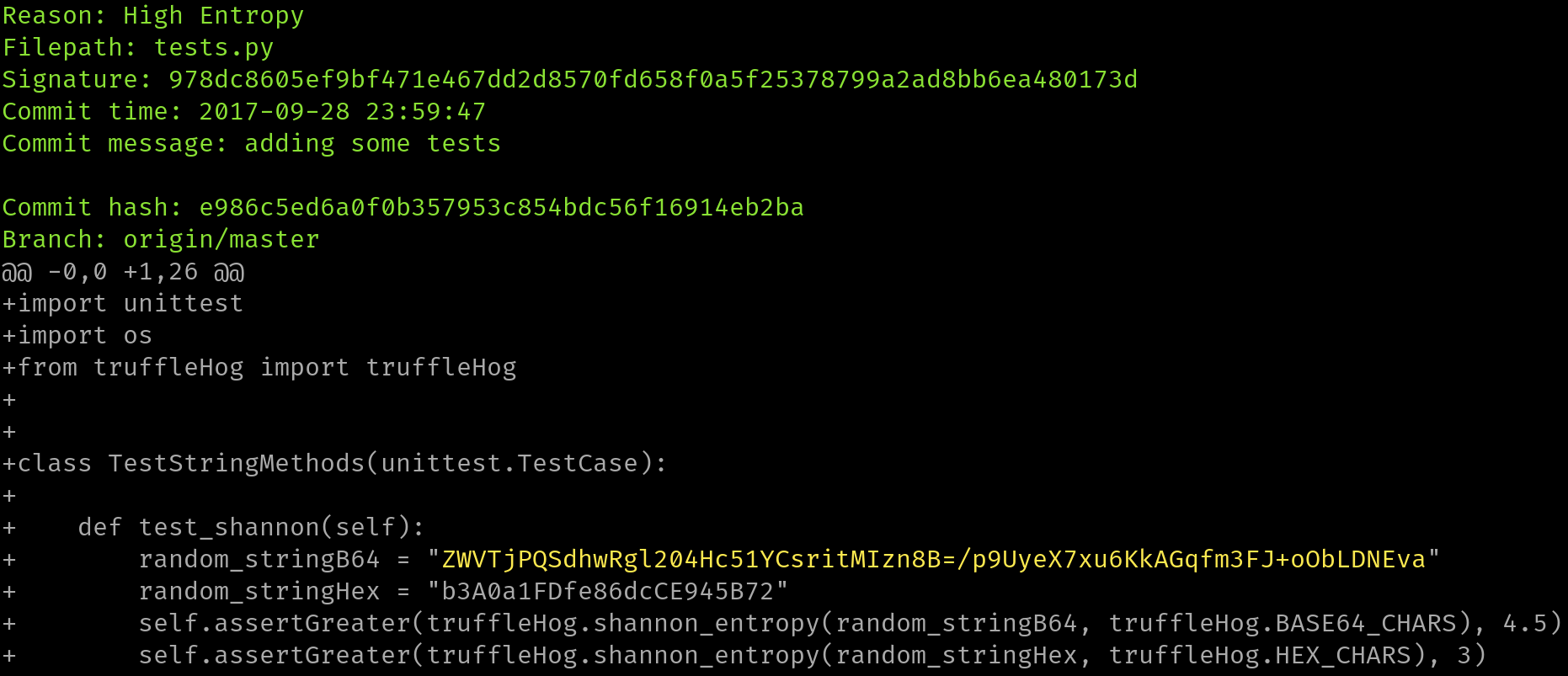
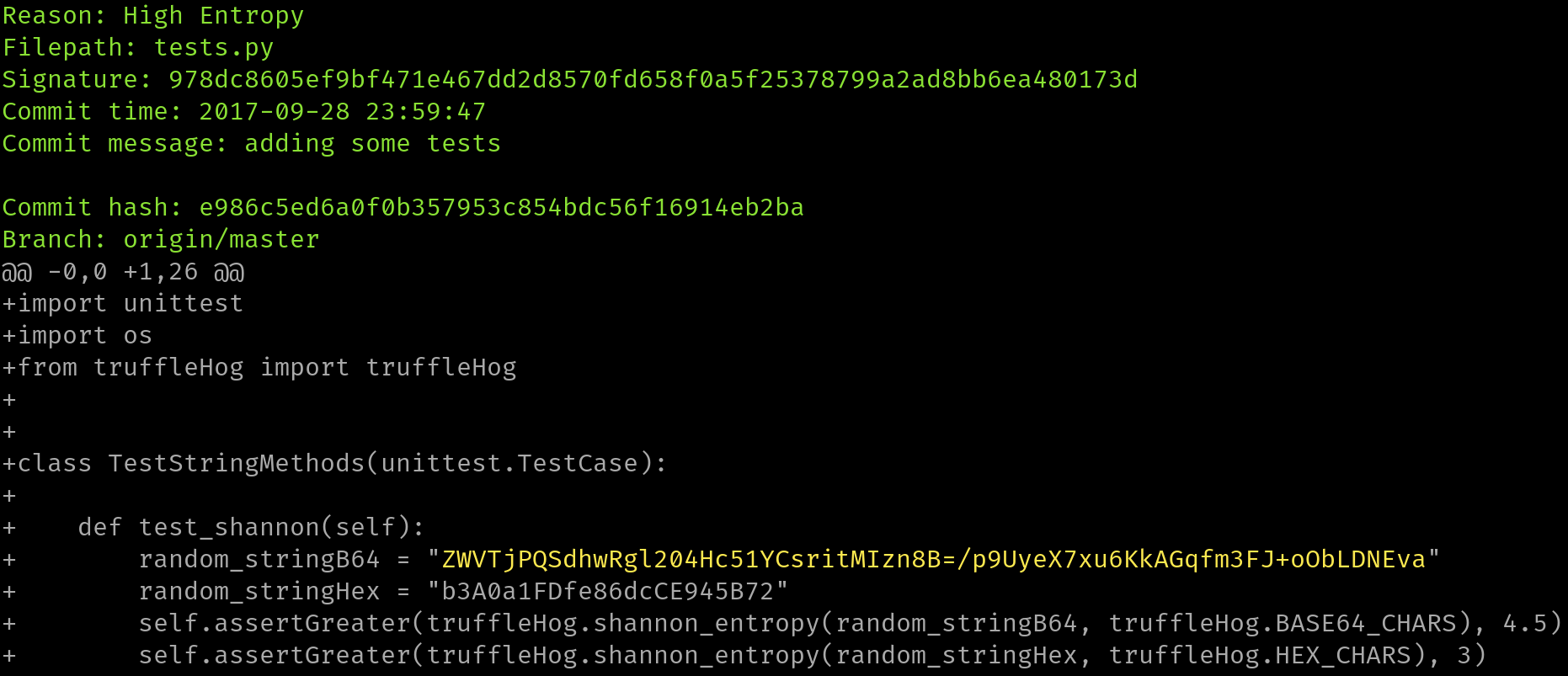
该工具会遍历每个分支的整个提交历史,检查每次提交的每个 diff,并查找机密信息。这既通过正则表达式,也通过熵值来实现。对于熵值检查,tartufo 会针对每个 diff 中由 base64 字符集和十六进制字符集组成、长度超过 20 个字符的每一段文本,评估其香农熵。如果在任何时候检测到长度超过 20 个字符的高熵字符串,就会将其打印到屏幕上。
我们的主要文档站点由 Read The Docs 托管,地址为 https://tartufo.readthedocs.io。
Usage: tartufo [OPTIONS] COMMAND [ARGS]...

  Find secrets hidden in the depths of git.

  Tartufo will, by default, scan the entire history of a git repository for
  any text which looks like a secret, password, credential, etc. It can also
  be made to work in pre-commit mode, for scanning blobs of text as a pre-
  commit hook.

Options:
  --default-regexes / --no-default-regexes
                                  Whether to include the default regex list
                                  when configuring search patterns. Only
                                  applicable if --rules is also specified.
                                  [default: default-regexes]
  --entropy / --no-entropy        Enable entropy checks.  [default: entropy]
  --regex / --no-regex            Enable high signal regexes checks.
                                  [default: regex]
  --scan-filenames / --no-scan-filenames
                                  Check the names of files being scanned as
                                  well as their contents.  [default: scan-
                                  filenames]
  -of, --output-format [json|compact|text|report]
                                  Specify the format in which the output needs
                                  to be generated `--output-format
                                  json/compact/text/report`. Either `json`,
                                  `compact`, `text` or `report` can be
                                  specified. If not provided (default) the
                                  output will be generated in `text` format.
  -od, --output-dir DIRECTORY     If specified, all issues will be written out
                                  as individual JSON files to a uniquely named
                                  directory under this one. This will help
                                  with keeping the results of individual runs
                                  of tartufo separated.
  -td, --temp-dir DIRECTORY       If specified, temporary files will be
                                  written to the specified path
  --buffer-size INTEGER           Maximum number of issue to buffer in memory
                                  before shifting to temporary file buffering
                                  [default: 10000]
  --git-rules-repo TEXT           A file path, or git URL, pointing to a git
                                  repository containing regex rules to be used
                                  for scanning. By default, all .json files
                                  will be loaded from the root of that
                                  repository. --git-rules-files can be used to
                                  override this behavior and load specific
                                  files.
  --git-rules-files TEXT          Used in conjunction with --git-rules-repo,
                                  specify glob-style patterns for files from
                                  which to load the regex rules. Can be
                                  specified multiple times.
  --config FILE                   Read configuration from specified file.
                                  [default: tartufo.toml]
  --target-config/--no-target-config
                                  Enable or Disable processing of the config file in the
                                  repository or folder being scanned
                                  i.e. config files like tartufo.toml or pyproject.toml
                                  [default: target-config]
  -q, --quiet / --no-quiet        Quiet mode. No outputs are reported if the
                                  scan is successful and doesn't find any
                                  issues
  -v, --verbose                   Display more verbose output. Specifying this
                                  option multiple times will incrementally
                                  increase the amount of output.
  --log-timestamps / --no-log-timestamps
                                  Enable or disable timestamps in logging
                                  messages.  [default: log-timestamps]
  --entropy-sensitivity INTEGER RANGE
                                  Modify entropy detection sensitivity. This
                                  is expressed as on a scale of 0 to 100,
                                  where 0 means "totally nonrandom" and 100
                                  means "totally random". Decreasing the
                                  scanner's sensitivity increases the
                                  likelihood that a given string will be
                                  identified as suspicious.  [default: 75;
                                  0<=x<=100]
  --color / --no-color            Enable or disable terminal color. If not
                                  provided (default), enabled if output is a
                                  terminal (TTY).
  -V, --version                   Show the version and exit.
  -h, --help                      Show this message and exit.

Commands:
  pre-commit        Scan staged changes in a pre-commit hook.
  scan-remote-repo  Automatically clone and scan a remote git repository.
  scan-folder       Scan a folder.
  scan-local-repo   Scan a repository already cloned to your local system.
欢迎所有贡献者和贡献!更多信息请参阅[我们的贡献文档]。
本项目受 Dylan Ayrey 在 truffleHog 项目上的工作启发,并基于其构建。