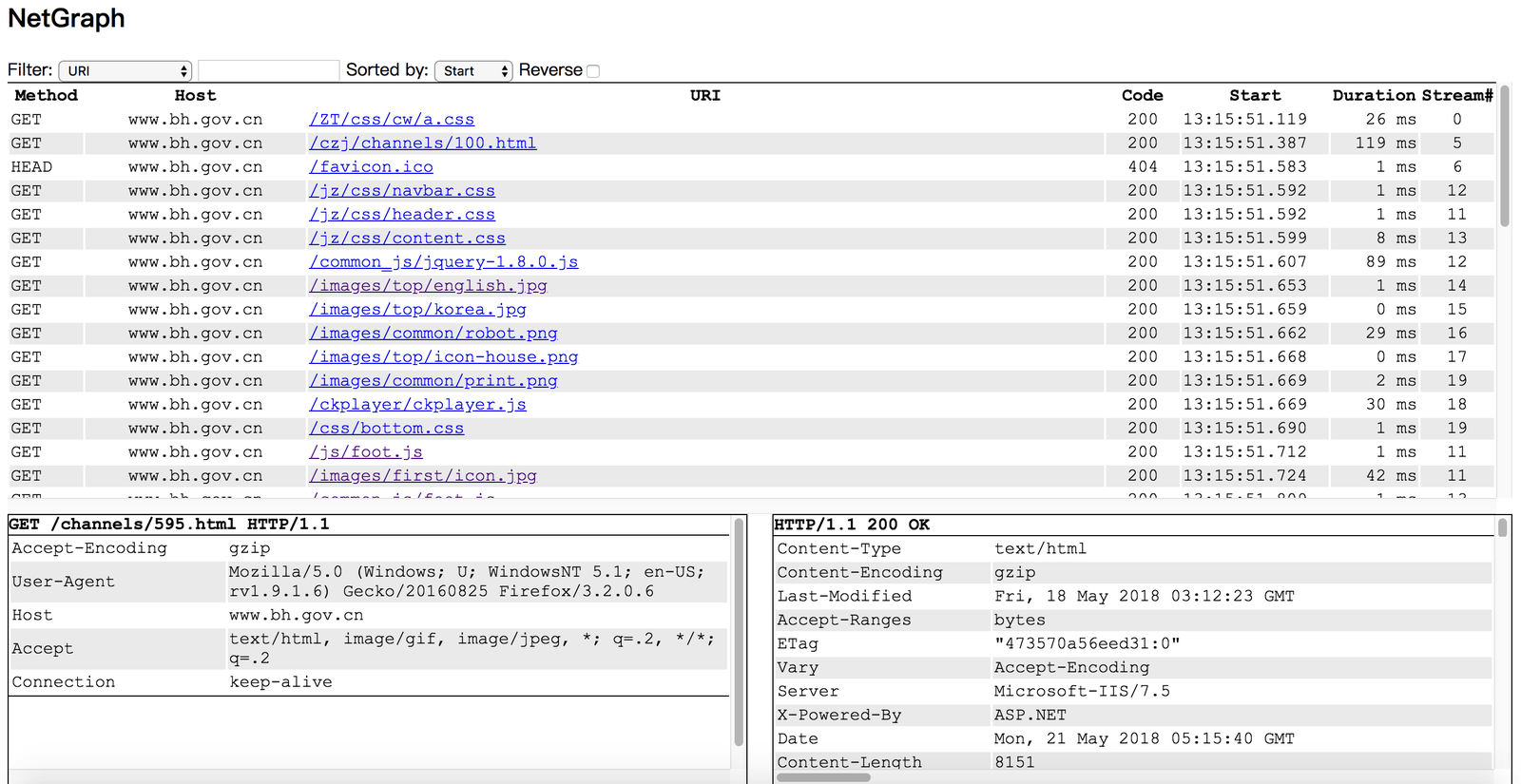
Netgraph 是一款数据包嗅探工具,可捕获所有 HTTP 请求/响应,并在网页中显示它们。
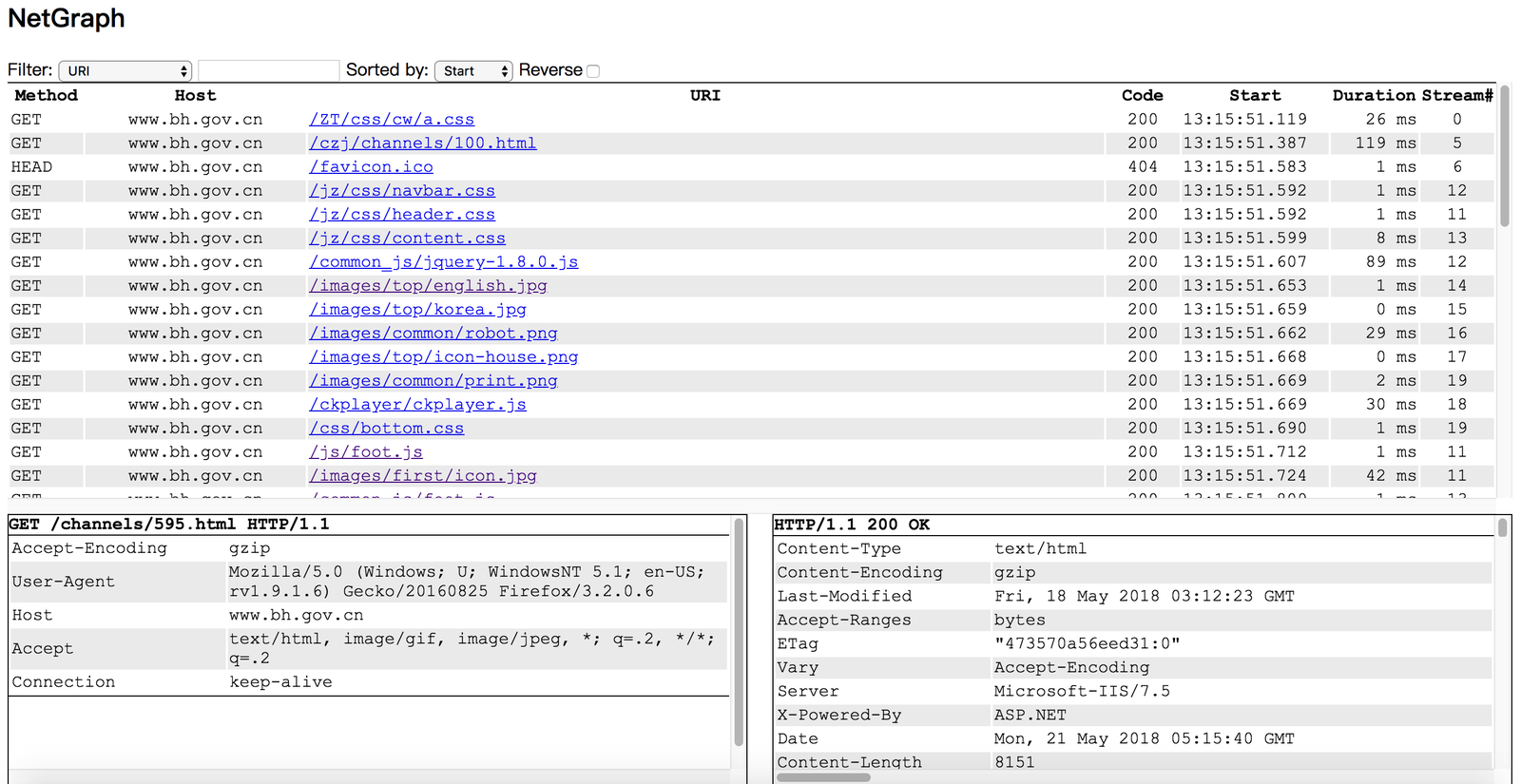
你可以在未安装桌面环境的 Linux 服务器上运行 Netgraph,并在笔记本电脑的浏览器中监控 HTTP 请求/响应。
  1. go get github.com/ga0/netgraph
  2. 运行 $GOPATH/bin/netgraph -i INTERFACE -p PORT
  3. 在浏览器中打开 netgraph 网页(例如:http://localhost:9000,9000 是第 2 步中设置的 PORT)

  Windows 用户需要先安装 winpcap 库。
  -bpf string
        设置伯克利数据包过滤器(默认 "tcp port 80")
  -i string
        监听指定网络接口,如果未提供接口则自动选择一个
  -input-pcap string
        打开一个 pcap 文件
  -o string
        将 HTTP 请求/响应写入文件,将值设为 "stdout" 可打印到控制台
  -output-pcap string
        将捕获的数据包写入 pcap 文件
  -output-request-only
	      仅将 HTTP 请求写入文件,丢弃响应。仅在存在选项 "-o" 时使用。(默认 true)
  -p int
        Web 服务器端口。如果端口设置为 '0',服务器将不会运行。(默认 9000)
  -s	在服务器中保存 HTTP 事件
  -v	显示详细消息(默认 true)
示例:将捕获的请求打印到 stdout:
  $ ./netgraph -i en0 -o=stdout
  2018/07/26 10:33:24 open live on device "en0", bpf "tcp port 80"
  [2018-07-26 10:33:34.873] #0 Request 192.168.1.50:60448->93.184.216.34:80
  GET / HTTP/1.1
  Host: www.example.com
  Connection: keep-alive
  Pragma: no-cache
  Cache-Control: no-cache
  Upgrade-Insecure-Requests: 1
  User-Agent: Mozilla/5.0 (Macintosh; Intel Mac OS X 10_13_6) AppleWebKit/537.36 (KHTML, like Gecko) Chrome/67.0.3396.99 Safari/537.36
  Accept: text/html,application/xhtml+xml,application/xml;q=0.9,image/webp,image/apng,*/*;q=0.8
  Accept-Encoding: gzip, deflate
  Accept-Language: zh-CN,zh;q=0.9,en;q=0.8,zh-TW;q=0.7

  content(0)