
Skip to content
KitploitKITPLOIT
工具漏洞利用博客
Log in
提交
工具漏洞利用博客
提交

黑客、渗透测试和网络安全工具,武装您的安全武器库!

Kitploit 是一个黑客、网络安全和渗透测试工具的目录。发现最新的项目更新,查找漏洞、分析系统、自动化测试并加强你的安全。

订阅源联系隐私© 2026 Kitploit

工具目录

分类

查看所有分类
Loading categories
bramble — Local-first password manager with direct device-to-device sync | Kitploit

工具/GitHubGitHub/flythenimbus/bramble
OSINT (Open Source Intelligence)Password CrackingEncryption/Decryption ToolsWeb SecurityCryptographyMobile SecuritySecret DetectionThreat IntelligenceIdentity & Access Management (IAM)Authentication
GitHubflythenimbus/bramble

bramble

Local-first password manager with direct device-to-device sync

查看仓库网站
303131921天前Kitploit 审核通过
分享
内容在请求的语言中不可用。显示英文版本。

Bramble

Matrix Android version Android downloads Desktop version macOS downloads Linux downloads Windows Support us on Ko-fi

A password manager that syncs between your devices. Your passwords are not saved on any server, so there's no account to make and no company to get breached and leak everything. You hold the vault, you hold the password, and that's it.

Bramble runs where you do:

  • Browser extension for Firefox and Chromium browsers (Brave, Vivaldi, Chrome, Arc, and friends). Install it and you're up and running in a minute.
  • Desktop app for macOS and Linux, with a global quick-access panel, an always-on sync hub, and scheduled backups.
  • iOS app with system AutoFill, Face ID / Touch ID unlock, and passkeys.
  • Android app with a native autofill service, biometric unlock, and passkeys.

The same encrypted vault and the same Rust crypto core sit behind all four, and your devices sync with each other peer-to-peer, end-to-end encrypted, without your vault ever being stored on a server.

Get Bramble:
  • Chromium: Chrome Web Store
  • Firefox: Firefox Add-ons Store
  • Desktop (macOS, Linux): bramble.sh
  • Android: Releases
  • iOS: App Store

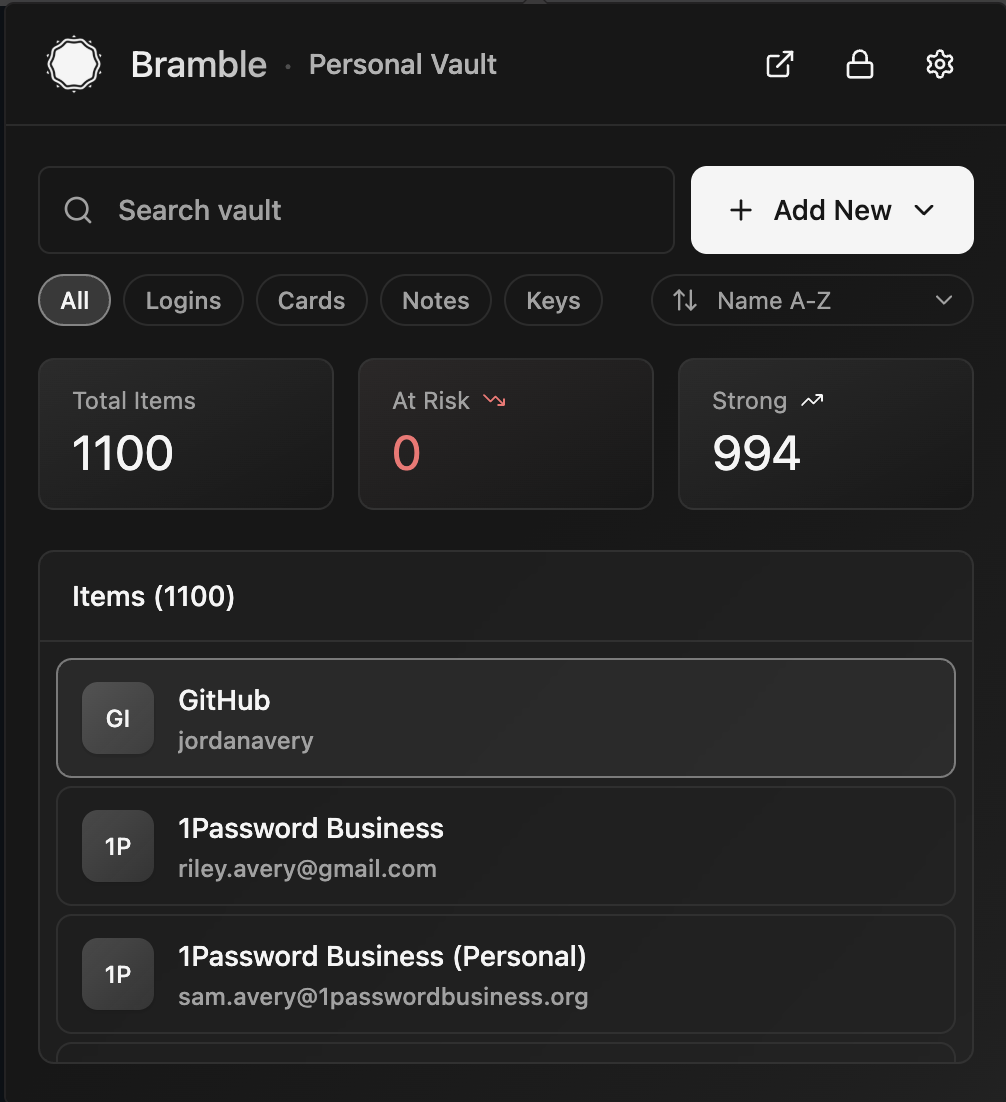
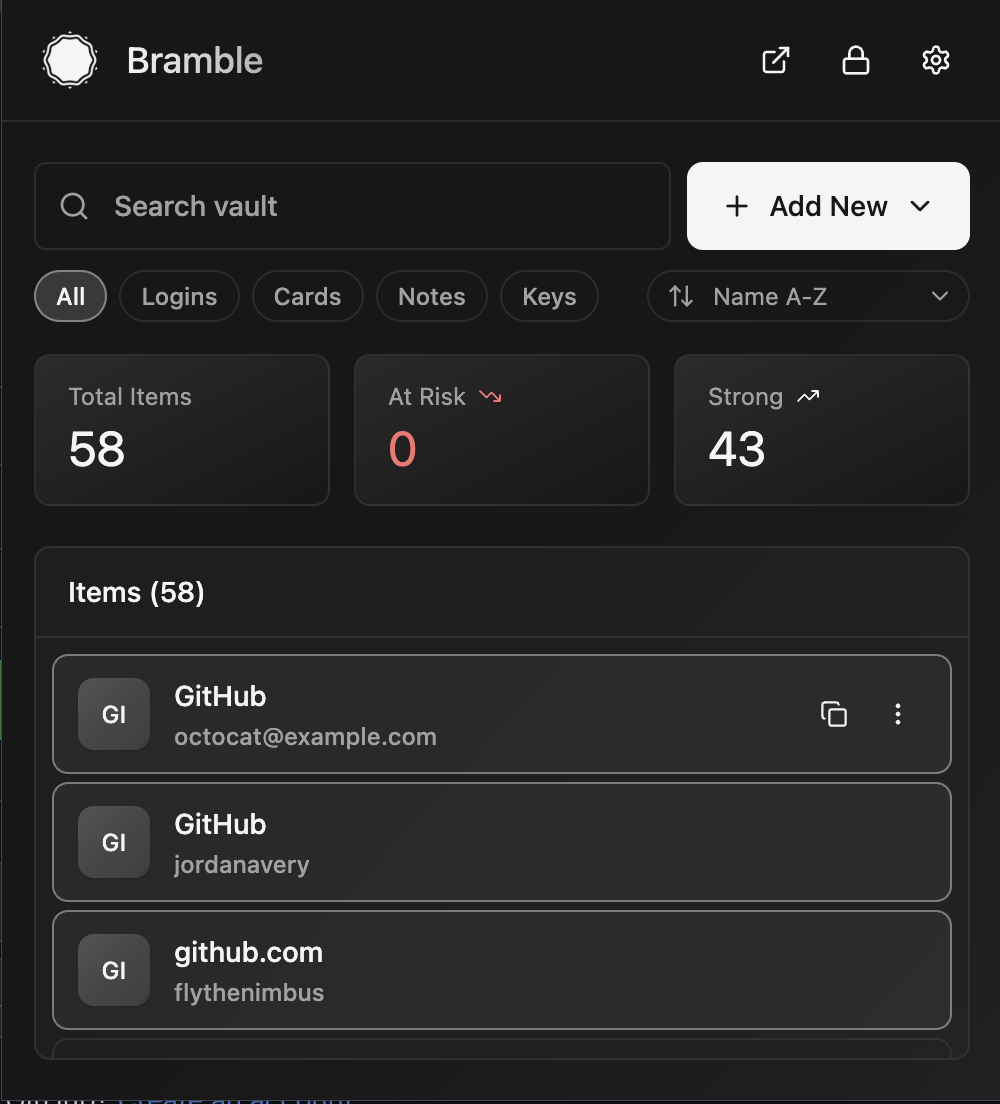
Screenshots

Your vault
Your vault
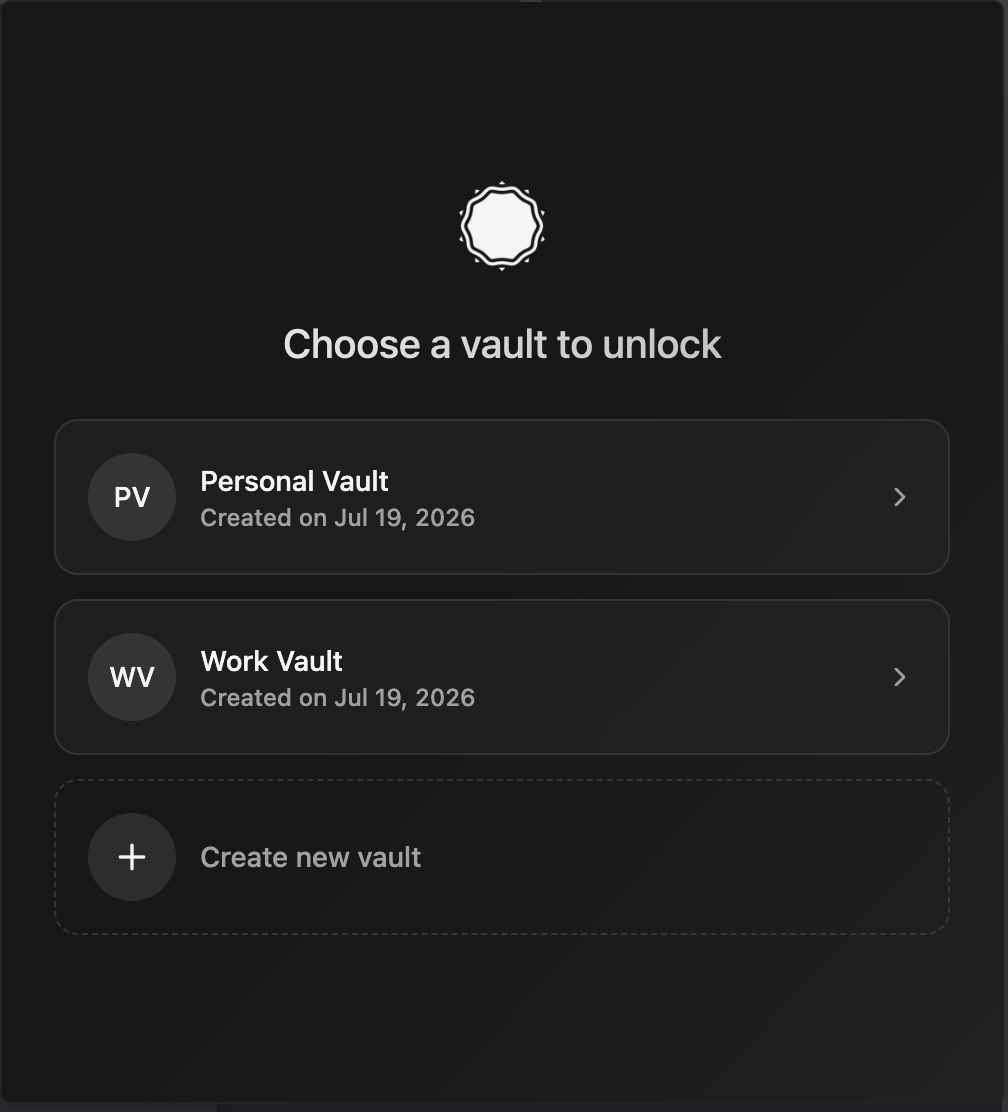
Pick a vault
Pick a vault
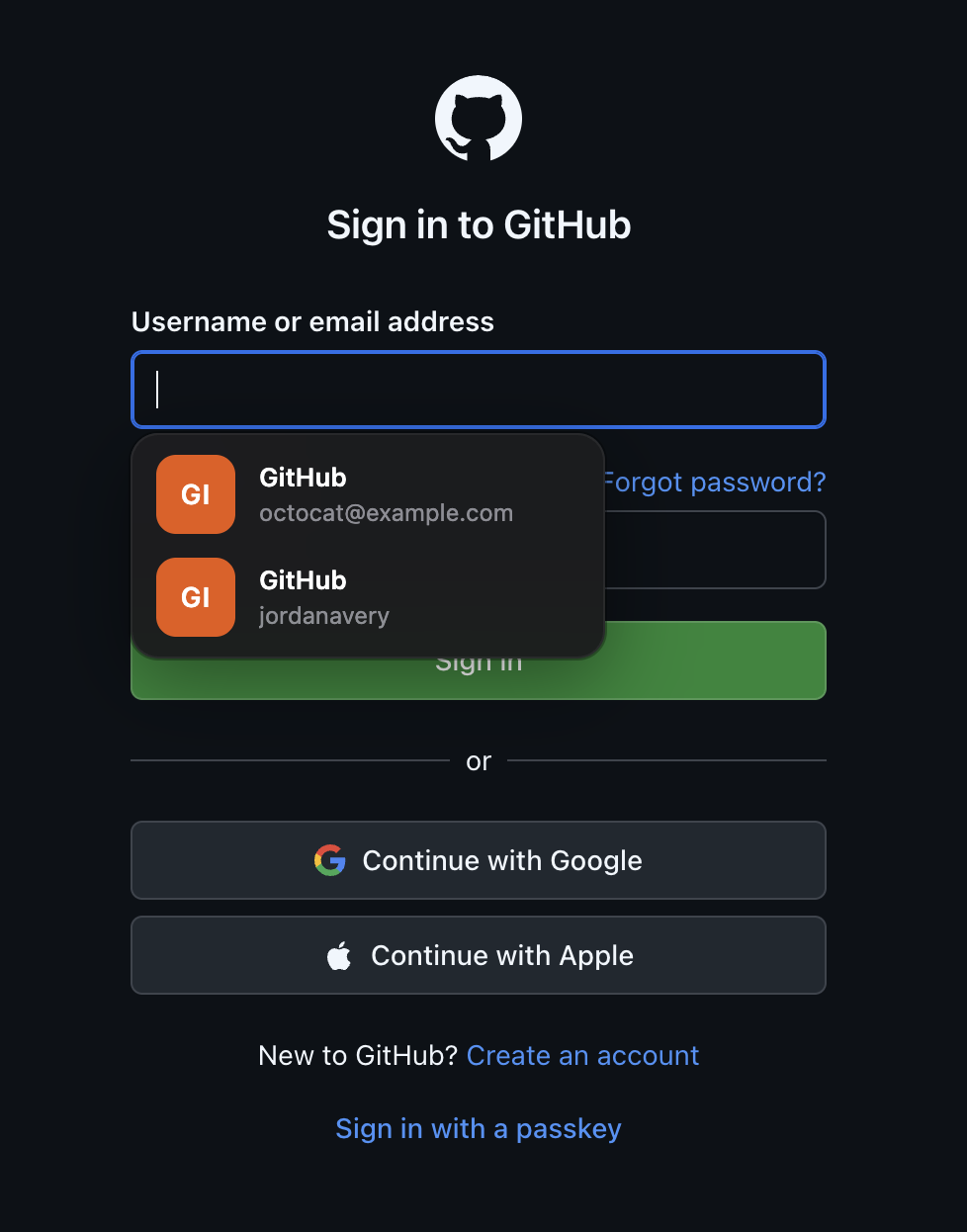
Autofill on a page
Autofill on a page
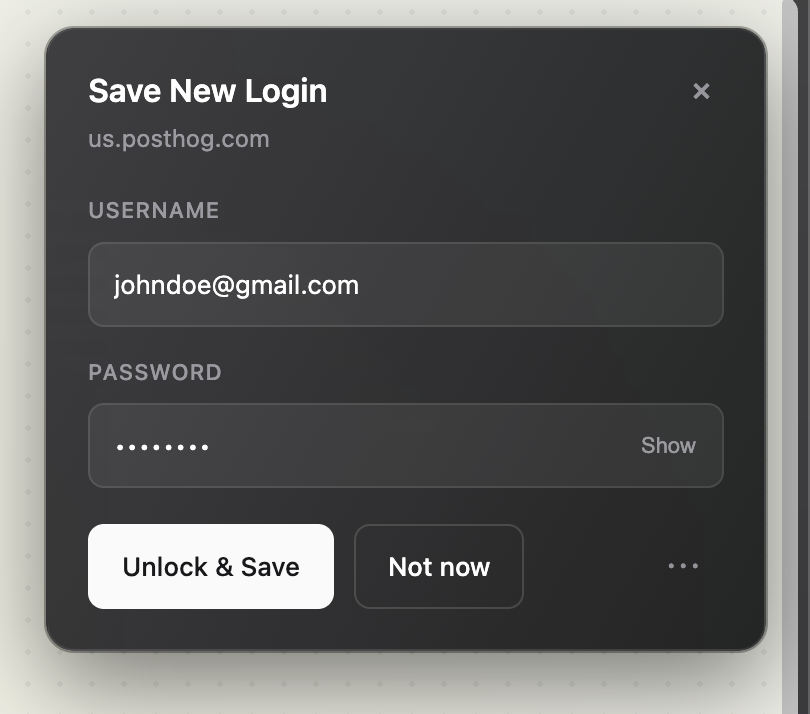
Save a new login
Save a new login
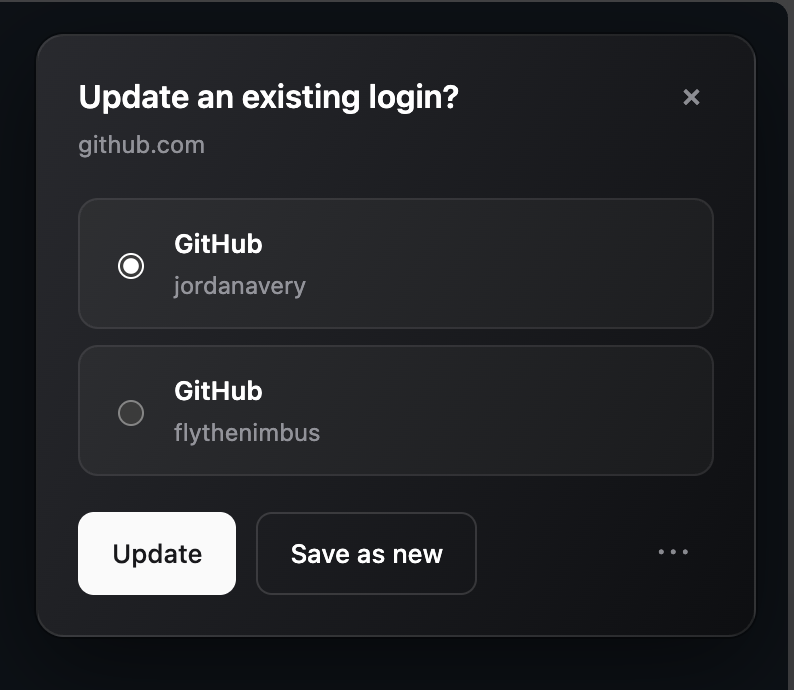
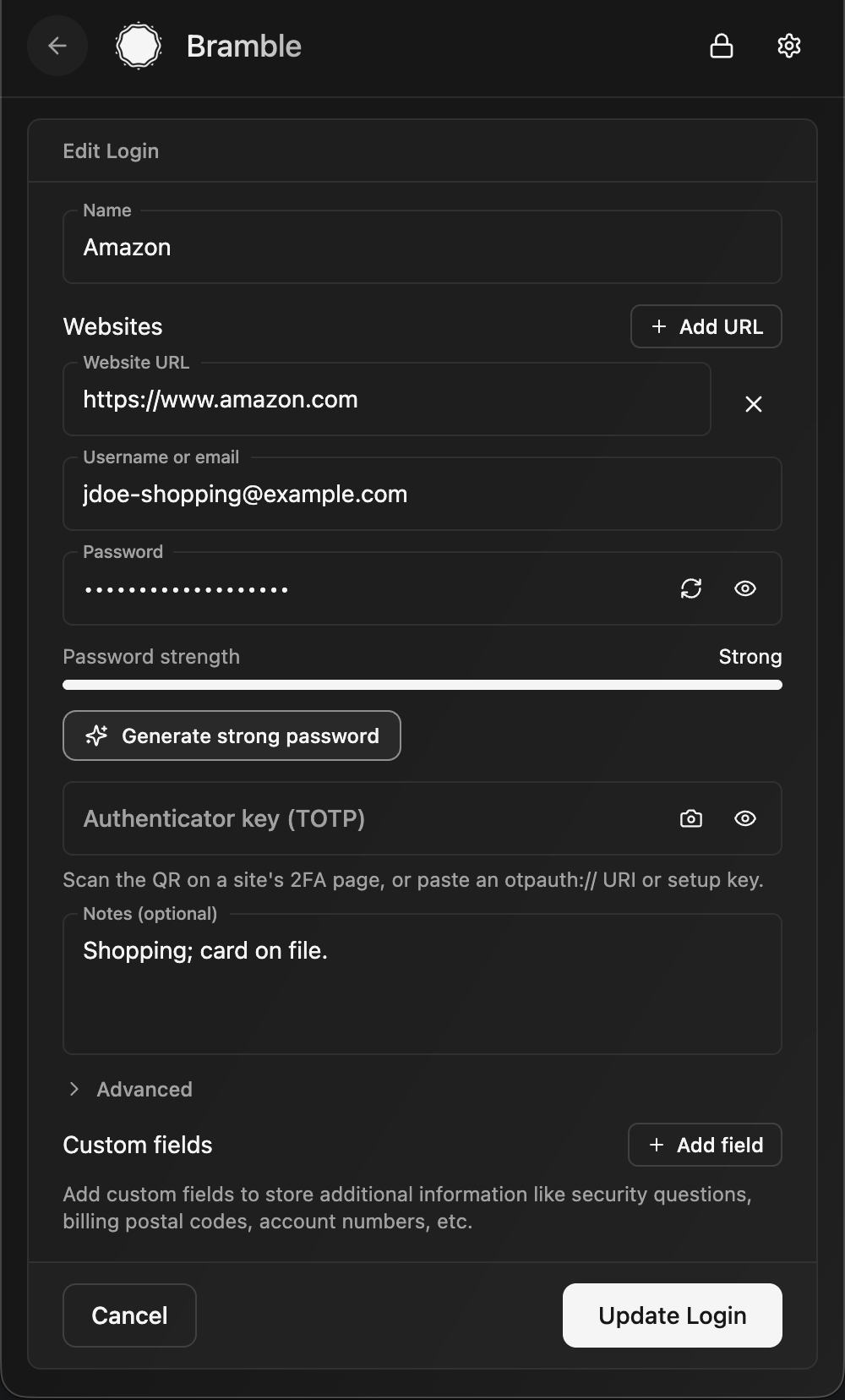
Update an existing login
Editing an entry
Editing an entry
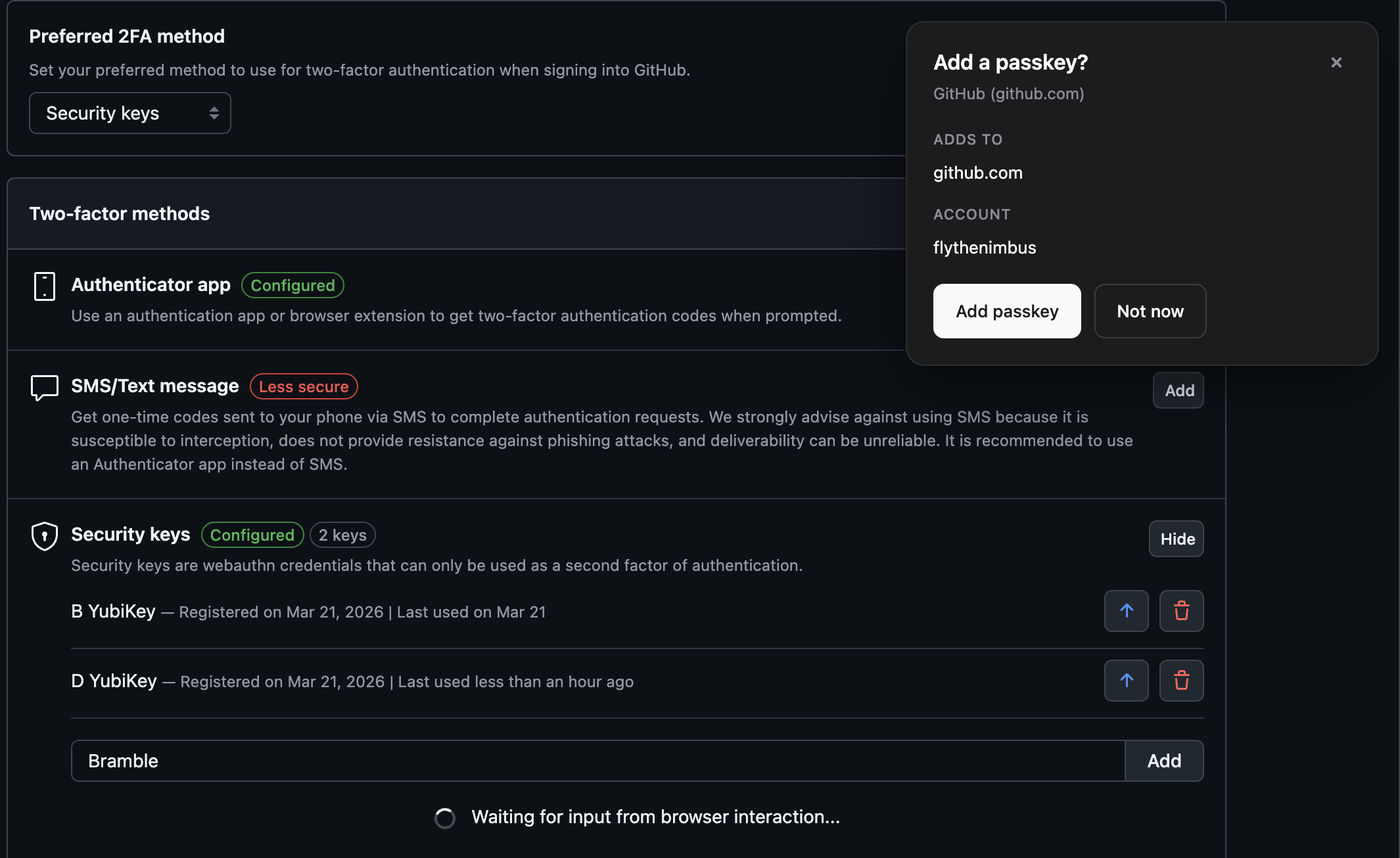
Create a passkey
Create a passkey
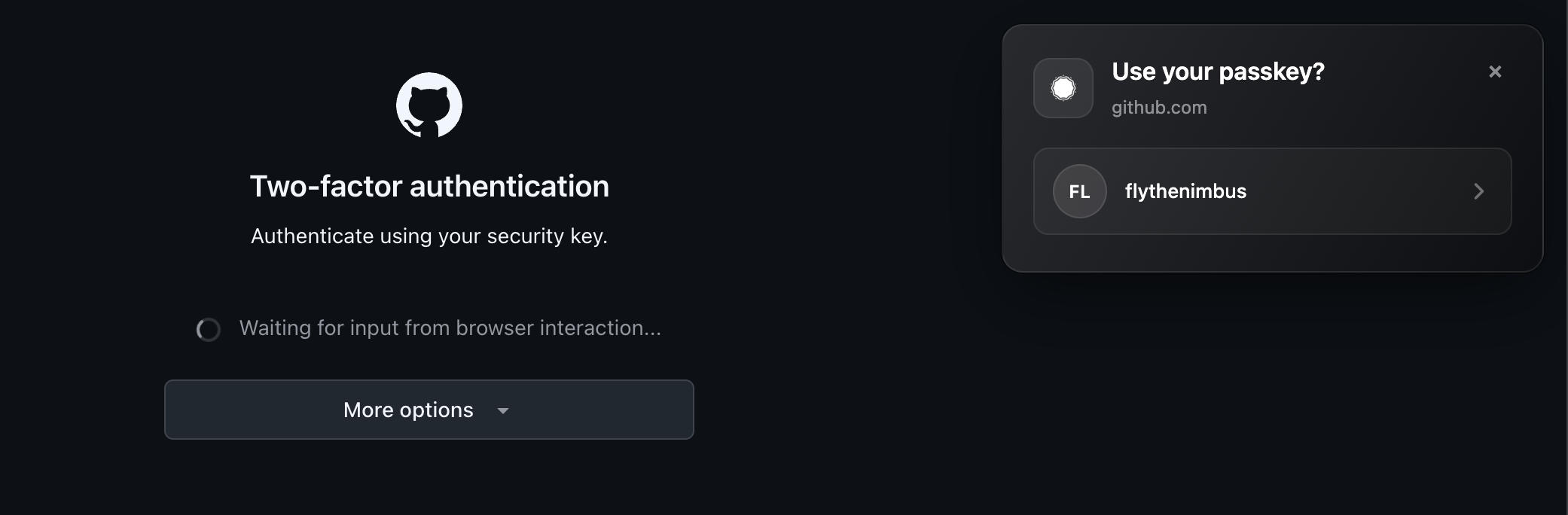
Sign in with a passkey
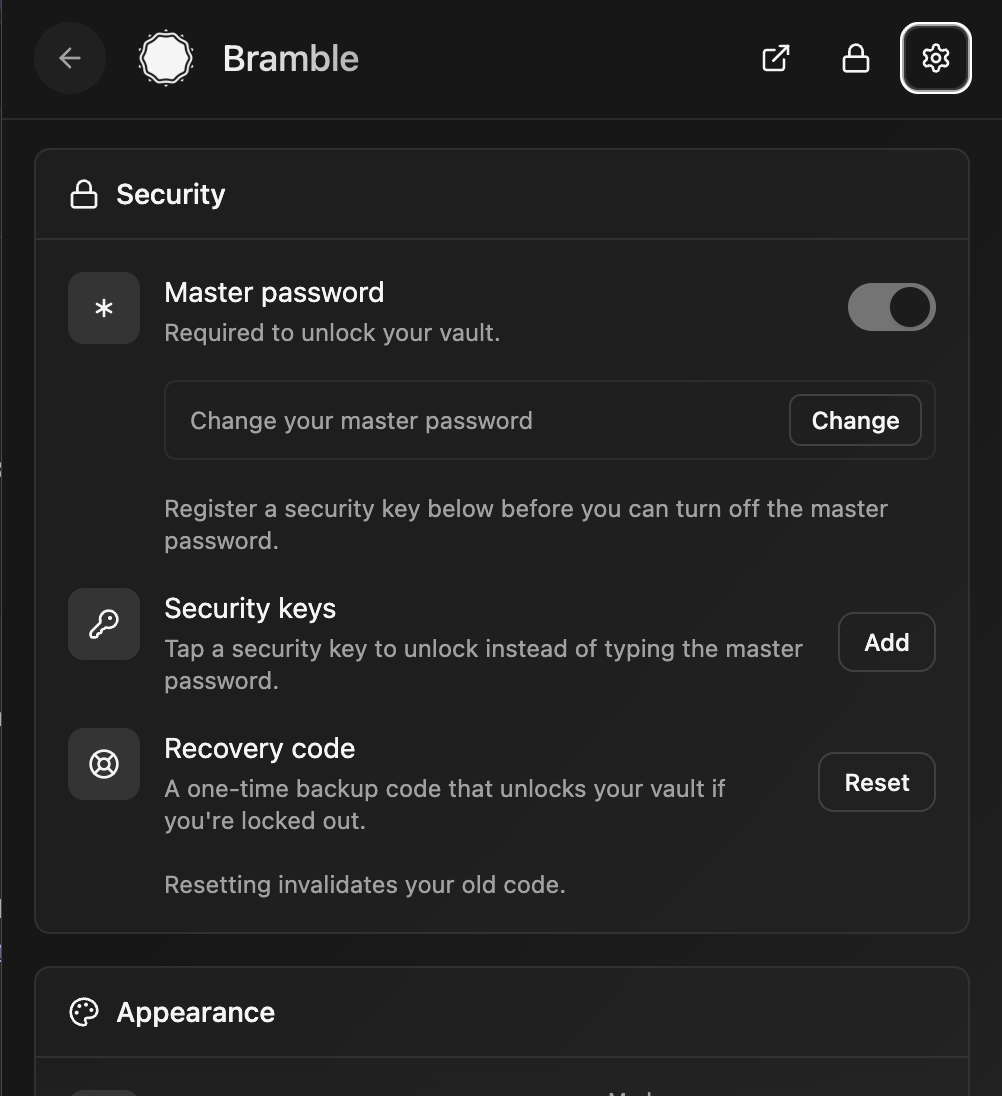
Settings
Settings
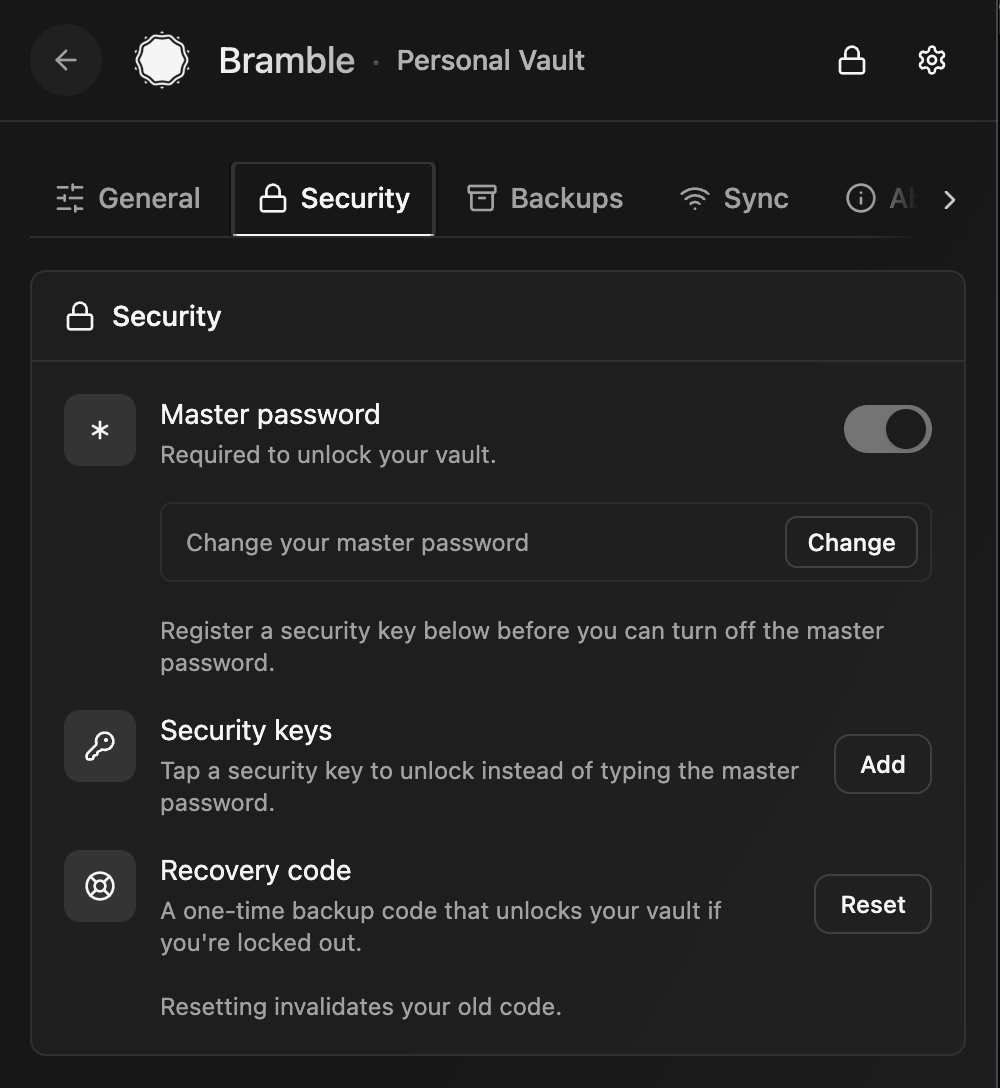
Unlock methods
Unlock methods
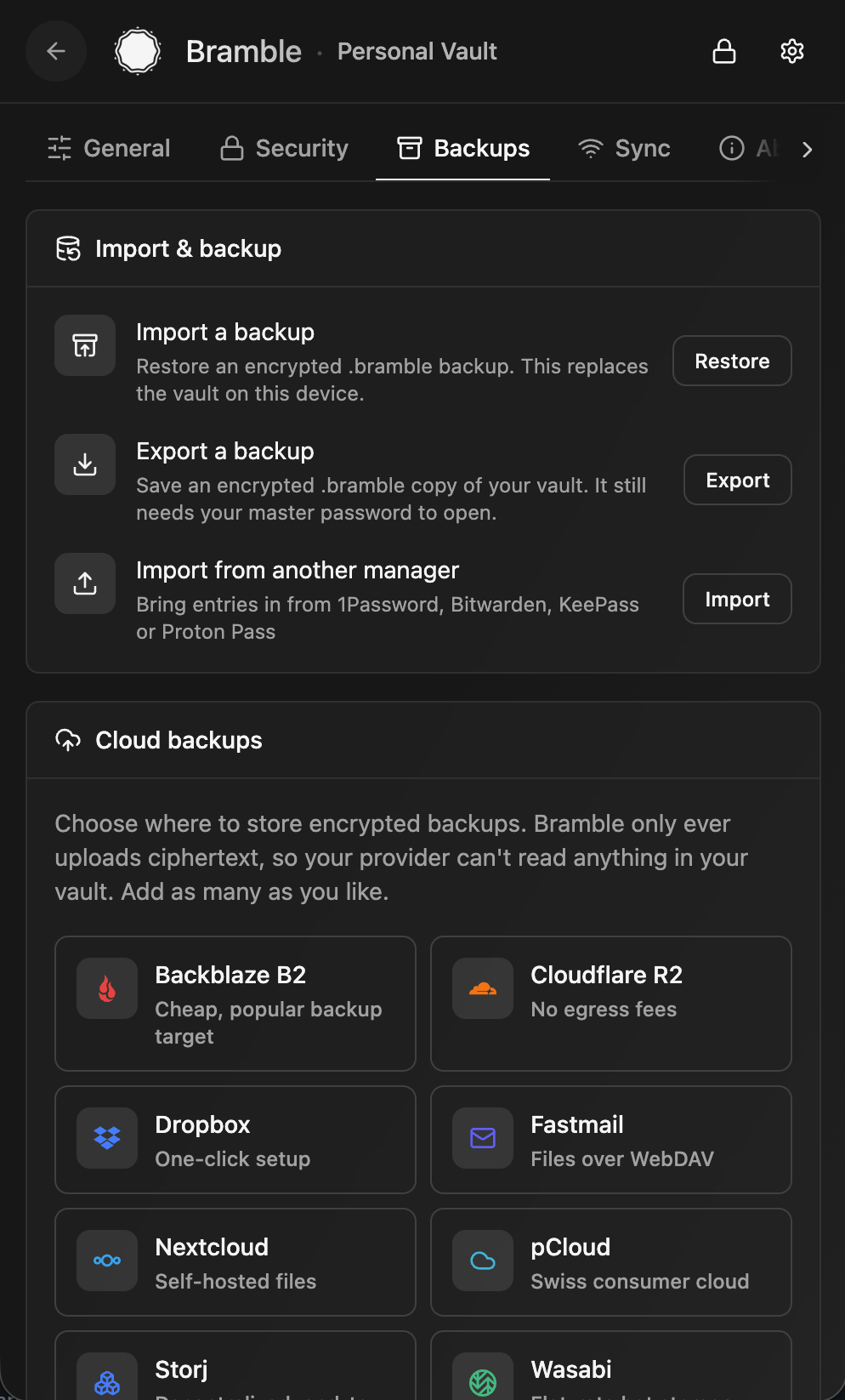
Backups and import
Backups and import
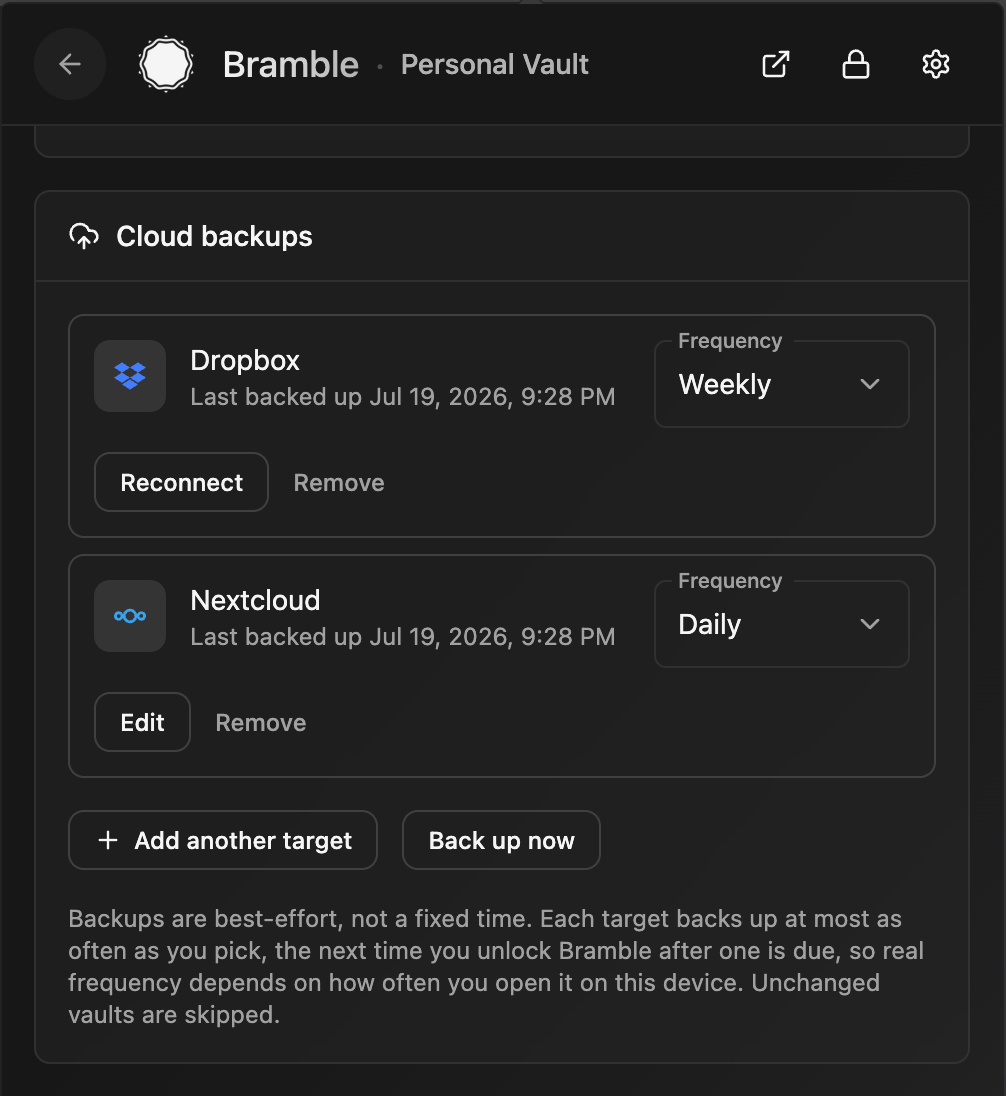
Scheduled cloud backups
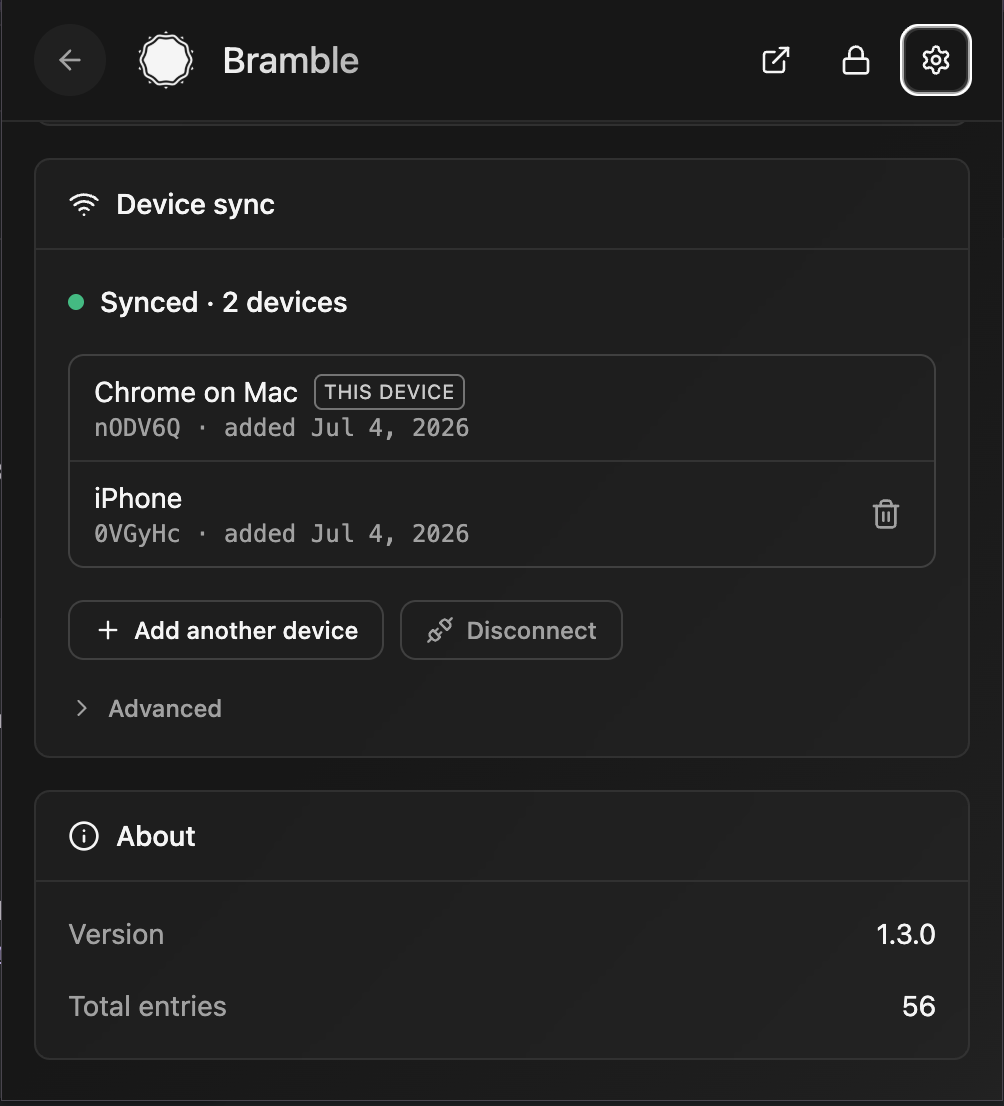
Device sync
Device sync

What it does

Your passwords are encrypted on your own device and stay there: in the browser's private extension storage, in ordinary files on your own disk in the desktop app, and in app-private encrypted storage on mobile. There's no server holding your vault and no account to sign up for. To use the same vault on more than one device, Bramble syncs it between your devices, peer-to-peer, end-to-end encrypted, and never stores it on a server along the way. Want a copy in your own hands? Export an encrypted backup file any time.

Everything cryptographic happens inside a single Rust core: compiled to WebAssembly in the browser, and to a native library on iOS and Android. Key derivation, encryption, and decryption all run in that core, and derived keys are wiped from memory after use.

Backups

Nobody else holds a copy of your vault, so keeping a backup is up to you. Bramble gives you two ways to do it:

  • Explicit: export a backup file. From Settings in the browser extension or the desktop app, export your whole vault to an encrypted .bramble file and stash it somewhere safe: another drive, a USB stick, wherever you like. It stays ciphertext, so opening it still needs your master password and a stolen backup is useless on its own. Do this now and then, especially before any big change.
  • Implicit: peer-to-peer sync. Turn on sync and every device in your sync group is basically a live copy of the vault. Pair a second device and each one holds everything, so if you lose or wipe one, the others still have your data. It is the simplest safety net there is, with no files to remember to export.
  • Automatic: scheduled cloud backups (browser extension and desktop app). Point Bramble at storage you already use and it drops an encrypted backup there on the schedule you pick. Sign in to Dropbox in one click (extension only, for now), use any S3-compatible bucket (Backblaze B2, Cloudflare R2, Storj, Wasabi, MinIO, and friends), or point it at your own self-hosted WebDAV server (Nextcloud, ownCloud, Fastmail, and the like). Add as many destinations as you want, each on its own cadence (daily, weekly, or monthly), or press Back up now whenever. Only ciphertext ever leaves your device, so the provider stores something it can't read and a stolen backup still needs your master password to open; Bramble keeps the most recent snapshots and prunes the rest. The desktop app is the one that can keep a schedule while the vault is locked, because it is already sitting in your tray. Restoring a backup onto a new or wiped device works from the extension, the desktop app, and the mobile apps.

A synced second device and the occasional export together mean you are never one lost or broken device away from losing your vault.

On your phone

The mobile apps reuse Bramble's Rust crypto core and vault format, with native OS autofill on top:


下载工具

最受欢迎

查看全部 →

发现我们社区最常用的工具。

  • 1

    OsintHunter

    letox4/osinthunter

    🎯 终极 OSINT 工具包:调查图谱、置信度评分、别名家族、地图、时间线和报告。49 个模块、400+ 个站点,无需 API 密钥。

    911
  • 2

    ghostlock-app

    yukonga/ghostlock-app

    GhostLock 一键执行应用(CVE-2026-43499)

    548
  • 3

    redforge

    cybersecurity91/redforge

    浏览器端红队工具包,包含 102 个离线工具,用于侦察、载荷生成、凭据攻击、加密、编码和交战报告。

    366
  • 4

    ARTEX

    baarai/artex

    基于LLM的多智能体自主渗透测试平台,具备规划器/执行器智能体、资产与探索图谱、MITM流量记录以及漏洞复测功能。

    362
  • 5

    looking-glass

    anonghosty/looking-glass

    CSIRT 平台,可将 Shadowserver 报告导入 MongoDB,并将其重放为交互式地图、分析、发现、公告和高管仪表板。

    311
  • 6

    CyberStrikeAI

    ed1s0nz/cyberstrikeai

    AI原生网络安全的行动系统——在这里,意图转化为受治理的执行,证据沉淀为运营记忆,每一次操作都让下一次更出色。

    287

探索所有工具

浏览我们的工具集合

查看所有工具 →