用 Golang 实现的反向 SOCKS5 代理。
Usage of ReverseSocks5.exe:
  -cert string
        Certificate file if using TLS on the server
  -connect string
        Connect address for socks agent address:port
  -k
        Skip TLS certificate verification when using -tls (insecure)
  -key string
        Private key file if using TLS on the server
  -listen string
        Listen address for socks agents address:port (default ":10443")
  -password string
        Password used for SOCKS5 authentication. No authentication required if not configured.
  -psk string
        Pre-shared key for encryption and authentication between the agent and server (default "password")
  -socks string
        Listen address for socks server address:port (default "127.0.0.1:1080")
  -tls
        Connect with TLS instead of TCP, the server must be using certificates
  -username string
        Username used for SOCKS5 authentication
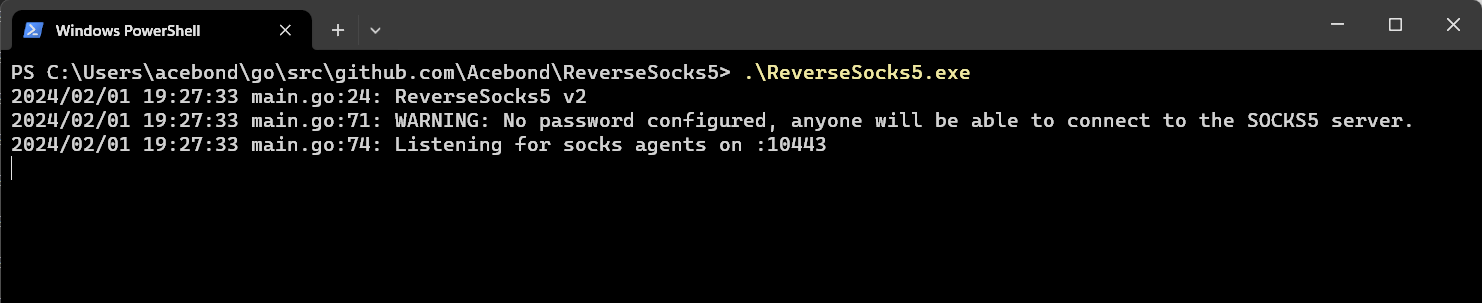 这将在
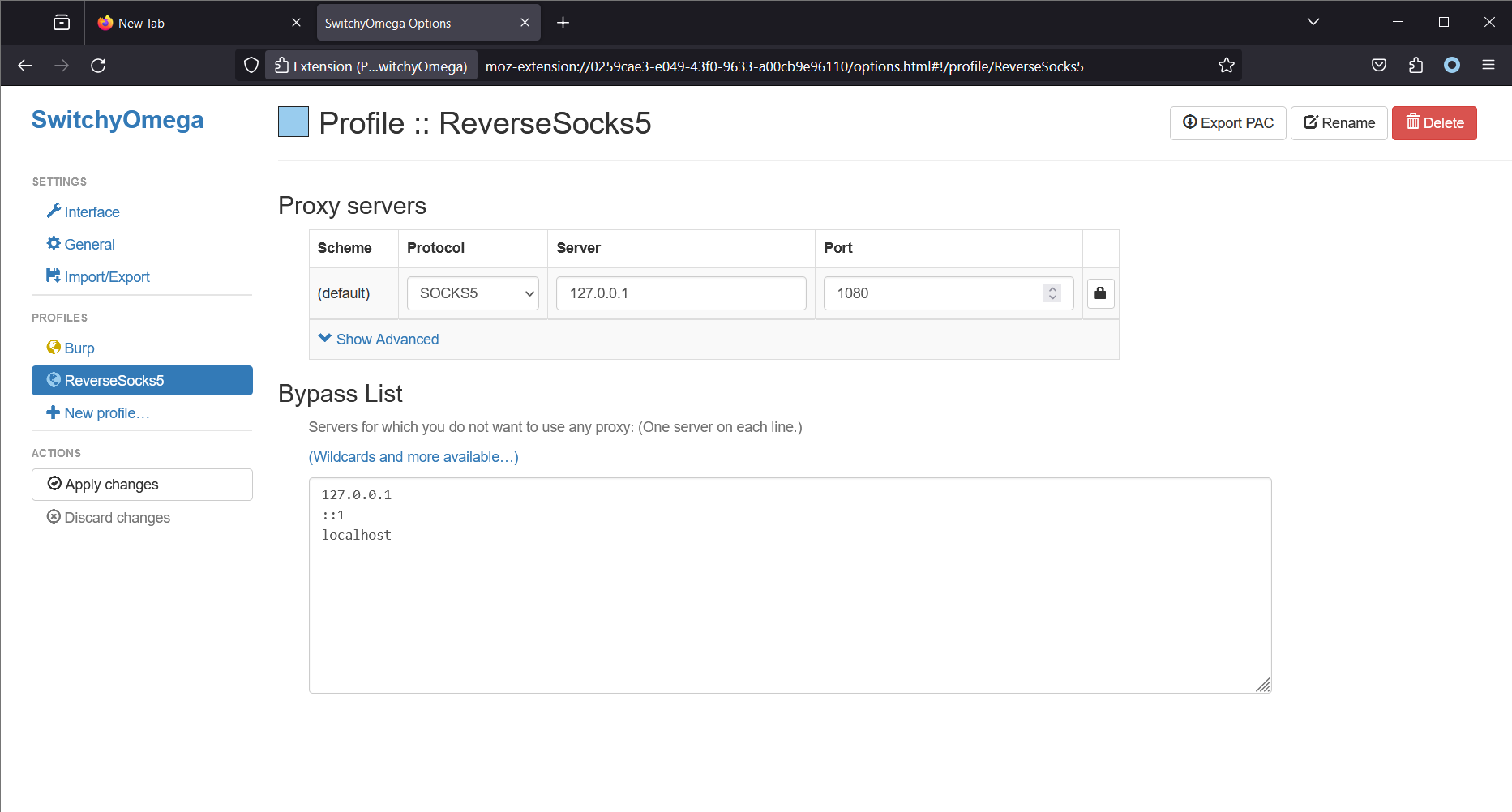
这将在 127.0.0.1:1080 上开放 SOCKS5 端口,并在 :10443 上监听代理端(agent)的连接。请注意,只有在代理端连接之后,SOCKS5 端口才可访问。
 这将连接到服务端,并成为 SOCKS5 流量的出口点,从而将代理端的内部网络暴露给任何能够访问服务端 SOCKS5 端口的人。
如需在使用 TLS 的同时跳过证书验证,请使用:
ReverseSocks5.exe -connect server:10443 -tls -k
默认启用证书验证。-k 标志仅影响 TLS 代理端连接。
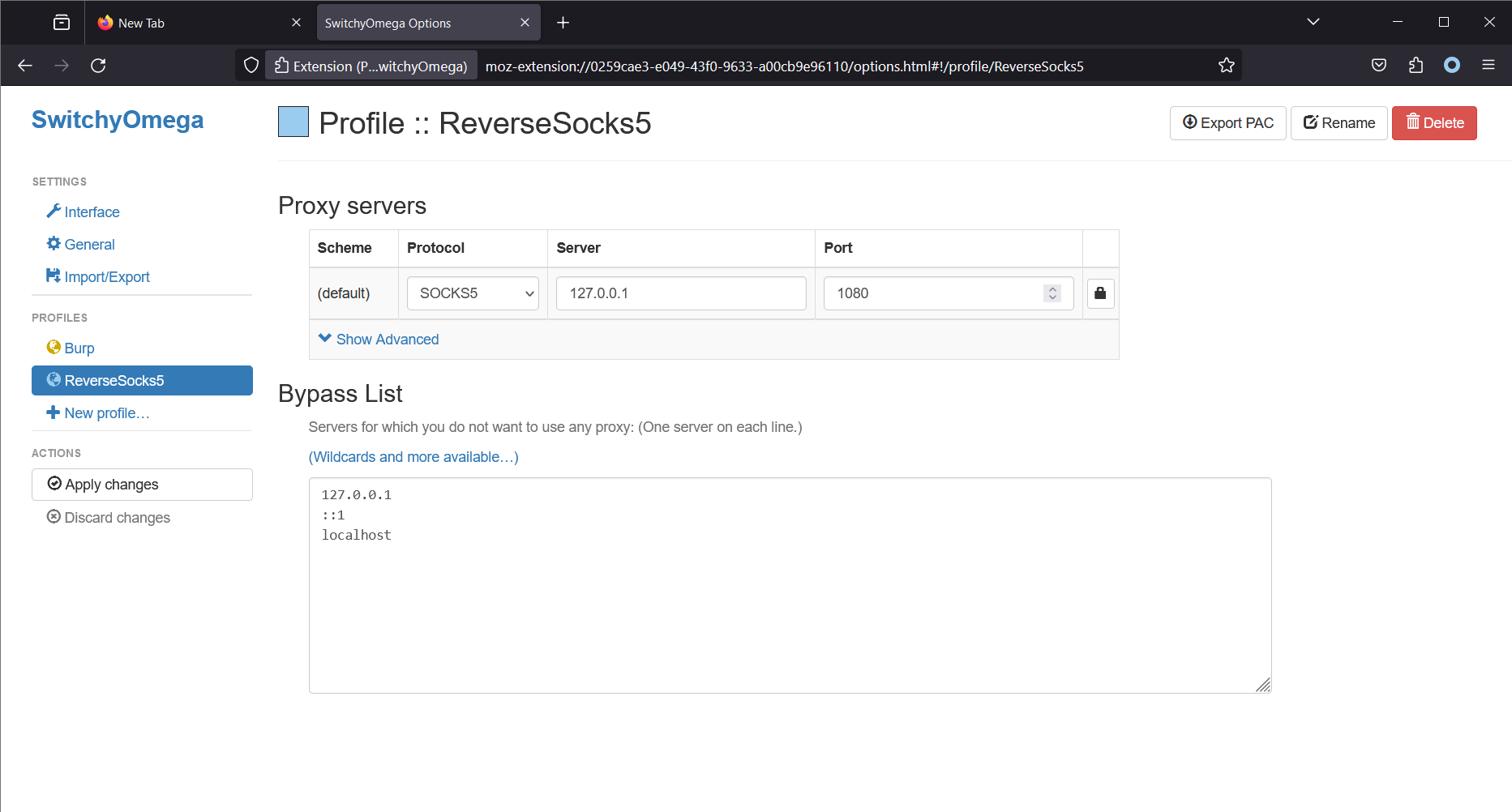 请注意,Firefox 与 SOCKS5 服务端运行在同一台机器上。这将使 Firefox(使用 Proxy SwitchyOmega 扩展)通过 SOCKS5 服务端发起所有连接。在 Linux 上,访问 SOCKS5 代理的常用工具是
 proxychains4。