
新发布Oct 5, 2026
osmedeus v5.1.2
一个现代化的安全编排引擎
Osmedeus

Osmedeus - 面向安全的现代编排引擎





什么是 Osmedeus?
Osmedeus 是一个专注于安全的声明式编排引擎,可将复杂的工作流自动化简化为可审计的 YAML 定义,并完整提供加密数据处理、安全凭据管理和沙箱化执行能力。
它同时面向初学者和专家,在不牺牲基础设施完整性与安全性的前提下,提供强大且可组合的自动化能力。
核心特性
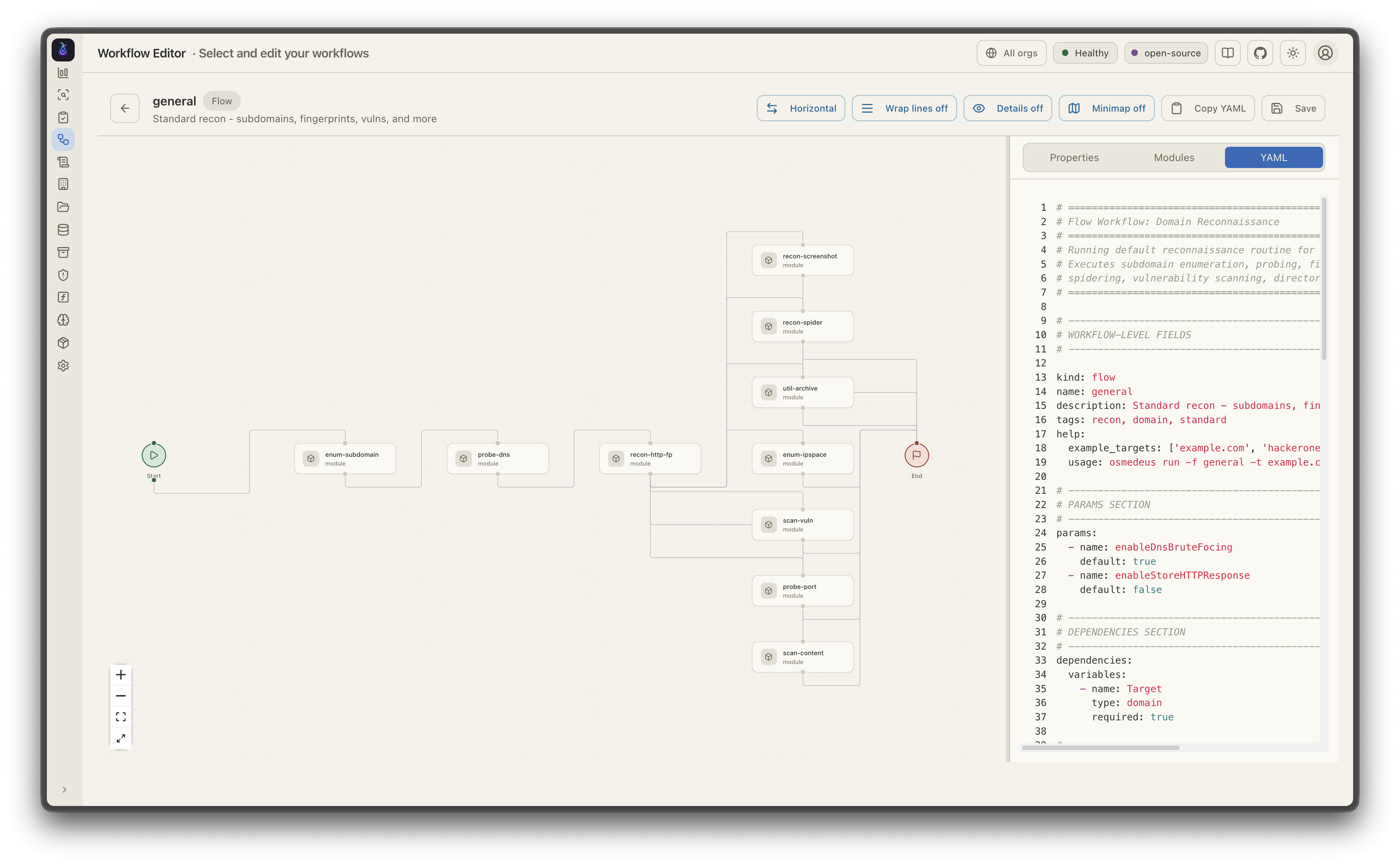
- 声明式 YAML 工作流 - 通过钩子、决策路由、模块排除以及跨多种运行器(host、Docker、SSH)的条件分支来定义流水线
- 分布式执行 - 基于 Redis 的 master-worker 模式,具备队列系统、webhook 触发器以及跨 worker 的文件同步
- 丰富的函数库 - 80+ 实用函数,包括 nmap 集成、tmux 会话、SSH 执行、TypeScript/Python 脚本、SARIF 解析以及 CDN/WAF 分类
- 事件驱动调度 - 支持 Cron、文件监控和事件触发器,具备过滤、去重和延迟任务队列
- Agentic LLM 步骤 - 支持工具调用的 agent 循环,具备子 agent 编排、内存管理和结构化输出;并支持 ACP 子进程 agent(Claude Code、Codex、OpenCode、Gemini)
- 云基础设施 - 在 DigitalOcean、AWS、GCP、Linode 和 Azure 上预置并运行扫描,具备成本控制和自动清理
- 丰富的 CLI 界面 - 交互式数据库查询、批量函数求值、工作流 lint 检查、进度条以及全面的用法示例
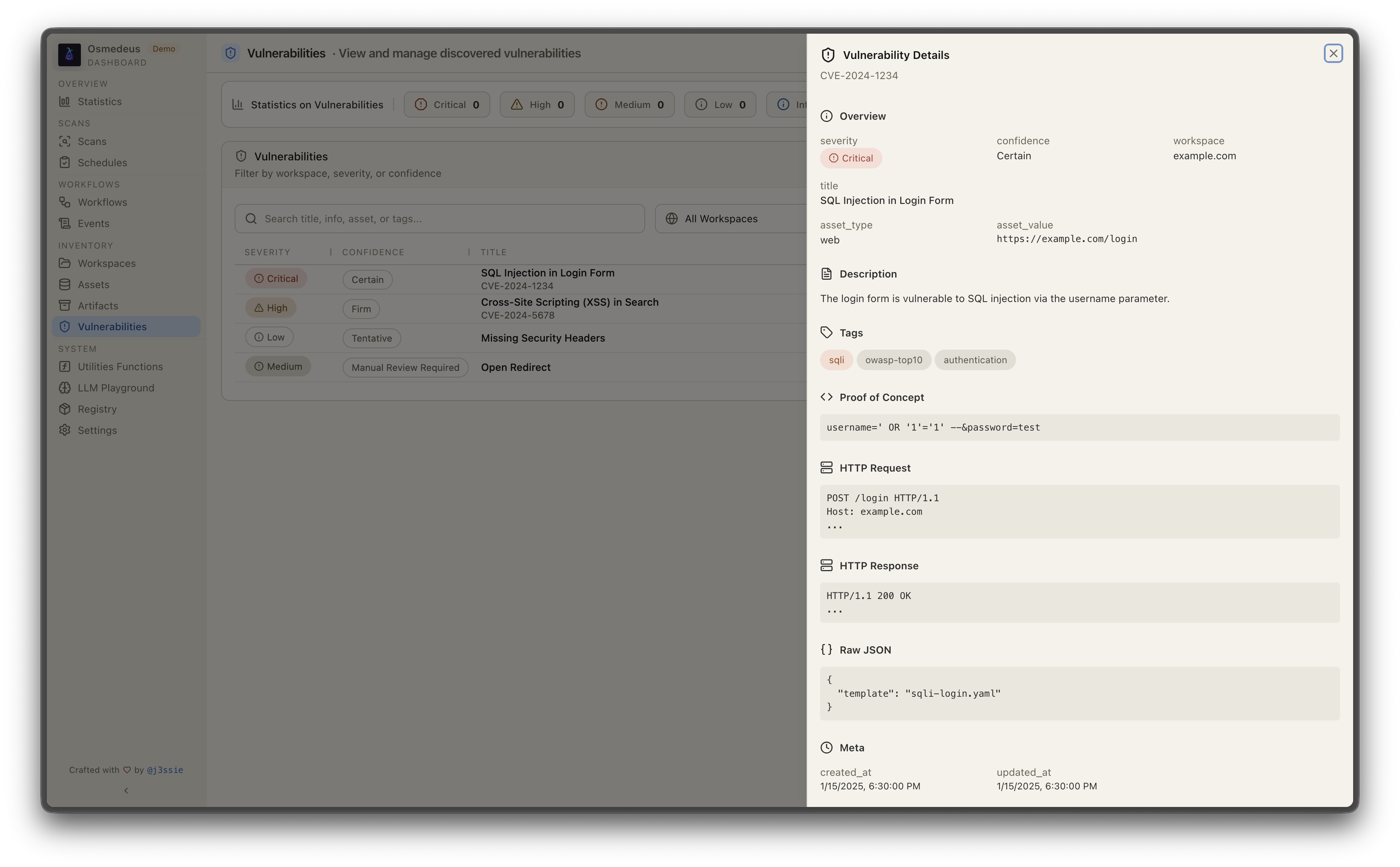
- REST API 与 Web UI - 完整的 API 服务器,支持 webhook 触发器、数据库查询,并内置用于可视化的仪表盘
更多详情请参阅文档页面。
安装
curl -sSL http://www.osmedeus.org/install.sh | bash
npm
npm install -g @j3ssie/osmedeus
为 linux 和 macOS 的 x64/arm64 架构提供预编译二进制文件。
快速设置请参阅 Quickstart,高级配置请参阅 Installation。
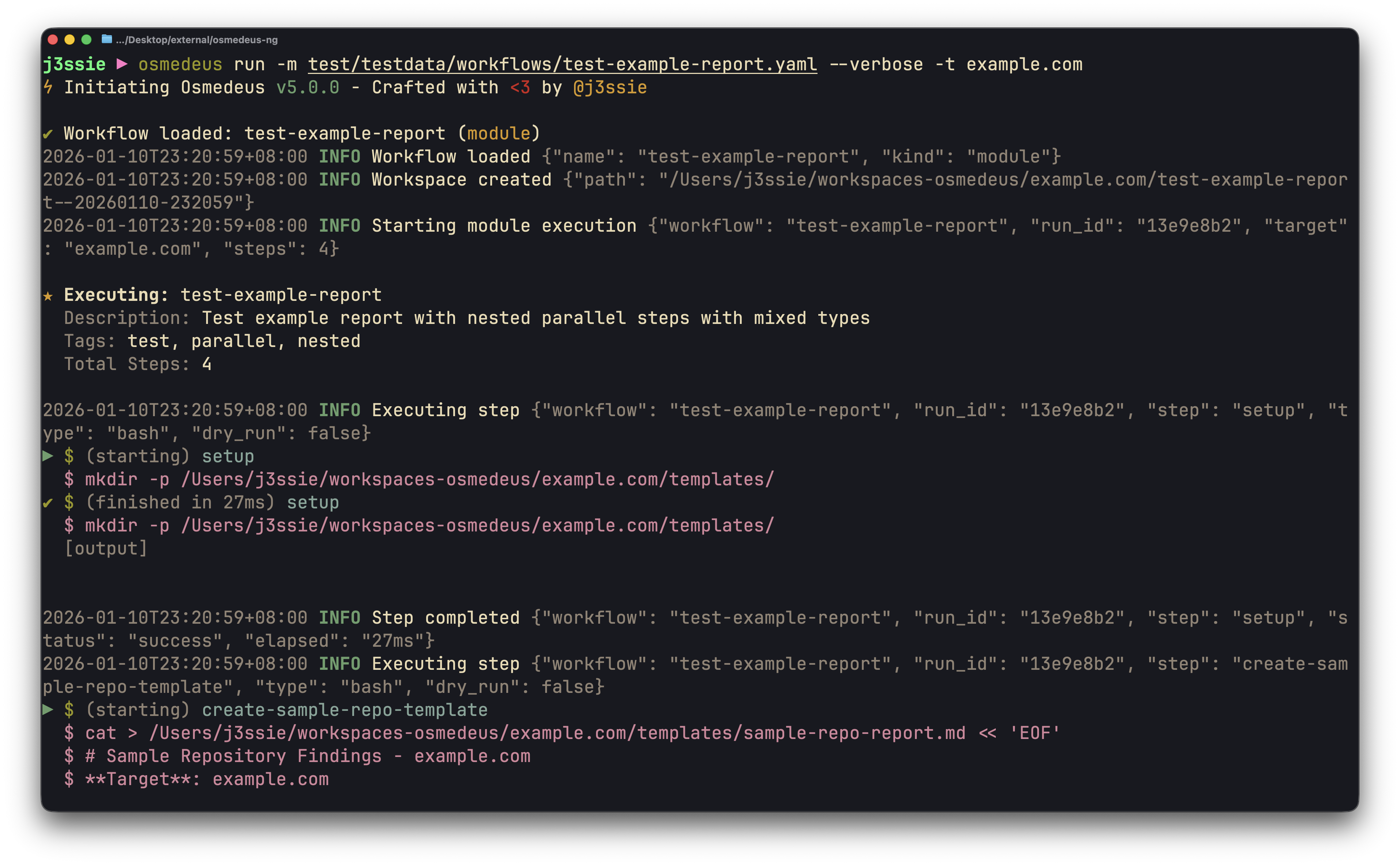
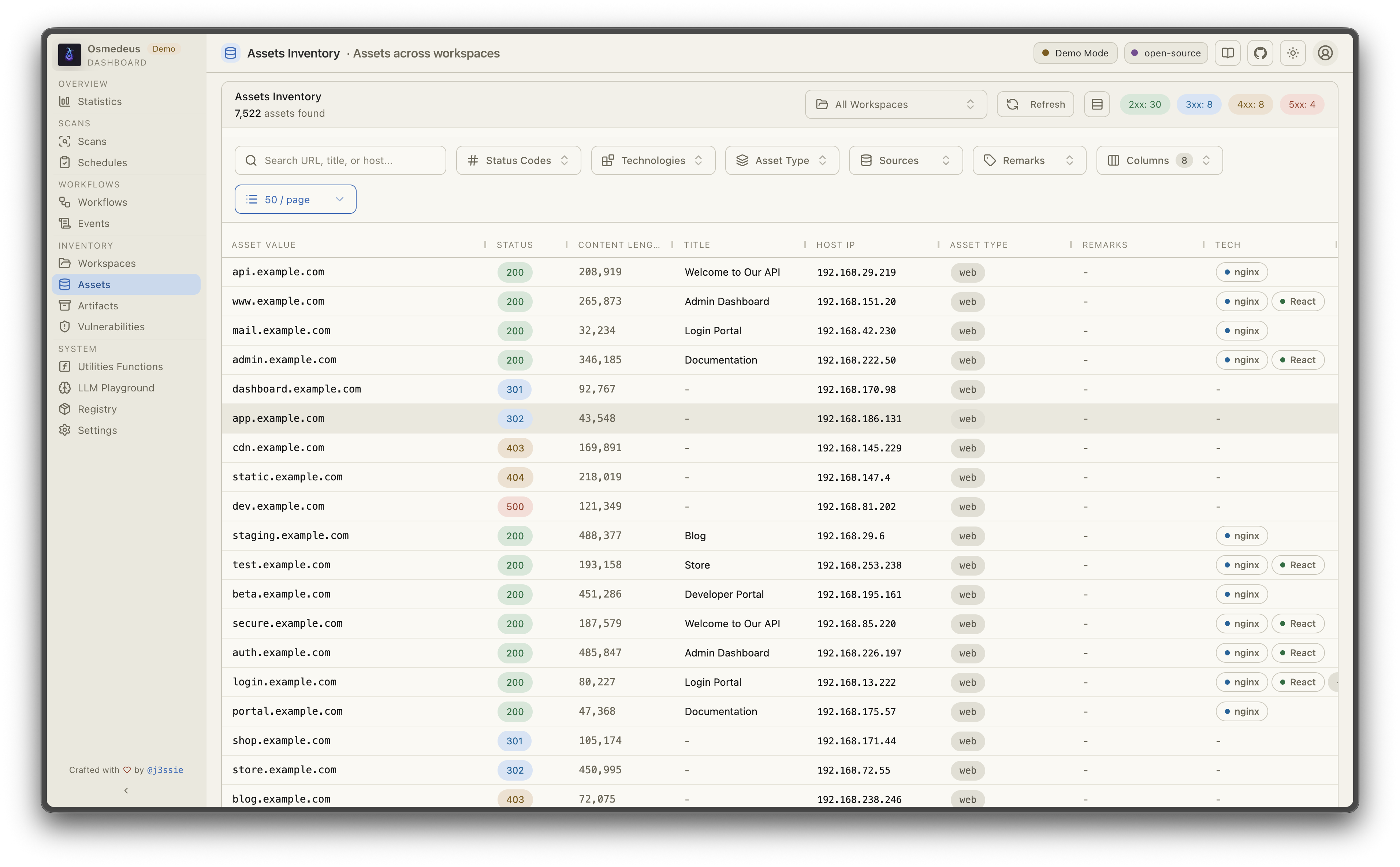
| CLI 用法 | Web UI 资源 |
|---|---|
 |  |
| 工作流可视化 | 漏洞 |
 |  |
☁️ 赞助商 — Bloome

用 Osmedeus 自动化侦察?Bloome 将同样的“智能体团队”理念带入你工作流的其余环节:多个 AI 智能体(Claude、ChatGPT、DeepSeek 等)在同一个共享聊天中分工协作、交接任务、相互交叉核对,并不断优化输出直至正确——共同完成发现分类、起草报告和运行定时检查。零配置、云端运行、支持 Web 和移动端,并可与团队共享。👉 试用 Bloome
快速开始
# Run a module workflow
osmedeus run -m recon -t example.com

# Run a flow workflow
osmedeus run -f general -t example.com

# Multiple targets with concurrency
osmedeus run -m recon -T targets.txt -c 5

# Dry-run mode (preview)
osmedeus run -f general -t example.com --dry-run

# Start API server
osmedeus serve

# List available workflows
osmedeus workflow list

# Query discovered assets
osmedeus assets -w example.com                          # List assets for workspace
osmedeus assets --stats                                 # Show unique technologies, sources, types
osmedeus assets --source httpx --type web --json        # Filter and output as JSON

# Query vulnerabilities, runs, and steps
osmedeus query vulns --severity high --workspace example.com
osmedeus query runs --status running
osmedeus query steps --run <run-uuid>

# Query database tables
osmedeus db list --table runs
osmedeus db list --table event_logs --search "nuclei"

# Evaluate utility functions
osmedeus func eval 'log_info("hello")'
osmedeus func eval -e 'http_get("https://example.com")' -T targets.txt -c 10

# Platform variables available in eval
osmedeus func eval 'log_info("OS: " + PlatformOS + ", Arch: " + PlatformArch)'

# Install from preset repositories
osmedeus install base --preset
osmedeus install base --preset --keep-setting   # preserve existing osm-settings.yaml
osmedeus install workflow --preset

# Exclude modules from flow execution
osmedeus run -f general -t example.com -x portscan
osmedeus run -f general -t example.com -X vuln    # Fuzzy exclude by substring

# Worker queue system
osmedeus worker queue new -f general -t example.com   # Queue for later
osmedeus worker queue run --concurrency 5              # Process queue

# Worker management
osmedeus worker status                          # Show workers
osmedeus worker eval -e 'ssh_exec("host", "whoami")'  # Eval with distributed hooks

# Run an ACP agent interactively
osmedeus agent "analyze this codebase"
osmedeus agent --agent codex "explain main.go"
osmedeus agent --list

# Cloud infrastructure management
osmedeus cloud create --instances 3                    # Provision cloud machines
osmedeus cloud setup 1.2.3.4 5.6.7.8                  # Setup existing machines
osmedeus cloud list                                    # List active infrastructure
osmedeus cloud run -f general -t example.com --instances 3

# Show all usage examples
osmedeus --usage-example
Docker
# Show help
docker run --rm j3ssie/osmedeus:latest --help

# Run a scan
docker run --rm -v $(pwd)/output:/root/workspaces-osmedeus \
    j3ssie/osmedeus:latest run -f general -t example.com
有关更多 CLI 用法和示例命令,请参阅 CLI 参考。