
 bishopfox/bfinject
Injeção de Dylib para iOS 11.0 - 11.1.2 com os jailbreaks LiberiOS e Electra

Injeção fácil de dylibs para iOS 11.0 - 11.1.2 de 64 bits com jailbreak. Compatível com os jailbreaks Electra e LiberiOS.
O bfinject carrega dylibs arbitrárias em apps da App Store em execução. Ele tem suporte integrado para descriptografar apps da App Store e vem acompanhado de iSpy e Cycript.
O bfinject é um wrapper que cuida da assinatura de código (codesigning) correta das suas dylibs antes de injetá-las usando bfinject4realz. Ele é completamente autônomo, não exige jailbreakd, QiLin nem nada do tipo. Simplesmente funciona.
Nota: o bfinject não funciona no Electra se "Tweaks" estiver ativado. Reinicie e execute o Electra novamente sem tweaks para usar o bfinject. Se você vir erros com "thread_create", esse é o problema.
Nota: o bfdecrypt está disponível como uma dylib autônoma aqui: https://github.com/BishopFox/bfdecrypt/
wget do Electra não suporta SSL.ssh root@your-device-ip # (the password is 'alpine')
mkdir bfinject
cd bfinject
wget http://<your_server>/bfinject.tar
tar xvf bfinject.tar
wget do LiberiOS não suporta SSL.ssh root@your-device-ip # (the password is 'alpine')
export PATH=$PATH:/jb/usr/bin:/jb/bin:/jb/sbin:/jb/usr/sbin:/jb/usr/local/bin:
cd /jb
mkdir bfinject
cd bfinject
wget http://<your_server>/bfinject.tar
tar xvf bfinject.tar
bash bfinject para obter ajudabash, caso contrário não funcionará. Sandbox, blá-blá-blá.-bash-3.2# bash bfinject
Syntax: bfinject [-p PID | -P appname] [-l /path/to/yourdylib | -L feature]
For example:
bfinject -P Reddit.app -l /path/to/evil.dylib # Injects evil.dylib into the Reddit app
or
bfinject -p 1234 -L cycript # Inject Cycript into PID
or
bfinject -p 4566 -l /path/to/evil.dylib # Injects the .dylib of your choice into PID
Instead of specifying the PID with -p, bfinject can search for the correct PID based on the app name.
Just enter "-P identifier" where "identifier" is a string unique to your app, e.g. "fing.app".
Available features:
cycript - Inject and run Cycript
decrypt - Create a decrypted copy of the target app
test - Inject a simple .dylib to make an entry in the console log
ispy - Inject iSpy. Browse to http://<DEVICE_IP>:31337/
Antes de fazer algo mais complexo, teste se funciona. O bfinject tem autotestes integrados. Aqui está um exemplo usando o app Reddit como alvo:
Cs-iPhone:~ root# bash bfinject -P Reddit -L test
[+] Electra detected.
[+] Injecting into '/var/containers/Bundle/Application/55C94FAA-A282-4FDC-967D-6A012D01087E/Reddit.app/Reddit'
[+] Getting Team ID from target application...
[+] Thinning dylib into non-fat arm64 image
[+] Signing injectable .dylib with Team ID 2TDUX39LX8 and platform entitlements...
[bfinject4realz] Calling task_for_pid() for PID 486.
[bfinject4realz] Calling thread_create() on PID 486
[bfinject4realz] Looking for ROP gadget... found at 0x1019a2ba0
[bfinject4realz] Fake stack frame at 0x12ac5c000
[bfinject4realz] Calling _pthread_set_self() at 0x182bfb814...
[bfinject4realz] Returned from '_pthread_set_self'
[bfinject4realz] Calling dlopen() at 0x1829bb460...
[bfinject4realz] Returned from 'dlopen'
[bfinject4realz] Success! Library was loaded at 0x1c016e1c0
[+] So long and thanks for all the fish.
Na tela do dispositivo você deve ver isto:

Se não, algo está quebrado ;)
Aqui está um exemplo de descriptografia do app Reddit em um iPhone com jailbreak via Electra:
Cs-iPhone:~ root# bash bfinject -P Reddit -L decrypt
[+] Electra detected.
[+] Injecting into '/var/containers/Bundle/Application/BCEBDD64-6738-45CE-9B3C-C6F933EA0793/Reddit.app/Reddit'
[+] Getting Team ID from target application...
[+] Thinning dylib into non-fat arm64 image
[+] Signing injectable .dylib with Team ID 2TDUX39LX8 and platform entitlements...
[bfinject4realz] Calling task_for_pid() for PID 3218.
[bfinject4realz] Calling thread_create() on PID 3218
[bfinject4realz] Looking for ROP gadget... found at 0x1016a5110
[bfinject4realz] Fake stack frame at 0x10a06c000
[bfinject4realz] Calling _pthread_set_self() at 0x181303814...
[bfinject4realz] Returned from '_pthread_set_self'
[bfinject4realz] Calling dlopen() at 0x1810c3460...
[bfinject4realz] Returned from 'dlopen'
[bfinject4realz] Success! Library was loaded at 0x1c03e1100
[+] So long and thanks for all the fish.
Você verá esta tela no seu dispositivo:
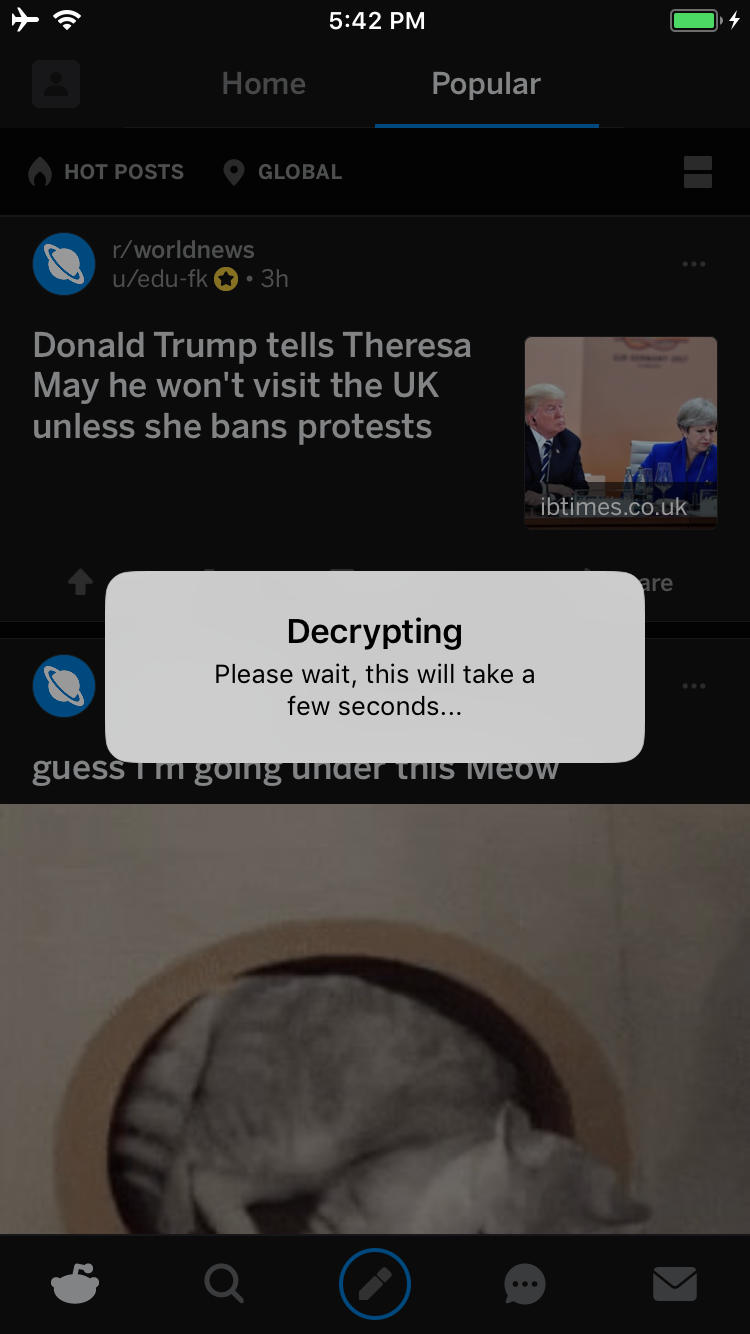
Quando terminar, você verá um alerta de interface perguntando se deseja iniciar um serviço a partir do qual você pode baixar o IPA descriptografado:
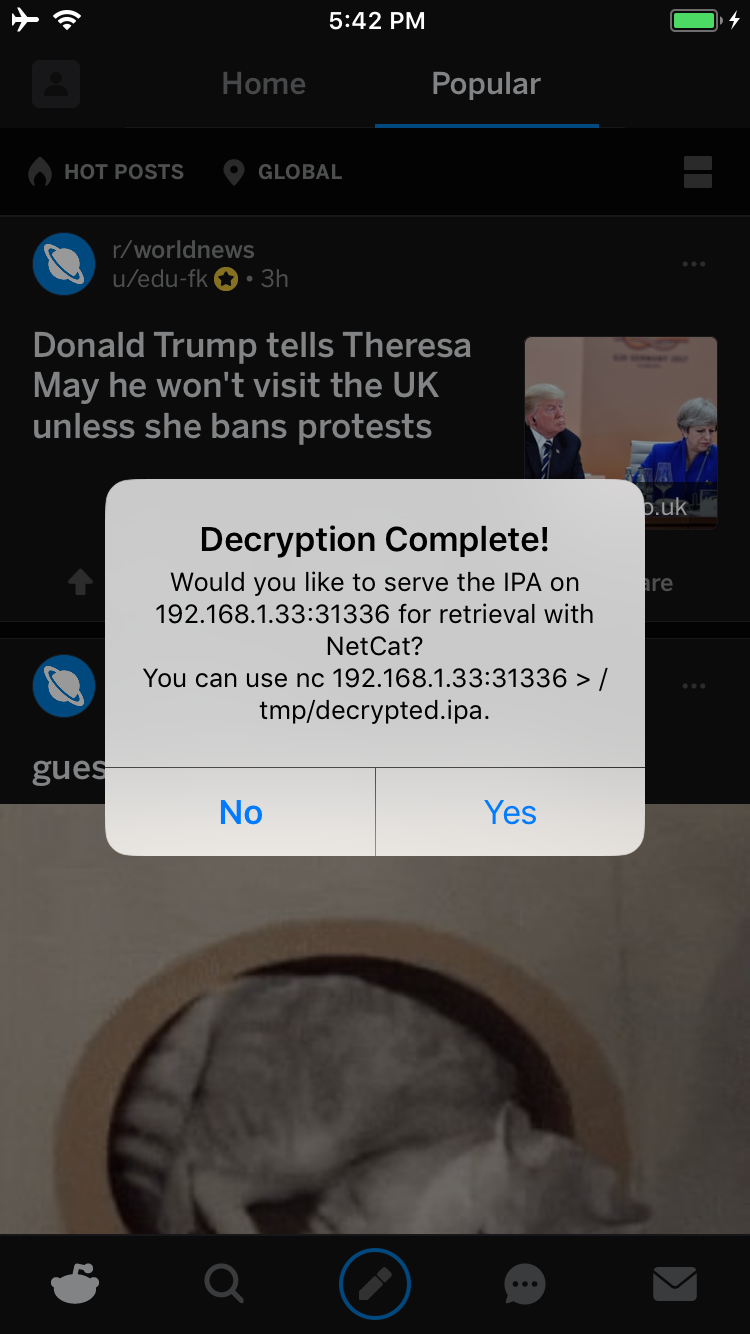
Se você tocar em Yes, um serviço será iniciado na porta 31336 do seu dispositivo. Conecte-se a ele e você receberá uma cópia bruta do IPA, que pode ser baixada com netcat da seguinte forma:
carl@calisto-3 /tmp $ nc 192.168.1.33 31336 > decrypted.ipa
carl@calisto-3 /tmp $ ls -l decrypted.ipa
-rw-r--r--  1 carl  wheel  14649063 Jan 25 16:57 decrypted.ipa
carl@calisto-3 /tmp $ file decrypted.ipa
decrypted.ipa: iOS App Zip archive data, at least v2.0 to extract
Como alternativa, verifique o log do console do dispositivo; ele informará onde o IPA descriptografado está armazenado. Por exemplo:
[dumpdecrypted] Wrote /var/mobile/Containers/Data/Application/6E6A5887-8B58-4FC5-A2F3-7870EDB5E8D1/Documents/decrypted-app.ipa
Você também pode procurar o IPA no sistema de arquivos assim:
find /var/mobile/Containers/Data/Application/ -name decrypted-app.ipa
Para tirar o .ipa do dispositivo, você pode usar o netcat. No seu laptop, configure um serviço de escuta:
ncat -l 0.0.0.0 12345 > decrypted.ipa
E no dispositivo com jailbreak:
cat /path/to/decrypted.ipa > /dev/tcp/<IP_OF_YOUR_COMPUTER>/12345
