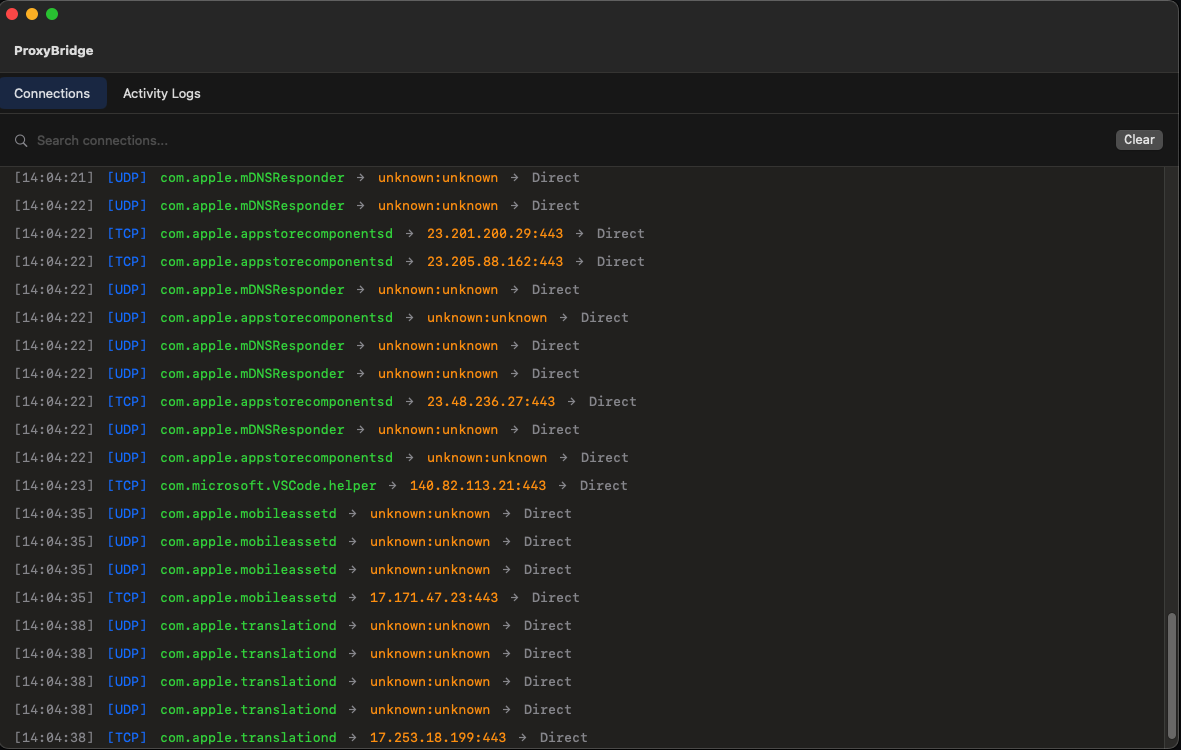
 interceptsuite/proxybridge
Simple Proxy Client to force proxy to any Windows/MacOS/Linux Application TCP and UDP traffic




ProxyBridge is a lightweight, open-source universal proxy client (Proxifier alternative) that provides transparent proxy routing for applications on Windows, macOS, and Linux. It redirects TCP and UDP traffic from specific processes through SOCKS5 or HTTP proxies, with the ability to route, block, or allow traffic on a per-application basis. ProxyBridge fully supports both TCP and UDP proxy routing and works at the system level, making it compatible with proxy-unaware applications without requiring any configuration changes.
[!TIP] ProxyBridge routes your traffic - InterceptSuite lets you see inside it. Full MITM proxy with SSL/TLS inspection, live request editing, scripting, and support for TCP, UDP, StartTLS, DTLS and more. Built by the same team. Try InterceptSuite →
💖 Support ProxyBridge Development
If you find ProxyBridge useful, consider sponsoring to support ongoing development and new features!

Sponsored
NodeMaven: The most efficient proxy provider for Web Scraping and Automation with the Highest Quality IP on the market.
Why NodeMaven?
Special codes for ProxyBridge users:
PB2X - 2X traffic for Black FridayPB35 - 35% off Mobile and Residential ProxiesPB25 - 25% off ISP (Static) ProxiesVisit our Official Download Page for the latest automated builds and platform detection.
| Platform | Download Link | Package Type | System Requirements |
|---|---|---|---|
| Windows | Download Installer | .exe | Windows 10+ (64-bit), Admin privileges |
| macOS | Download Installer | .pkg (Universal) | macOS 13.0+ ARM/x64 (Ventura or later) |
| Linux | Download Tarball | .tar.gz (x64 and arm64) | x64 or arm64, kernel 5.11+ with BTF and cgroup v2, root to install |
curl -Lo deploy.sh https://raw.githubusercontent.com/InterceptSuite/ProxyBridge/refs/heads/master/Linux/deploy.sh && sudo bash deploy.sh
brew install --cask proxybridge
winget install InterceptSuite.ProxyBridge
[!WARNING] The winget package is community-maintained and not official. It may lag behind releases or be unverified. For guaranteed-latest, verified builds always use the Official Download Page.
[!NOTE] For historical versions, change logs, and direct access to raw assets, visit the GitHub Releases page.






