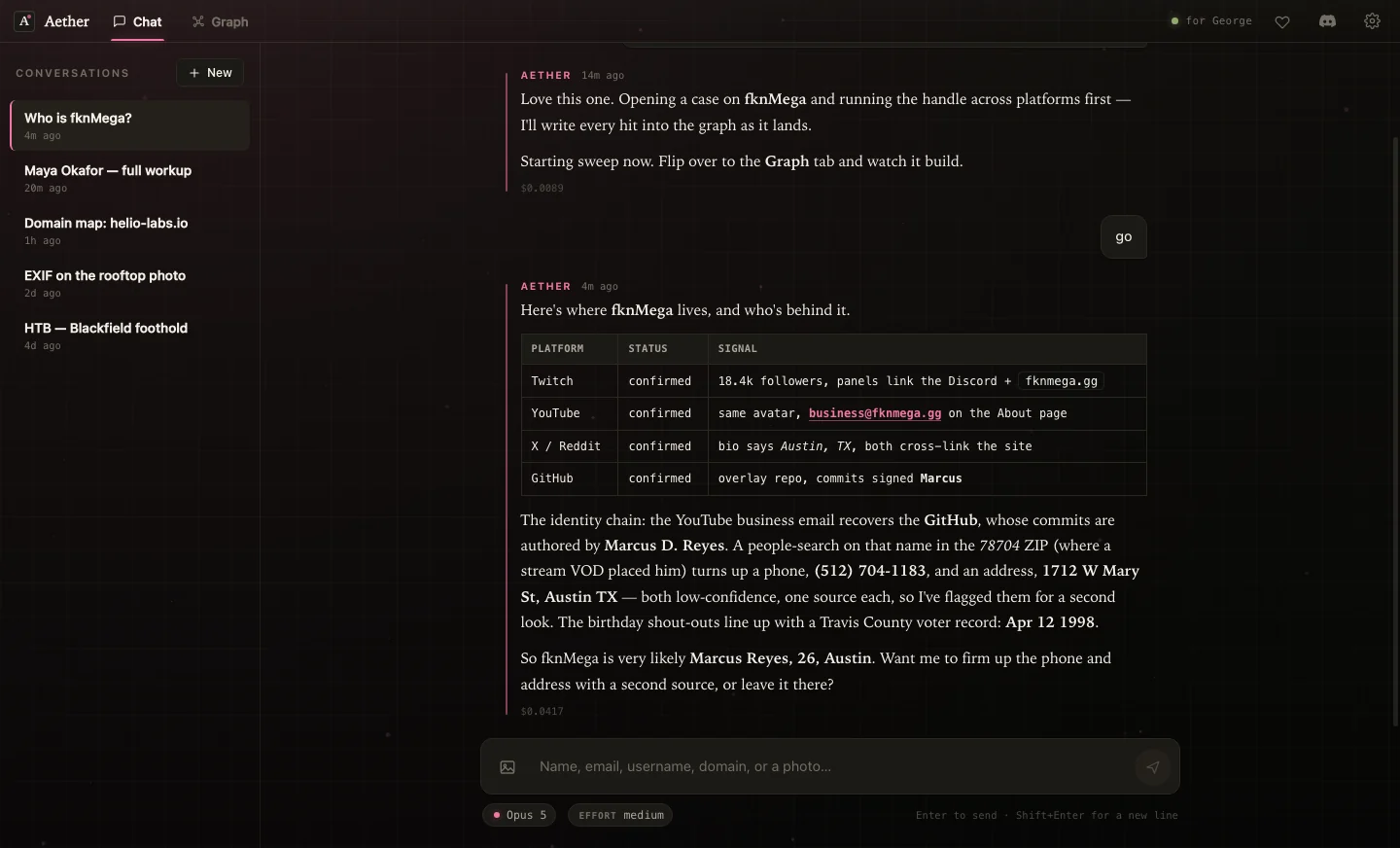
 fknmega/aether
AI-driven OSINT and security research agent that builds a live knowledge graph from public data, with bundled recon tools and offensive-security playbooks for authorized investigations.


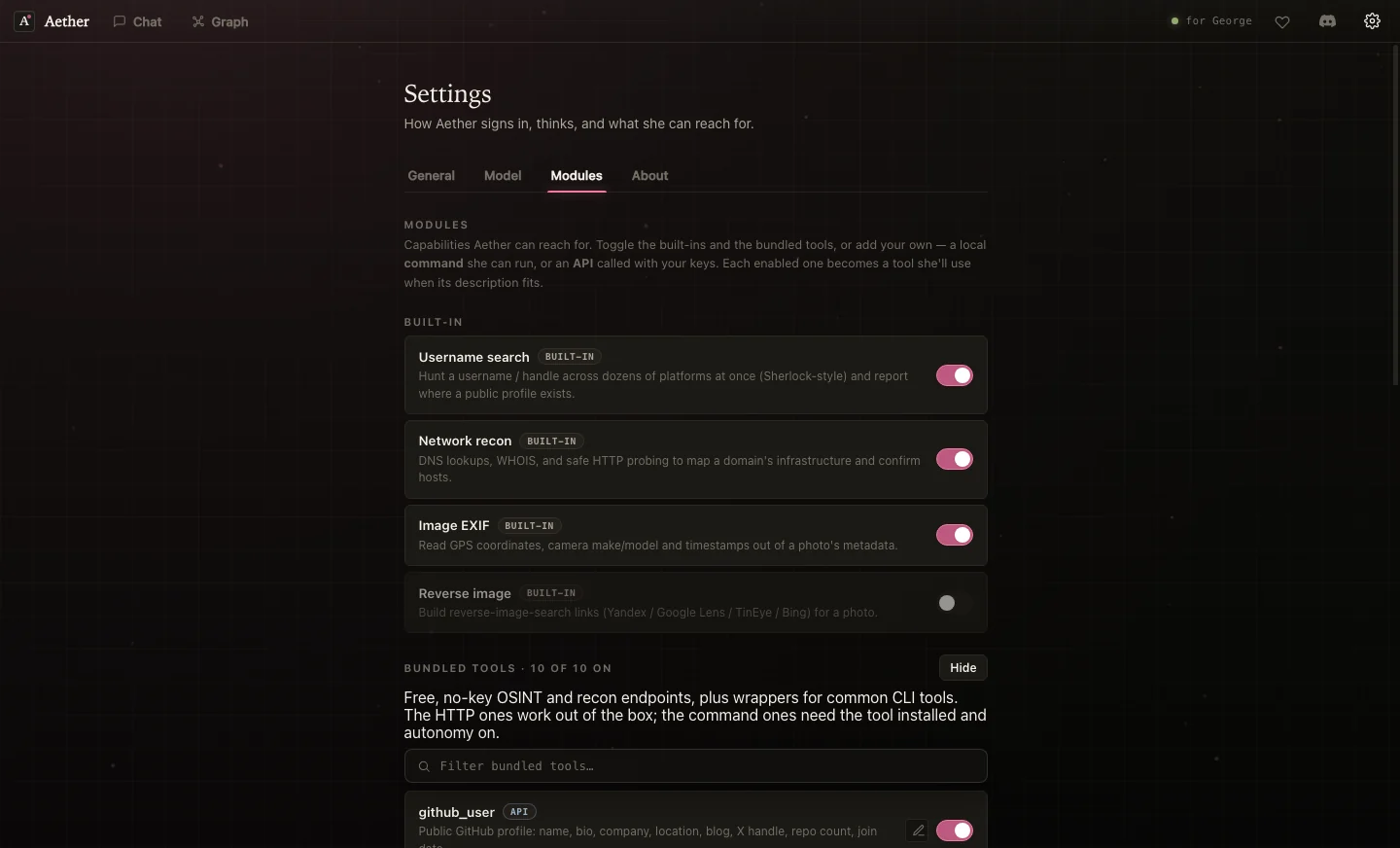
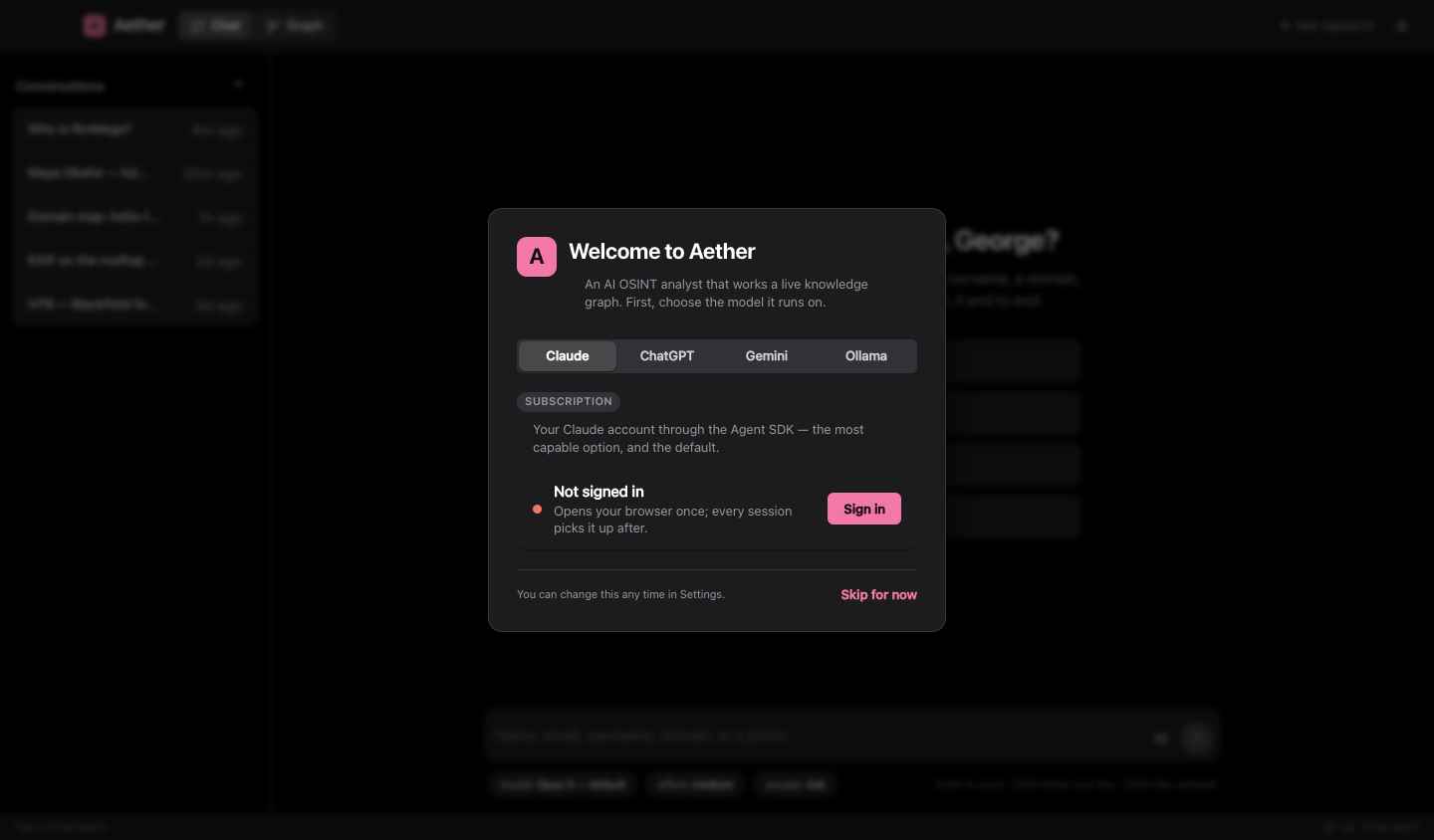
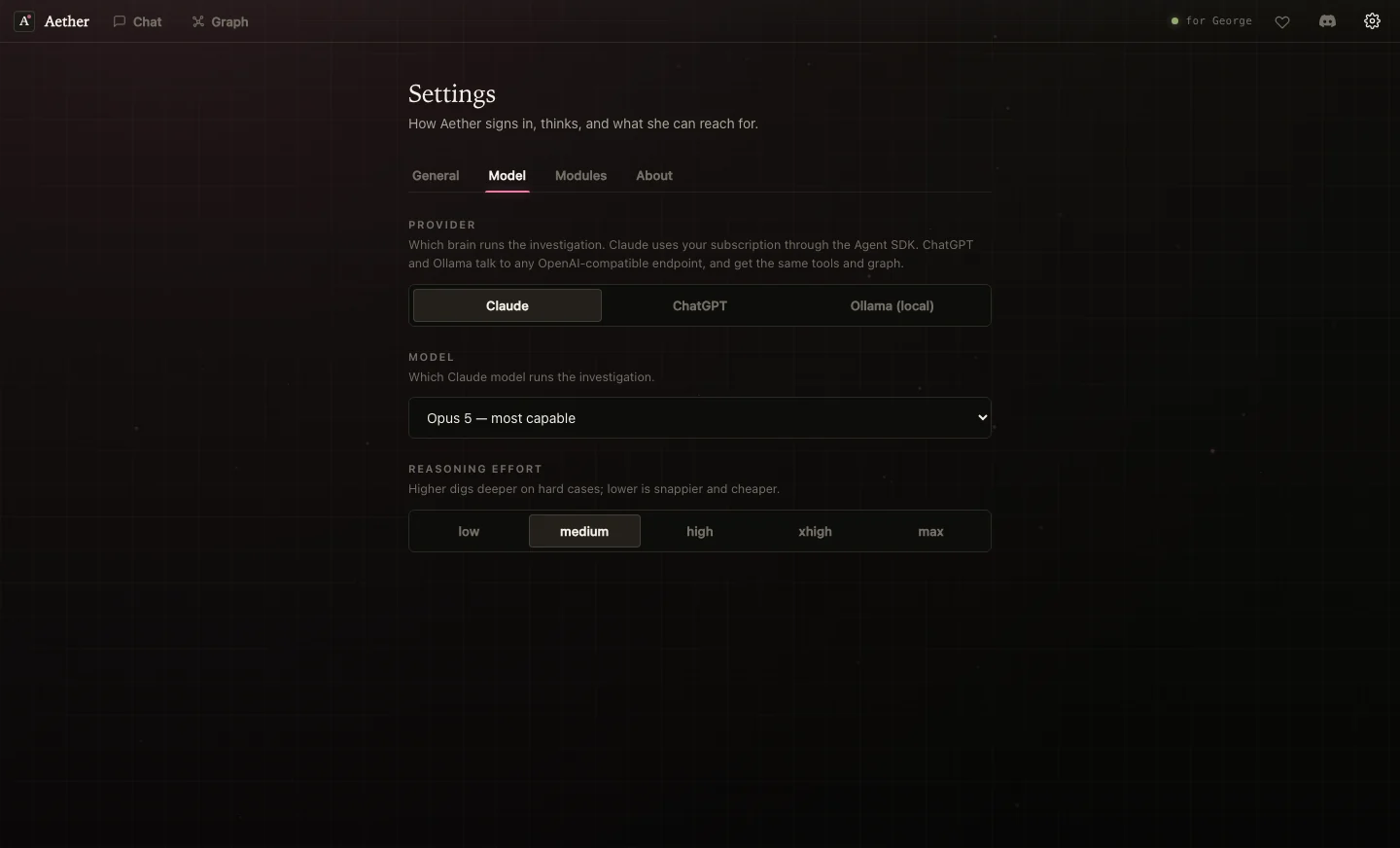
Give her a name, an email, a username, a domain, or a photo. She opens a case, runs the target across the open web, reads the metadata, maps the infrastructure, and draws everything she finds into a knowledge graph that grows while you watch. Runs on macOS and Windows, powered by Claude, ChatGPT, Gemini, or a local model of your own.





Claude · ChatGPT and any OpenAI-compatible endpoint · Gemini · Ollama (fully local, nothing leaves your machine)
Seriously. Aether is for people and systems you're actually allowed to look into: your own exposure, folks who asked you to check theirs, and lab or CTF boxes you own. She only reads what's already public or shown by a platform. She won't break authentication, get past bot-detection, phish, or take over accounts, and those limits are baked into how she works. Point her at a stranger you have no business investigating and you're the baddie, not her. Be normal.
You hand Aether a selector and she gets to work, writing up what she finds rather than firing off chat replies.
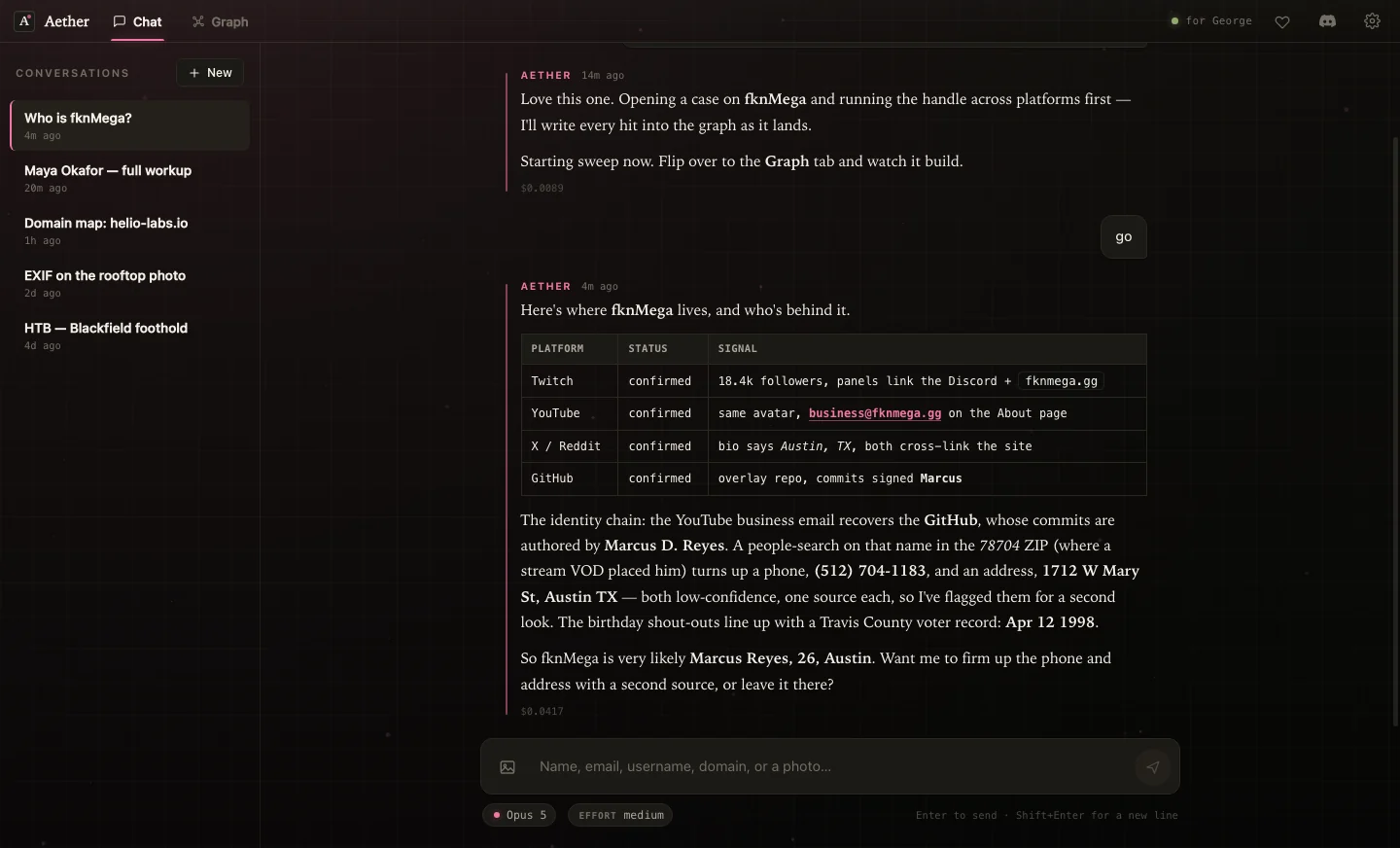
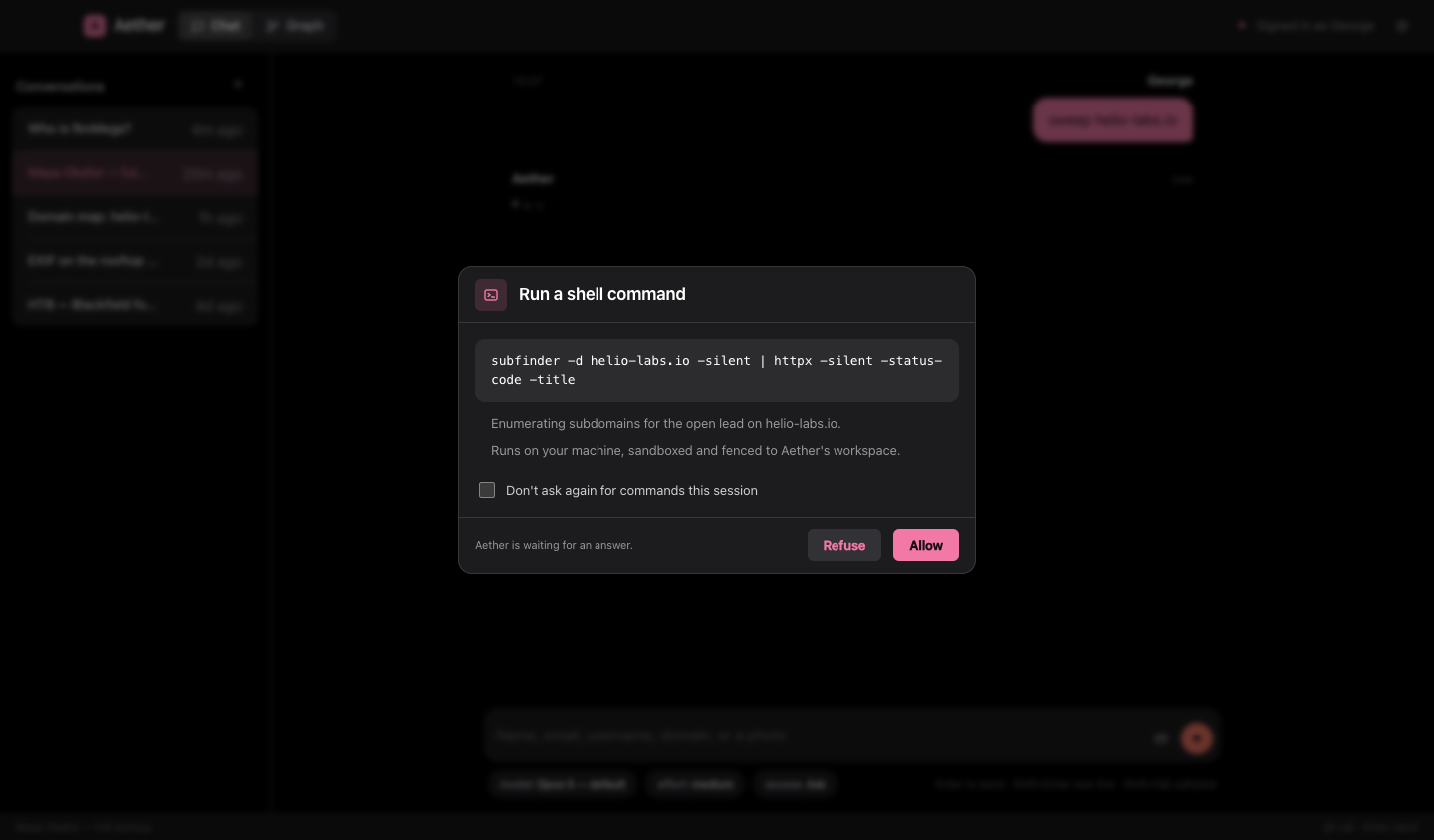
Every tool she runs shows up as a numbered line in an evidence log that stays with the turn — so a finding has an
address you can cite later, like 02.1. The moment she finds something she writes it into the graph, then flips its
status as she confirms it or rules it out.
The graph encodes meaning rather than decorating with it. Shape is the selector type — circles for identity, squares for infrastructure, diamonds for artifacts, triangles for contact details. The ring is the status: a solid ring is confirmed, a ring broken at twelve o'clock is an open lead, dashed is a candidate, and an excluded node is hatched and struck through. Roman type is established, italic is provisional. All of it survives a greyscale screenshot, and all of it reads the same in either theme. Nodes carry real pictures too: a face on a person, the site's favicon on an account, the photo itself on a photo node.
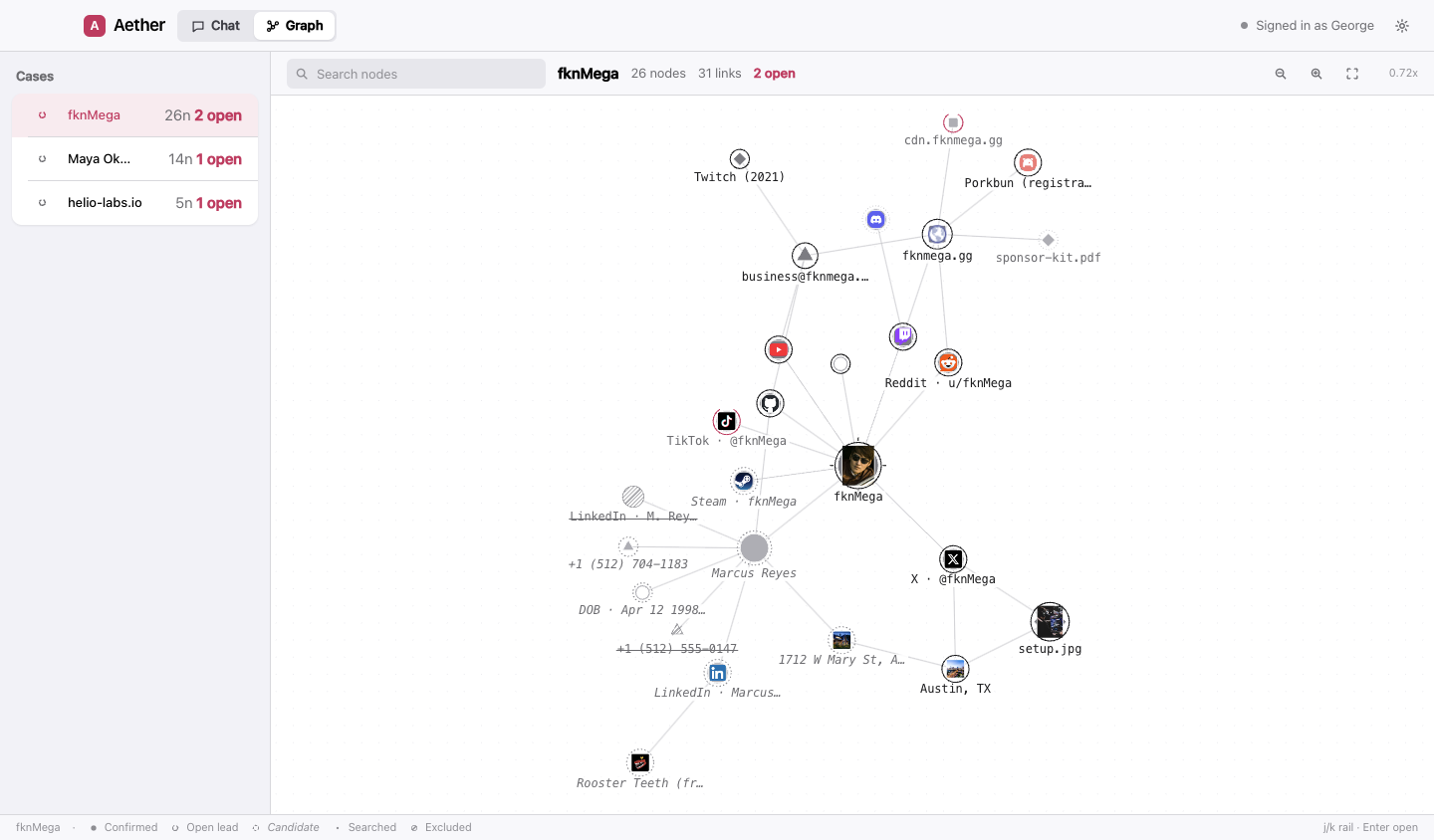
A live knowledge graph. A force-directed canvas you can pan, zoom and drag. Marks are shaped by selector type, ringed by status, sized by how connected they are, and carry real pictures where there are any. A node written mid-turn pulses one expanding ring, so you can see which of the four things a tool just reported actually landed. It's the main workspace, and it updates as the case builds.
A transcript you can cite. Answers stream in as she writes them, and every tool call is a numbered line in an evidence log that is stored with the turn instead of vanishing when it finishes.
Light and dark, both first-class. One palette, defined twice, with every pairing contrast-checked. The graph canvas reads from the same tokens as the DOM, so switching theme repaints it with no reload.