 aryanguenthner/darkfox
CTI 사이버 위협 인텔리전스 OSINT 다크 웹 딥 웹 조사. 랜섬웨어 갱 정보 수집 도구.

다크웹 CTI & OSINT 조사 프레임워크



⚠️ 법적 고지: DarkFox는 승인된 보안 연구, 사이버 위협 인텔리전스(CTI), 그리고 합법적인 OSINT 조사 전용으로 설계되었습니다. 사용자는 모든 관련 법률 및 규정을 준수할 책임이 있습니다. 컴퓨터 시스템에 대한 무단 접근은 불법입니다.
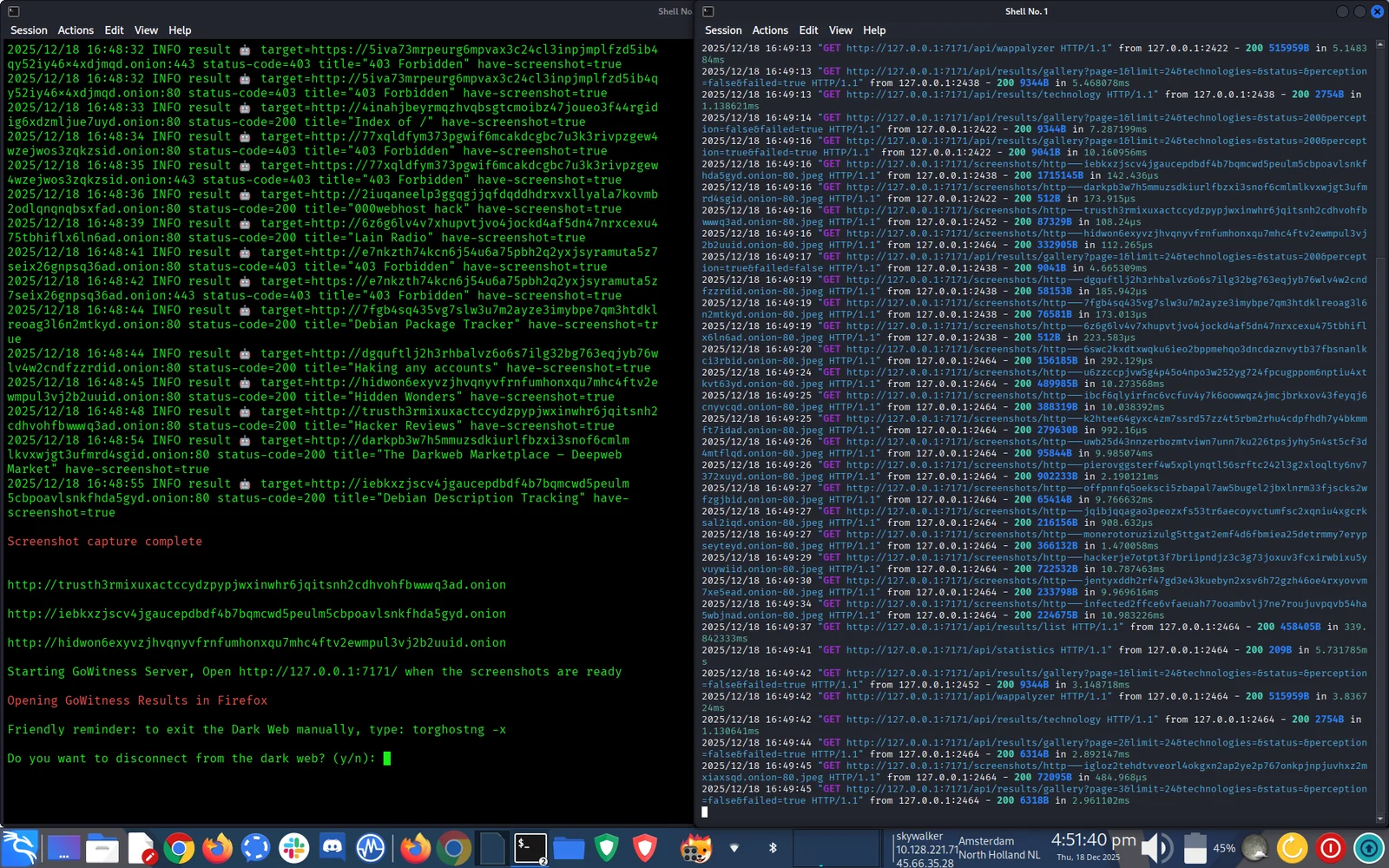
🦊 DarkFox는 OSINT/CTI 워크플로를 간소화하는 자동화된 다크웹 조사 프레임워크입니다:
적합한 대상:
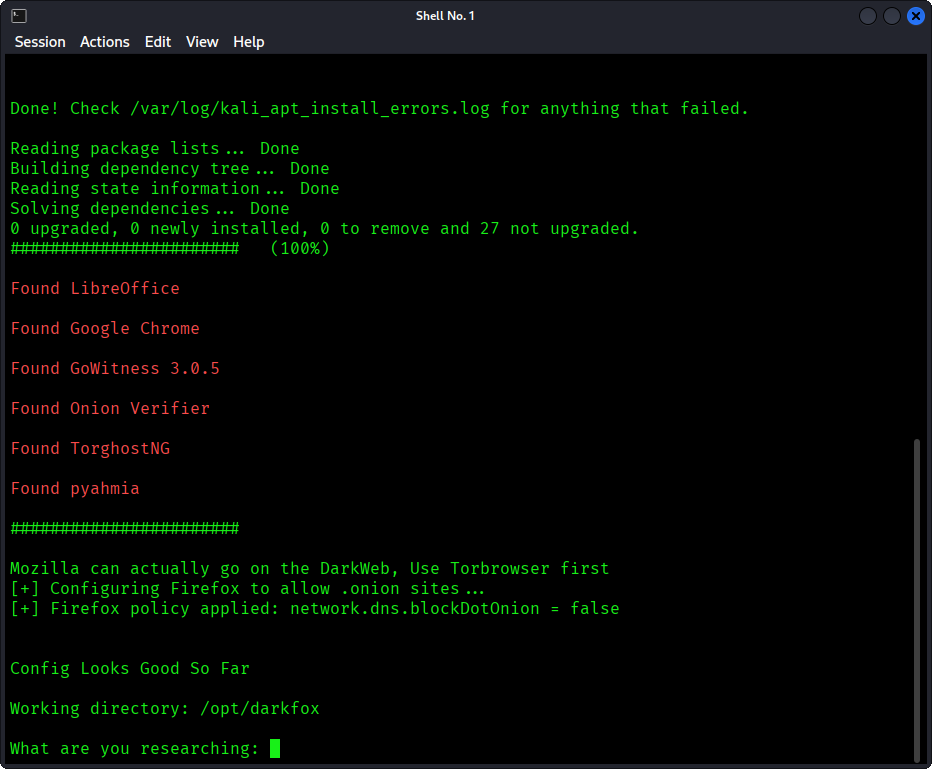
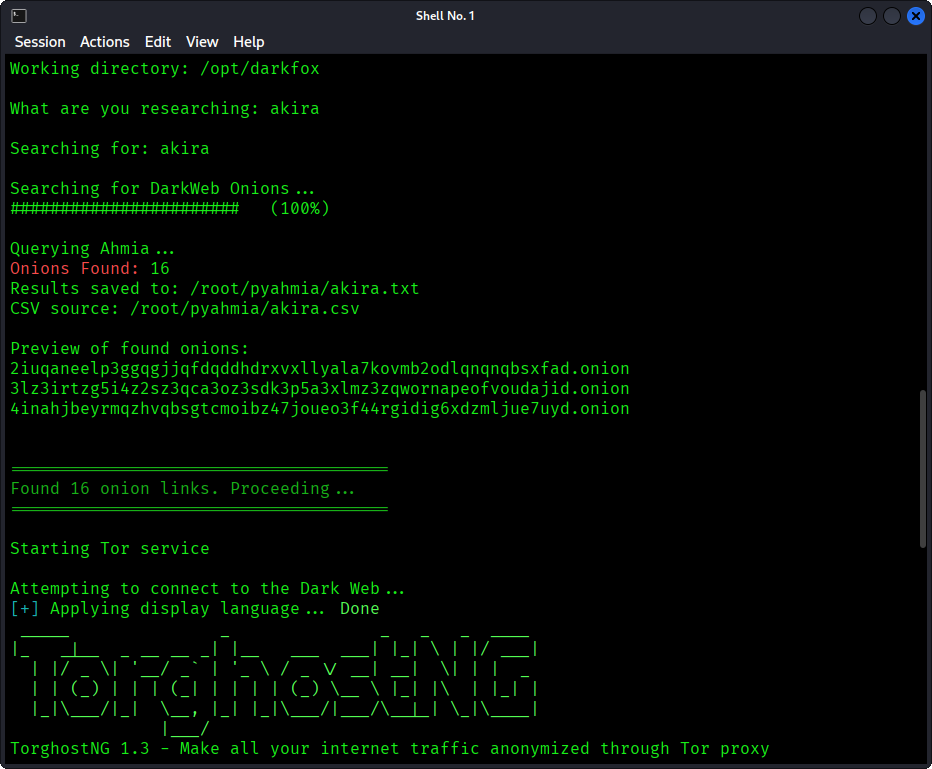
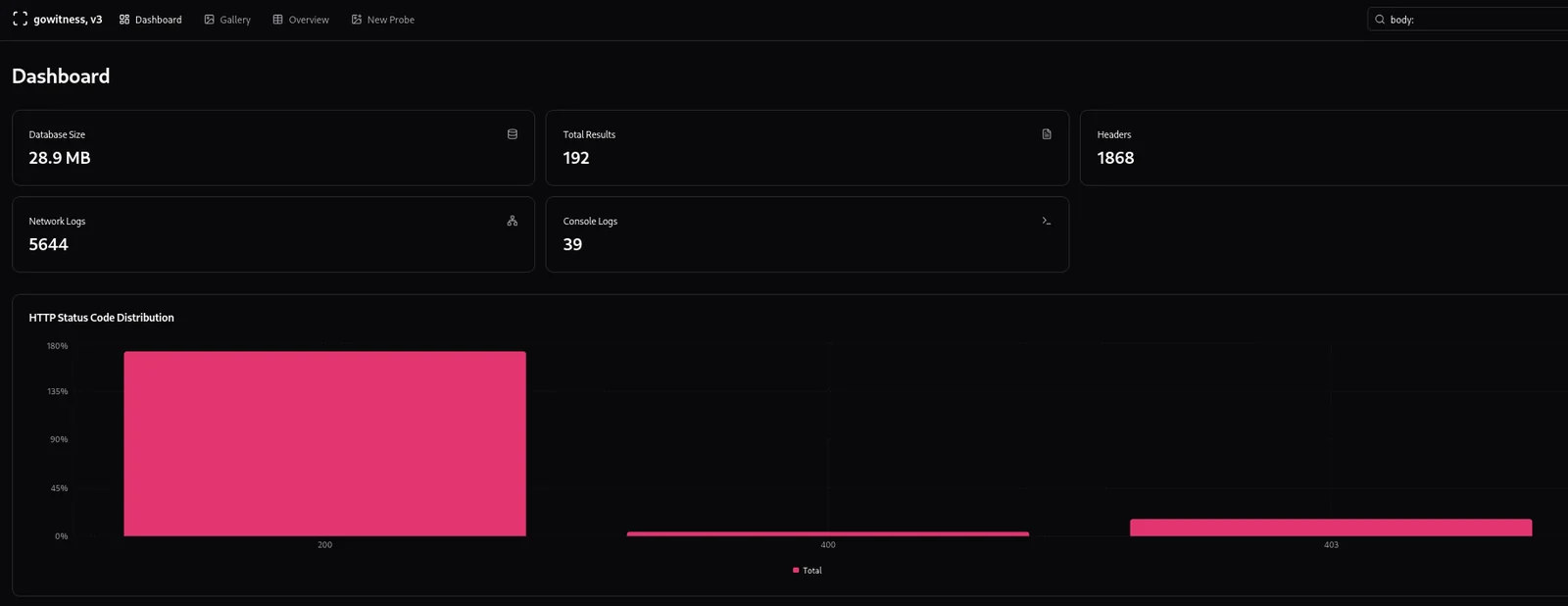
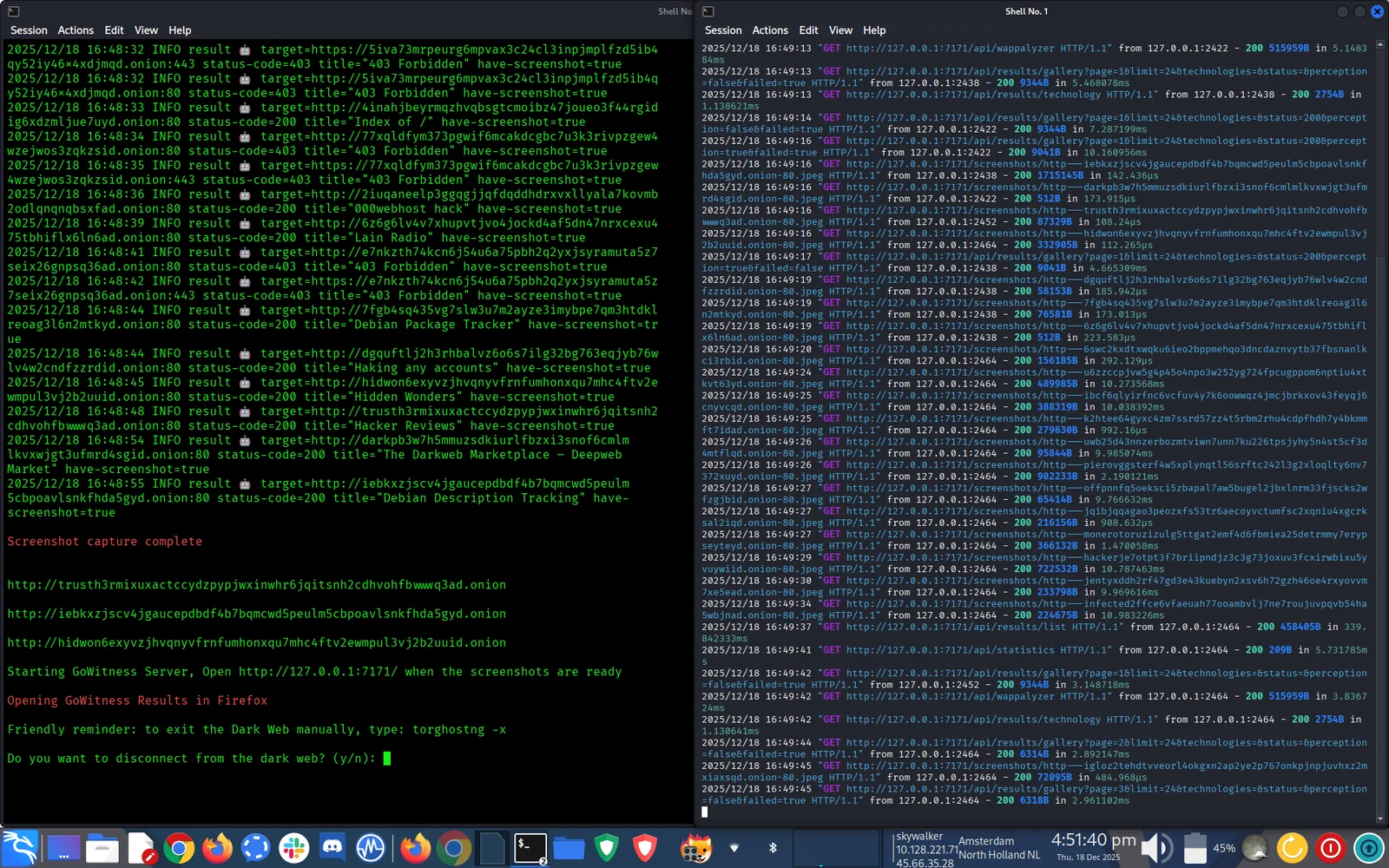

필수:
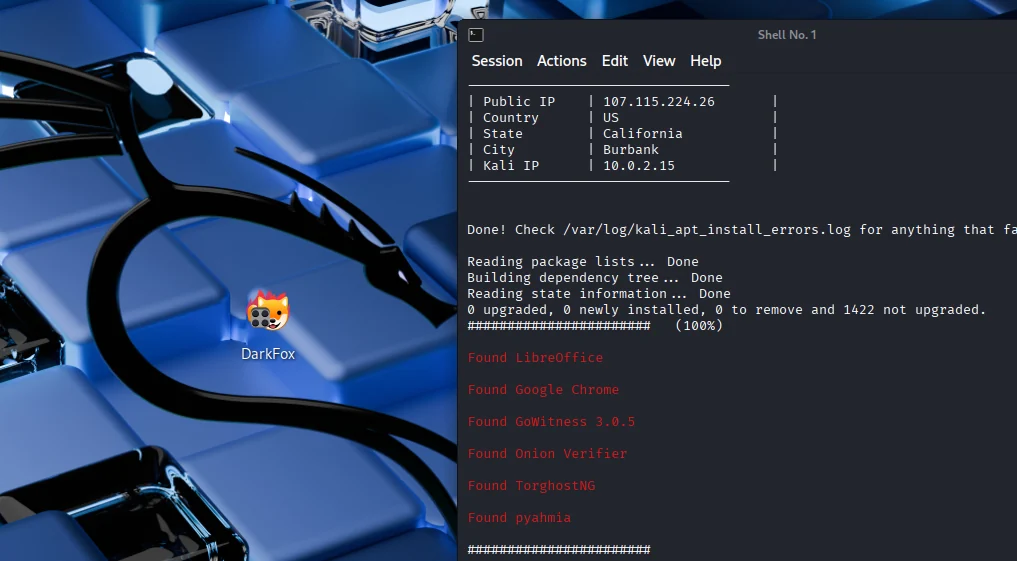
DarkFox 요구 사항:
# Clone the repository
sudo git clone https://github.com/aryanguenthner/darkfox /opt/darkfox

# Navigate to directory
cd /opt/darkfox

# Make scripts executable
sudo chmod +x darkfox.sh

# Run DarkFox
sudo bash darkfox.sh
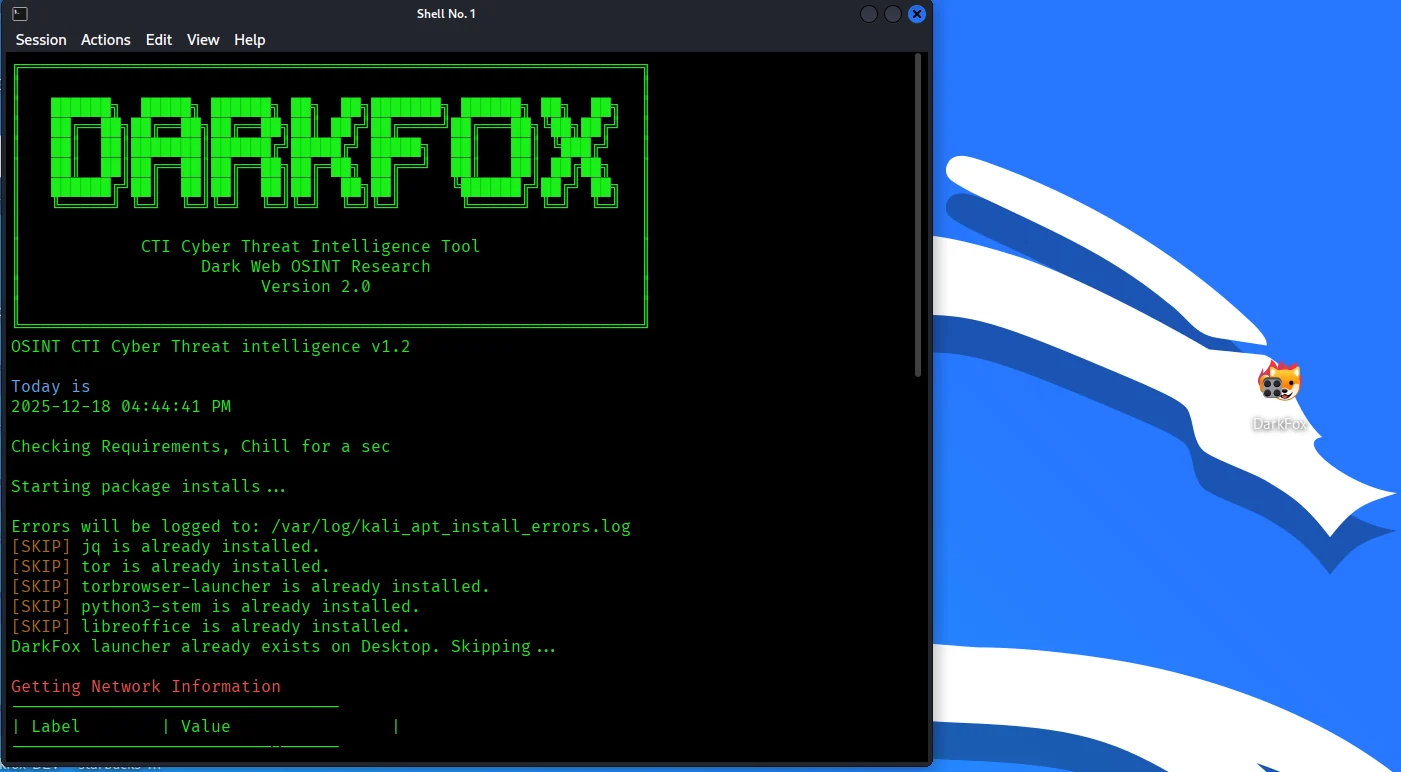
도구 실행:
sudo bash darkfox.sh
검색어를 입력하세요:
What are you researching: cybercrime forums
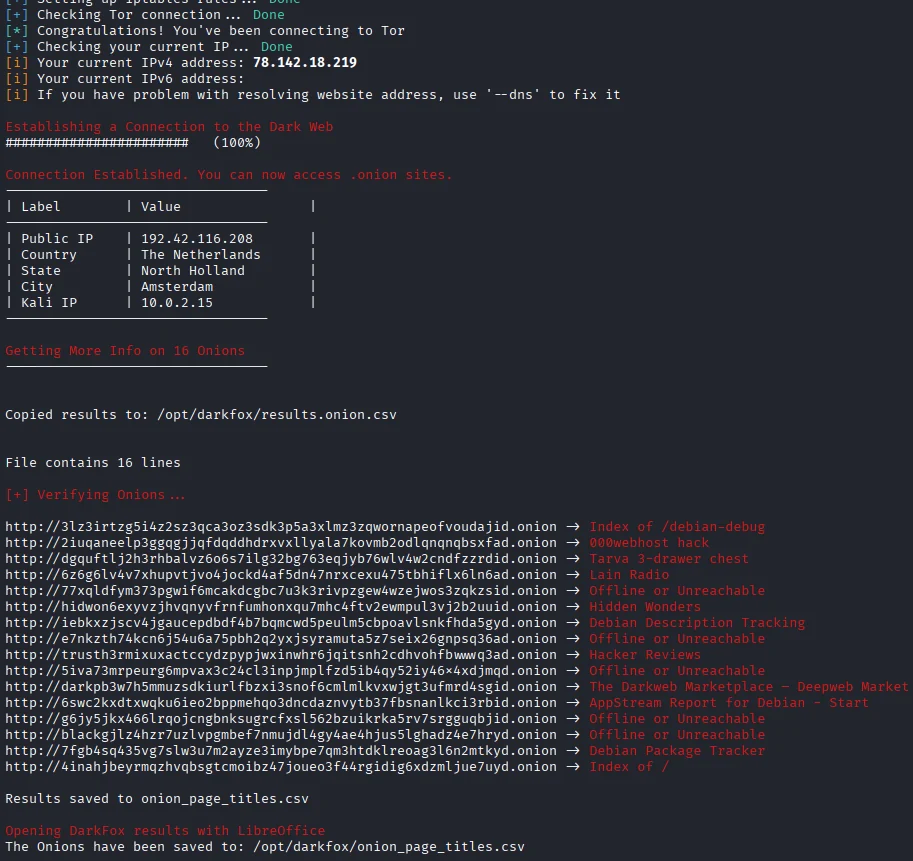
결과 대기:
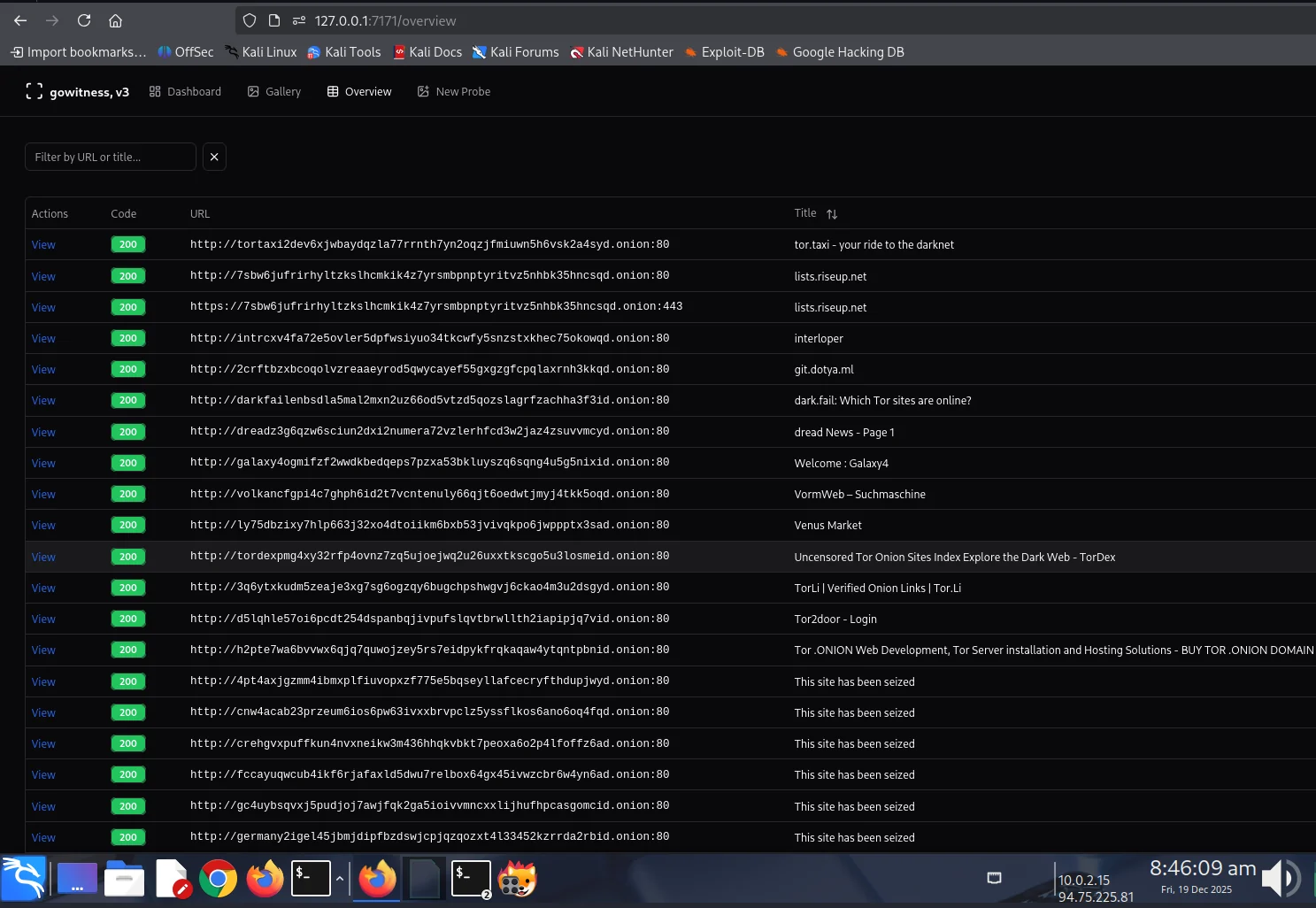
CTI 결과 검토:
sudo bash darkfox.sh
대화형 프롬프트를 따르세요:
사용자 지정 Tor 출구 국가:
darkfox.sh를 편집하고 다음을 수정하세요:
connect_tor_network "nl"  # Netherlands (default)
# Options: nl, cz, de, us, ca, mx, ru, br, gb, fr, etc.
# Exit the Tor: torghostng -x --dns
스크린샷 스레드 조정:
# In darkfox.sh, find GoWitness command:
--threads 10  # Increase for faster scanning (use with caution)
설치 후 DarkFox는 다음을 생성합니다:
/opt/darkfox/
├── investigations/              # All investigation results
│   └── [topic_name_timestamp]/  # Individual investigation
│       ├── results.onion.csv    # Raw search results
│       ├── onion_page_titles.csv # Verified sites with titles
│       ├── screenshots/         # GoWitness captures
│       └── gowitness.db        # Screenshot database
├── tools/
│   ├── gowitness              # Screenshot tool
│   └── onion_verifier.py      # Verification script
├── logs/
│   ├── tor_connection.log     # Tor connection logs
│   ├── verification.log       # Onion verification logs
│   └── gowitness.log         # Screenshot capture logs
└── venv/                      # Python virtual environment
| 도구 | 용도 | 버전 |
|---|---|---|
| Ahmia | 다크 웹 검색 엔진 | 0.7.3 |
| GoWitness | 스크린샷 캡처 | 3.0.5 |
| TorGhostNG | Tor 라우팅 및 익명성 | 최신 |
| LibreOffice Calc | 문서화 및 보고 | 최신 |
| Firefox ESR | .onion 사이트 탐색 | 최신 |
darkfox.sh - 메인 오케스트레이션 스크립트onion_verifier.py - .onion 주소 검증DarkFox가 방어하는 대상:
DarkFox가 방어하지 않는 대상:
항상 운영 보안(OPSEC)을 실천하세요!
# Check Tor service
sudo systemctl status tor

# Restart Tor
sudo systemctl restart tor

# Try different exit country
# Edit darkfox.sh: connect_tor_network "us"
# Check if running
ps aux | grep gowitness

# Manually download
cd /opt/darkfox/tools
wget https://github.com/sensepost/gowitness/releases/download/3.0.5/gowitness-3.0.5-linux-amd64 -O gowitness
chmod +x gowitness
# Fix ownership (replace 'kali' with your username)
sudo chown -R kali:kali /opt/darkfox/investigations

# Fix permissions
sudo chmod 755 /opt/darkfox
sudo chmod a+x /opt/darkfox/*.sh
# Manually configure Firefox
# Open Firefox, go to about:config
# Search: network.dns.blockDotOnion
# Set to: false
╔══════════════════════════════════════════════════════════════╗
║                        DarkFox v1.0                          ║
║            CTI Cyber Threat Intelligence Tool                ║
╚══════════════════════════════════════════════════════════════╝
