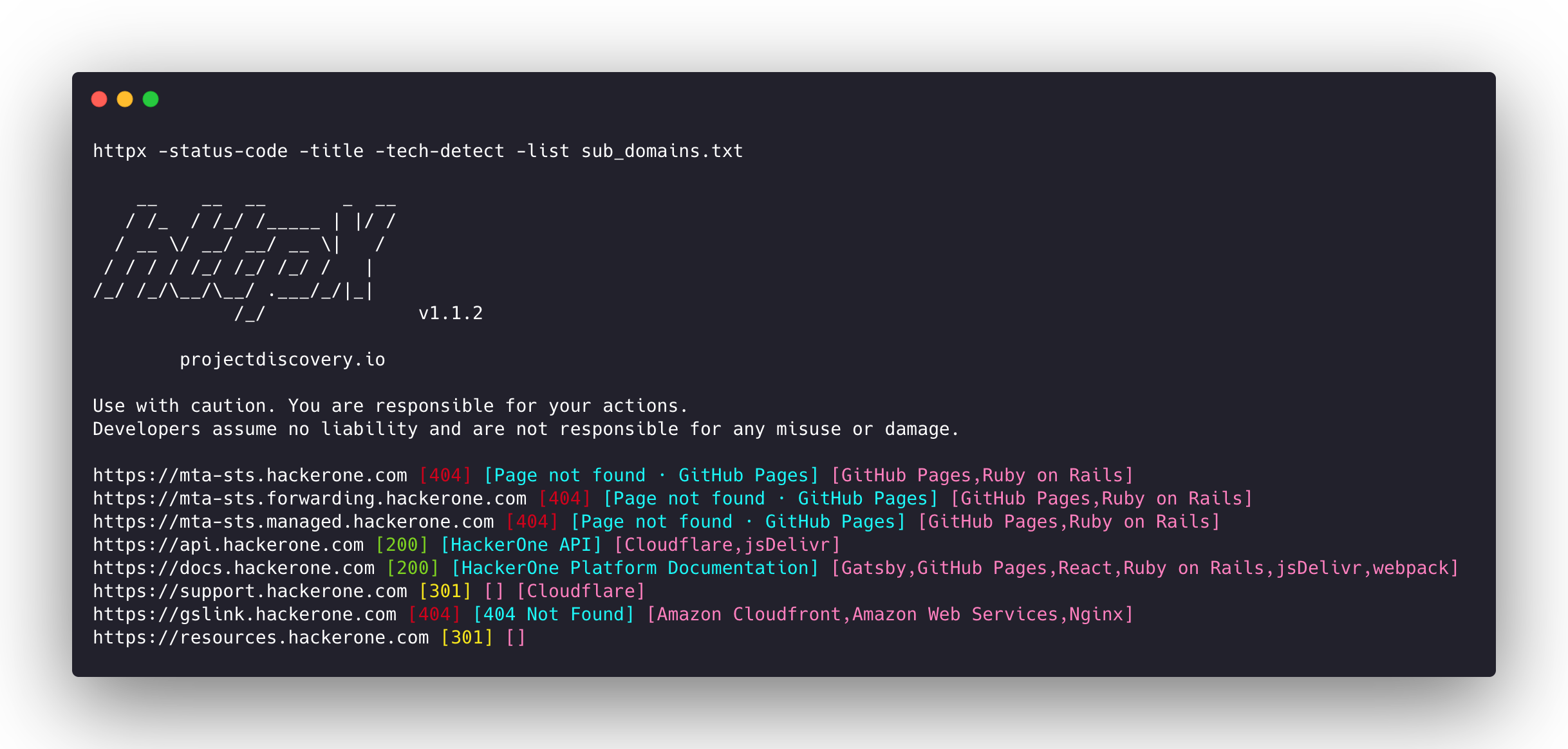
 projectdiscovery/httpx
高速なマルチプローブHTTPツールキット。偵察と情報収集のためのツール。TLS、CSP、ヘッダー、技術スタック、CDNをプローブします。マッチャー、フィルター、JSON出力に対応し、自動セキュリティテストが可能です。






機能 • インストール • 使用方法 • ドキュメント • 注意事項 • Discord に参加
httpx は、retryablehttp ライブラリを使用して複数のプローブを実行できる、高速で多目的な HTTP ツールキットです。スレッド数を増やしても結果の信頼性を維持できるように設計されています。
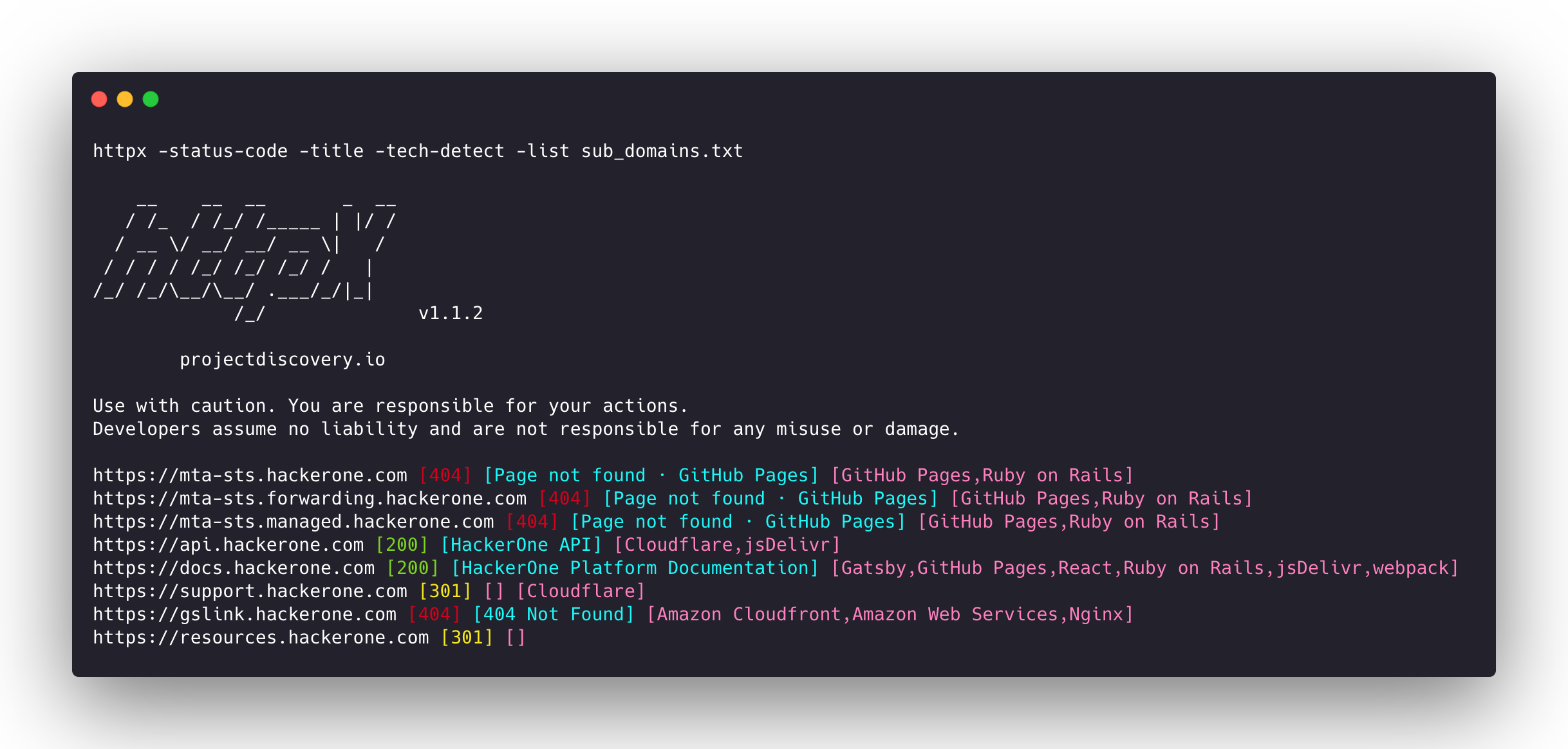
| プローブ | デフォルトチェック | プローブ | デフォルトチェック |
|---|---|---|---|
| URL | true | IP | true |
| タイトル | true | CNAME | true |
| ステータスコード | true | Raw HTTP | false |
| コンテンツ長 | true | HTTP2 | false |
| TLS 証明書 | true | HTTP パイプライン | false |
| CSP ヘッダー | true | バーチャルホスト | false |
| 行数 | true | 単語数 | true |
| Location ヘッダー | true | CDN | false |
| Web サーバー | true | パス | false |
| Web ソケット | true | ポート | false |
| 応答時間 | true | リクエストメソッド | true |
| Favicon ハッシュ | false | プローブステータス | false |
| ボディハッシュ | true | ヘッダーハッシュ | true |
| リダイレクトチェーン | false | URL スキーム | true |
| JARM ハッシュ | false | ASN | false |
httpx を正常にインストールするには go >=1.26.10 が必要です。リポジトリを取得するには次のコマンドを実行してください:
go install -v github.com/projectdiscovery/httpx/cmd/httpx@latest
httpxのインストール方法の詳細については、https://docs.projectdiscovery.io/tools/httpx/install を参照してください。
| ❗ 免責事項 |
|---|
| このプロジェクトは活発に開発中です。リリースごとに破壊的な変更が発生する可能性があります。更新前に変更履歴を確認してください。 |
| このプロジェクトは主にスタンドアロンのCLIツールとして使用されることを目的として構築されています。サービスとして実行するとセキュリティリスクが生じる可能性があります。 注意して使用し、追加のセキュリティ対策を講じることを推奨します。 |
httpx -h
これはツールのヘルプを表示します。サポートされているすべてのスイッチは以下のとおりです。
httpx is a fast and multi-purpose HTTP toolkit that allows running multiple probes using the retryablehttp library.

Usage:
  ./httpx [flags]

Flags:
INPUT:
   -l, -list string              input file containing list of hosts to process
   -rr, -request string          file containing raw request
   -u, -target string[]          input target host(s) to probe
   -im, -input-mode string       mode of input file (burp)

PROBES:
   -sc, -status-code                      display response status-code
   -cl, -content-length                   display response content-length
   -ct, -content-type                     display response content-type
   -location                              display response redirect location
   -favicon                               display mmh3 hash for '/favicon.ico' file
   -hash string                           display response body hash (supported: md5,mmh3,simhash,sha1,sha256,sha512)
   -jarm                                  display jarm fingerprint hash
   -rt, -response-time                    display response time
   -lc, -line-count                       display response body line count
   -wc, -word-count                       display response body word count
   -title                                 display page title
   -bp, -body-preview                     display first N characters of response body (default 100)
   -server, -web-server                   display server name
   -td, -tech-detect                      display technology in use based on wappalyzer dataset
   -cff, -custom-fingerprint-file string  path to a custom fingerprint file for technology detection
   -kb, -knowledge-base                   enable knowledge base classification
   -method                                display http request method
   -ws, -websocket                        display server using websocket
   -ip                                    display host ip
   -cname                                 display host cname
   -extract-fqdn, -efqdn                  get domain and subdomains from response body and header in jsonl/csv output
   -asn                                   display host asn information
   -cdn                                   display cdn/waf in use (default true)
   -probe                                 display probe status

HEADLESS:
   -ss, -screenshot                 enable saving screenshot of the page using headless browser
   -system-chrome                   enable using local installed chrome for screenshot
   -ho, -headless-options string[]  start headless chrome with additional options
   -esb, -exclude-screenshot-bytes  enable excluding screenshot bytes from json output
   -ehb, -exclude-headless-body     enable excluding headless header from json output
   -no-screenshot-full-page         disable saving full page screenshot
   -st, -screenshot-timeout value   set timeout for screenshot in seconds (default 10s)
   -sid, -screenshot-idle value     set idle time before taking screenshot in seconds (default 1s)
   -jsc, -javascript-code string[]  execute JavaScript code after navigation

MATCHERS:
   -mc, -match-code string            match response with specified status code (-mc 200,302)
   -ml, -match-length string          match response with specified content length (-ml 100,102)
   -mlc, -match-line-count string     match response body with specified line count (-mlc 423,532)
   -mwc, -match-word-count string     match response body with specified word count (-mwc 43,55)
   -mfc, -match-favicon string[]      match response with specified favicon hash (-mfc 1494302000)
   -ms, -match-string string[]        match response with specified string (-ms admin)
   -mr, -match-regex string[]         match response with specified regex (-mr admin)
   -mcdn, -match-cdn string[]         match host with specified cdn provider (cloudfront, fastly, google, etc.)
   -mrt, -match-response-time string  match response with specified response time in seconds (-mrt '< 1')
   -mdc, -match-condition string      match response with dsl expression condition

EXTRACTOR:
   -er, -extract-regex string[]   display response content with matched regex
   -ep, -extract-preset string[]  display response content matched by a pre-defined regex (url,ipv4,mail)