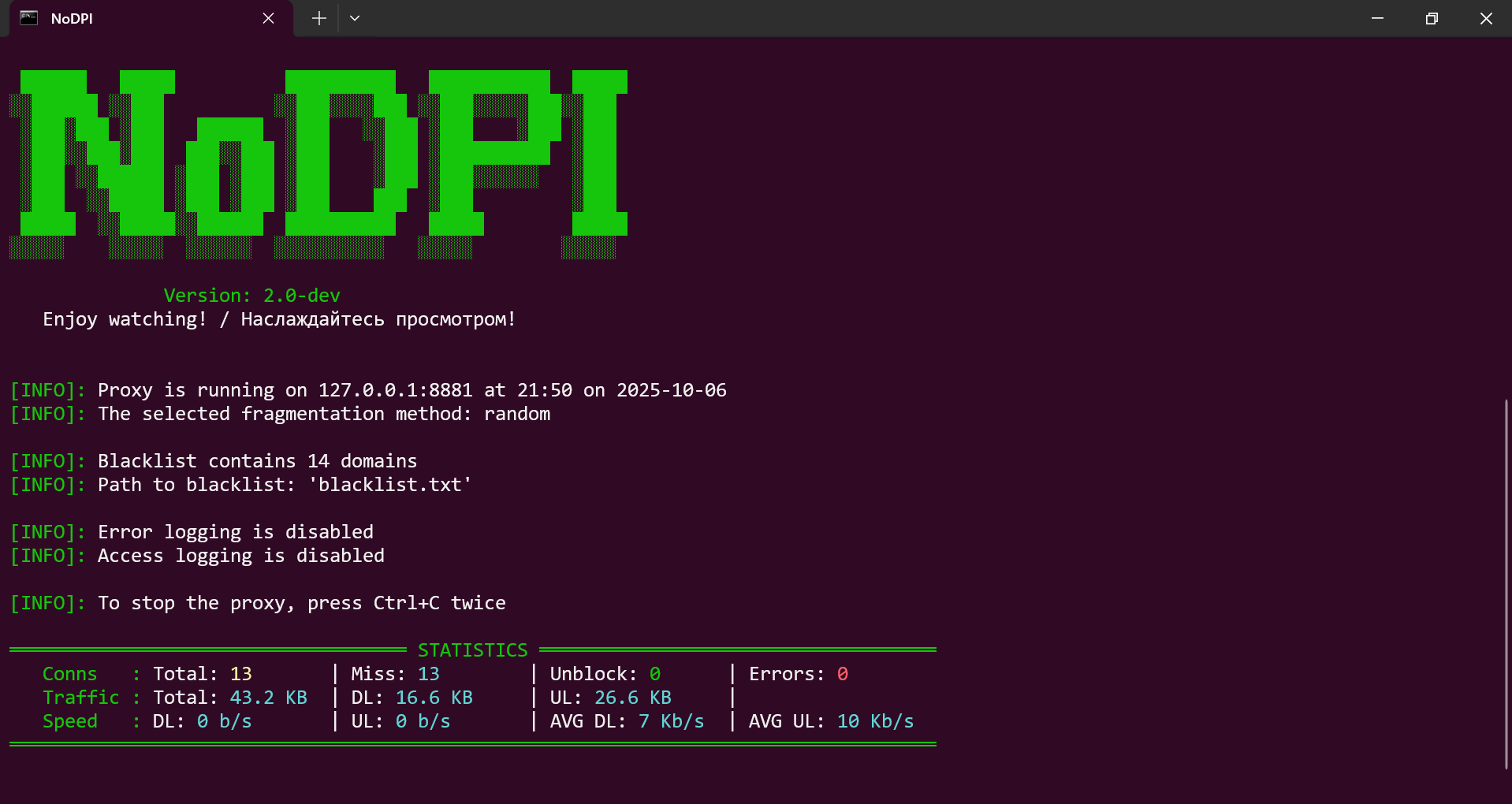
 gvcoder09/nodpi
Local proxy that bypasses Deep Packet Inspection by fragmenting TLS ClientHello packets, enabling access to blocked websites without requiring administrator rights.


Say NO to blocking!


[!IMPORTANT] This project is a fork of the repository https://github.com/theo0x0/nodpi and is developed independently. Do not confuse with https://github.com/raspabamos/nodpi !
[!NOTE] This version is for desktop systems. The Android version is available here: https://github.com/GVCoder09/NoDPI4Android
🌐 Website & Documentation - user-friendly guide and overview
Read this in other languages / Читайте на других языках
NoDPI is a utility designed to bypass DPI (Deep Packet Inspection). What is DPI? DPI is a technology for inspecting network packets based on their content to regulate and filter traffic. It is often used by internet service providers to censor and block access to certain web resources and protocols. The goal of this program is to "trick" DPI by modifying network packets, although in reality, this trickery is often simply a consequence of a lack of computing resources and time.
This utility was developed primarily for Russian users as a simpler (but less powerful) replacement for similar tools. In most cases, it gets the job done; in particular, it allows you to use YouTube without any problems.
But unfortunately, the absolute performance of this utility cannot be guaranteed. Some sites, such as YouTube, are good to unlock, while others, as Instagram.com or Facebook.com, require completely different methods for bypassing locks, which are not yet implemented in this utility from their low-leveling and difficulty. Sometimes, the performance of certain sites can also depend on the provider - how it blocks the site and what technical means applies.

NoDPI launches a proxy server on your computer through which you direct http(s) traffic. The program intercepts ClientHello of outing connections and fragments them according to the following method:
The packet contains a field that holds the SNI record. The ClientHello message is split into several TLS records: the portion preceding the SNI, the portion containing the SNI (character by character), and the portion following the SNI. A header indicating the ClientHello type is added to each of these parts. Unless out-of-order packet handling (disordering) is disabled, the first of these parts is sent with a TTL=1, causing it to be dropped by the nearest network device. As a result, the DPI (Deep Packet Inspection) system fails to identify the domain for which the connection is being established and allows the connection to proceed. The operating system subsequently retransmits the first part with a standard TTL.
Some providers let only part of such connections through. So if the server does not answer, NoDPI quickly tries again over a few new connections, using different methods, and keeps the first one that works. If nothing works within 8 seconds, the connection is closed instead of hanging until the browser times out. If a host fails like this twice in a row, NoDPI refuses connections to it for 5 minutes (disable with --no-skip-dead-hosts). Retries can be disabled with --no-retry.
Site names are resolved via DNS over HTTPS (Google, then Cloudflare, then the system DNS), so the provider cannot spoof DNS answers. Local names always use the system DNS. You can add your own server with --doh-server or disable this with --no-doh.
Also, the TLS version is replaced by version 1.3, which is the most modern (but this does not mean that your data begins to be transmitted according to the specifications of this version). All this together allows you to get around the lock.
[!IMPORTANT] NoDPI only works with HTTPS traffic. He can also take HTTP traffic, but purely for compatibility - sites working through this outdated protocol are practically not subject to unlock and the program simply sends traffic to the addressee.
NoDPI does not collect and does not send any data about you, does not use any third -party programs and libraries, does not interfere in the system processes and does not require administrator rights to work.
The entire NoDPI code is written exclusively on the Python and uses only its standard library.
As of October 2026, the following services and websites cannot be unblocked using NoDPI:
Please use GoodbyeDPI by @ValdikSS or another tools. All sites blocked by IP address are also unavailable.







