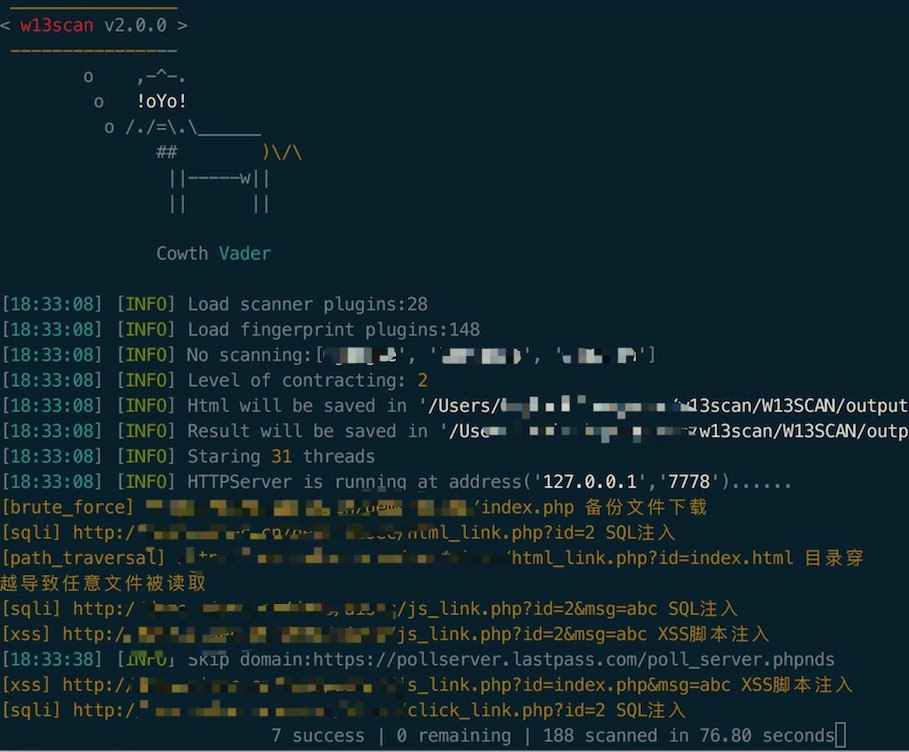
 w-digital-scanner/w13scan
Scanner di vulnerabilità web passivo e attivo con rilevamento basato su plugin per XSS, SQL injection, command injection e divulgazione di file sensibili. Supporta la modalità proxy e l'integrazione di crawling automatizzato.

W13scan è uno strumento open-source per la scoperta di vulnerabilità web basato su Python3. Supporta le modalità di scansione attiva e passiva e può funzionare su Windows, Linux e Mac.


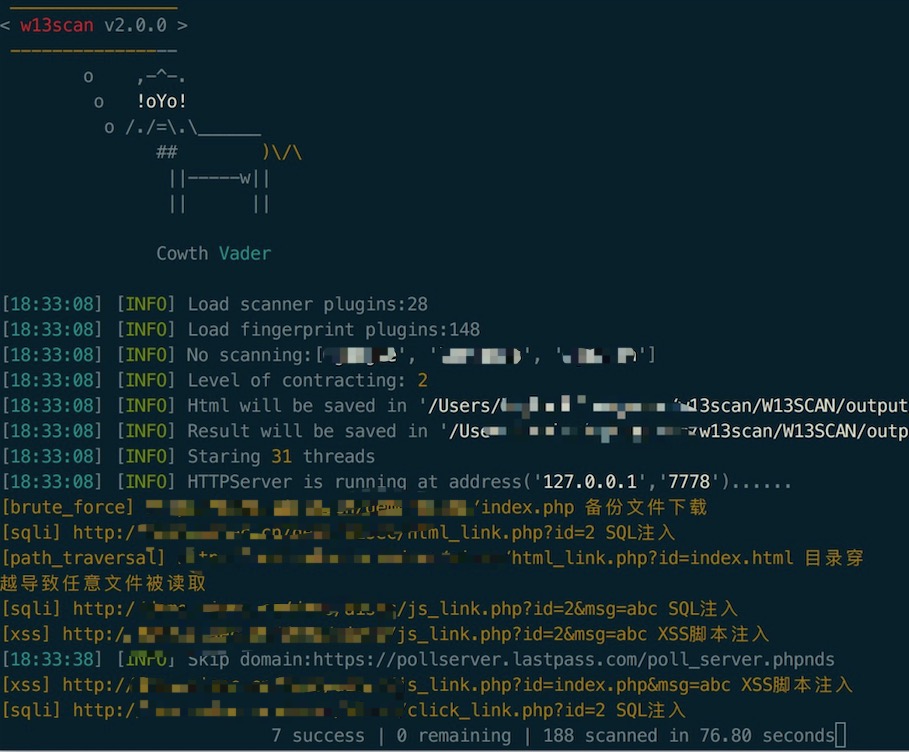
Codice sorgente del template HTML: w13scan-report
Prima di utilizzare W13Scan, rispetta le leggi locali. W13Scan è fornito esclusivamente per scopi educativi.
Rispetto ad altri strumenti di scansione professionali, w13scan ha i suoi vantaggi unici.
I professionisti della sicurezza potrebbero non fidarsi di alcun programma; l'unica cosa che può dare una certa fiducia è il codice open-source.
La sicurezza si basa sulla fiducia, e la fiducia richiede trasparenza e apertura. Il codice principale di w13scan è completamente open-source, chiunque può verificarne la sicurezza.
È possibile integrare facilmente funzionalità personalizzate in ambienti complessi e altamente specializzati seguendo la documentazione di sviluppo di w13scan.
w13scan è stato testato su diverse piattaforme di scansione. Di seguito il rapporto di test delle piattaforme:
| Nome piattaforma | Risultati scansione | Modalità scansione |
|---|---|---|
| WVS PHP Vulnweb | Visualizza | crawlergo+w13scan scansione automatica |
| WVS AJAX Vulnweb | Visualizza | Scansione passiva |
| demo.aisec.cn | Visualizza | Scansione passiva |
usage: w13scan [options]

optional arguments:
  -h, --help            show this help message and exit
  -v, --version         Show program's version number and exit
  --debug               Show programs's exception
  --level {1,2,3,4,5}   different level use different payload: 0-5 (default 2)

Proxy:
  Passive Agent Mode Options

  -s SERVER_ADDR, --server-addr SERVER_ADDR
                        server addr format:(ip:port)

Target:
  options has to be provided to define the target(s)

  -u URL, --url URL     Target URL (e.g. "http://www.site.com/vuln.php?id=1")
  -f URL_FILE, --file URL_FILE
                        Scan multiple targets given in a textual file

Request:
  Network request options

  --proxy PROXY         Use a proxy to connect to the target URL
                        eg:[email protected]:8080 or [email protected]:1080
  --timeout TIMEOUT     Seconds to wait before timeout connection (default 30)
  --retry RETRY         Time out retrials times.

Output:
  output

  --html                When selected, the output will be output to the output
                        directory by default, or you can specify
  --json JSON           The json file is generated by default in the output
                        directory, you can change the path

Optimization:
  Optimization options

  -t THREADS, --threads THREADS
                        Max number of concurrent network requests (default 31)
  --disable DISABLE [DISABLE ...]
                        Disable some plugins (e.g. --disable xss sqli_error
                        webpack)
  --able ABLE [ABLE ...]
                        Enable some moudle (e.g. --enable xss webpack)
Per installare w13scan è necessario un ambiente Python 3.6 o superiore.
git clone https://github.com/w-digital-scanner/w13scan.git
cd w13scan # entra nella directory git
pip3 install -r requirements.txt
cd W13SCAN # entra nella directory del codice sorgente
python3 w13scan.py -h
python3 w13scan.py -s 127.0.0.1:7778 --html # La porta può essere omessa, default 7778. Con --html si genera un report HTML in tempo reale
Per far supportare HTTPS alla modalità passiva di w13scan, avvia prima w13scan, poi visita nel browser http://w13scan.ca per scaricare e fidarti del certificato.
-u     Scansiona un singolo URL
--file Leggi gli URL da un file e scansiona
w13scan analizza i parametri dell'URL e utilizza i plugin per la scansione, ma non esegue crawling.
Nella directory crawlergo_example, spider.py mostra come integrarsi con il crawler crawlergo.
Modifica le impostazioni relative alla piattaforma di callback in config.py, ad esempio:
# REVERSE
USE_REVERSE = True  # Imposta a True per utilizzare la piattaforma di callback
REVERSE_HTTP_IP = "127.0.0.1"  # Indirizzo IP HTTP di callback, deve essere l'IP del server, non 0.0.0.0
REVERSE_HTTP_PORT = 9999  # Porta HTTP di callback

REVERSE_DNS = "dnslog.w13scan.hacking8.com" # Modifica con il tuo dominio e punta i DNS all'IP del server

REVERSE_RMI_IP = "127.0.0.1"  # Indirizzo IP Java RMI di callback, deve essere l'IP del server, non 0.0.0.0
REVERSE_RMI_PORT = 10002  # Porta Java RMI di callback

REVERSE_SLEEP = 5  # Ritardo di verifica dopo il callback, in secondi
Successivamente avvia la piattaforma di callback:
python3 reverse.py
Poi avvia w13scan
w13scan è open-source e invitiamo i ricercatori di sicurezza a integrarlo nei propri scanner.

