
 projectdiscovery/katana
Un framework di crawling e spidering di nuova generazione.





Funzionalità • Installazione • Utilizzo • Scope • Configurazione • Filtri • Unisciti a Discord
katana richiede Go 1.26+ per essere installato correttamente. Se riscontri problemi di installazione, ti consigliamo di provare con l'ultima versione disponibile di Go, poiché la versione minima richiesta potrebbe essere cambiata. Esegui il comando seguente oppure scarica un binario precompilato dalla pagina delle release.```console CGO_ENABLED=1 go install github.com/projectdiscovery/katana/cmd/katana@latest
**Ulteriori opzioni per installare / eseguire katana-**

<details>
  <summary>Docker</summary>

> Per installare / aggiornare docker all'ultimo tag -```sh
docker pull projectdiscovery/katana:latest
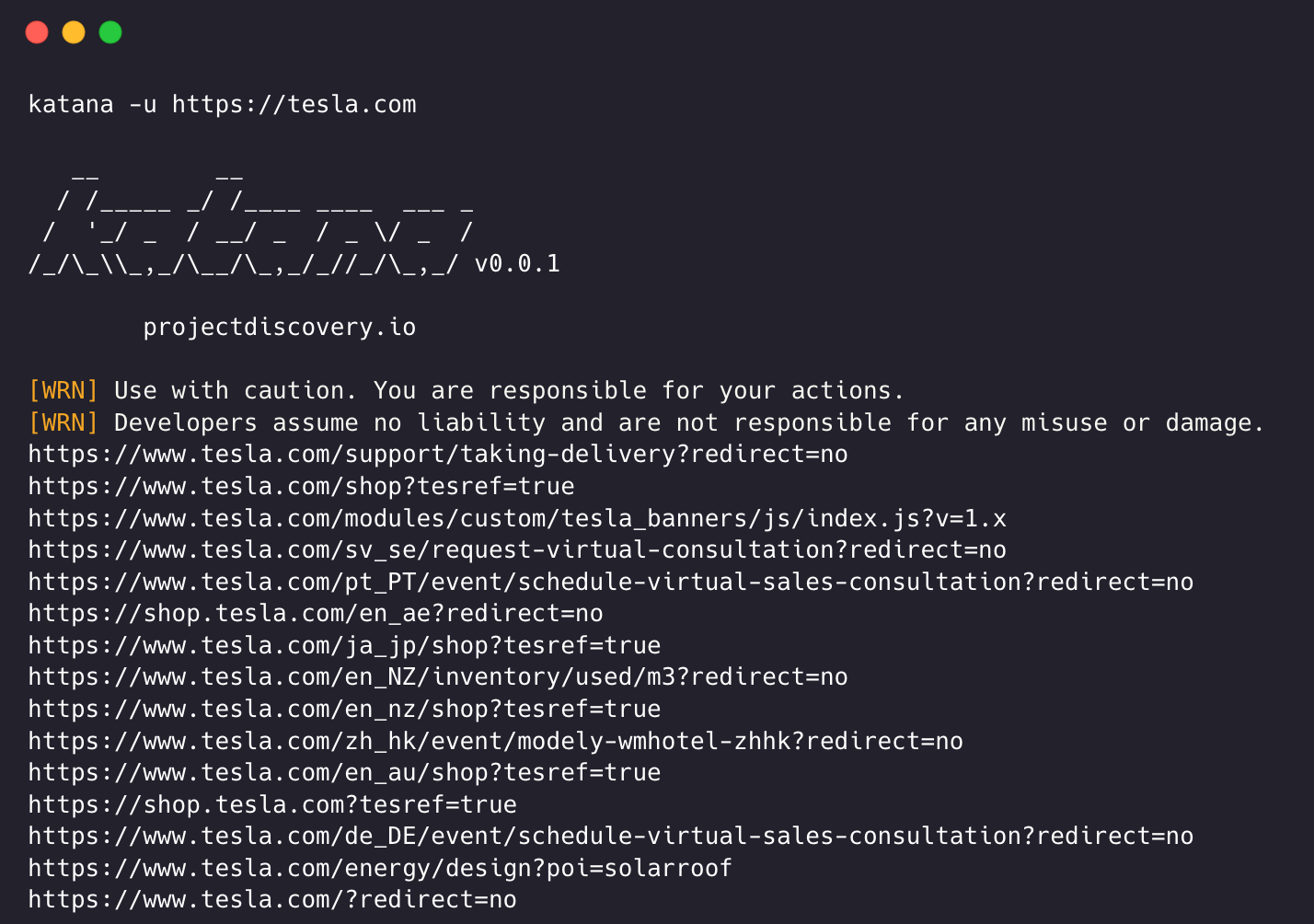
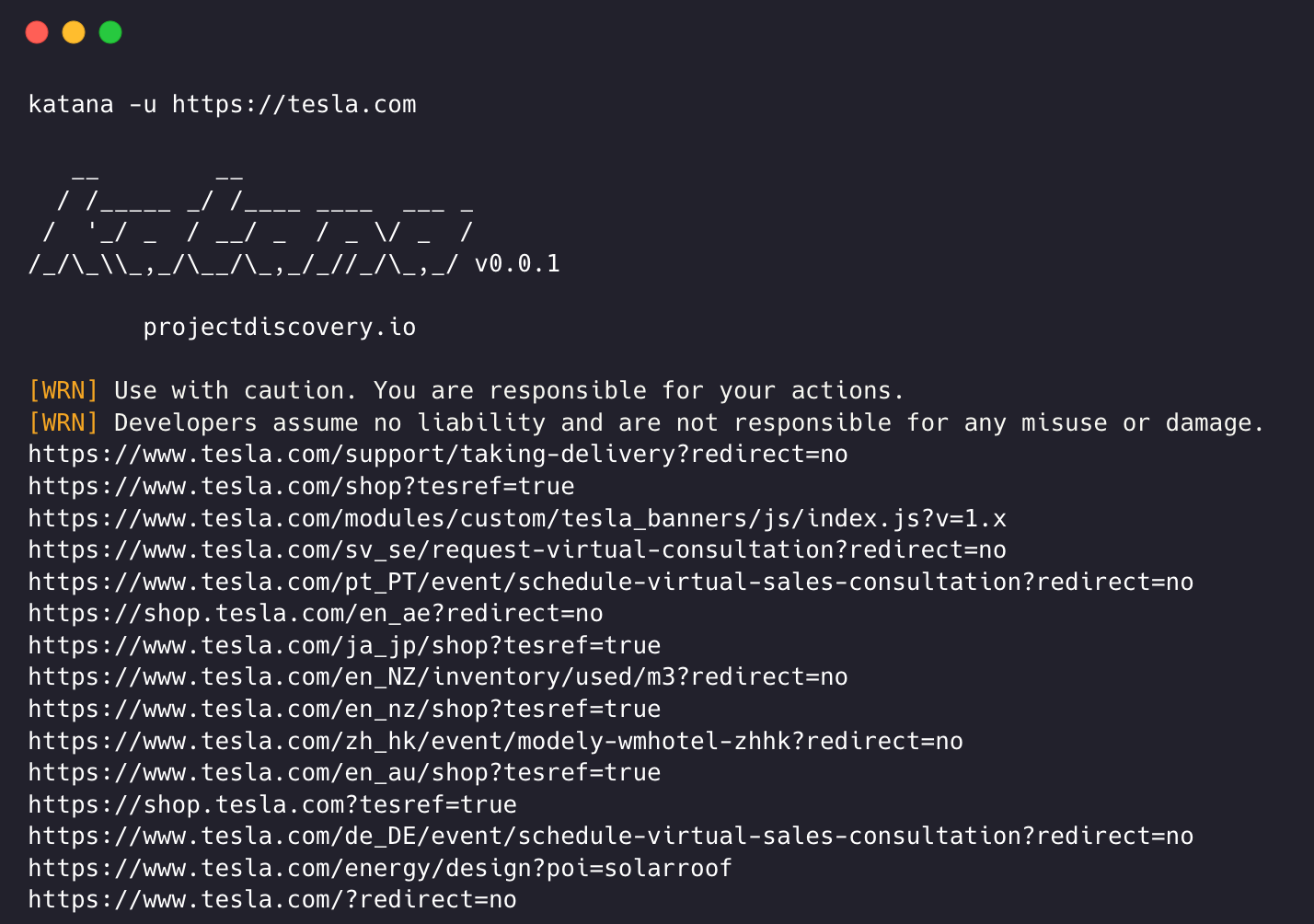
Per eseguire katana in modalità standard usando docker -```sh docker run projectdiscovery/katana:latest -u https://tesla.com
> Per eseguire katana in modalità headless usando Docker -```sh
docker run projectdiscovery/katana:latest -u https://tesla.com -system-chrome -headless
Si consiglia di installare i seguenti prerequisiti -```sh sudo apt update sudo apt install zip curl wget git snapd sudo snap refresh sudo snap install golang --classic
sudo install -d -m 0755 /etc/apt/keyrings
curl -fsSL https://dl.google.com/linux/linux_signing_key.pub
| sudo gpg --dearmor -o /etc/apt/keyrings/google-chrome.gpg
echo "deb [arch=amd64 signed-by=/etc/apt/keyrings/google-chrome.gpg]
http://dl.google.com/linux/chrome/deb/ stable main"
| sudo tee /etc/apt/sources.list.d/google-chrome.list > /dev/null
sudo apt update sudo apt install google-chrome-stable
> installa katana -```sh
go install github.com/projectdiscovery/katana/cmd/katana@latest
katana -h
Questo mostrerà la guida per lo strumento. Ecco tutti gli switch supportati.```console
Katana is a fast crawler focused on execution in automation
pipelines offering both headless and non-headless crawling.

Usage:
  ./katana [flags]

Flags:
INPUT:
   -u, -list string[]     target url / list to crawl
   -resume string         resume scan using resume.cfg
   -e, -exclude string[]  exclude host matching specified filter ('cdn', 'private-ips', cidr, ip, regex)

CONFIGURATION:
   -r, -resolvers string[]       list of custom resolver (file or comma separated)
   -d, -depth int                maximum depth to crawl (default 3)
   -jc, -js-crawl                enable endpoint parsing / crawling in javascript file
   -jsl, -jsluice                enable jsluice parsing in javascript file (memory intensive)
   -ct, -crawl-duration value    maximum duration to crawl the target for (s, m, h, d) (default s)
   -kf, -known-files string      enable crawling of known files (all,robotstxt,sitemapxml), a minimum depth of 3 is required to ensure all known files are properly crawled.
   -mrs, -max-response-size int  maximum response size to read (default 4194304)
   -timeout int                  time to wait for request in seconds (default 10)
   -aff, -automatic-form-fill    enable automatic form filling (experimental)
   -fx, -form-extraction         extract form, input, textarea & select elements in jsonl output
   -retry int                    number of times to retry the request (default 1)
   -proxy string                 http/socks5 proxy to use
   -td, -tech-detect             enable technology detection
   -H, -headers string[]         custom header/cookie to include in all http request in header:value format (file)
   -config string                path to the katana configuration file
   -fc, -form-config string      path to custom form configuration file
   -flc, -field-config string    path to custom field configuration file
   -s, -strategy string          Visit strategy (depth-first, breadth-first) (default "depth-first")
   -iqp, -ignore-query-params    Ignore crawling same path with different query-param values
   -fsu, -filter-similar         filter crawling of similar looking URLs (e.g., /users/123 and /users/456)
   -fst, -filter-similar-threshold int  number of distinct values before a path position is treated as parameter (default 10)
   -tlsi, -tls-impersonate       enable experimental client hello (ja3) tls randomization
   -dr, -disable-redirects       disable following redirects (default false)
   -pcs, -page-content-similar   enable page content similarity filtering (simhash|tfidf|bm25)
   -pcsm, -page-content-similar-mode string  similarity mode: simhash, tfidf, or bm25 (default simhash)
   -pcsd, -page-content-similar-distance int  simhash max hamming distance (default 3)
   -pcst, -page-content-similar-threshold float  tfidf/bm25 min score 0-1 (default 0.85)
   -pcsn, -page-content-similar-budget int  pages to fully process per similarity cluster (default 1)
   -sdd, -similarity-deduplication  alias for -pcs
   -kb, -knowledge-base          enable knowledge base classification
   -kb-secrets                   enable secrets extractor in the knowledge base
   -kb-validate-secrets          validate detected secrets against their provider (sends live API calls)
   -kb-endpoints                 enable endpoints extractor (classifies REST/GraphQL/SOAP/XHR requests)
   -mdp, -max-domain-pages int   maximum number of pages to crawl per domain (default unlimited)

DEBUG:
   -health-check, -hc        run diagnostic check up
   -elog, -error-log string  file to write sent requests error log
   -pprof-server             enable pprof server
