
Skip to content
KitploitKITPLOIT
StrumentiExploitsBlog
Invia
StrumentiExploitsBlog
Invia

Strumenti di Hacking, PenTest e Cybersecurity per il tuo Arsenale di Sicurezza!

Kitploit è una directory di strumenti di hacking, cybersecurity e pentesting. Scopri gli ultimi aggiornamenti dei progetti per trovare vulnerabilità, analizzare sistemi, automatizzare i test e rafforzare la tua sicurezza.

··Feed·Contatto·Privacy·© 2026 Kitploit

Directory degli strumenti

Categorie

Vedi tutte le categorie
Loading categories
wyze-bulb-color-pwned — No-open firmware exploit for the Wyze WLPA19CV2 color bulb | Kitploit
Strumenti/GitHubGitHub/nickdaria/wyze-bulb-color-pwned
Embedded Systems SecurityIoT SecurityExploitationReverse EngineeringWireless SecurityHardware HackingFirmware Analysis
GitHubnickdaria/wyze-bulb-color-pwned

wyze-bulb-color-pwned

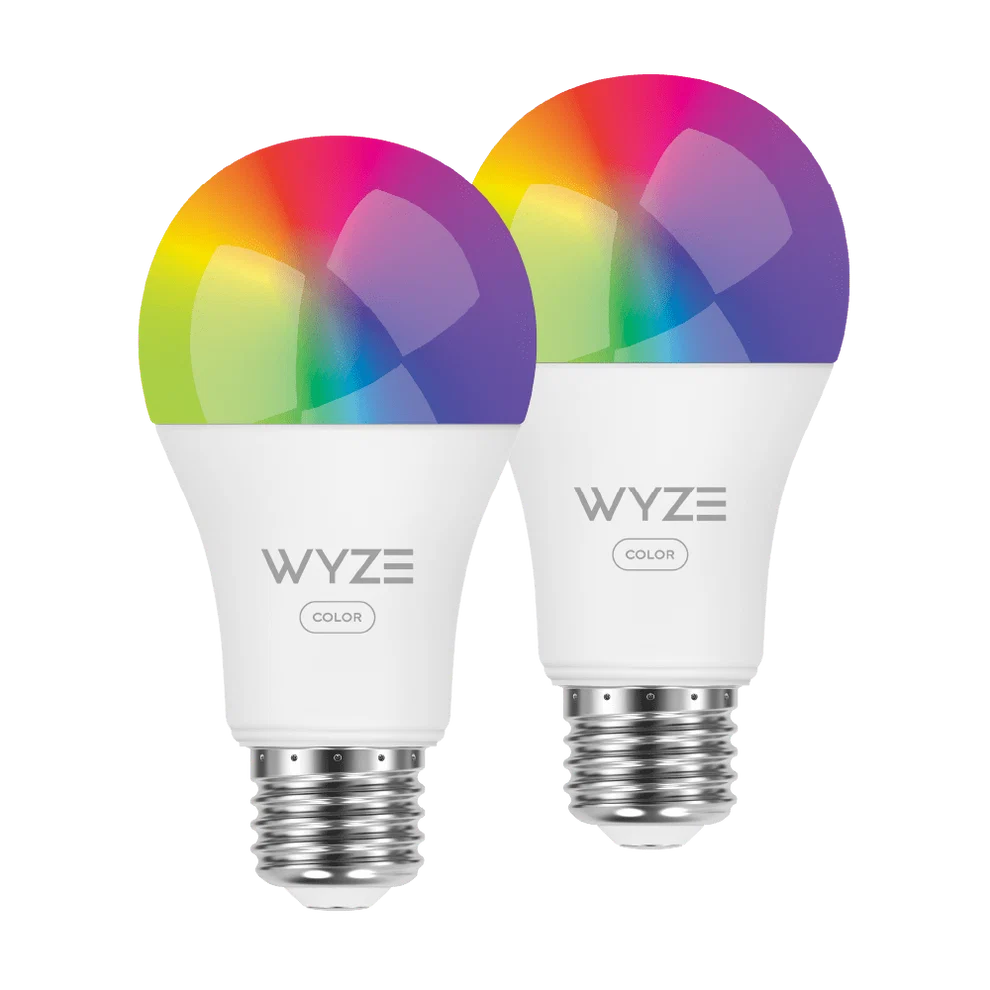
No-open firmware exploit for the Wyze WLPA19CV2 color bulb
Vedi Repository
813820 giorni faNon ancora revisionato

Più Popolari

Vedi tutti →

Scopri gli strumenti più utilizzati dalla nostra community.

Esplora tutti gli strumenti

Sfoglia la nostra collezione di strumenti

Vedi tutti gli strumenti →
Condividi
Contenuto non disponibile nella lingua richiesta. Visualizzazione della versione inglese.

wyze-bulb-color-pwned

Wireless exploit for the Wyze WLPA19CV2 color bulb

Overview

The Wyze Color WLPA19CV2 bulbs have a factory test mode which allows a custom OTA image to be flashed wirelessly through a specific sequence of power cycling.

This project provides

  • An implementation and guide to obtain code execution
  • A loader to connect and manage the bulb
  • An ESPHome implementation for tying in to Home Assistant

Usage

"To break the lock on this ESP32, we're going to use an ESP32"
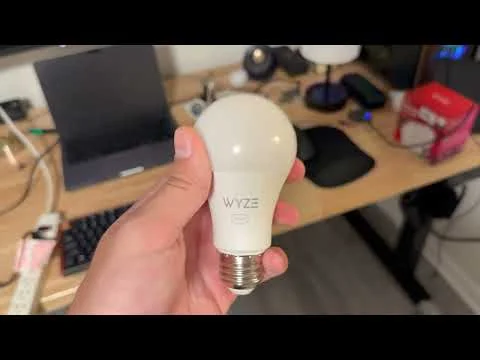
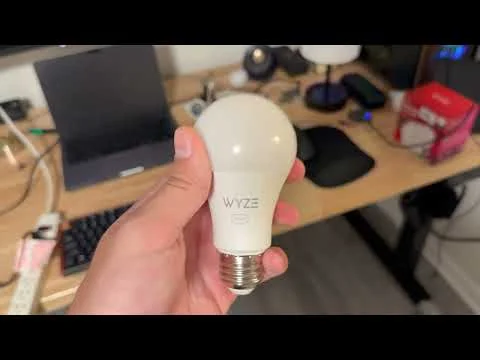
Demo

Video demo

  1. Flash wyze-hijack-ap to an ESP32S3. Keep it powered on near the bulb.
    • Easy: wyze-hijack-ap Web Flasher
    • Advanced: build from source, idf.py
  2. Put the bulb into something easy to switch like a wall switched circuit or a power strip
  3. Repeat the following until you see the light turn blue, then leave it on
    • Turn power on until you see the green light fade on, immediately shut it back off
    • Keep power off for 5 seconds
    • NOTE: If your bulb has already been setup, the first few cycles will do the factory reset. It should start turning green after 3-4 cycles.
  4. After ~17 cycles, the light should be blue for a moment. Sit tight while the exploit runs
  5. After ~30 seconds, the exploit should be complete and your bulb should turn purple to indicate the wyze-loader payload is running

Success!

The bulb now boots to the wyze-loader, which hosts an AP called wyze-loader_XXXXXX. Connect to this AP and navigate to http://192.168.4.1.

To set up with ESPHome, continue to the ESPHome guide.

The project

Why

I bought these at Microcenter and don't like that you need the cloud for control with Home Assistant. I wanted to flash Tasmota but the board was different.

Ironically, I started this to avoid spending half an hour soldering and instead wasted a weekend reverse engineering and developing.

How

See docs/METHODOLOGY.md

Todo

See docs/TODO.md

Scarica lo strumento