 edoardottt/scilla
Strumento di raccolta informazioni - Enumerazione di DNS / Sottodomini / Porte / Directory


🏴☠️ Strumento di Information Gathering 🏴☠️ - Enumerazione DNS / Sottodomini / Porte / Directory

Scritto con 💙 da edoardottt
Condividi su Twitter!
Installa • Per Iniziare • Esempi • Changelog • Contribuire • Licenza
brew install scilla
sudo snap install scilla
go install -v github.com/edoardottt/scilla/cmd/scilla@latest
Hai bisogno di Go (>=1.23)
git clone https://github.com/edoardottt/scilla.git
cd scilla
go get ./...
make linux # (to install)
make unlinux # (to uninstall)
Modifica il file ~/.config/scilla/keys.yaml se vuoi usare le API keys.
One-liner: git clone https://github.com/edoardottt/scilla.git && cd scilla && go get ./... && make linux
Nota che l'eseguibile funziona solo nella cartella cariddi (Alias?).
git clone https://github.com/edoardottt/scilla.git
cd scilla
.\make.bat windows # (to install)
.\make.bat unwindows # (to uninstall)
Crea un file keys.yaml se vuoi usare le API keys.
docker build -t scilla .
docker run scilla help
Enumerazione DNS:
scilla dns -target example.comscilla dns -oj output -target example.comscilla dns -oh output -target example.comscilla dns -ot output -target example.comscilla dns -plain -target example.comEnumerazione sottodomini:
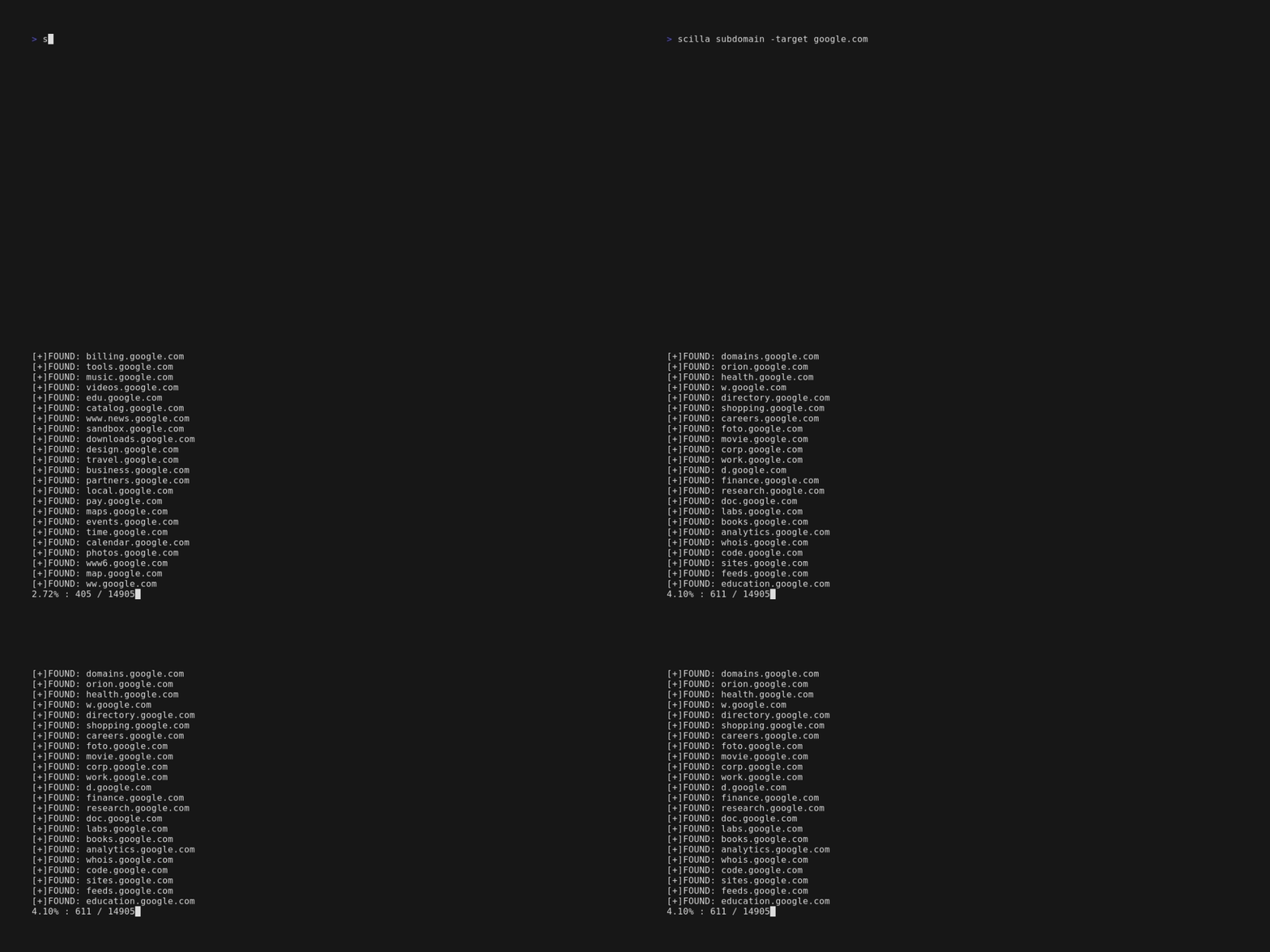
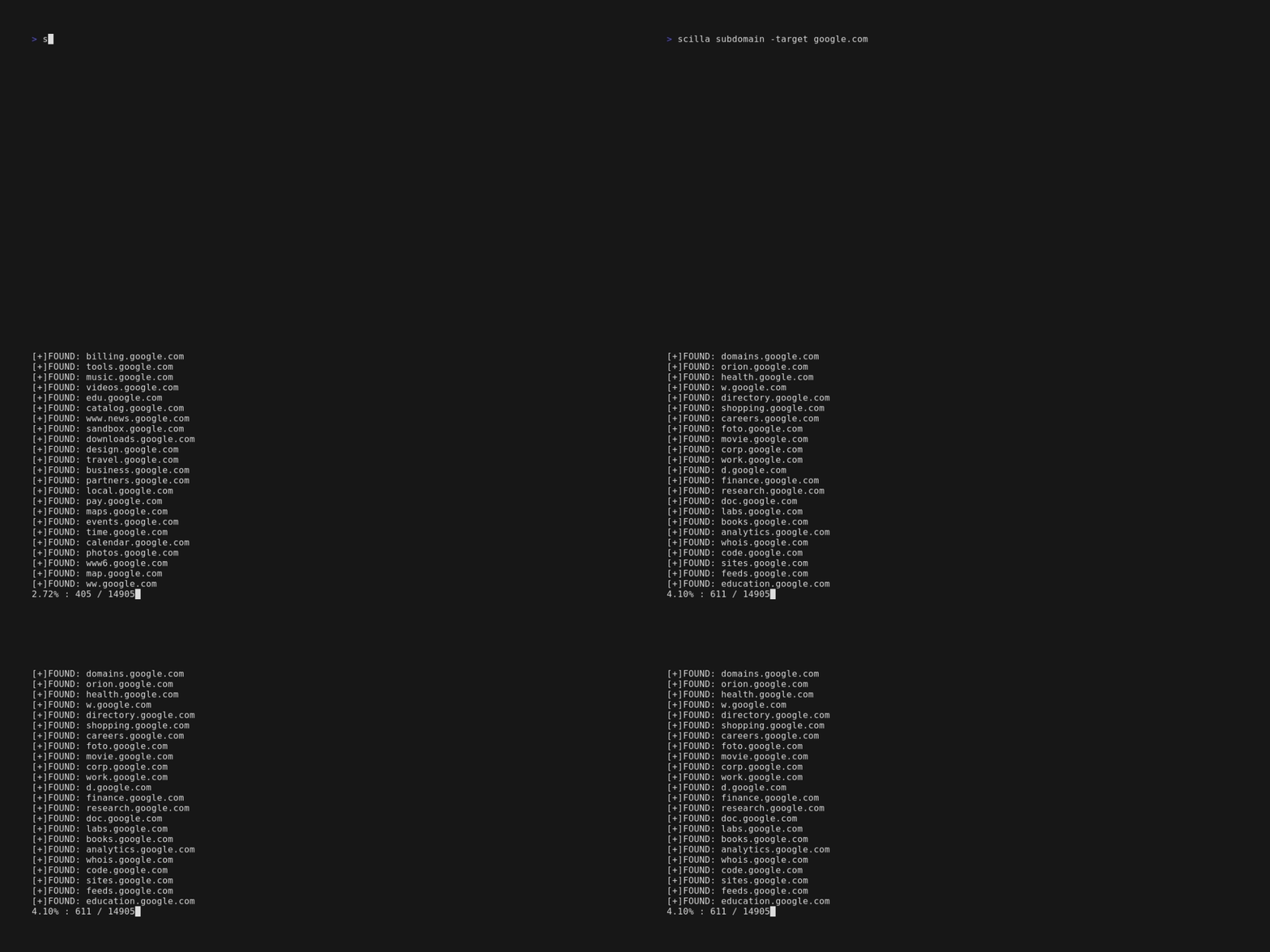
scilla subdomain -target example.comscilla subdomain -w wordlist.txt -target example.comscilla subdomain -oj output -target example.comscilla subdomain -oh output -target example.comscilla subdomain -ot output -target example.comscilla subdomain -i 400 -target example.comscilla subdomain -i 4** -target example.comscilla subdomain -c -target example.comscilla subdomain -db -target example.comscilla subdomain -plain -target example.comscilla subdomain -db -no-check -target example.comscilla subdomain -db -vt -target example.comscilla subdomain -db -bw -target example.comscilla subdomain -ua "CustomUA" -target example.comscilla subdomain -rua -target example.comscilla subdomain -dns 8.8.8.8 -target example.comscilla subdomain -alive -target example.comEnumerazione directory:
scilla dir -target example.comscilla dir -w wordlist.txt -target example.comscilla dir -oj output -target example.comscilla dir -oh output -target example.comscilla dir -ot output -target example.comscilla dir -i 500,401 -target example.comscilla dir -i 5**,401 -target example.comscilla dir -c -target example.comscilla dir -plain -target example.comscilla dir -nr -target example.comscilla dir -ua "CustomUA" -target example.comscilla dir -rua -target example.comEnumerazione porte:
scilla port -target example.comscilla port -p 20-90 -target example.comscilla port -p 20- -target example.comscilla port -p -90 -target example.comscilla port -p 21,25,80 -target example.comscilla port -common -target example.comscilla port -p 80 -target example.comscilla port -oj output -target example.comscilla port -oh output -target example.comscilla port -ot output -target example.comscilla port -plain -target example.comReport completo:
scilla report -target example.comscilla report -p 20-90 -target example.comscilla report -p 20- -target example.comscilla report -p -90 -target example.comscilla report -p 80 -target example.comscilla report -p 21,25,80 -target example.comscilla report -oj output -target example.comscilla report -oh output -target example.comscilla report -ot output -target example.comscilla report -wd dirs.txt -target example.comscilla report -ws subdomains.txt -target example.comscilla report -id 500,501,502 -target example.comscilla report -is 500,501,502 -target example.comscilla report -id 5**,4** -target example.comscilla report -is 5**,4** -target example.comscilla report -cd -target example.comscilla report -cs -target example.comscilla report -db -target example.comscilla report -common -target example.comscilla report -nr -target example.comscilla report -db -vt -target example.comscilla report -ua "CustomUA" -target example.comscilla report -rua -target example.comscilla report -dns 8.8.8.8 -target example.comscilla report -alive -target example.comscilla help stampa la guida nella riga di comando.
usage: scilla subcommand { options }
