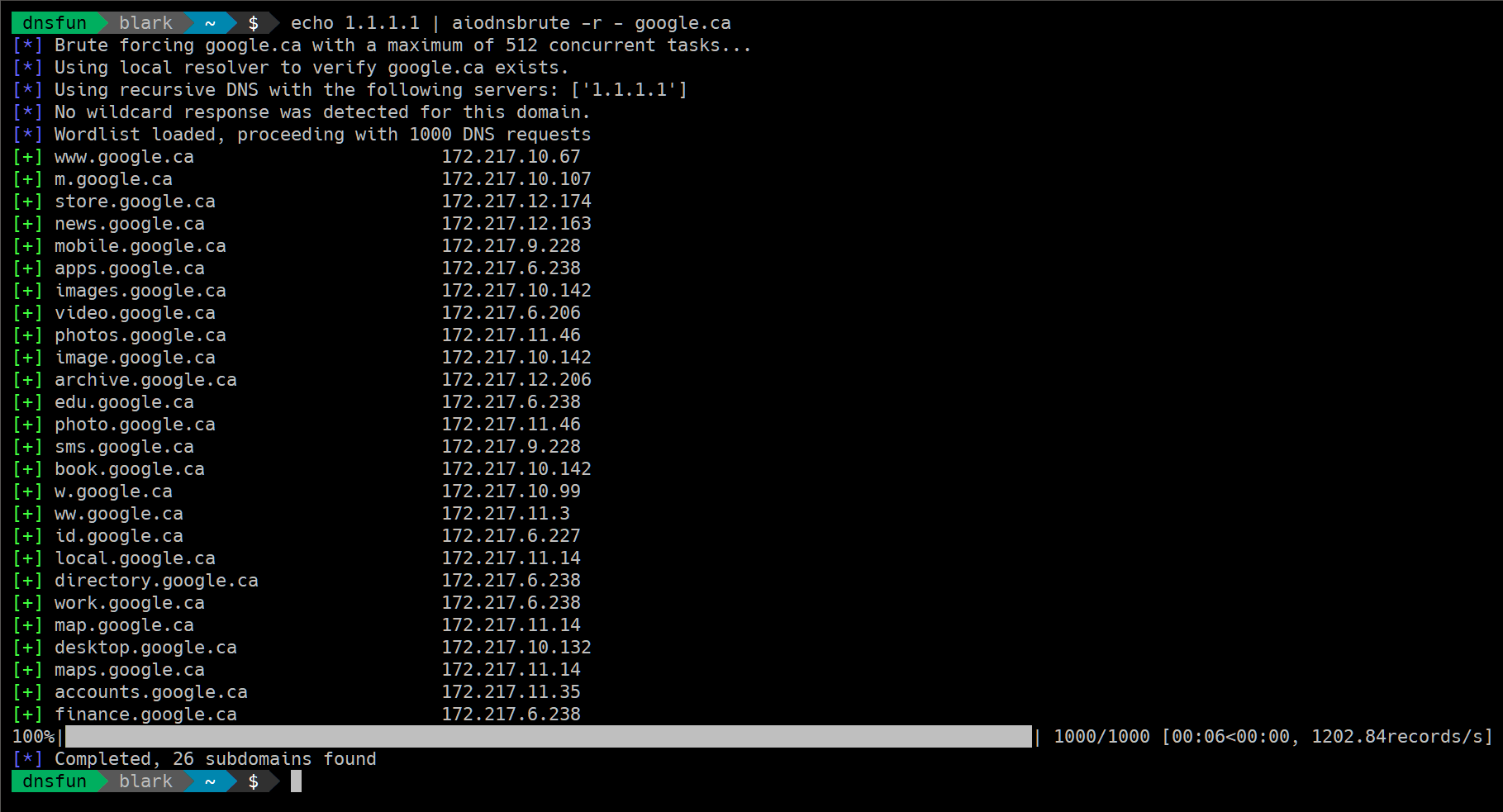
 blark/aiodnsbrute
Utility Python 3.5+ per brute force DNS asincrono

Uno strumento Python 3.5+ che usa asyncio per forzare brutalmente i nomi di dominio in modo asincrono.
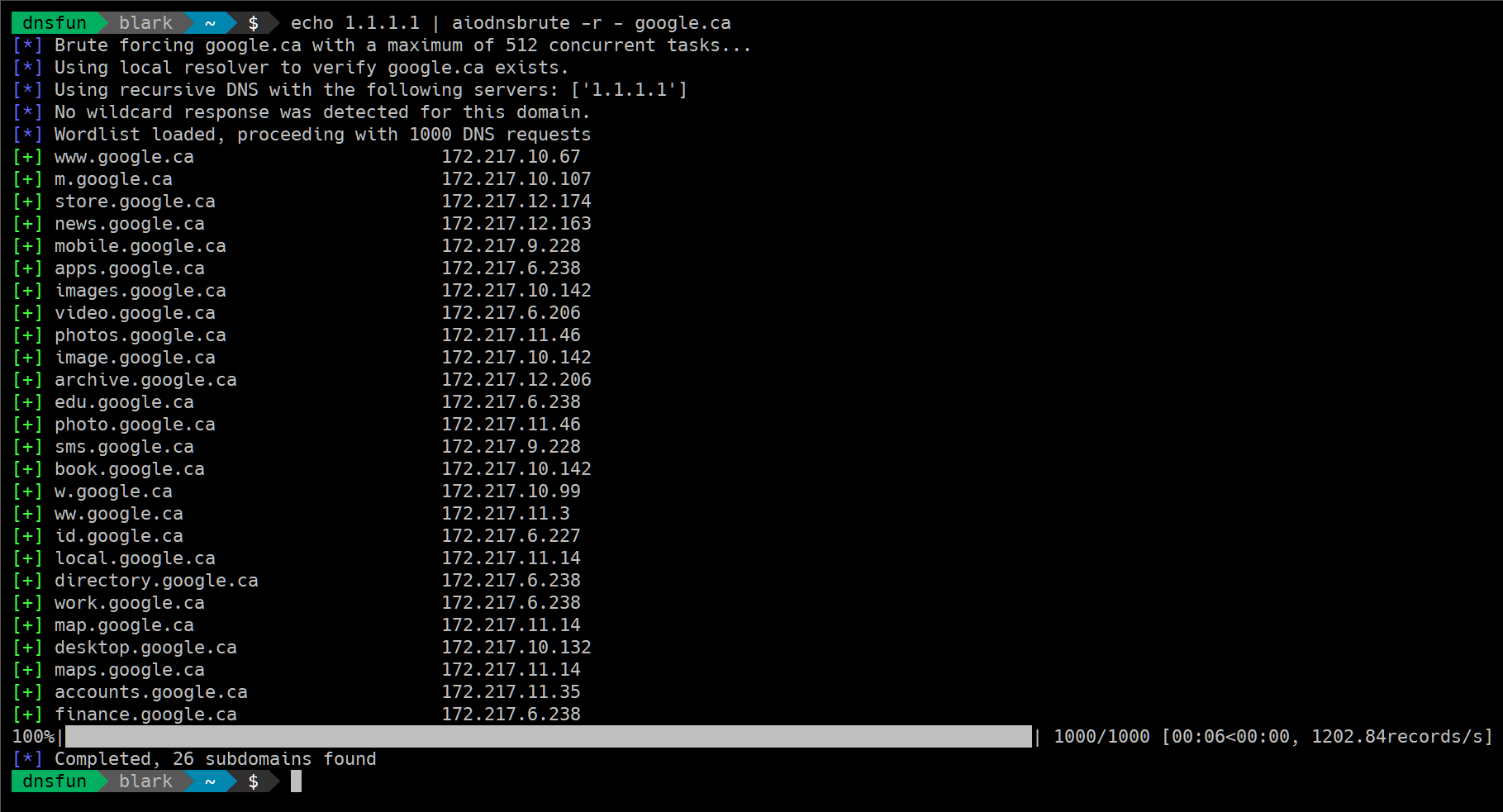
È veloce. I benchmark su piccoli VPS collocano circa 100k risoluzioni DNS in 1.5-2 minuti. Una macchina amazon M3 è stata usata per fare 1 milione di richieste in poco più di 3 minuti. I risultati possono variare. Probabilmente è meglio evitare di usare i resolver di Google se sei interessato puramente alla velocità.
DICHIARAZIONE DI NON RESPONSABILITÀ
$ pip install aiodnsbrute
Nota: è altamente consigliato l'uso di un virtualenv.
In alternativa puoi installare nel modo usuale:
$ git clone https://github.com/blark/aiodnsbrute.git
$ cd aiodnsbrute
$ python setup.py install .
Ottieni aiuto:
$ aiodnsbrute --help

Usage: cli.py [OPTIONS] DOMAIN

  aiodnsbrute is a command line tool for brute forcing domain names
  utilizing Python's asyncio module.

  credit: blark (@markbaseggio)

Options:
  -w, --wordlist TEXT           Wordlist to use for brute force.
  -t, --max-tasks INTEGER       Maximum number of tasks to run asynchronosly.
  -r, --resolver-file FILENAME  A text file containing a list of DNS resolvers
                                to use, one per line, comments start with #.
                                Default: use system resolvers
  -v, --verbosity               Increase output verbosity
  -o, --output [csv|json|off]   Output results to DOMAIN.csv/json (extension
                                automatically appended when not using -f).
  -f, --outfile FILENAME        Output filename. Use '-f -' to send file
                                output to stdout overriding normal output.
  --query / --gethostbyname     DNS lookup type to use query (default) should
                                be faster, but won't return CNAME information.
  --wildcard / --no-wildcard    Wildcard detection, enabled by default
  --verify / --no-verify        Verify domain name is sane before beginning,
                                enabled by default
  --version                     Show the version and exit.
  --help                        Show this message and exit.
Esegui un brute force con alcune opzioni personalizzate:
$ aiodnsbrute -w wordlist.txt -vv -t 1024 domain.com
Esegui un brute force, sopprimi l'output normale e invia solo JSON a stdout:
$ aiodnbrute -f - -o json domain.com
...per un pattern avanzato, usa resolver personalizzati e convoglia l'output nel fantastico jq:
$ aiodnsbrute -r resolvers.txt -f - -o json google.com | jq '.[] | select(.ip[] | startswith("172."))'
Rilevamento wildcard abilitato per impostazione predefinita (--no-wildcard lo disattiva):
$ aiodnsbrute foo.com

[*] Brute forcing foo.com with a maximum of 512 concurrent tasks...
[*] Using recursive DNS with the following servers: ['50.116.53.5', '50.116.58.5', '50.116.61.5']
[!] Wildcard response detected, ignoring answers containing ['23.23.86.44']
[*] Wordlist loaded, proceeding with 1000 DNS requests
[+] www.foo.com                         52.73.176.251, 52.4.225.20
100%|██████████████████████████████████████████████████████████████████████████████| 1000/1000 [00:05<00:00, 140.18records/s]
[*] Completed, 1 subdomains found
NUOVO usa gethostbyname (rileva i CNAME che possono essere utili per il potenziale rilevamento di takeover di sottodomini)
$ aiodnsbrute --gethostbyname domain.com
Fornisci un elenco di resolver da file (ignorando le righe vuote e quelle che iniziano con #), specifica -r - per leggere l'elenco da stdin.
$ aiodnsbrute -r resolvers.txt domain.com
ulimit -n per vedere quanti file aperti sono consentiti. Puoi anche aumentare quel numero usando lo stesso comando, ad esempio ulimit -n <2048>