
sherlock v0.16.2
विभिन्न सोशल नेटवर्क्स पर उपयोगकर्ता नाम से सोशल मीडिया खाते खोजें।

400+ सोशल नेटवर्क्स पर उपयोगकर्ता नाम द्वारा सोशल मीडिया अकाउंट्स का पता लगाएं
इंस्टॉलेशन • उपयोग • योगदान
इंस्टॉलेशन
[!WARNING]
ParrotOS और Ubuntu 24.04 के लिए तीसरे पक्ष द्वारा अनुरक्षित पैकेज टूटे हुए प्रतीत होते हैं।
इन सिस्टम्स के उपयोगकर्ताओं कोuv/pipx/pipया Docker का उपयोग करना चाहिए।
| विधि | नोट्स |
|---|---|
pipx install sherlock-project | pipx के स्थान पर pip या uv का उपयोग किया जा सकता है |
docker run -it --rm sherlock/sherlock | |
dnf install sherlock-project |
Debian (>= 13), Ubuntu (>= 22.10), Homebrew, Kali, और BlackArch के लिए समुदाय-अनुरक्षित पैकेज उपलब्ध हैं। ये पैकेज Sherlock Project द्वारा सीधे समर्थित या अनुरक्षित नहीं हैं।
सभी वैकल्पिक इंस्टॉलेशन विधियाँ यहाँ देखें।
सामान्य उपयोग
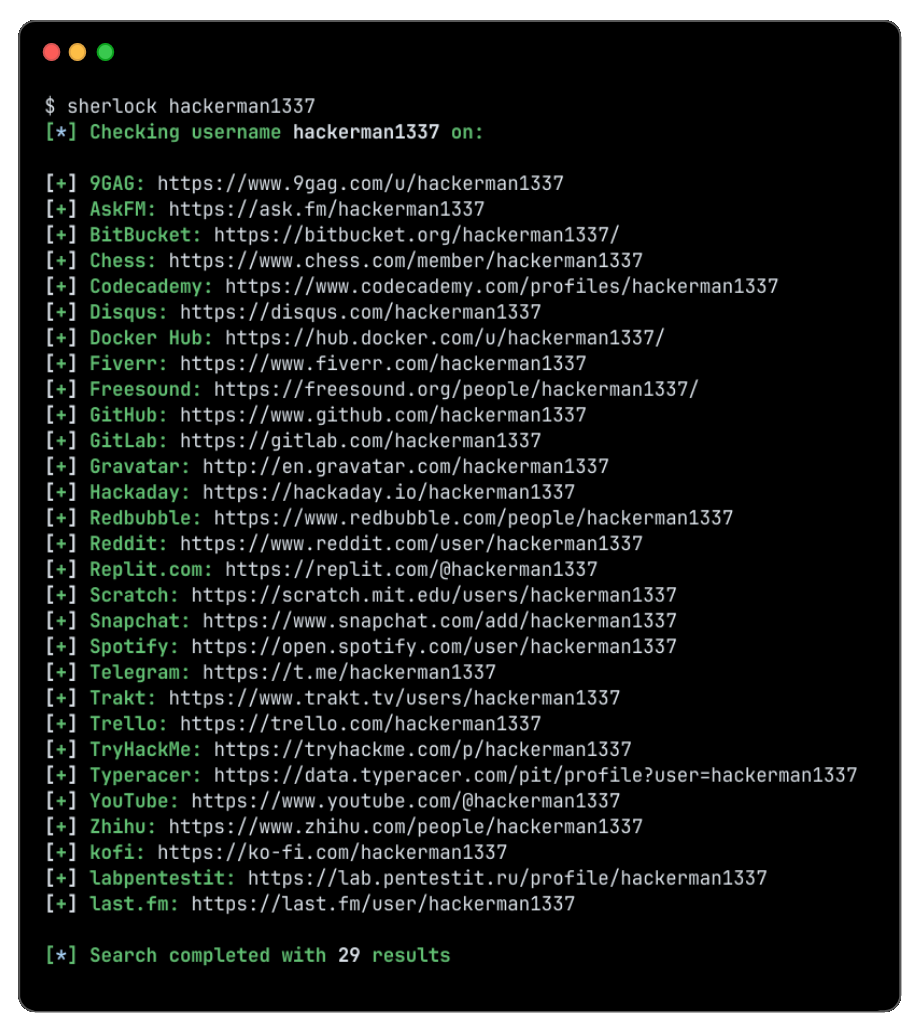
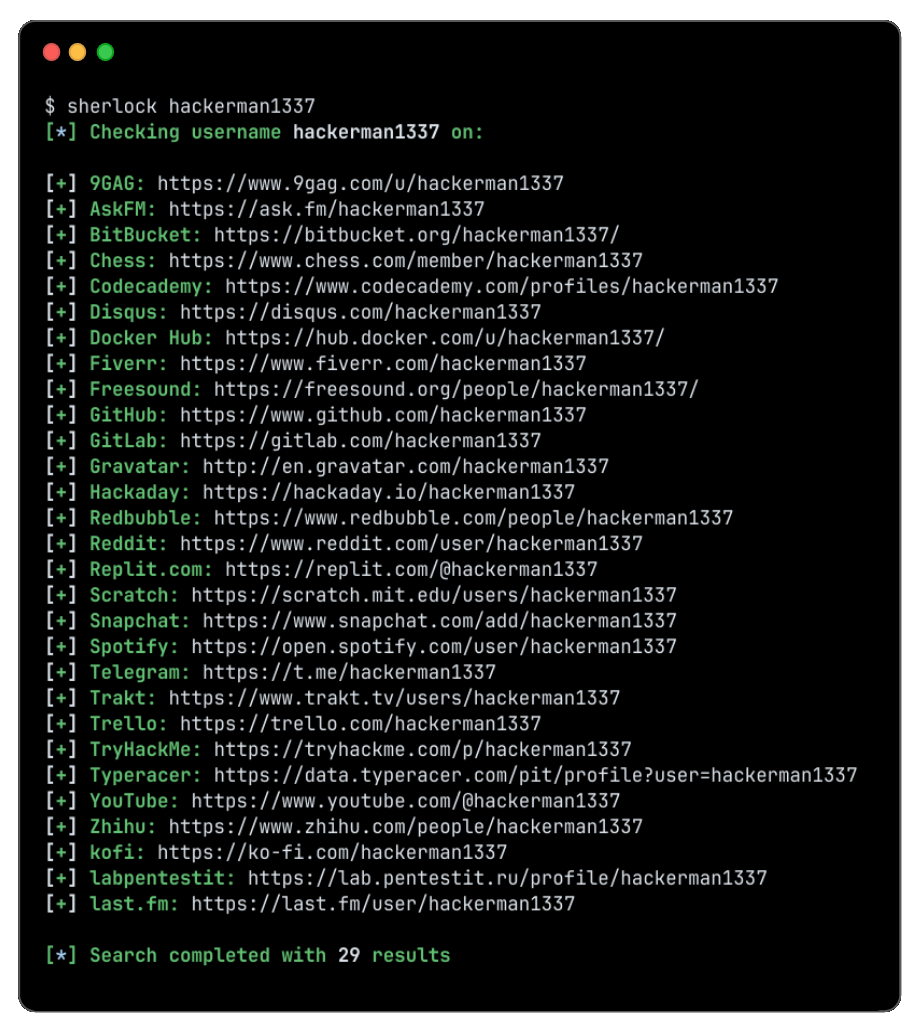
केवल एक उपयोगकर्ता खोजने के लिए:
sherlock user123
एक से अधिक उपयोगकर्ता खोजने के लिए:
sherlock user1 user2 user3
पाए गए अकाउंट्स संबंधित उपयोगकर्ता नाम के साथ एक अलग टेक्स्ट फ़ाइल में संग्रहीत किए जाएंगे (जैसे user123.txt)।
$ sherlock --help
usage: sherlock [-h] [--version] [--verbose] [--folderoutput FOLDEROUTPUT] [--output OUTPUT] [--csv] [--xlsx] [--site SITE_NAME] [--proxy PROXY_URL] [--dump-response]
                [--json JSON_FILE] [--timeout TIMEOUT] [--print-all] [--print-found] [--no-color] [--browse] [--local] [--nsfw] [--txt] [--ignore-exclusions]
                USERNAMES [USERNAMES ...]

Sherlock: Find Usernames Across Social Networks (Version 0.16.0)

positional arguments:
  USERNAMES             One or more usernames to check with social networks. Check similar usernames using {?} (replace to '_', '-', '.').

options:
  -h, --help            show this help message and exit
  --version             Display version information and dependencies.
  --verbose, -v, -d, --debug
                        Display extra debugging information and metrics.
  --folderoutput FOLDEROUTPUT, -fo FOLDEROUTPUT
                        If using multiple usernames, the output of the results will be saved to this folder.
  --output OUTPUT, -o OUTPUT
                        If using single username, the output of the result will be saved to this file.
  --csv                 Create Comma-Separated Values (CSV) File.
  --xlsx                Create the standard file for the modern Microsoft Excel spreadsheet (xlsx).
  --site SITE_NAME      Limit analysis to just the listed sites. Add multiple options to specify more than one site.
  --proxy PROXY_URL, -p PROXY_URL
                        Make requests over a proxy. e.g. socks5://127.0.0.1:1080
  --dump-response       Dump the HTTP response to stdout for targeted debugging.
  --json JSON_FILE, -j JSON_FILE
                        Load data from a JSON file or an online, valid, JSON file. Upstream PR numbers also accepted.
  --timeout TIMEOUT     Time (in seconds) to wait for response to requests (Default: 60)
  --print-all           Output sites where the username was not found.
  --print-found         Output sites where the username was found (also if exported as file).
  --no-color            Don't color terminal output
  --browse, -b          Browse to all results on default browser.
  --local, -l           Force the use of the local data.json file.
  --nsfw                Include checking of NSFW sites from default list.
  --txt                 Enable creation of a txt file
  --ignore-exclusions   Ignore upstream exclusions (may return more false positives)
श्रेय
Sherlock में योगदान देने वाले सभी लोगों को धन्यवाद! ❤️
स्टार इतिहास
लाइसेंस
MIT © Sherlock Project
निर्माता - Siddharth Dushantha