 ghassan-elsman/crow-eye
Open-source Windows forensics engine that acquires, parses, and correlates artifacts (MFT, USN, Registry, etc.) to reconstruct timelines with AI-assisted analysis and court-grade evidence sealing.

A forensic time machine for Windows.
Crow-Eye doesn't just detect — it reconstructs what actually happened on the timeline, from acquisition all the way to a verdict traceable to its source records.





Recommended: get the packaged Windows build (MSI installer / EXE) from the official website — no Python setup, runs out of the box.
The installed MSI/EXE build is the recommended way to run Crow-Eye, and it is our top priority for updates:
Prefer to run from source? See Quick Start below. The from-source build is intended for contributors and does not include the auto-updater — use the MSI/EXE for automatic updates.
New to Crow-Eye, or want the deep dive? The detailed, interactive user guide walks through every feature — acquisition, parsing, the Timeline, chart dashboards, UBA, the Correlation Engine and Eye — on a clickable map of the whole application, so you can jump straight to the part you need.
Download the MSI/EXE from crow-eye.com/download, install, and launch Crow-Eye as Administrator. Create a case and start analyzing.
For contributors and advanced users. This path does not include the auto-updater — use the MSI/EXE for automatic updates.
Requirements (installed automatically on first run):
Recommended hardware
| Minimum | Recommended for large cases | |
|---|---|---|
| RAM | 8 GB | 16 GB+ (MFT/USN sets of millions of records) |
| Disk | 5 GB free | Free space ≥ 2× the size of the evidence being parsed |
| CPU | 4 cores | 8+ cores |
| OS | Windows 10/11 (full) · Linux (offline & image analysis) | — |
Correlation streams in constant memory for very large datasets, so RAM is rarely the hard limit — disk throughput and free space usually are.
Launch (run as Administrator so Crow-Eye can access system artifacts):
python "Crow Eye.py"
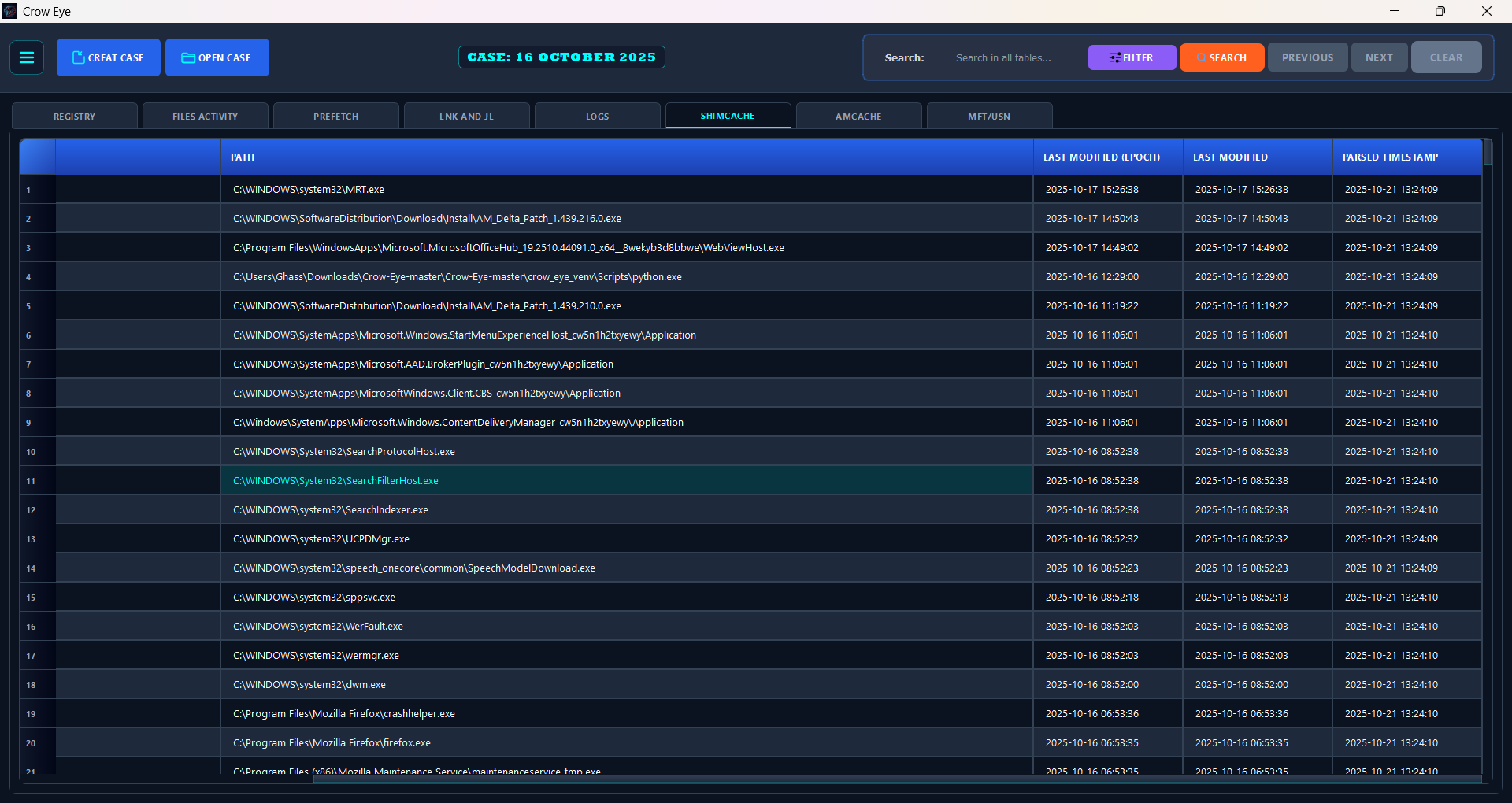
The main interface opens, you create a case, and all analysis output is organized under that case directory for later review and reporting.
🖥️ Cross-platform note: on Linux, live parsers are disabled automatically and Crow-Eye runs in offline / forensic-image mode. Full live acquisition is Windows-only.
On Linux (tested on Debian 12 with the system Python), install the venv module and Qt's system libraries once, then start Crow-Eye the same way. It creates crow_eye_venv/ and installs everything else into it:
sudo apt install python3-venv libxcb-cursor0 libxkbcommon-x11-0 libxcb-icccm4 libxcb-keysyms1 \
    libxcb-image0 libxcb-render-util0 libnss3 libxcomposite1 libxdamage1 libxrandr2 libxtst6 \
    libasound2 libpango-1.0-0 libpangoft2-1.0-0
python3 "Crow Eye.py"
requirements.txt lists the same packages for a manual or container install. On a machine with no GPU (a VM without passthrough, a container), web views switch to software rendering on their own.
Crow-Eye is an open-source (GPL-3.0) Windows forensics engine that unifies acquisition, analysis, verification, intelligence, and AI. Most security tools ask "is this bad?" and clear whatever looks legitimate. Crow-Eye asks a different question: "what happened?" It correlates all activity — suspicious or not — and reconstructs the actual sequence of events on a system, so the truth of an investigation is rebuilt from evidence rather than guessed from alerts.
That reconstruction-first design is exactly what it takes to hunt APT and nation-state threats: sophisticated adversaries live inside legitimate tools (powershell.exe, PsExec, certutil) and in the sequence of actions — invisible to tools that clear anything that looks normal. Because Crow-Eye never clears anything and reasons over execution artifacts (which survive log tampering and anti-forensics), the attack can't hide. The same engine stays approachable for everyday DFIR work and for non-experts who simply want to know what happened on a computer.







