 lakr233/vphone-cli
Arranca y gestiona iPhones virtuales en Apple Silicon con parcheo de firmware, variantes de jailbreak y funciones de investigación de seguridad para pruebas y análisis de iOS.

Ejecuta un iPhone virtual en un Mac con Apple Silicon.
[!WARNING] Este proyecto nunca ha emitido ni autorizado ninguna criptomoneda o token, y no acepta pagos ni donaciones en criptomonedas. Cualquier criptomoneda o token emitido o promocionado en nombre de este proyecto, o que afirme tener alguna afiliación con él, es una estafa.
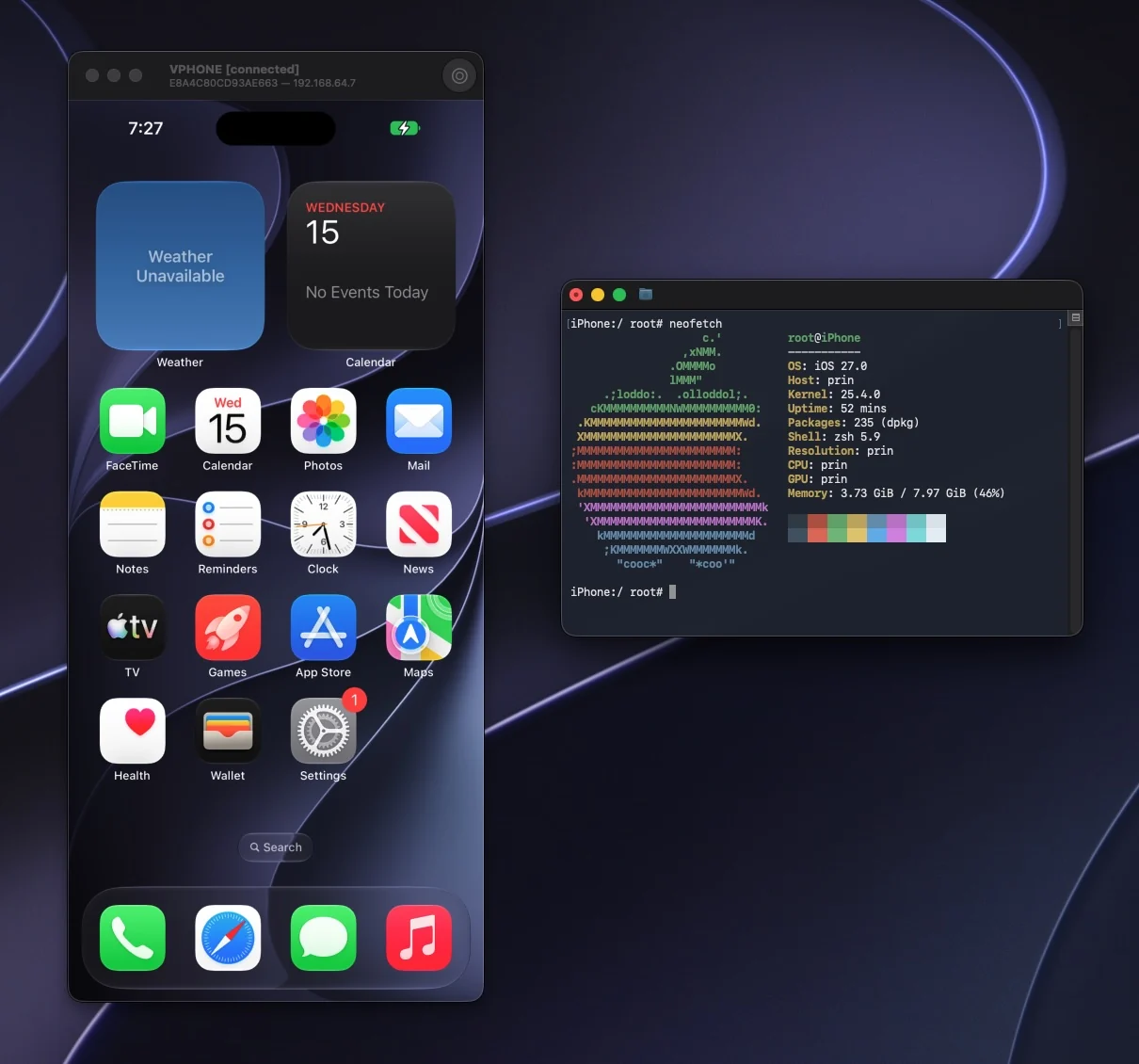
vphone-cli ejecuta iOS con Virtualization.framework de Apple y máquinas virtuales de investigación PCC, para investigación de seguridad, ingeniería inversa y depuración.
Todo lo demás está en el sitio de documentación: https://lakr233.github.io/vphone-cli/
Las fuentes del sitio están en Documents/ y Research/.
Si usas un agente de programación (Claude Code, Codex o similar) en este Mac, pega el siguiente prompt en lugar de seguir los pasos a mano. El agente lee la skill de vphone, comprueba qué está ya configurado, instala Launchpad y VPhone.bundle, y se detiene para preguntar cuando un paso te necesita, como una contraseña de administrador o un cambio en macOS Recovery.
Set up vphone on this Mac. Read the skill at
https://raw.githubusercontent.com/Lakr233/vphone-cli/main/Skills/vphone-guest-control/SKILL.md
and the files it links under references/ (same folder), then follow them:
install the newest notarized vphone-launchpad (not every release has a
-notarized zip), put vphone-launchpad-cli on PATH, install the VPhone.bundle
that matches Launchpad's series, and check `vphone-launchpad-cli status`.
Do not change SIP, boot-args or any other host security setting, and do not
create a machine until I confirm the firmware and the free disk space. When a
step needs me, tell me exactly what to do and wait.
vphone-cli se distribuye bajo la Licencia MIT.






