 k2/ehtrace
ATrace es una herramienta para rastrear la ejecución de binarios en Windows.

EhTrace (se pronuncia "ATrace") es un framework de instrumentación y trazado binario de alto rendimiento para Windows. Permite el análisis profundo en tiempo de ejecución de ejecutables de Windows sin necesidad de código fuente, modificaciones binarias o depuración tradicional.
EhTrace aprovecha el manejo de excepciones vectoriales (VEH) de Windows y técnicas de block-stepping para proporcionar un trazado de ejecución completo con una sobrecarga mínima. A diferencia de las herramientas tradicionales de depuración o instrumentación, EhTrace opera completamente dentro del proceso y no requiere parches en los binarios objetivo.
flowchart TB
    subgraph Target["🎯 Target Process"]
        direction TB
        APP[Application Code]
        VEH[Vectored Exception Handler]
        style APP fill:#e1f5ff,stroke:#01579b,stroke-width:3px,color:#000
        style VEH fill:#fff3e0,stroke:#e65100,stroke-width:3px,color:#000
    end

    subgraph EhTrace["⚡ EhTrace Engine"]
        direction TB
        BLOCK[Block Stepper]
        DISASM[Capstone Disassembler]
        FIGHTERS[BlockFighters]
        CTX[Context Manager]
        style BLOCK fill:#f3e5f5,stroke:#4a148c,stroke-width:3px,color:#000
        style DISASM fill:#e8f5e9,stroke:#1b5e20,stroke-width:3px,color:#000
        style FIGHTERS fill:#ffebee,stroke:#b71c1c,stroke-width:3px,color:#000
        style CTX fill:#e0f2f1,stroke:#004d40,stroke-width:3px,color:#000
    end

    subgraph Output["📊 Analysis Output"]
        direction TB
        SHMEM[Shared Memory Log]
        GRAPHS[Visual Graphs]
        REPORTS[Coverage Reports]
        style SHMEM fill:#fce4ec,stroke:#880e4f,stroke-width:3px,color:#000
        style GRAPHS fill:#f1f8e9,stroke:#33691e,stroke-width:3px,color:#000
        style REPORTS fill:#fff8e1,stroke:#f57f17,stroke-width:3px,color:#000
    end

    APP -->|Exception| VEH
    VEH -->|Single Step| BLOCK
    BLOCK -->|Instruction| DISASM
    DISASM -->|Analysis| FIGHTERS
    FIGHTERS -->|State| CTX
    CTX -->|Events| SHMEM
    SHMEM -->|Data| GRAPHS
    SHMEM -->|Data| REPORTS

    style Target fill:#e3f2fd,stroke:#0d47a1,stroke-width:4px
    style EhTrace fill:#f3e5f5,stroke:#6a1b9a,stroke-width:4px
    style Output fill:#e8f5e9,stroke:#2e7d32,stroke-width:4px
EhTrace opera a través de un pipeline sofisticado:
El framework mantiene el estado de ejecución por hilo utilizando estructuras de contexto especializadas y proporciona ganchos para instrumentación personalizable.
graph LR
    subgraph Traditional["🐌 Traditional Debugger"]
        T1[Single Step]
        T2[Context Switch]
        T3[Kernel Mode]
        T4[~1M events/sec]
        style T1 fill:#ffcdd2,stroke:#c62828,stroke-width:2px,color:#000
        style T2 fill:#ffcdd2,stroke:#c62828,stroke-width:2px,color:#000
        style T3 fill:#ffcdd2,stroke:#c62828,stroke-width:2px,color:#000
        style T4 fill:#ef5350,stroke:#b71c1c,stroke-width:3px,color:#fff
    end

    subgraph EhTrace["⚡ EhTrace"]
        E1[Block Step]
        E2[In-Process]
        E3[User Mode]
        E4[~43M events/sec]
        style E1 fill:#c8e6c9,stroke:#2e7d32,stroke-width:2px,color:#000
        style E2 fill:#c8e6c9,stroke:#2e7d32,stroke-width:2px,color:#000
        style E3 fill:#c8e6c9,stroke:#2e7d32,stroke-width:2px,color:#000
        style E4 fill:#66bb6a,stroke:#1b5e20,stroke-width:3px,color:#fff
    end

    T1 --> T2 --> T3 --> T4
    E1 --> E2 --> E3 --> E4

    style Traditional fill:#ffebee,stroke:#d32f2f,stroke-width:3px
    style EhTrace fill:#e8f5e9,stroke:#388e3c,stroke-width:3px
EhTrace logra un alto rendimiento mediante varias optimizaciones:
📊 Benchmark: 428.833.152 eventos (32 bytes cada uno) capturados en 10 segundos = ~43M eventos/seg
CSW16 demo trazando notepad.exe sin símbolos:
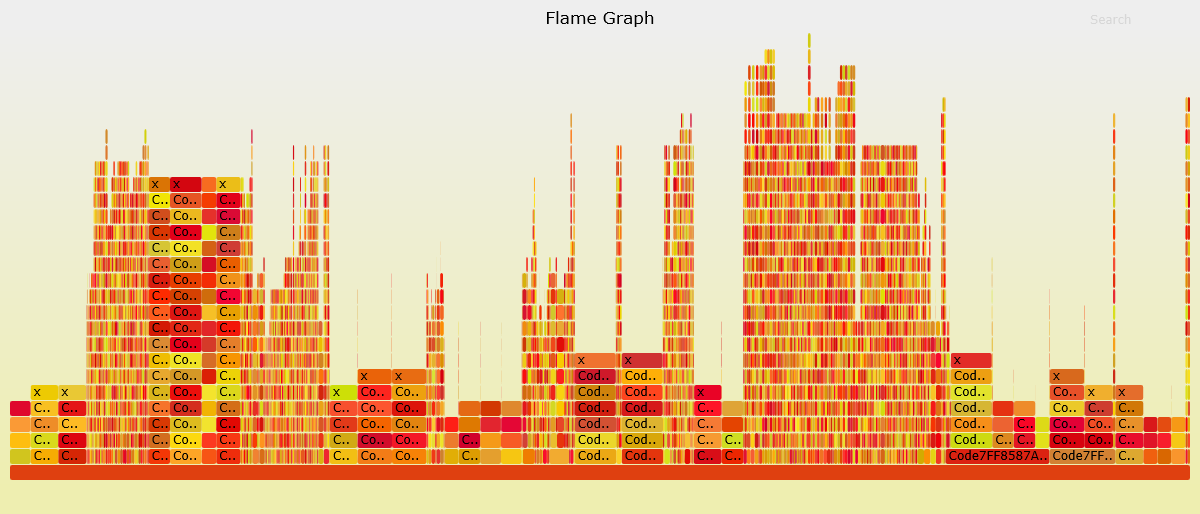
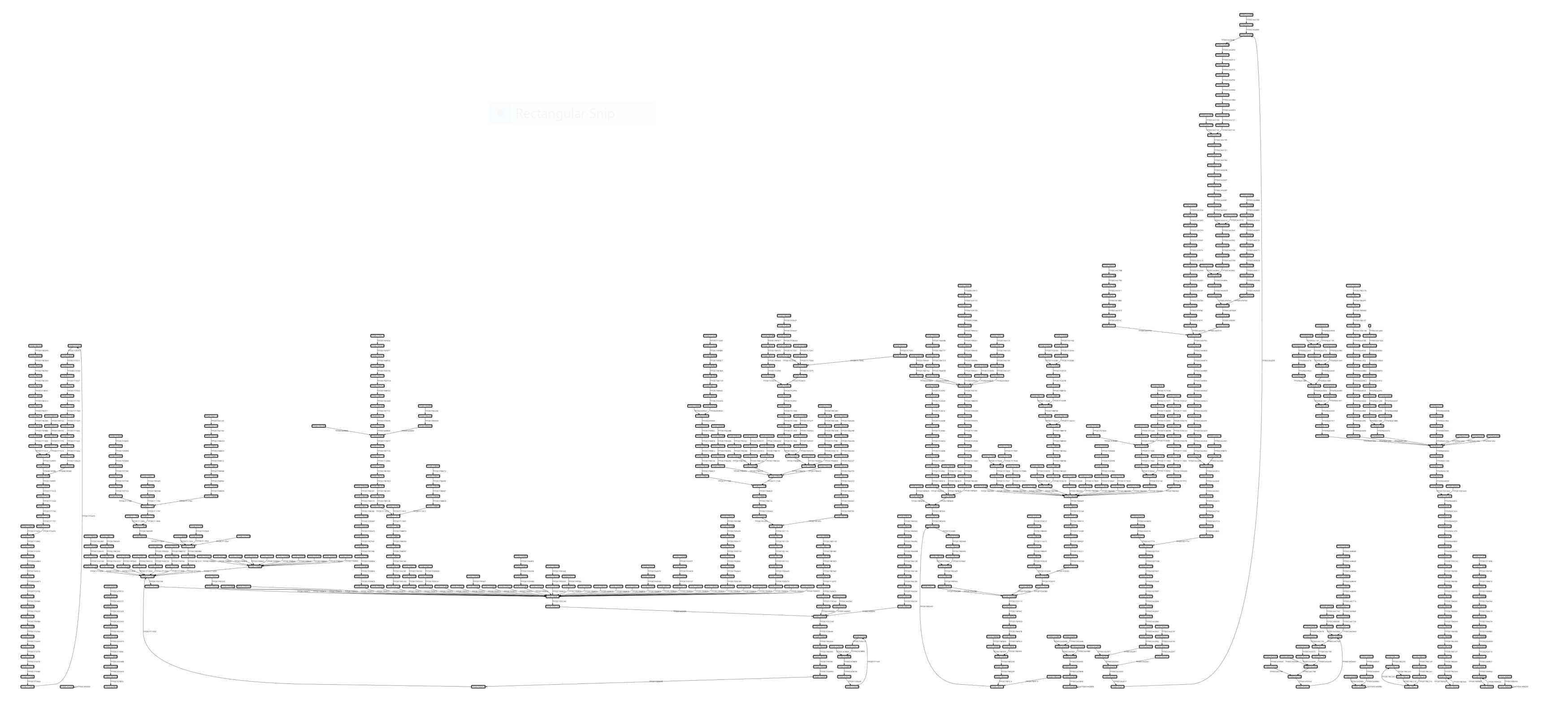
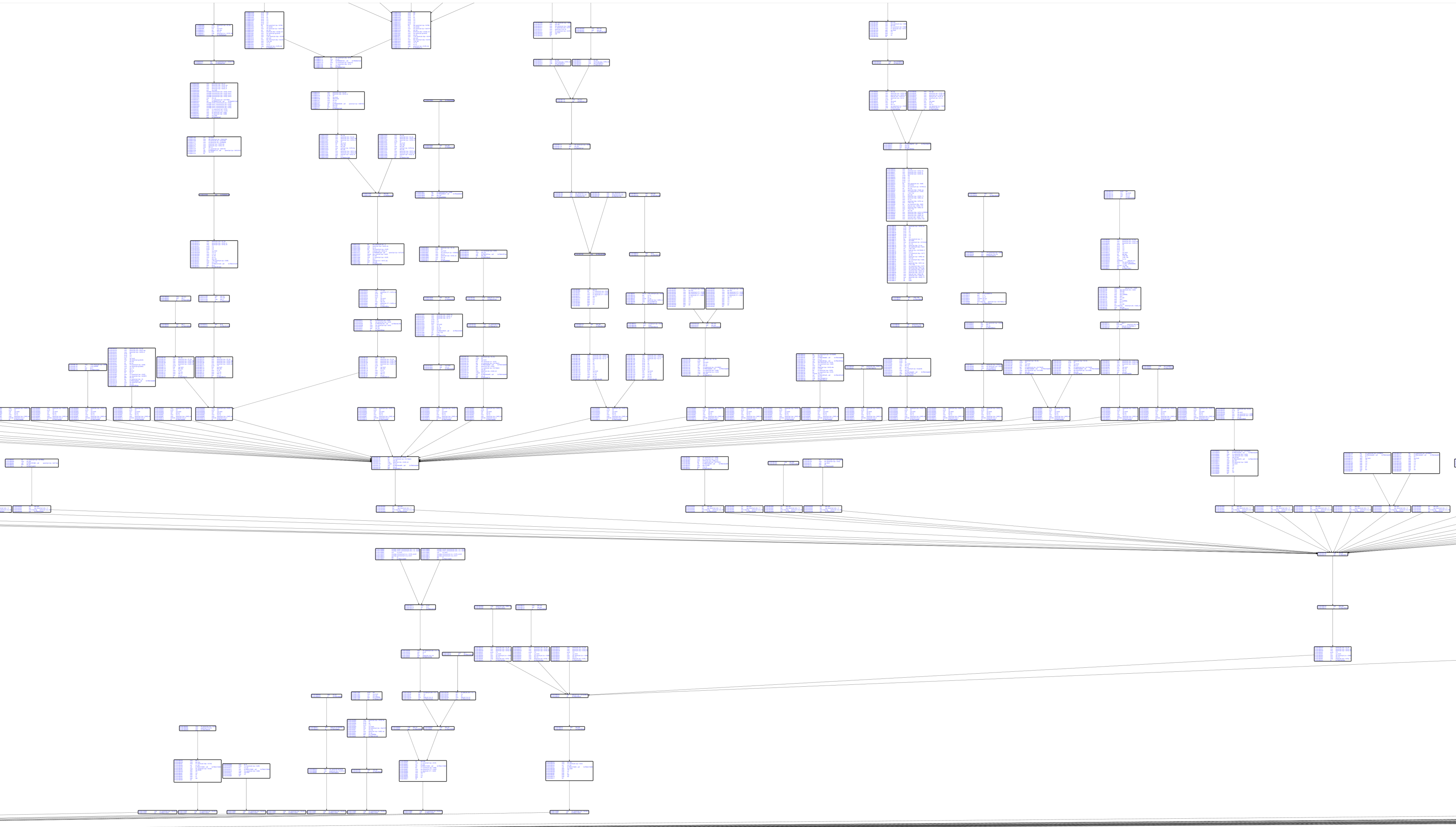
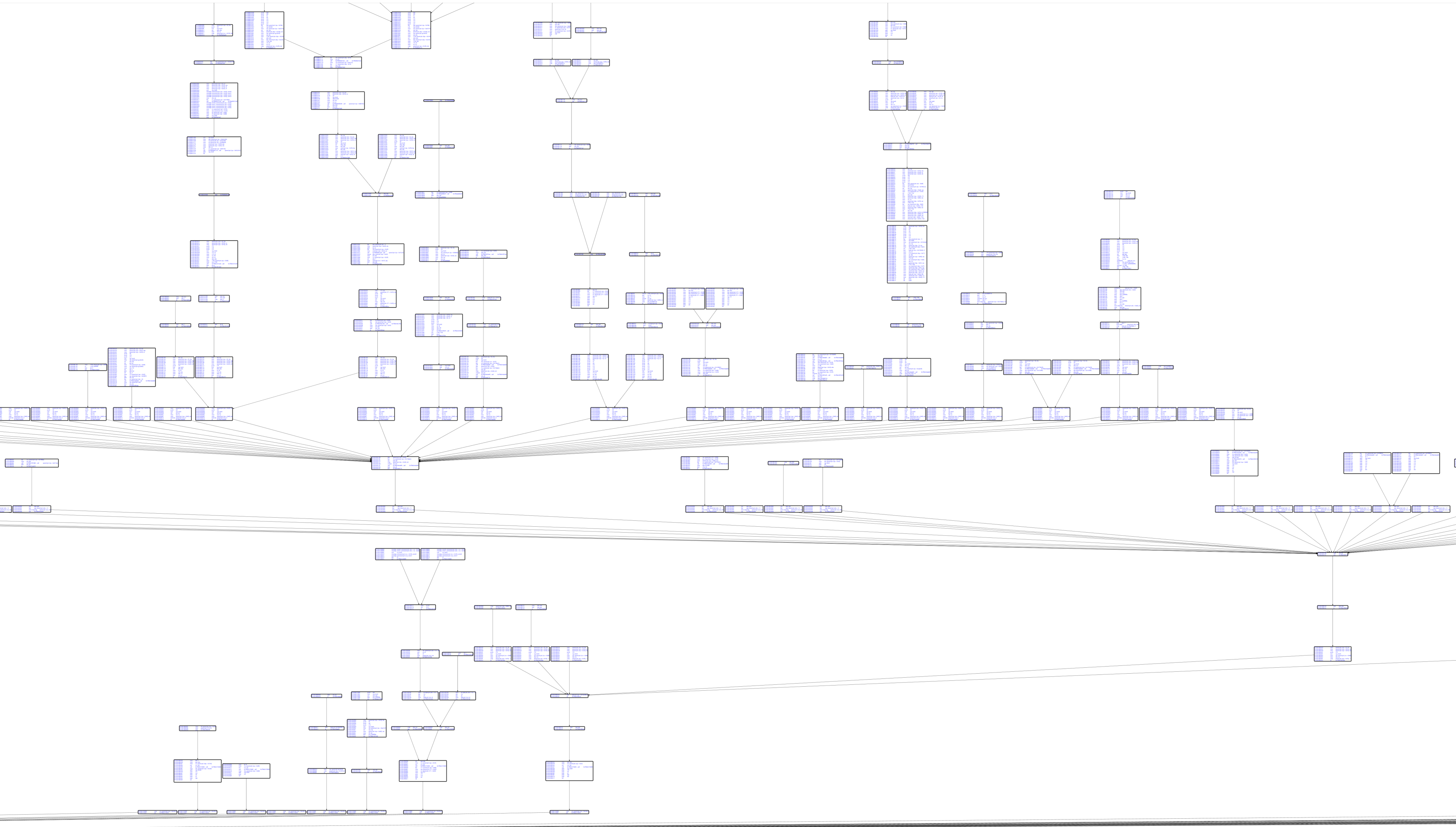
Gráfico de bloques básicos con desensamblado de Capstone:
Visualización de cobertura de código: