 novacode1337/sakuraosinttryhackme-completed
Walkthrough of the TryHackMe Sakura OSINT room covering SVG metadata extraction, username pivoting, PGP key analysis, Etherscan wallet tracing, WiGLE WiFi geolocation, and image-based travel route reconstruction.

Platform: TryHackMe Room: Sakura Category: OSINT Difficulty: Medium Tool developed by author: PRISM, an open-source intelligence platform (coming soon)
The OSINT Dojo recently suffered a cyber attack. During forensic analysis, administrators recovered an image left behind by the attacker. The investigation requires applying a range of open-source intelligence techniques (source code inspection, username enumeration, cryptocurrency tracing, social media profiling, and geolocation) across five tasks to fully identify the threat actor and determine their physical location.
The investigation begins with a single SVG image file hosted on the OSINT Dojo website. At first glance, the image simply reads "You've Been Pwned!" and offers no obvious clues.
Since the file is an SVG, an XML-based vector format, it can be read as plain text. Right-clicking the image in the browser and selecting "View Page Source" opens the raw markup.
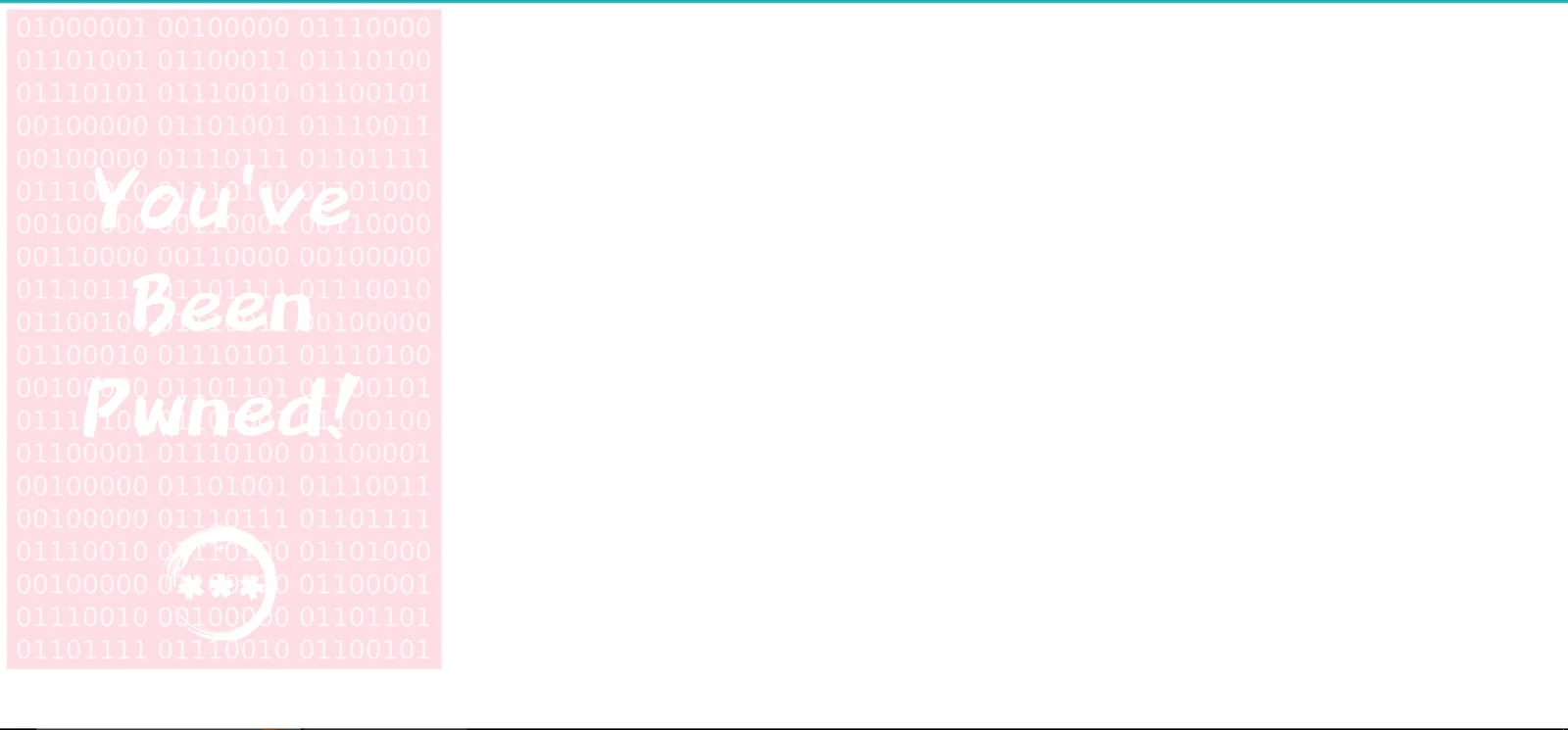 The SVG image displayed in the browser, no visible clues on the surface
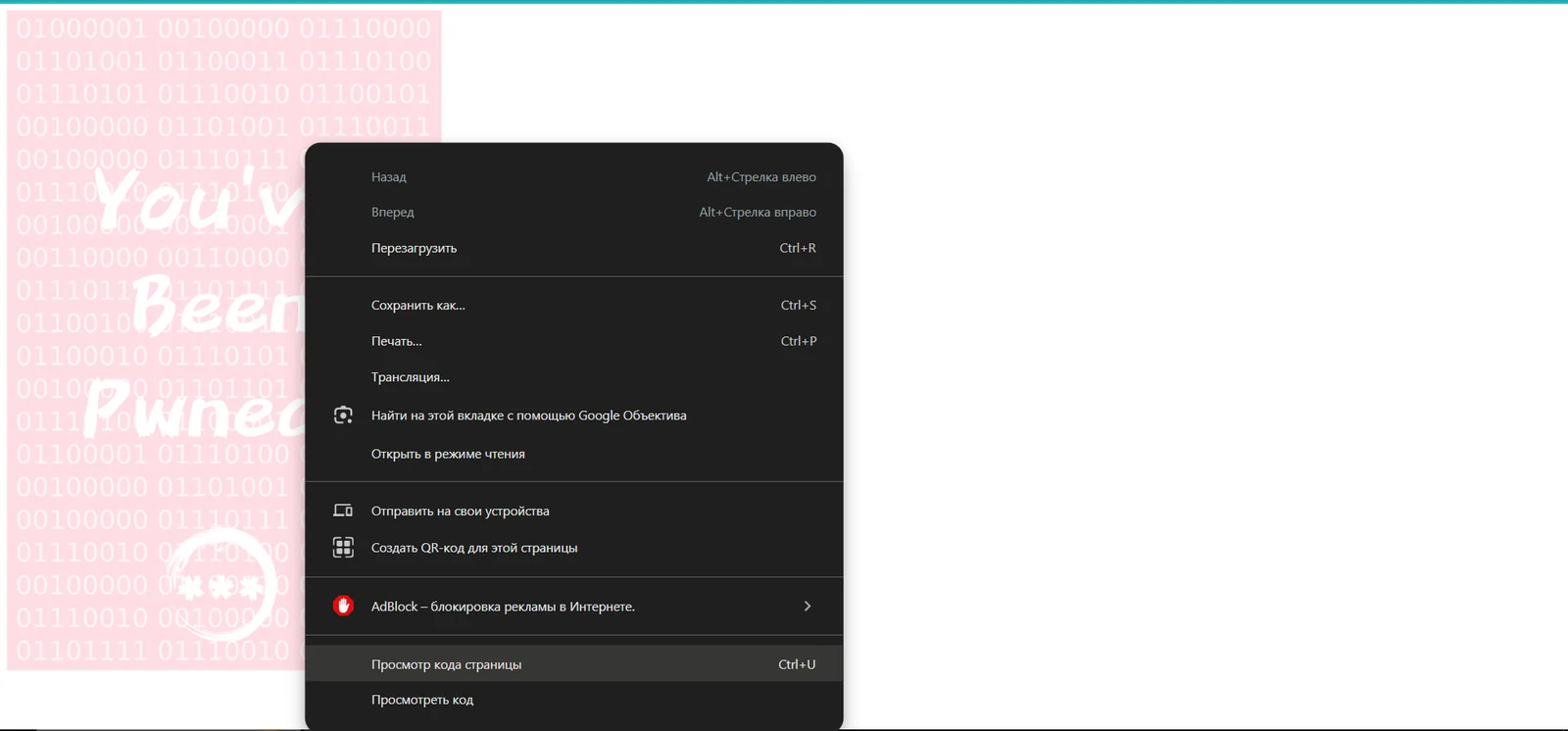 Right-clicking the page and selecting "Просмотр кода страницы" (View Page Source) to inspect the SVG markup
Inside the source code, the inkscape:export-filename attribute contains the attacker's Linux home directory path, directly exposing their username.
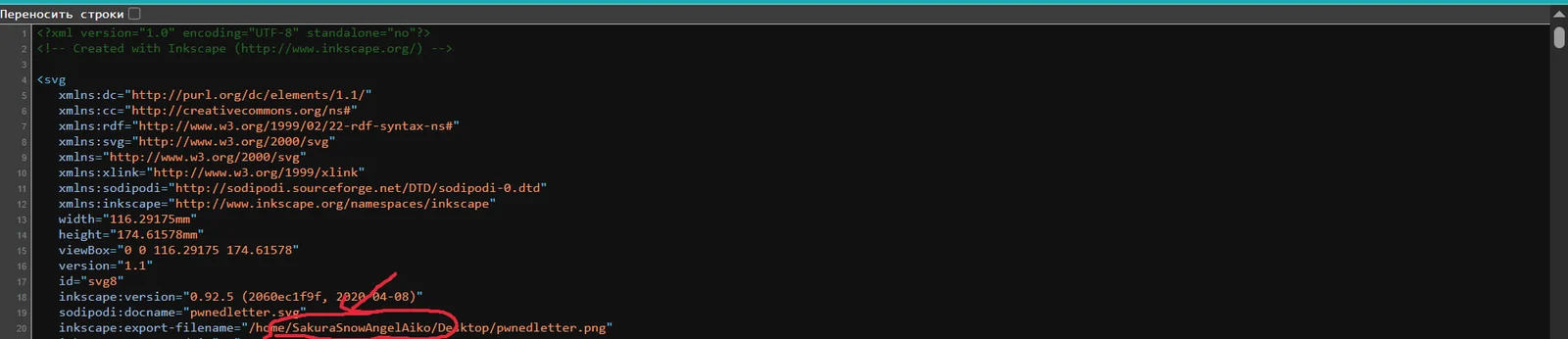 The SVG source reveals the export path:
/home/SakuraSnowAngelAiko/Desktop/pwnedletter.png, the username is highlighted in red
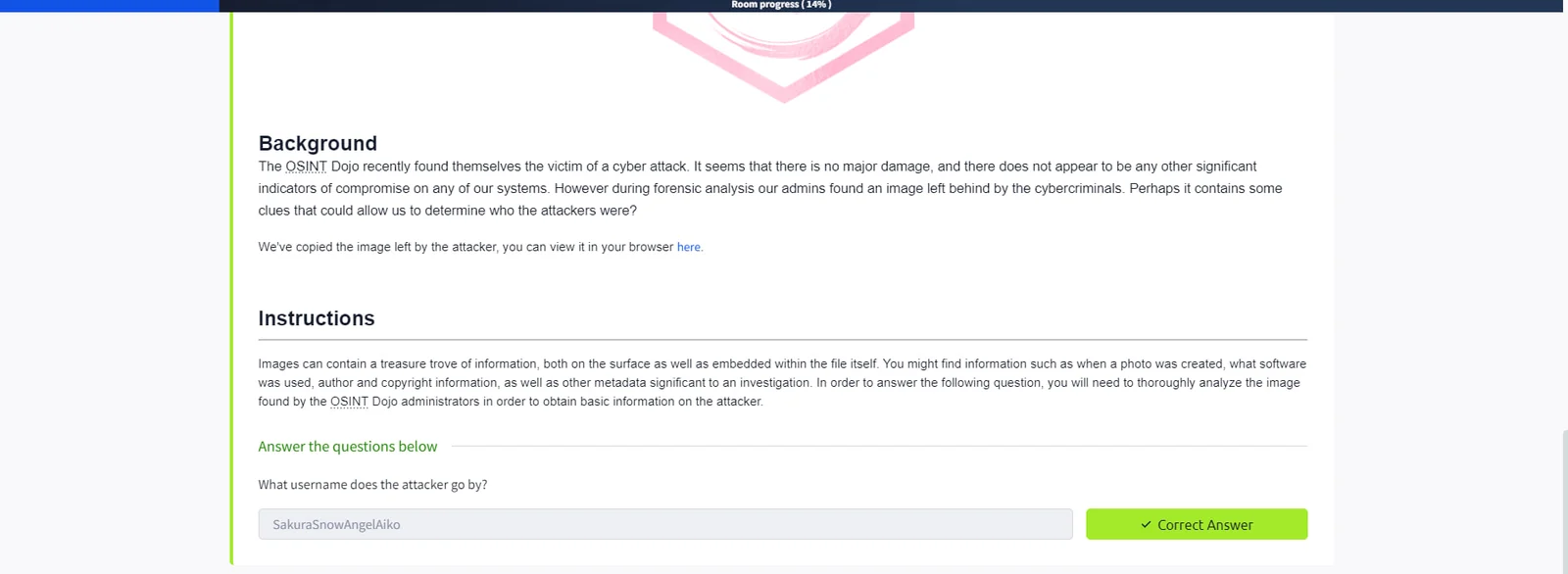
SakuraSnowAngelAiko
The attacker reused their username across multiple platforms, making cross-referencing straightforward. The username SakuraSnowAngelAiko was submitted to the Username Search module in PRISM, an OSINT platform developed by the author.
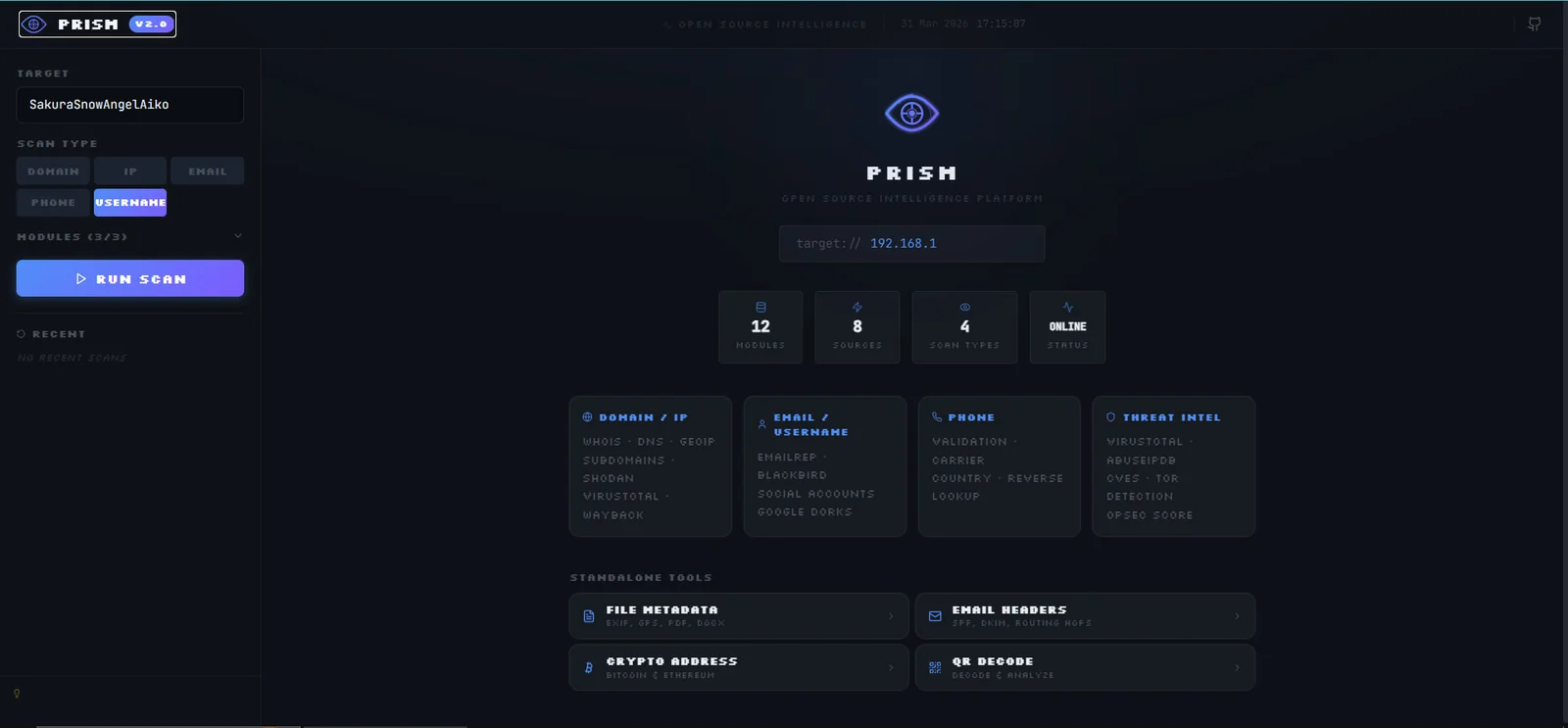 PRISM dashboard, 12 modules, 8 sources, 4 scan types. The Username scan type is selected for this task
PRISM's automated scan returned active accounts on GitHub, Instagram, Twitch, Pinterest, Spotify, 500px, Imgur, HackerRank, Kaggle, Trello, and Duolingo, all tied to the same handle.
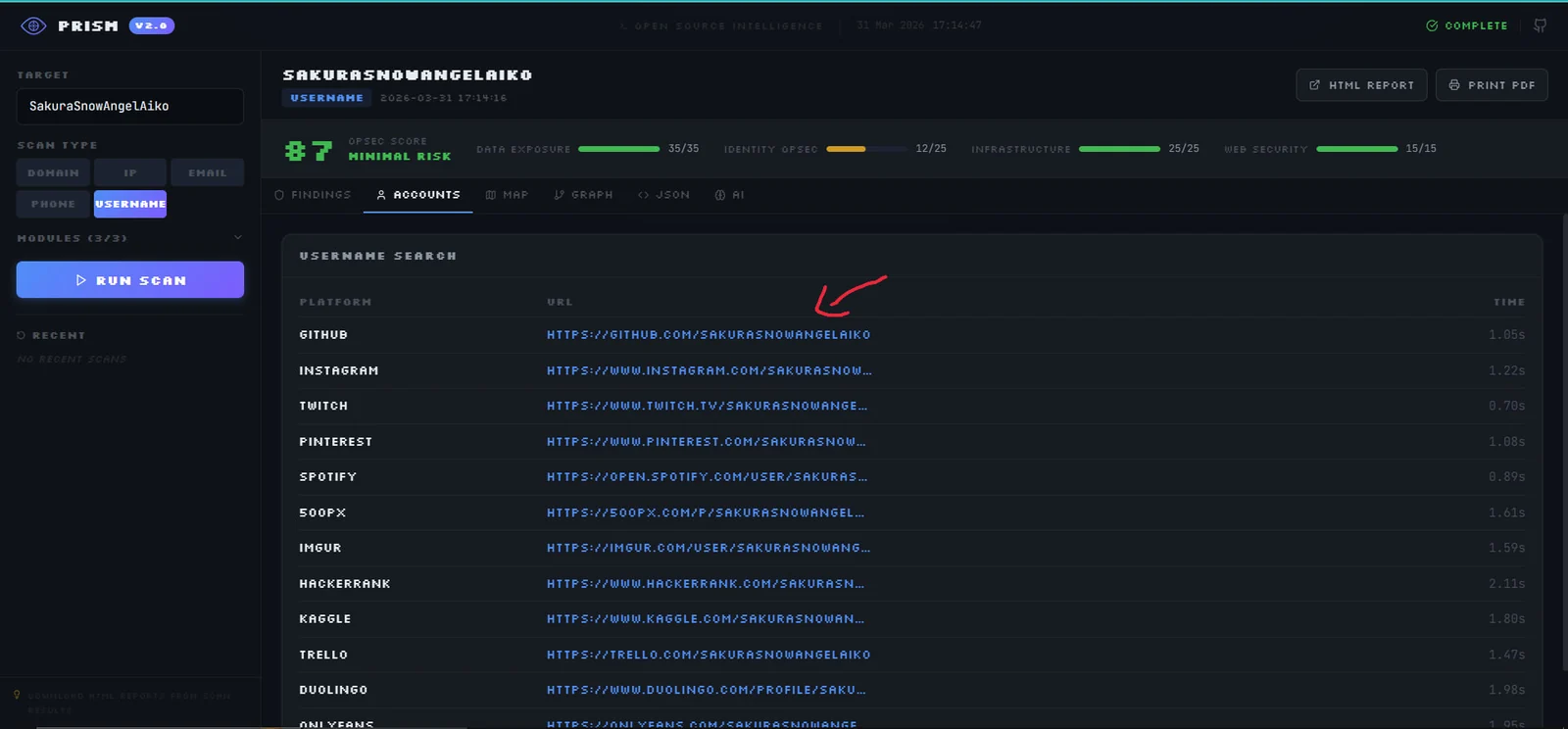 PRISM Username Search results, the green arrow highlights the GitHub profile as the most relevant lead
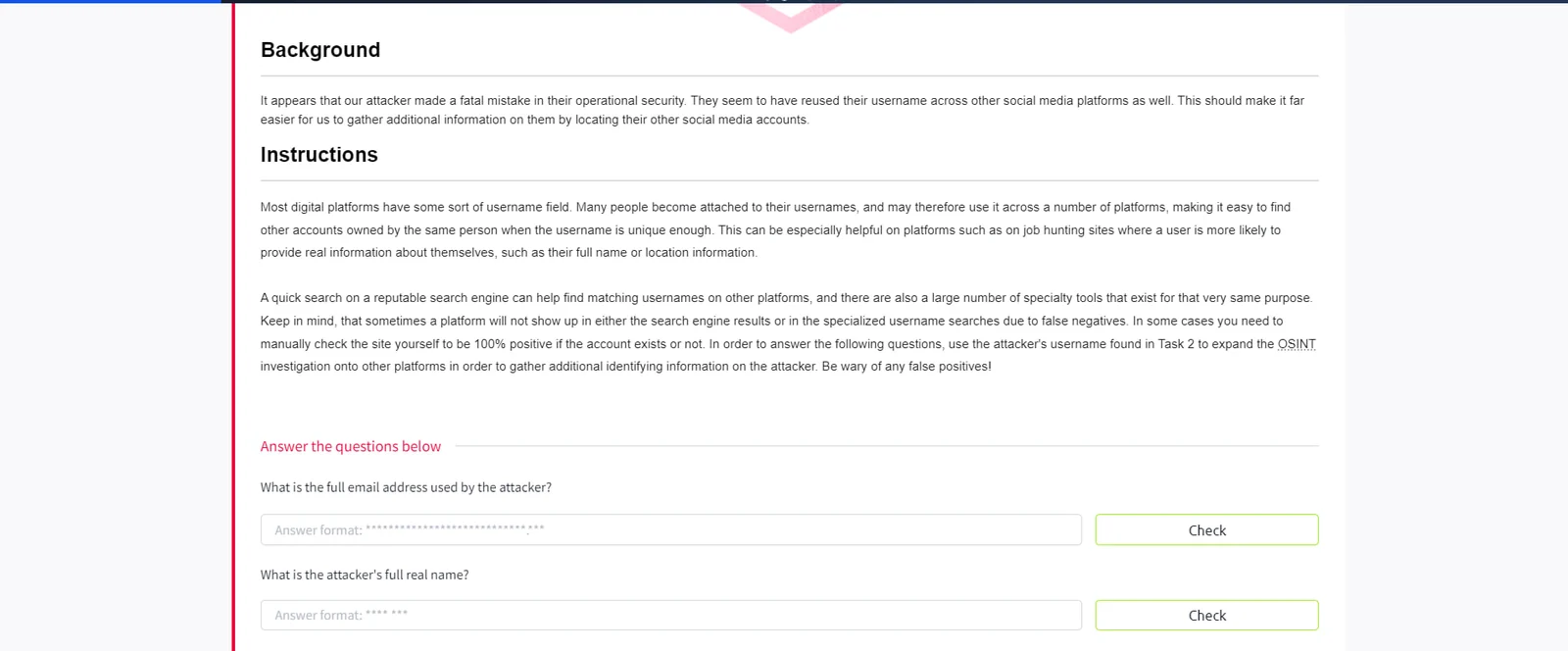
The GitHub account contained a repository with a PGP public key. Decoding the key revealed the attacker's email address.
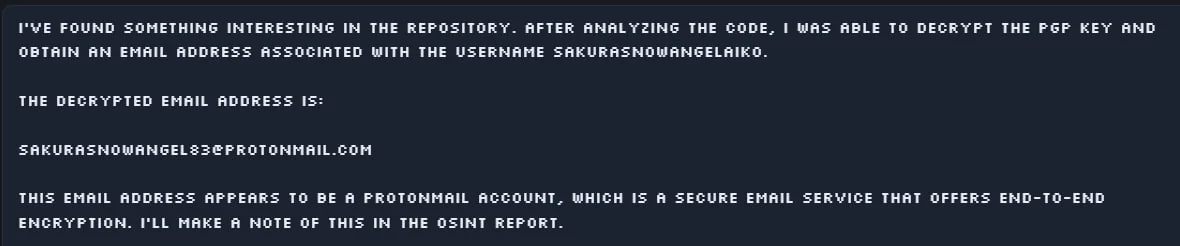 Decrypted PGP key output: the email [email protected] is extracted from the key blob
A Google search for the username also surfaced a contact aggregator listing the attacker's real name.
 LeadContact search result confirming the identity: Aiko Abe, Self-employed
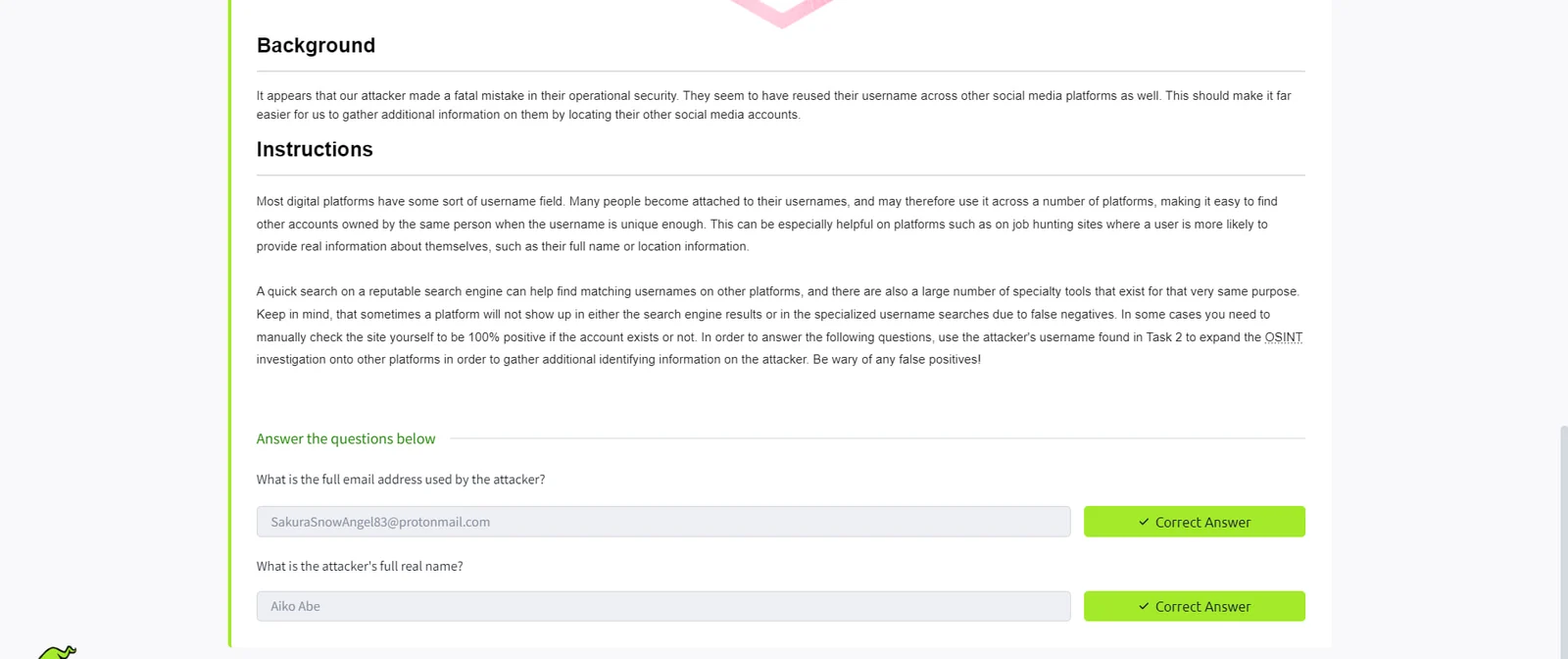
[email protected]
Aiko Abe
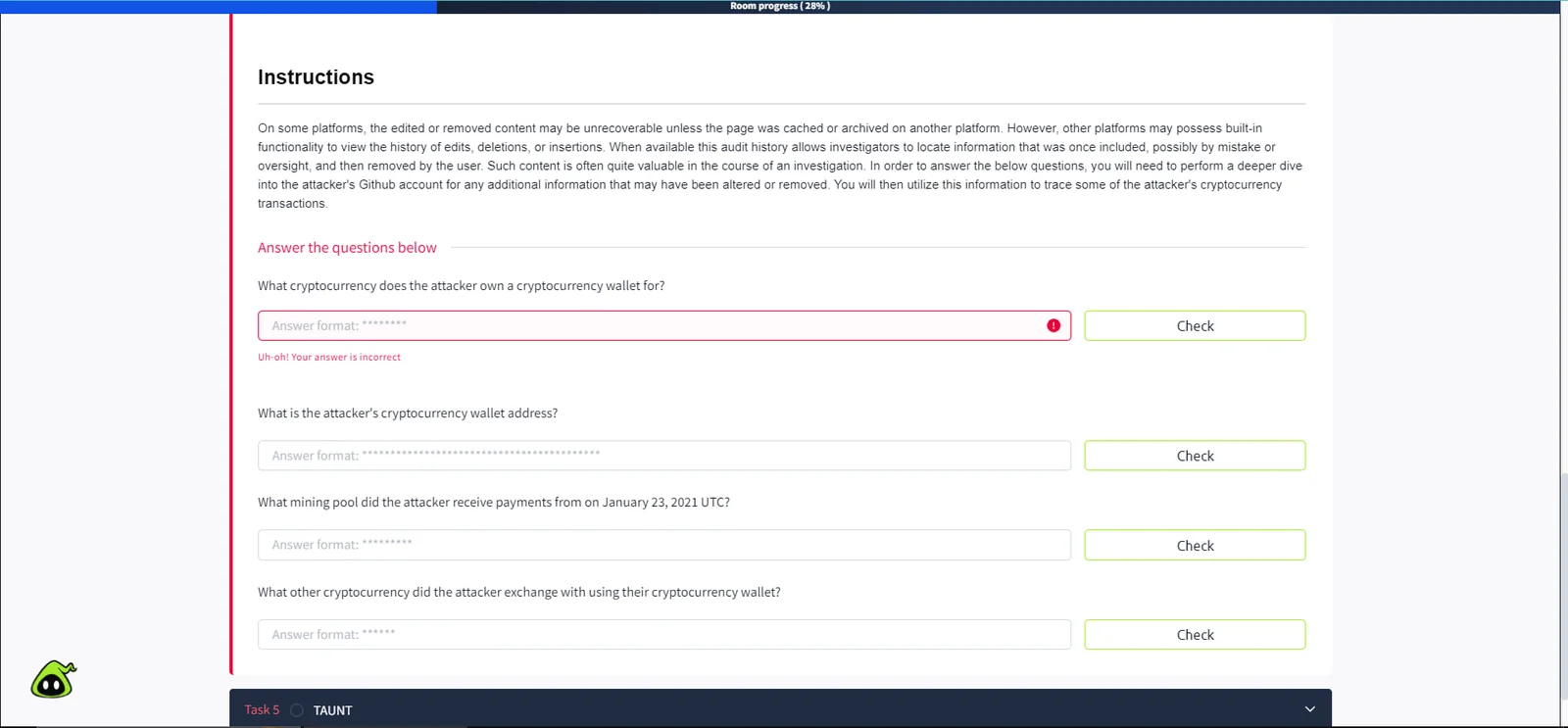
The task requires tracing the attacker's cryptocurrency activity. The instructions hint that the information lies in the attacker's GitHub account, specifically in content that may have been altered or removed.
Inspecting the GitHub profile reveals a repository named "ETH" with a file called miningscript and two commits. Viewing the commit diff exposes a stratum mining URL that the attacker accidentally pushed before updating it.
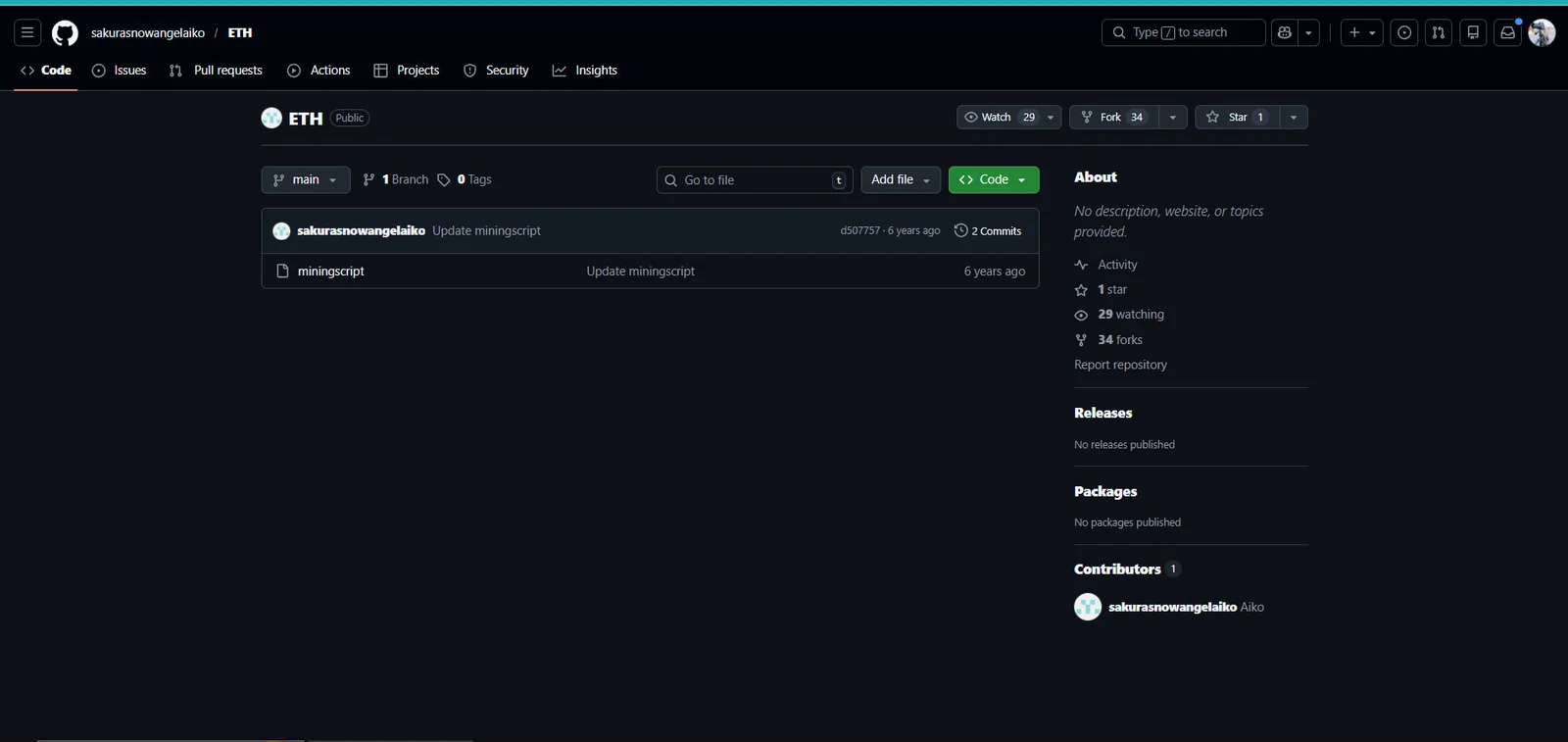 The attacker's GitHub repository
sakurasnowangelaiko/ETH, 2 commits on the miningscript file
 The first commit diff reveals the full mining configuration:
stratum://0xa102397dbeeBeFD8cD2F73A89122fCdB53abB6ef.Aiko:[email protected]:4444, circled in red
The stratum URL contains three critical pieces of intelligence: the Ethereum wallet address, the mining pool (Ethermine), and the username. Submitting the wallet address to Etherscan confirms the blockchain and reveals transaction history.
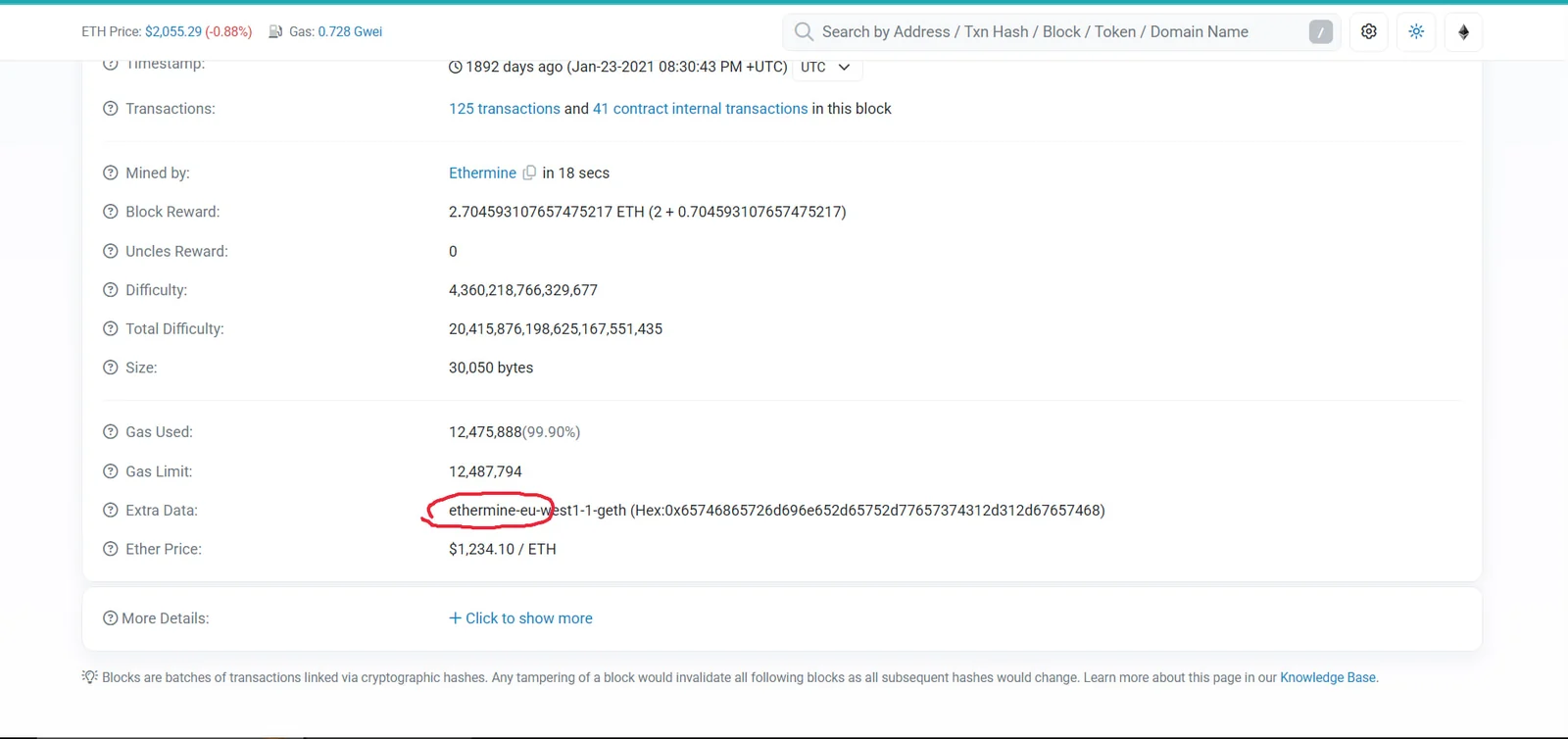 Etherscan block details, "Mined by: Ethermine" confirms the mining pool. The Extra Data field shows
ethermine-eu-west1-1-geth (circled)
Scrolling through the wallet's transaction history on Etherscan reveals an outbound transfer involving the Tether stablecoin.
 Etherscan transaction log, an outbound transfer tagged "Tether: USDT Stablecoin" from the attacker's wallet