 snyk-labs/exploit-workshop
A step by step workshop to exploit various vulnerabilities in Node.js and Java applications

In this step by step workshop you'll learn how to exploit various real world vulnerabilities existing in vulnerable versions of packages in a Node.js and Java application.
You can do this workshop in 2 different flavours
OR
This workshop will lead you through installing and exploiting a number of intentionally vulnerable applications. The applications will use real world packages with know vulnerabilities, including:
These exploits exist in a number of applications, most of which you will need to install either locally or on a cloud instance. The instructions below will walk you through the local installations, but you are more than welcome to try them out on remote cloud instances also.
For each vulnerability section in this workshop, you’ll be given information about the vulnerability as well as the package it exists in. You are encouraged to attempt to hack the application by trial and error without reading any hints at first. Try to think how you can trick the application sanitization and get into the mind of a hacker. The hints are there for when you get stuck so read them in order as and when you need a helping hand. If you can complete the hack without hints, that’s great! However it can be good to read the hints afterwards to make sure you broke in the same way we did! Plus there could be little tips in there to learn from also.
Depending on your choice before pick the appropriate install manual
From your browser of choice, navigate to http://localhost:3001 and you should see the following page.
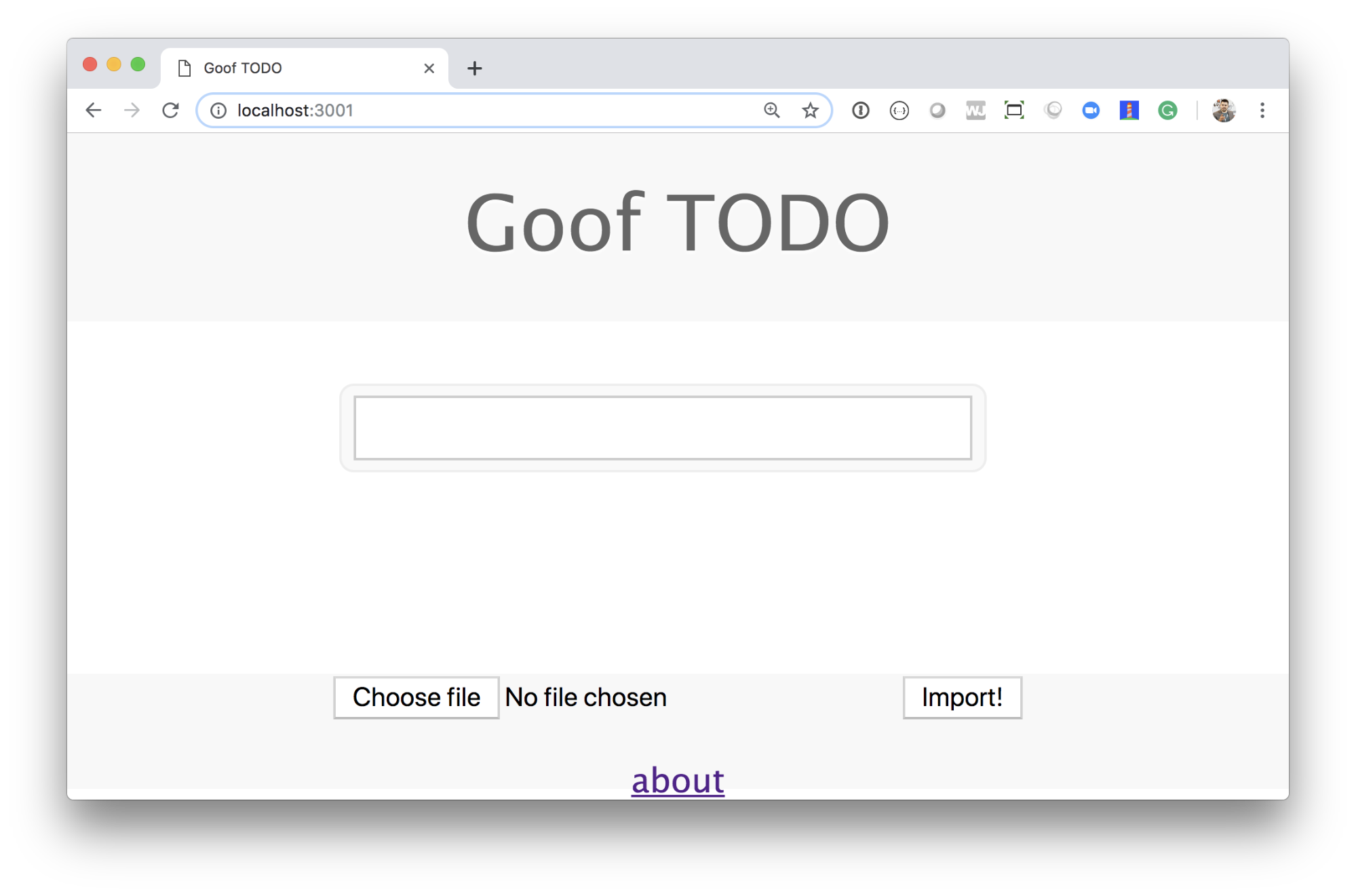
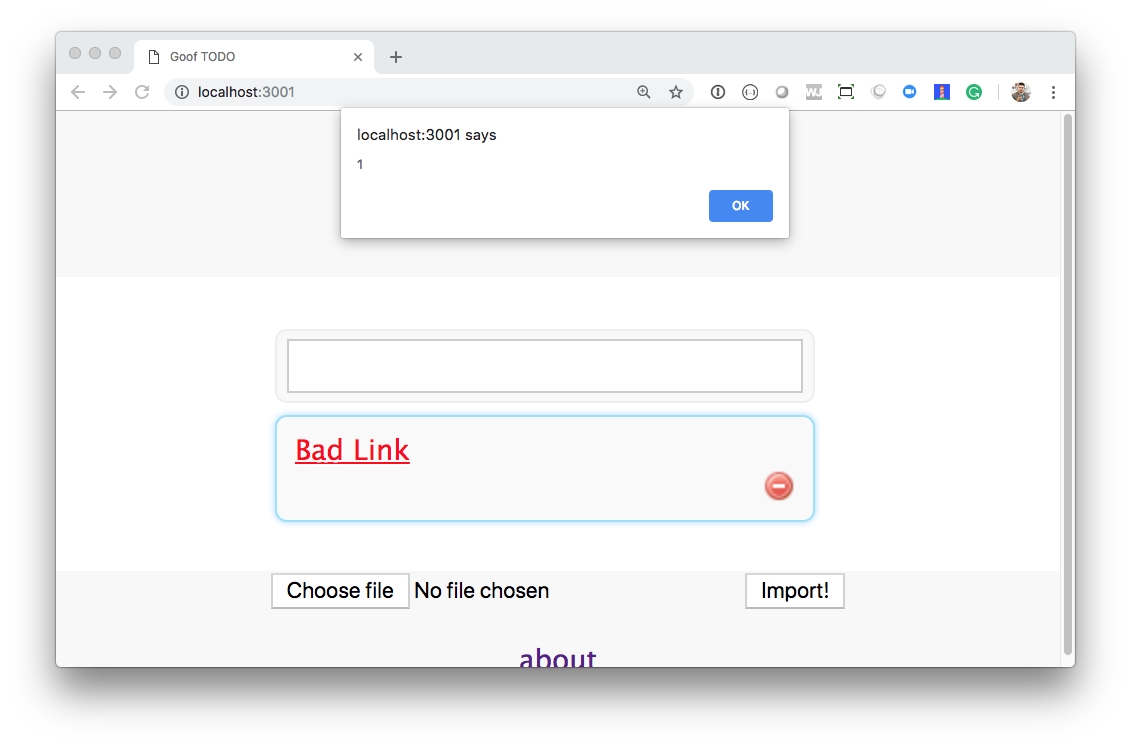
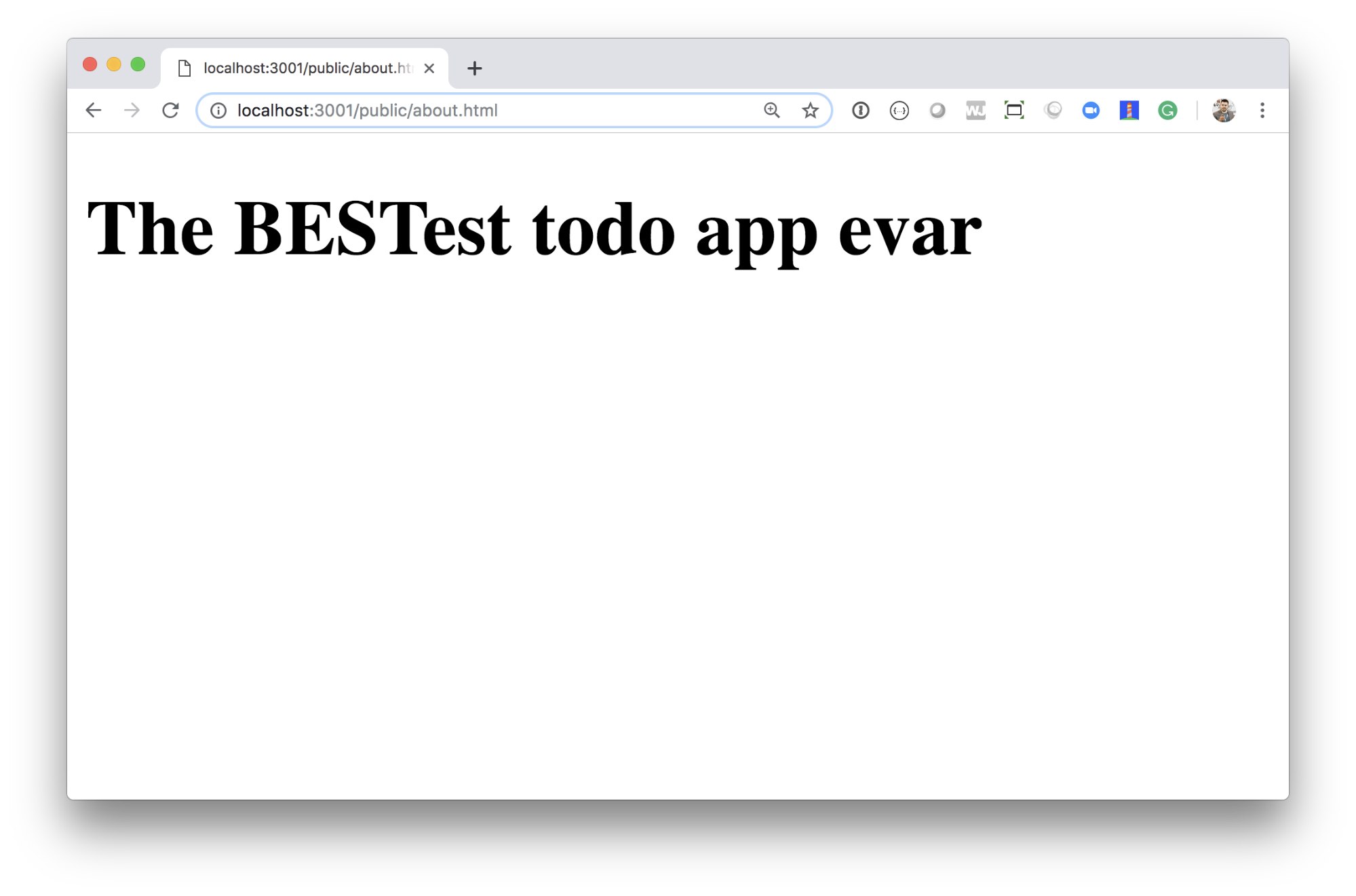
Take a few minutes playing with the site, and in particular, create a few todo items, using regular text “Buy Milk” as well as using markdown “Buy **lots** of milk”. Also navigate to the very modest about page linked to from the bottom of the homepage. Delight in the CSS-foo used to create this about page. Note: PRs sent that make this page look nicer will not be merged ;o)
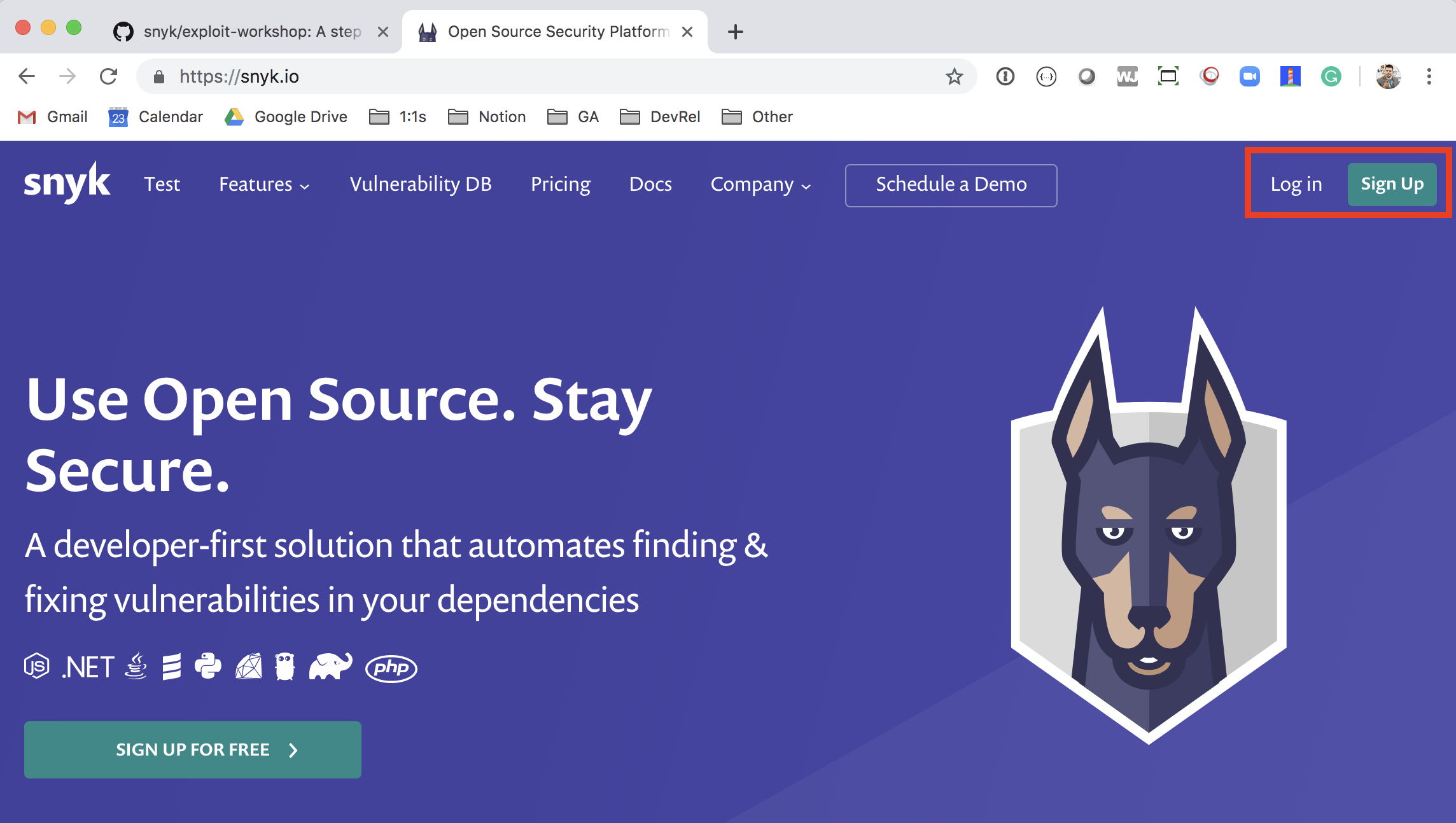
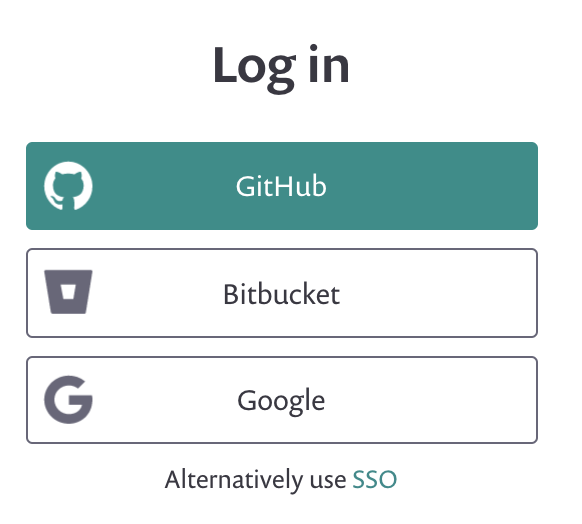
First of all, let's look at it from the blue (defensive) side. Fork the goof application to your own github account. The application can be found on GitHub here: https://github.com/snyk/goof. We need to scan our application to understand the direct and indirect dependencies that exist in the application, as well as the vulnerabilities in each library. To do this, navigate to https://snyk.io and click "Sign up" or "Log in" (if you're already a user), on the top right of the site:
Click the "Log in with your GitHub" button:
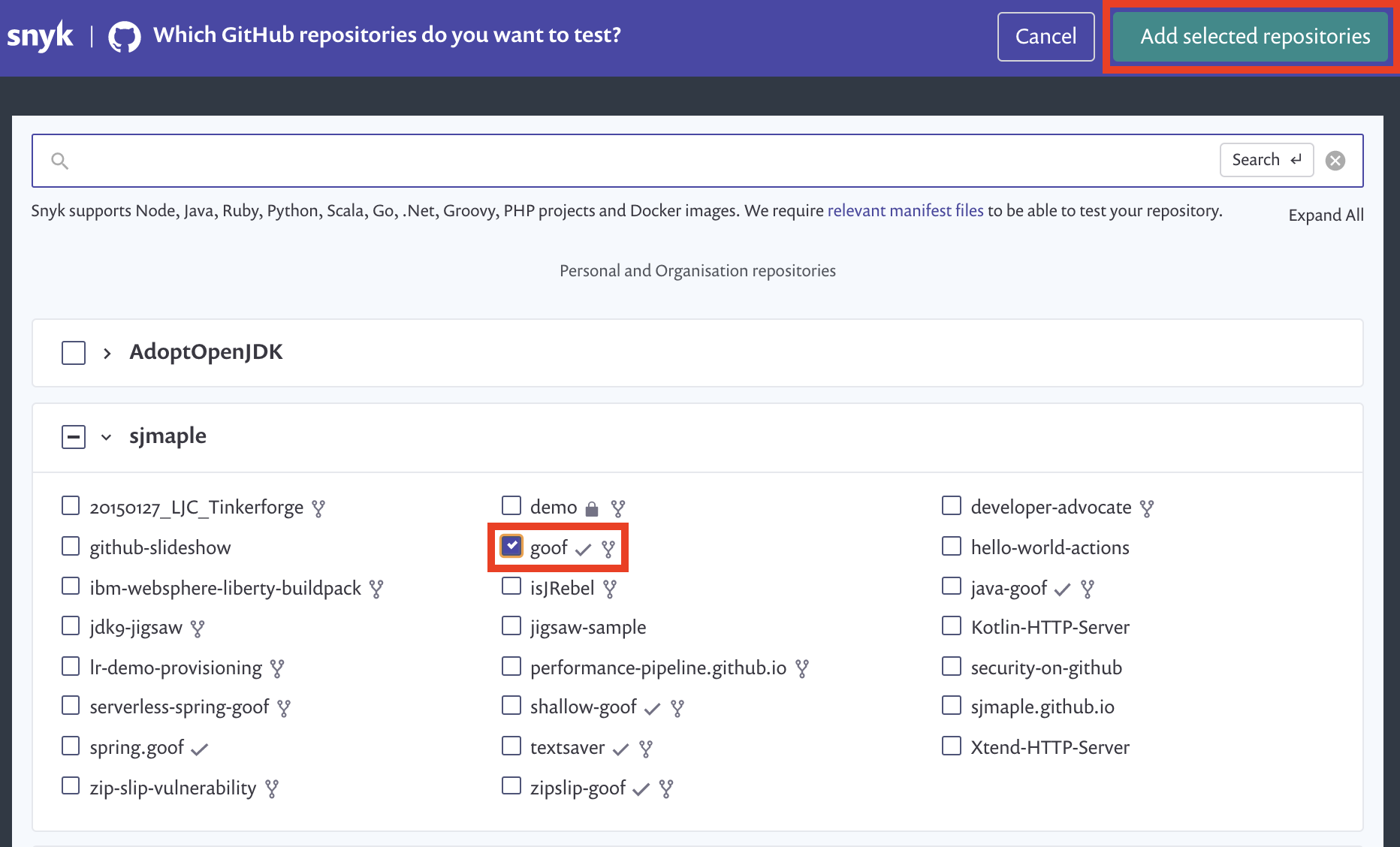
Next, import the goof project that you just cloned previously. Select goof from your GitHub repo list and click the "Import Projects" button on the top right of the window.
When the project has been scanned you'll see it in your dashboard:

Click the package.json link to see the project page, which includes the full list of security vulnerabilities:
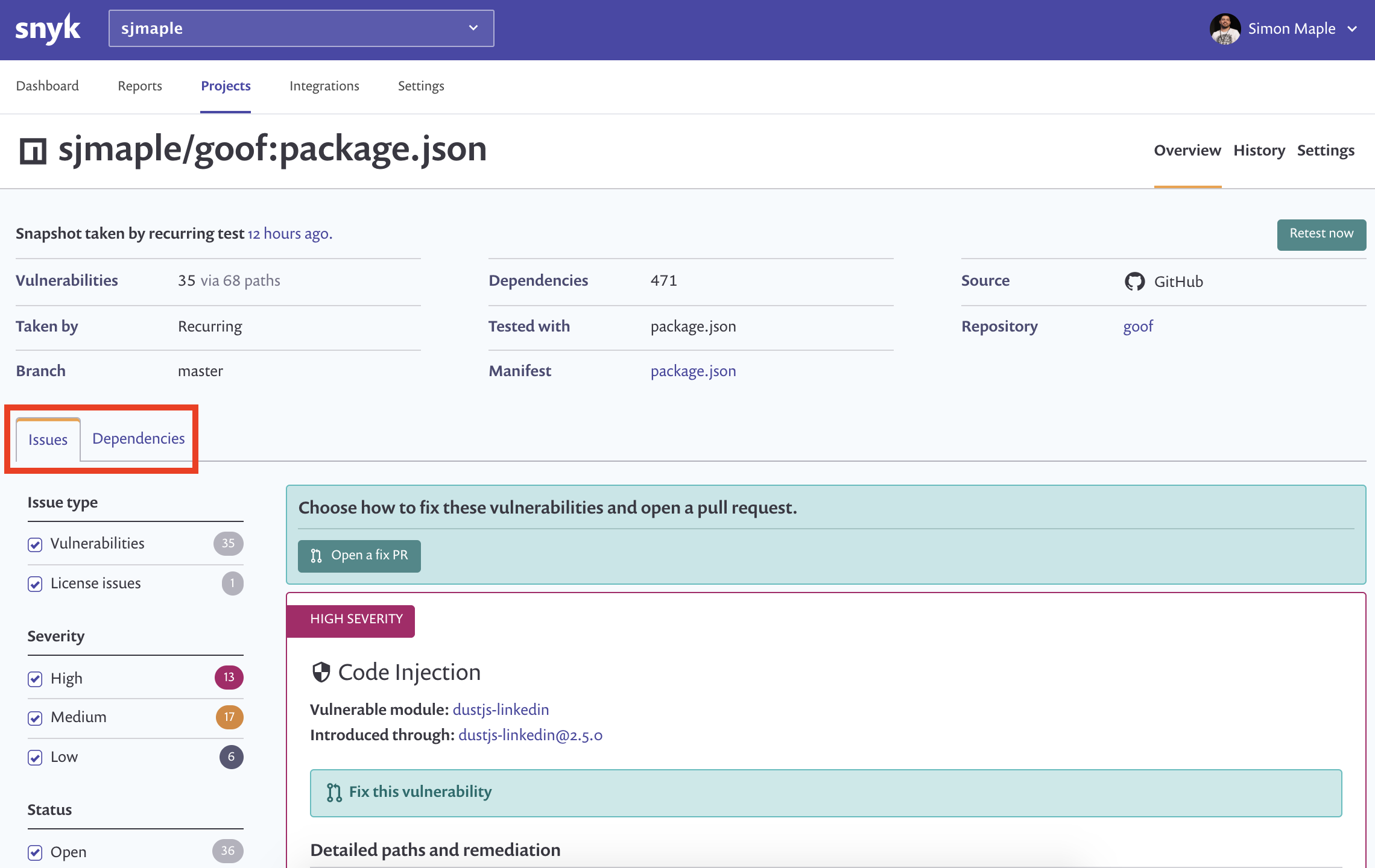
You can click on the issues and dependencies tabs to see more information about the vulnerabilities and their remediation as well as where they are being introduced by your application. You'll notice towards the bottom of the vulnerability listing there is a directory traversal vulnerability in the st package. Let's look at this in more detail.
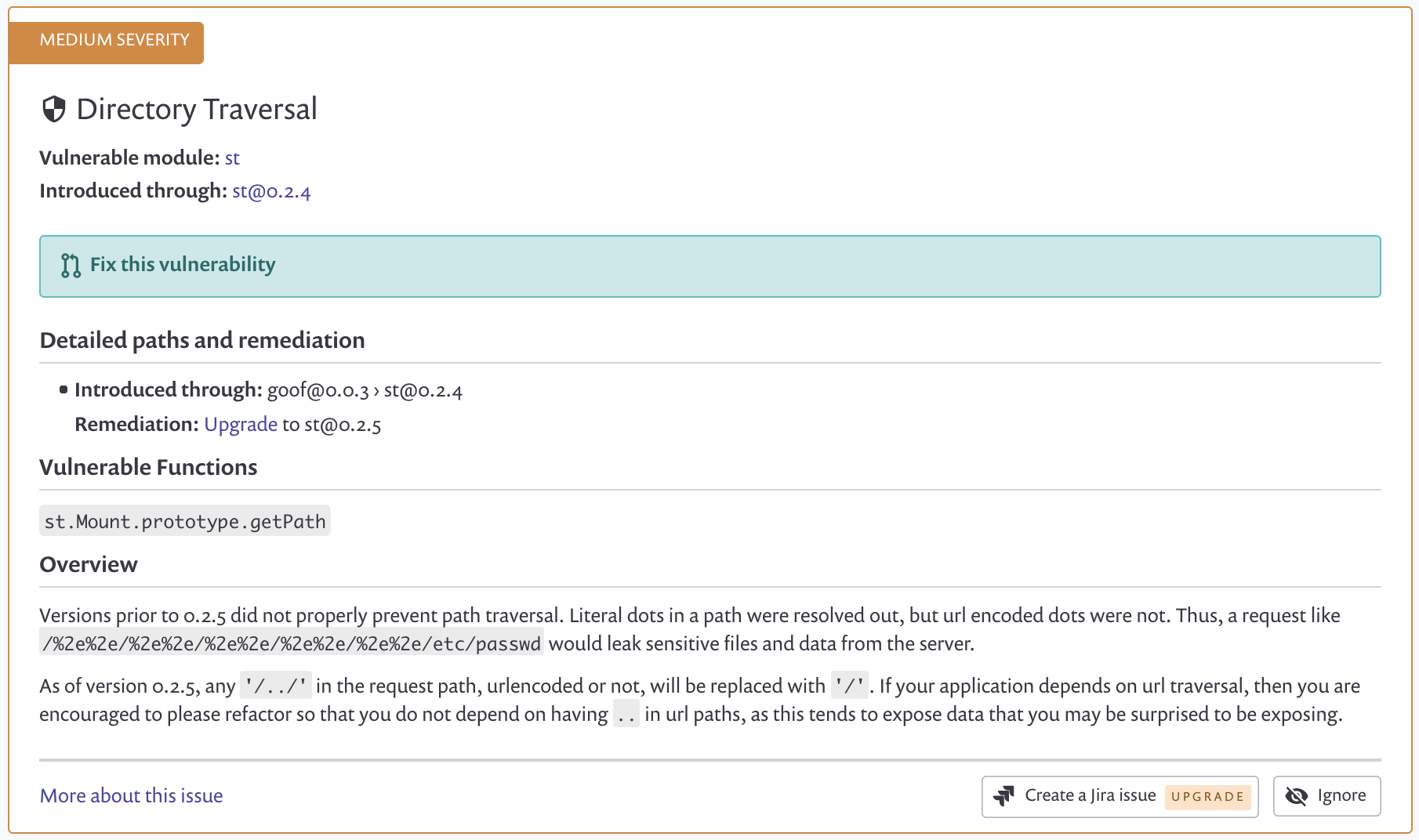
A Directory Traversal attack (also known as path traversal) aims to access files and directories that are stored outside the intended folder. By manipulating files with "dot-dot-slash" (../) sequences and its variations, or by using absolute file paths, it may be possible to access arbitrary files and directories stored on file system, including application source code, configuration, and other critical system files.
Directory Traversal vulnerabilities can be generally divided into two types:
The package in the goof application which contains a directory traversal vulnerability which we will exploit is the st package. Take a look at the st docs and familiarise yourself with the library.
You should now be aware of what directory traversal is, what the st package does and can go ahead and hack the application -- you're back on the red team now! Look around the application for where the st package might be used and try to traverse to a directory you should not be allowed to access.
Here are some hints to give you clues if you get stuck - try your best to only look at them once you’ve had a try yourself already and need help.
Click to see Hint 1.
Click to see Hint 2.
Click to see Hint 3.
Click to see Hint 4.
Click to see Hint 5.
Click to see Hint 6.
Click to see Hint 7.
Click to see Hint 8.
Click to see Hint 9.
Navigate your filesystem as if you were an attacker to find 3 pieces of sensitive information on your machine that you perhaps wouldn’t want an attacker to see.
Click to see Hint 10.
