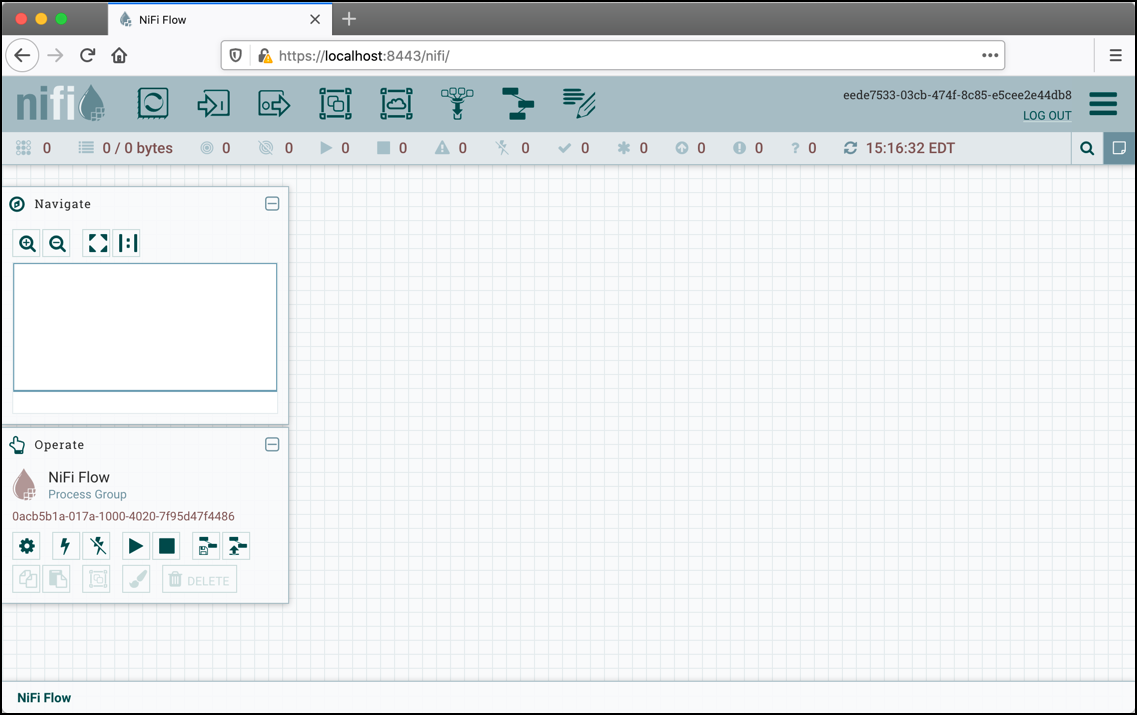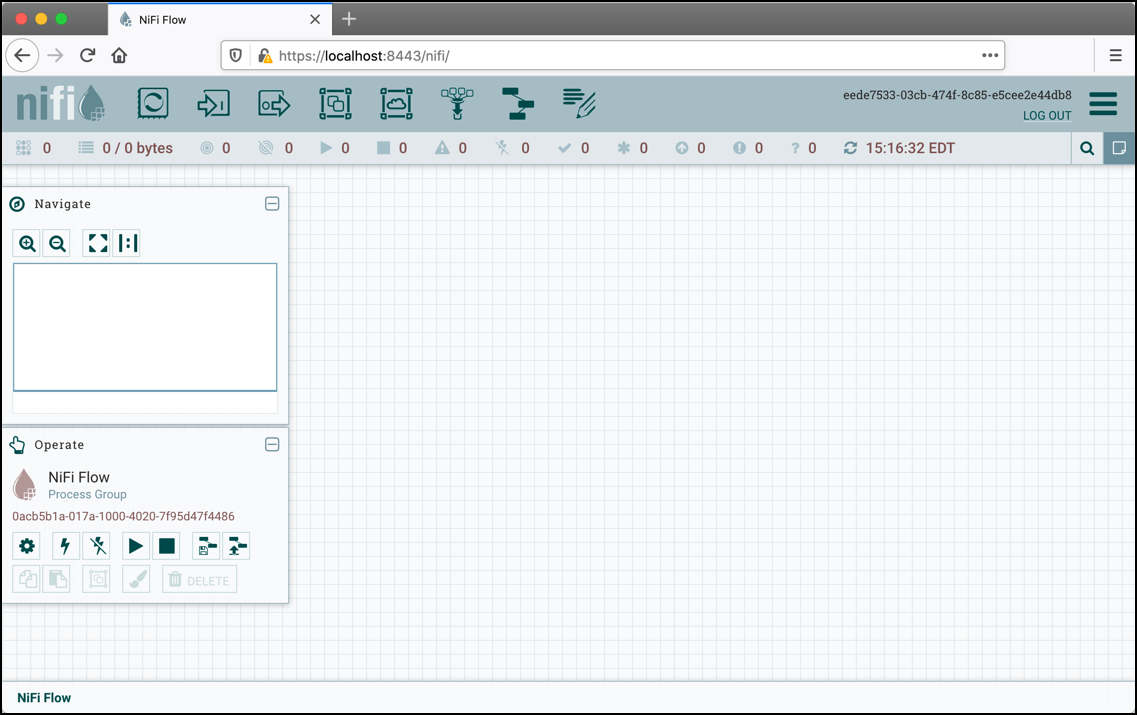
 shoucheng3/asf__nifi_cve-2023-34468_1-21-00
Exploit for Apache NiFi CVE-2023-34468, targeting a vulnerability in versions 1.21.0 and earlier to demonstrate data access and system compromise.

[ ][nifi]





Apache NiFi is an easy to use, powerful, and reliable system to process and distribute data.
Apache NiFi was made for dataflow. It supports highly configurable directed graphs of data routing, transformation, and system mediation logic. Some of its key features include:
Read through the quickstart guide for development. It will include information on getting a local copy of the source, give pointers on issue tracking, and provide some warnings about common problems with development environments.
For a more comprehensive guide to development and information about contributing to the project read through the NiFi Developer's Guide.
Run mvn clean install or for parallel build execute mvn -T 2.0C clean install.
The parallel build should take around fifteen minutes on modern hardware.
laptop:nifi myuser$ mvn -T 2.0C clean install
[INFO] Scanning for projects...
[INFO] Inspecting build with total of 115 modules...
    ...tens of thousands of lines elided...
[INFO] ------------------------------------------------------------------------
[INFO] BUILD SUCCESS
[INFO] ------------------------------------------------------------------------
[INFO] Total time: 09:24 min (Wall Clock)
[INFO] Finished at: 2015-04-30T00:30:36-05:00
[INFO] Final Memory: 173M/1359M
[INFO] ------------------------------------------------------------------------
Run mvn clean install -DskipTests to skip unit test execution.
Change directories to nifi-assembly. The target directory contains binary archives.
laptop:nifi myuser$ cd nifi-assembly
laptop:nifi-assembly myuser$ ls -lhd target/nifi*
drwxr-xr-x  3 myuser  mygroup   102B Apr 30 00:29 target/nifi-1.0.0-SNAPSHOT-bin
-rw-r--r--  1 myuser  mygroup   144M Apr 30 00:30 target/nifi-1.0.0-SNAPSHOT-bin.tar.gz
-rw-r--r--  1 myuser  mygroup   144M Apr 30 00:30 target/nifi-1.0.0-SNAPSHOT-bin.zip
Copy the nifi-VERSION-bin.tar.gz or nifi-VERSION-bin.zip to a separate deployment directory.
Extracting the distribution will create a new directory named for the version.
laptop:nifi-assembly myuser$ mkdir ~/example-nifi-deploy
laptop:nifi-assembly myuser$ tar xzf target/nifi-*-bin.tar.gz -C ~/example-nifi-deploy
laptop:nifi-assembly myuser$ ls -lh ~/example-nifi-deploy/
total 0
drwxr-xr-x  10 myuser  mygroup   340B Apr 30 01:06 nifi-1.0.0-SNAPSHOT
Change directories to the deployment location and run the following command to start NiFi.
laptop:~ myuser$ cd ~/example-nifi-deploy/nifi-*
laptop:nifi-1.0.0-SNAPSHOT myuser$ ./bin/nifi.sh start
Running bin/nifi.sh start starts NiFi in the background and exits. Use --wait-for-init with an optional timeout in
seconds to wait for a complete startup before exiting.
laptop:nifi-1.0.0-SNAPSHOT myuser$ ./bin/nifi.sh start --wait-for-init 120
The default configuration generates a random username and password on startup. NiFi writes the generated credentials
to the application log located in logs/nifi-app.log under the NiFi installation directory.
The following command can be used to find the generated credentials on operating systems with grep installed:
laptop:nifi-1.0.0-SNAPSHOT myuser$ grep Generated logs/nifi-app*log
NiFi logs the generated credentials as follows:
Generated Username [USERNAME]
Generated Password [PASSWORD]
The USERNAME will be a random UUID composed of 36 characters. The PASSWORD will be a random string composed of
32 characters. The generated credentials will be stored in conf/login-identity-providers.xml with the password stored
using bcrypt hashing. Record these credentials in a secure location for access to NiFi.
The random username and password can be replaced with custom credentials using the following command:
./bin/nifi.sh set-single-user-credentials <username> <password>
Open the following link in a web browser to access NiFi: https://localhost:8443/nifi
The web browser will display a warning message indicating a potential security risk due to the self-signed certificate NiFi generated during initialization. Accepting the potential security risk and continuing to load the interface is an option for initial development installations. Production deployments should provision a certificate from a trusted certificate authority and update the NiFi keystore and truststore configuration.
Accessing NiFi after accepting the self-signed certificate will display the login screen.
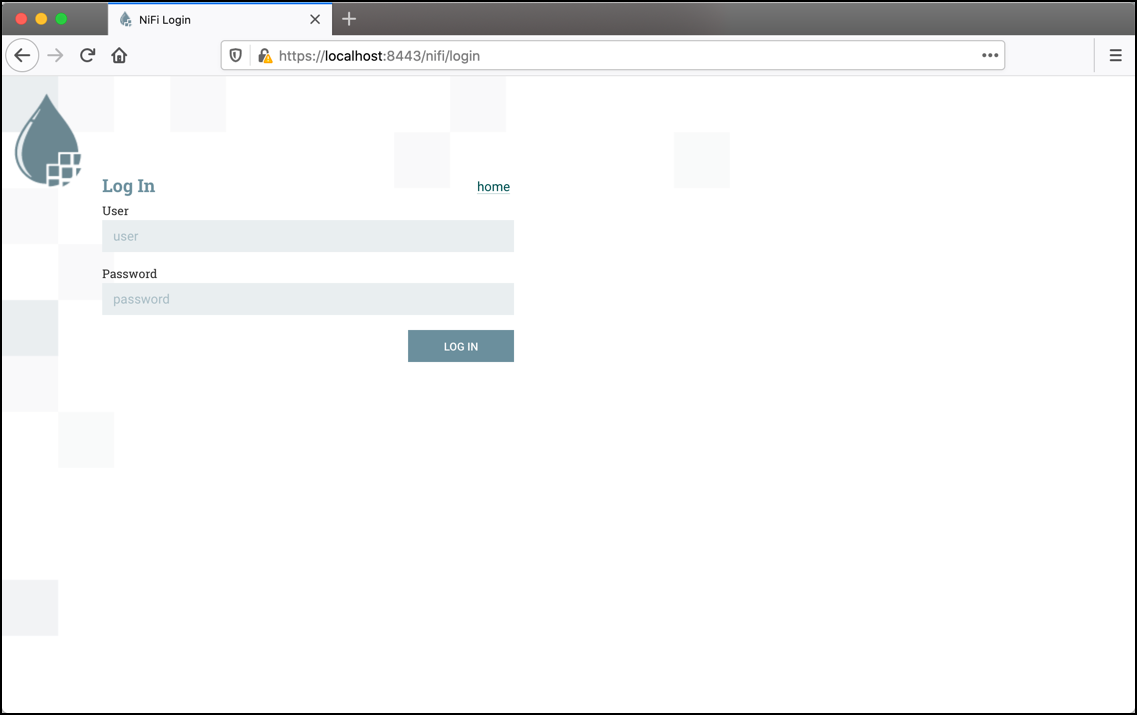
Using the generated credentials, enter the generated username in the User field
and the generated password in the Password field, then select LOG IN to access the system.