
 orlikoski/skadi
Collect, Process, and Hunt with host based data from MacOS, Windows, and Linux

(pronounced “SKAH-Dee”: similar to Scotty but with a d sound) is a giantess and goddess of hunting in Norse mythology
Open Letter to the users of Skadi, CyLR, and CDQR
Skadi is a free, open source collection of tools that enables the collection, processing and advanced analysis of forensic artifacts and images. It works on MacOS, Windows, and Linux machines. It scales to work effectively on laptops, desktops, servers, the cloud, and can be installed on top of hardened / gold disk images.
Available in OVA, Vagrant and Signed Installer formats
Download the Latest Release
Starting Skadi on Docker Instructions
Vagrant Installation Instructions
OVA Installation Instructions
Signed Installer Instructions
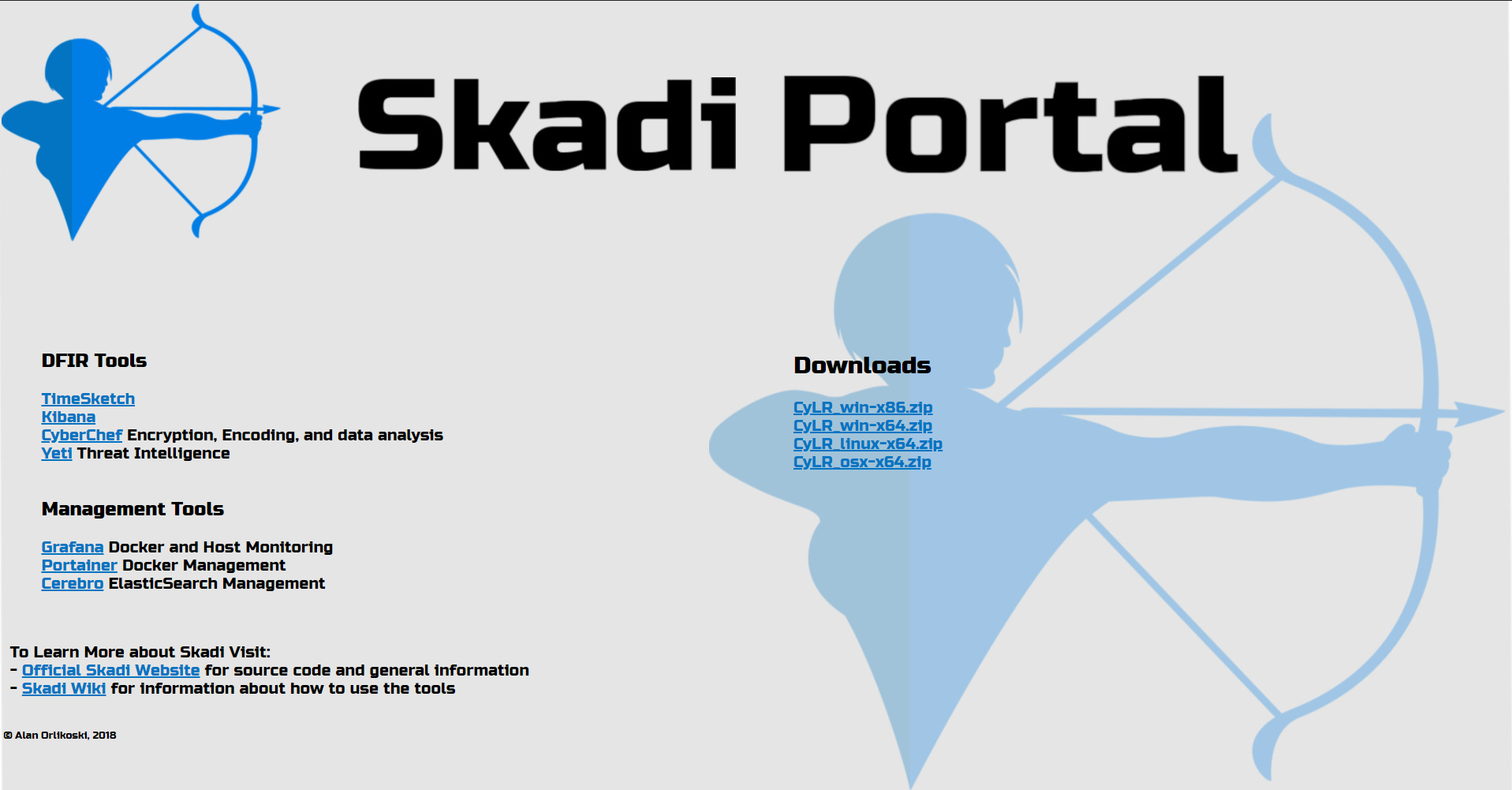
This portal allows easy access to Skadi tools. By default it is available at the IP address of the Skadi Server.
The default credentials are:
skadiskadiAccess the portal through a web browser at the IP address of the server. In this example the server is 192.168.1.2 while Vagrant and Docker will create a link to localhost
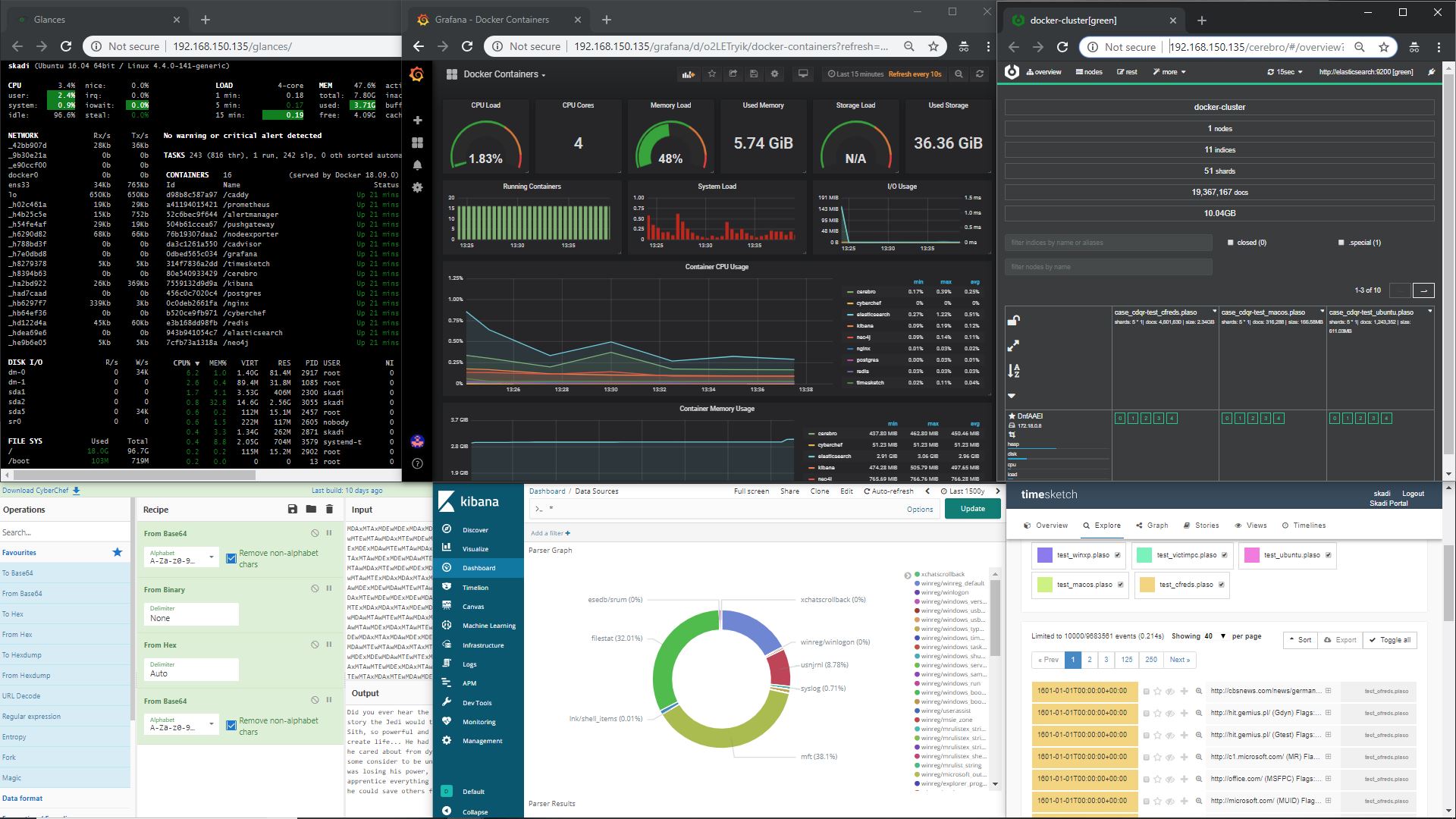
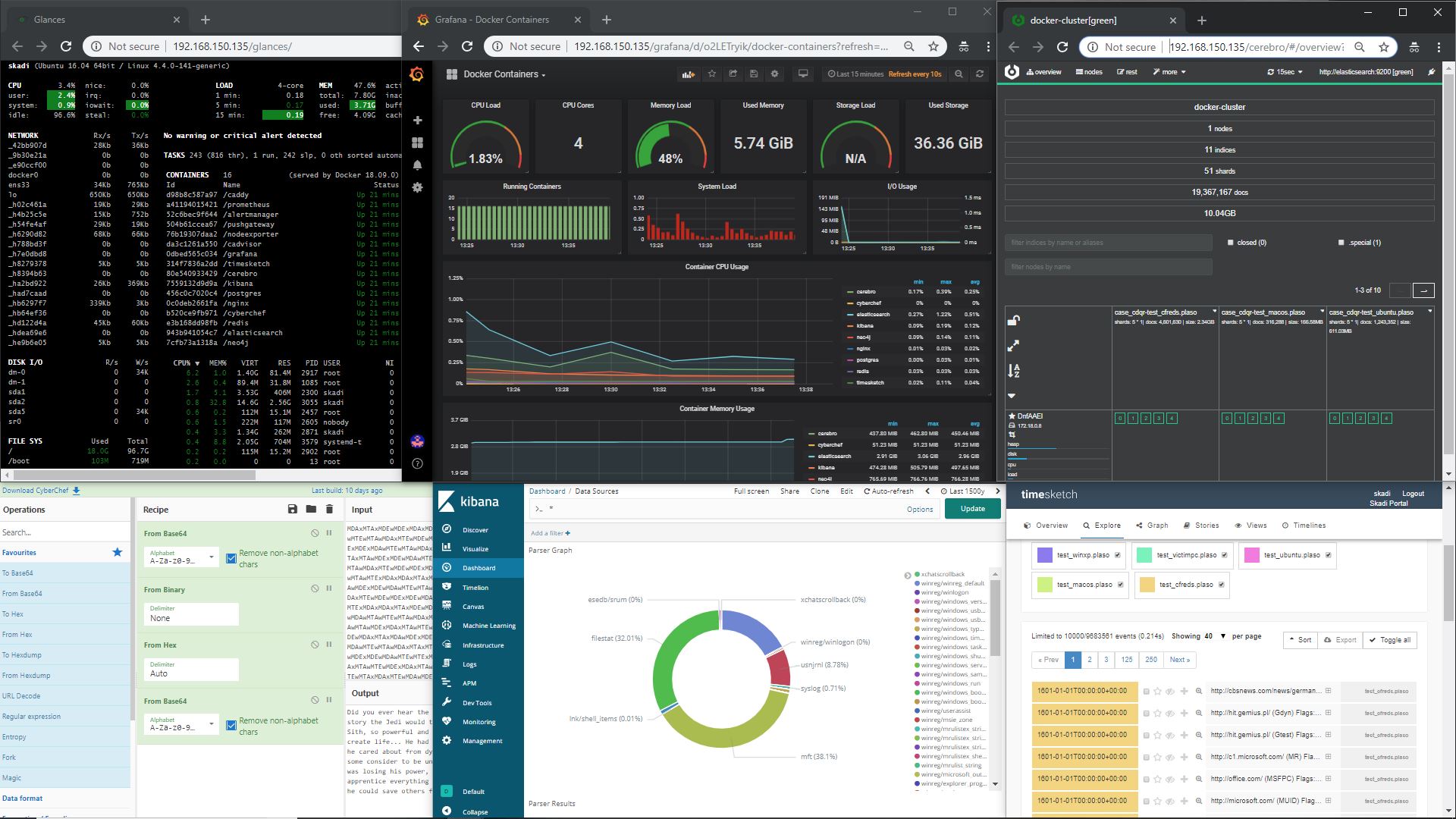 The tools are combined into one platform that all work together to provide the ability to collect data, convert the bits and bytes to words and numbers, and analyze the results quickly and easily. This enables the ability to rapidly hunt for host based evidence of a malicious activities quickly and accurately.
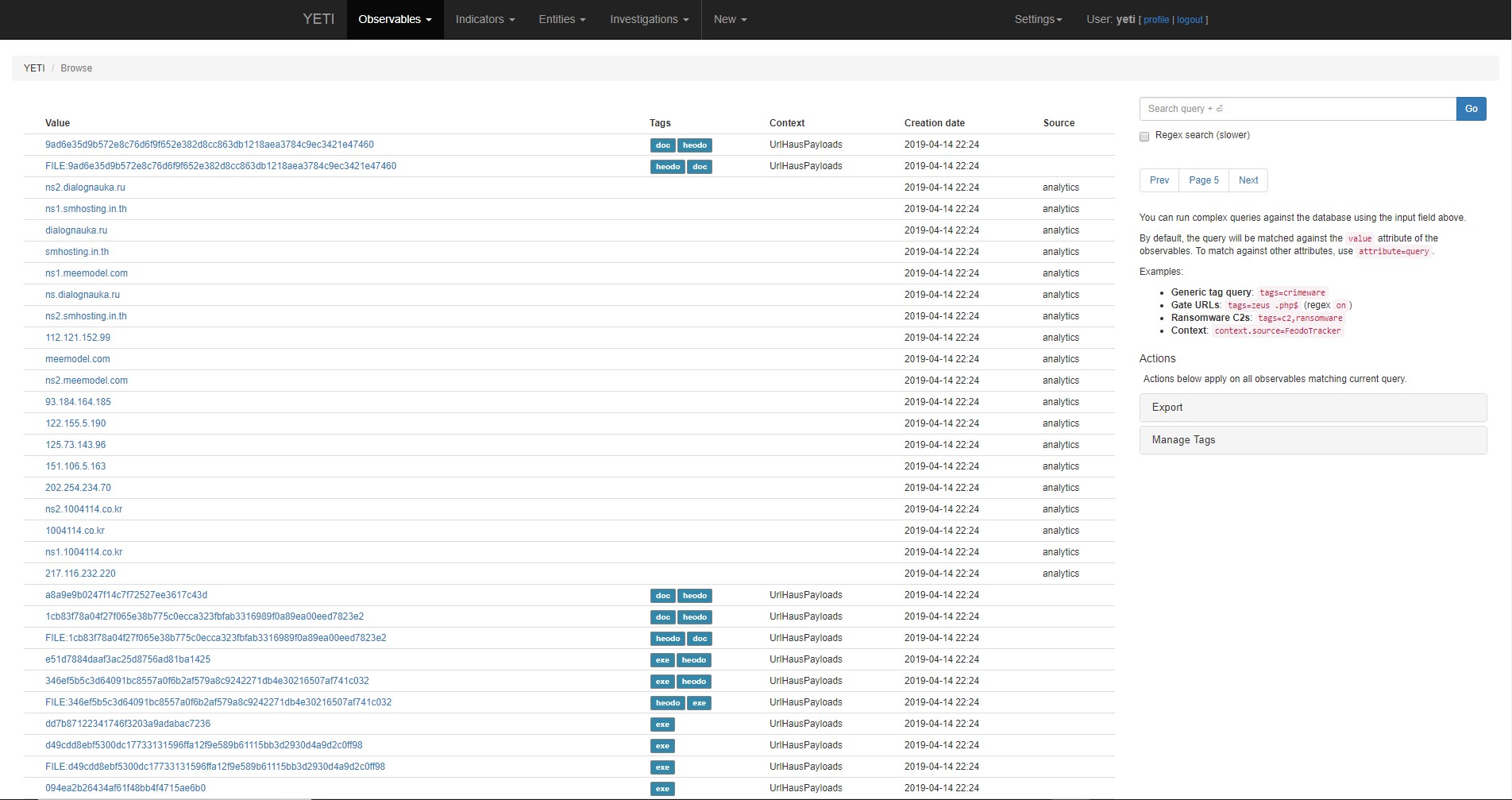
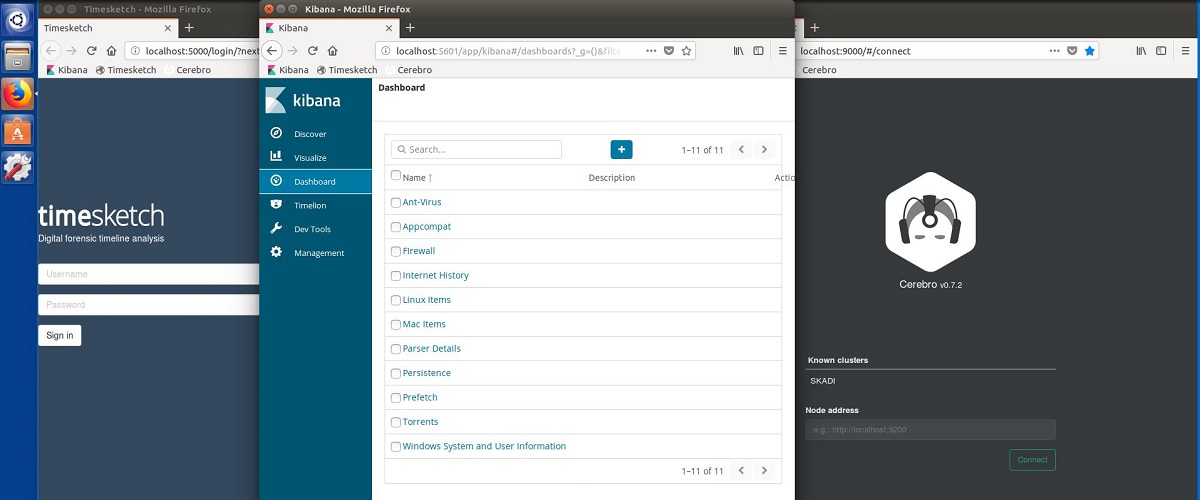
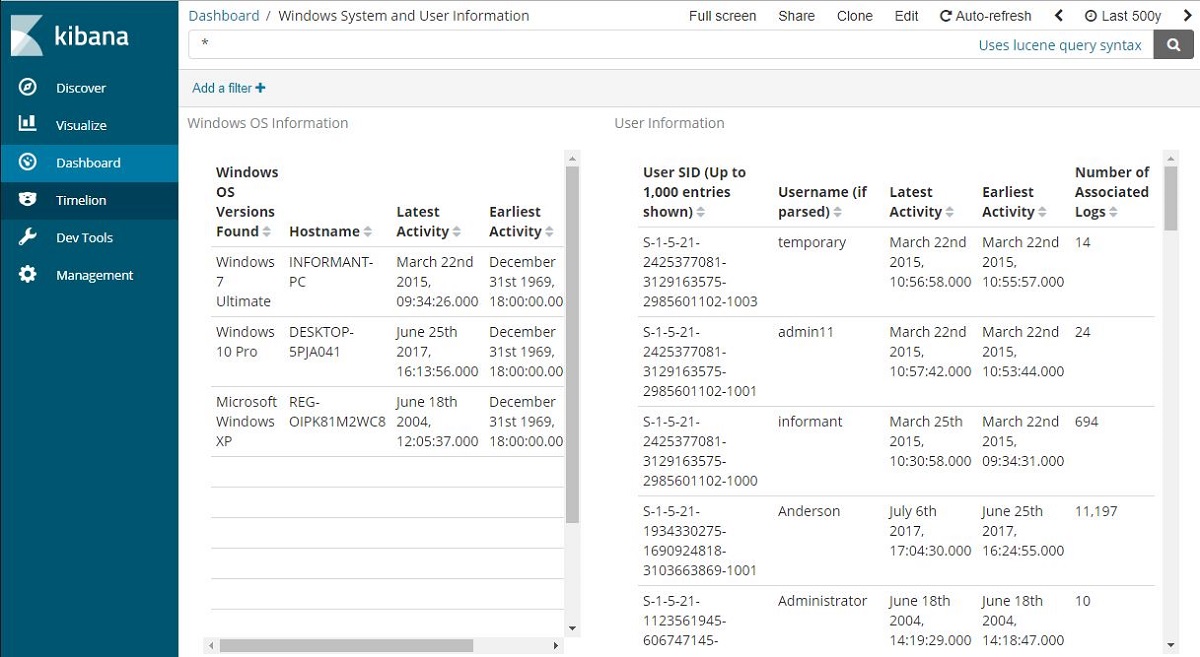
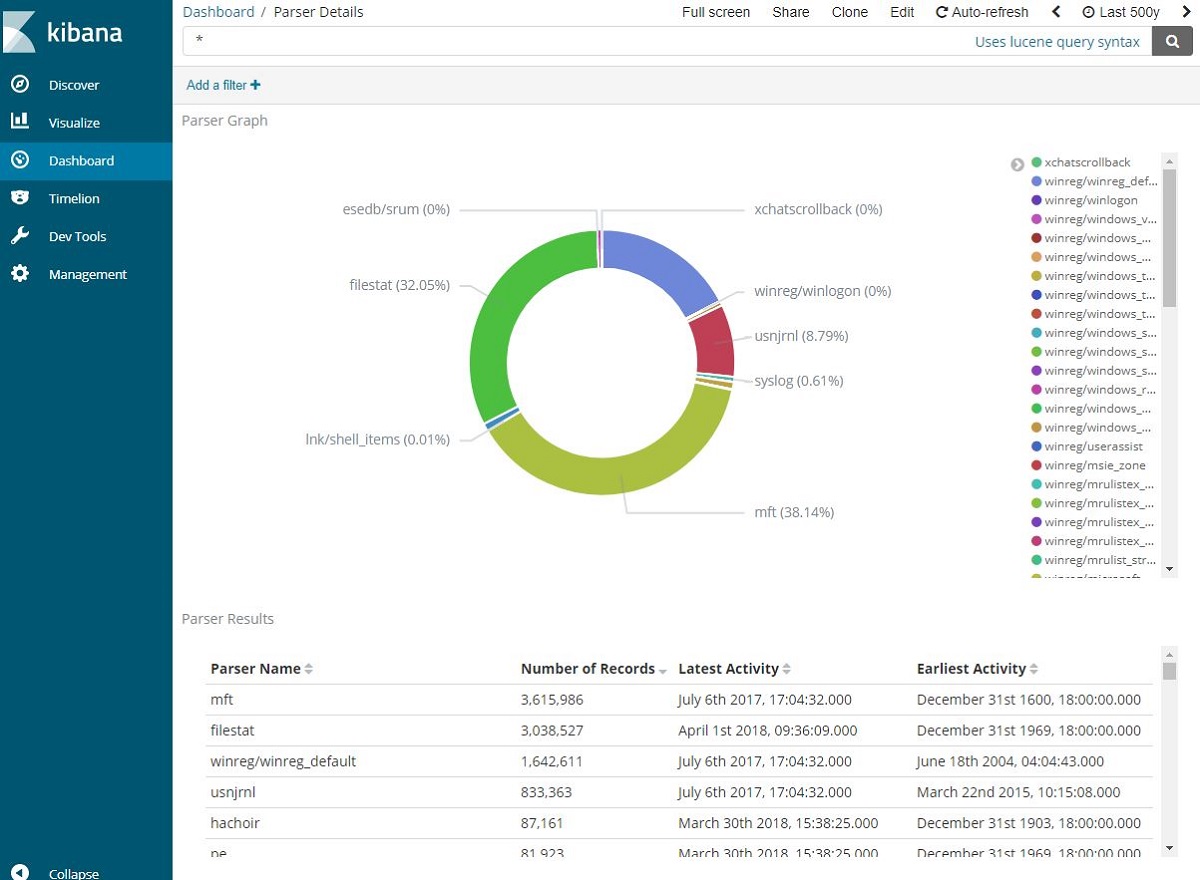
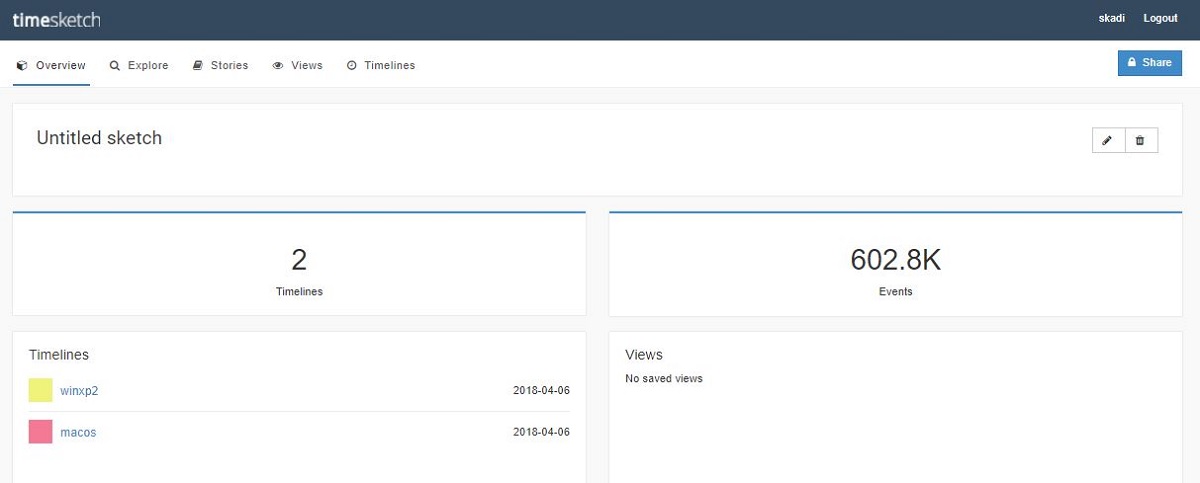
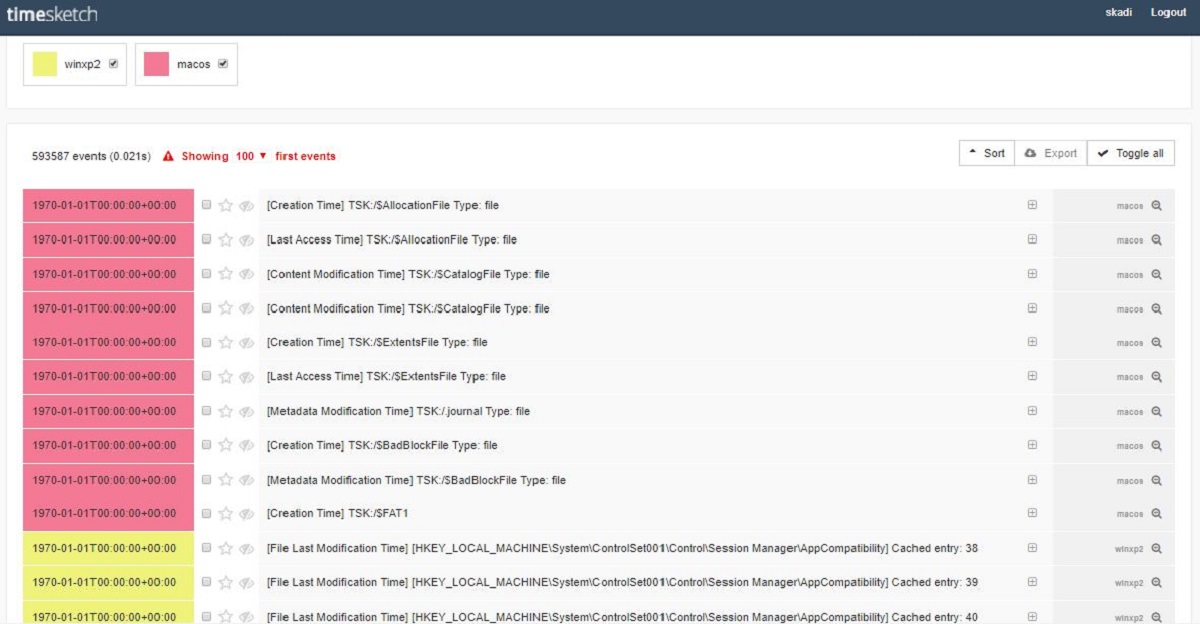
The answers to common questions and information about how to get started with Skadi is stored in the Skadi Wiki Pages.
There is a Slack community setup for developers and users of the Skadi ecosystem. It is a safe place to ask questions and share information.
Join the Skadi Community Slack
Skadi add-on packs are installed on top of the base Skadi VM to provide extra functionality
