
 mandiant/capa
Rule-based static and dynamic analysis tool that identifies capabilities in PE, ELF, .NET, and shellcode files, mapping them to MITRE ATT&CK techniques for malware triage.
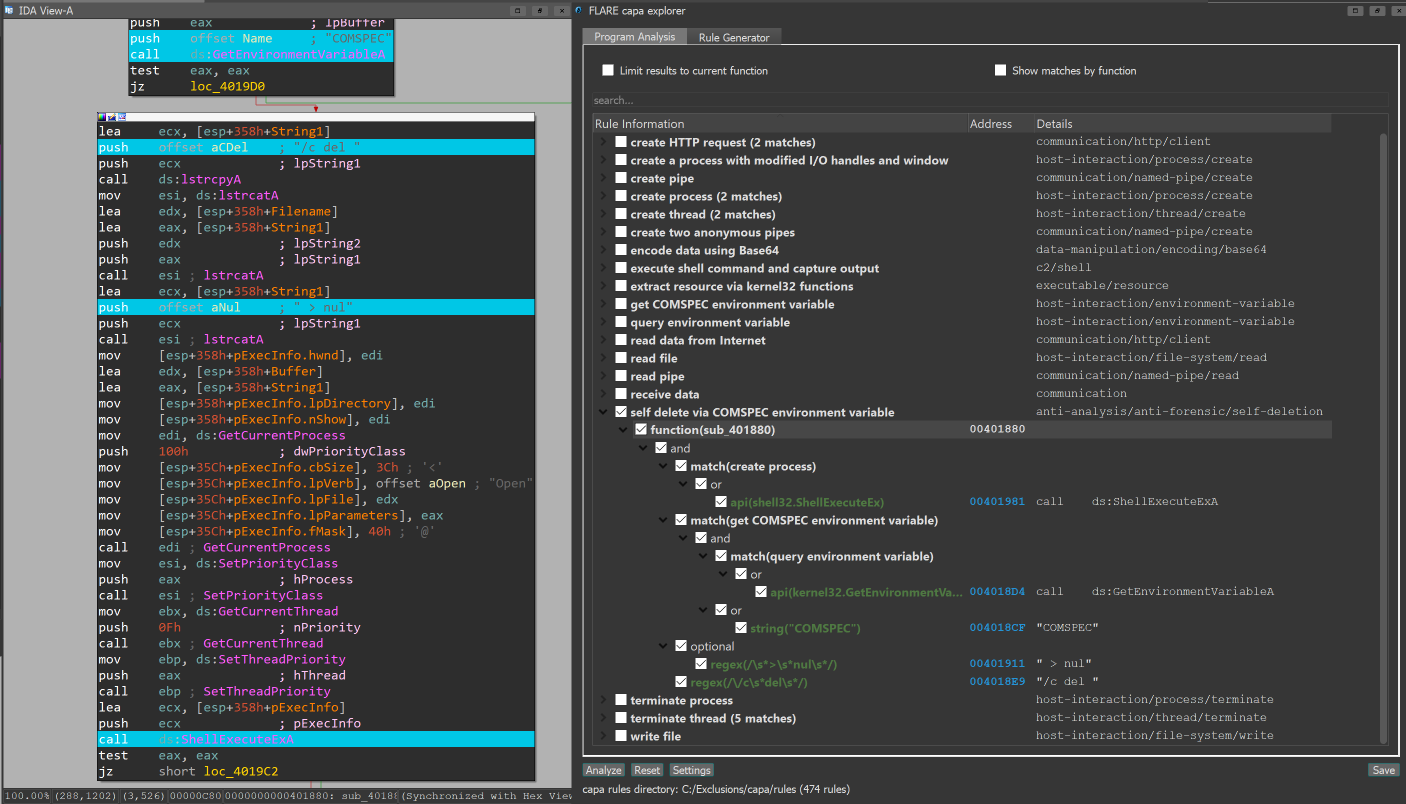
capa detects capabilities in executable files. You run it against a PE, ELF, .NET module, shellcode file, or a sandbox report and it tells you what it thinks the program can do. For example, it might suggest that the file is a backdoor, is capable of installing services, or relies on HTTP to communicate.
To interactively inspect capa results in your browser use the capa Explorer Web.
If you want to inspect or write capa rules, head on over to the capa-rules repository. Otherwise, keep reading.
Below you find a list of our capa blog posts with more details.
$ capa.exe suspicious.exe

+--------------------+------------------------------------------------------------------------+
| ATT&CK Tactic      | ATT&CK Technique                                                       |
|--------------------+------------------------------------------------------------------------|
| DEFENSE EVASION    | Obfuscated Files or Information [T1027]                                |
| DISCOVERY          | Query Registry [T1012]                                                 |
|                    | System Information Discovery [T1082]                                   |
| EXECUTION          | Command and Scripting Interpreter::Windows Command Shell [T1059.003]   |
|                    | Shared Modules [T1129]                                                 |
| EXFILTRATION       | Exfiltration Over C2 Channel [T1041]                                   |
| PERSISTENCE        | Create or Modify System Process::Windows Service [T1543.003]           |
+--------------------+------------------------------------------------------------------------+

+-------------------------------------------+-------------------------------------------------+
| CAPABILITY                                | NAMESPACE                                       |
|-------------------------------------------+-------------------------------------------------|
| read and send data from client to server  | c2/file-transfer                               |
| execute shell command and capture output  | c2/shell                                       |
| receive data (2 matches)                  | communication                                   |
| send data (6 matches)                     | communication                                   |
| connect to HTTP server (3 matches)        | communication/http/client                       |
| send HTTP request (3 matches)             | communication/http/client                       |
| create pipe                               | communication/named-pipe/create                 |
| get socket status (2 matches)             | communication/socket                            |
| receive data on socket (2 matches)        | communication/socket/receive                    |
| send data on socket (3 matches)           | communication/socket/send                       |
| connect TCP socket                        | communication/socket/tcp                        |
| encode data using Base64                  | data-manipulation/encoding/base64               |
| encode data using XOR (6 matches)         | data-manipulation/encoding/xor                  |
| run as a service                          | executable/pe                                   |
| get common file path (3 matches)          | host-interaction/file-system                    |
| read file                                 | host-interaction/file-system/read               |
| write file (2 matches)                    | host-interaction/file-system/write              |
| print debug messages (2 matches)          | host-interaction/log/debug/write-event          |
| resolve DNS                               | host-interaction/network/dns/resolve            |
| get hostname                              | host-interaction/os/hostname                    |
| create process                            | host-interaction/process/create                 |
| create registry key                       | host-interaction/registry/create                |
| create service                            | host-interaction/service/create                 |
| create thread                             | host-interaction/thread/create                  |
| persist via Windows service               | persistence/service                             |
+-------------------------------------------+-------------------------------------------------+
Download stable releases of the standalone capa binaries here. You can run the standalone binaries without installation. capa is a command line tool that should be run from the terminal.
To use capa as a library or integrate with another tool, see doc/installation.md for further setup instructions.
Documentation: Usage and tips · Installation · Limitations · FAQ
The capa Explorer Web enables you to interactively explore capa results in your web browser. Besides the online version you can download a standalone HTML file for local offline usage.
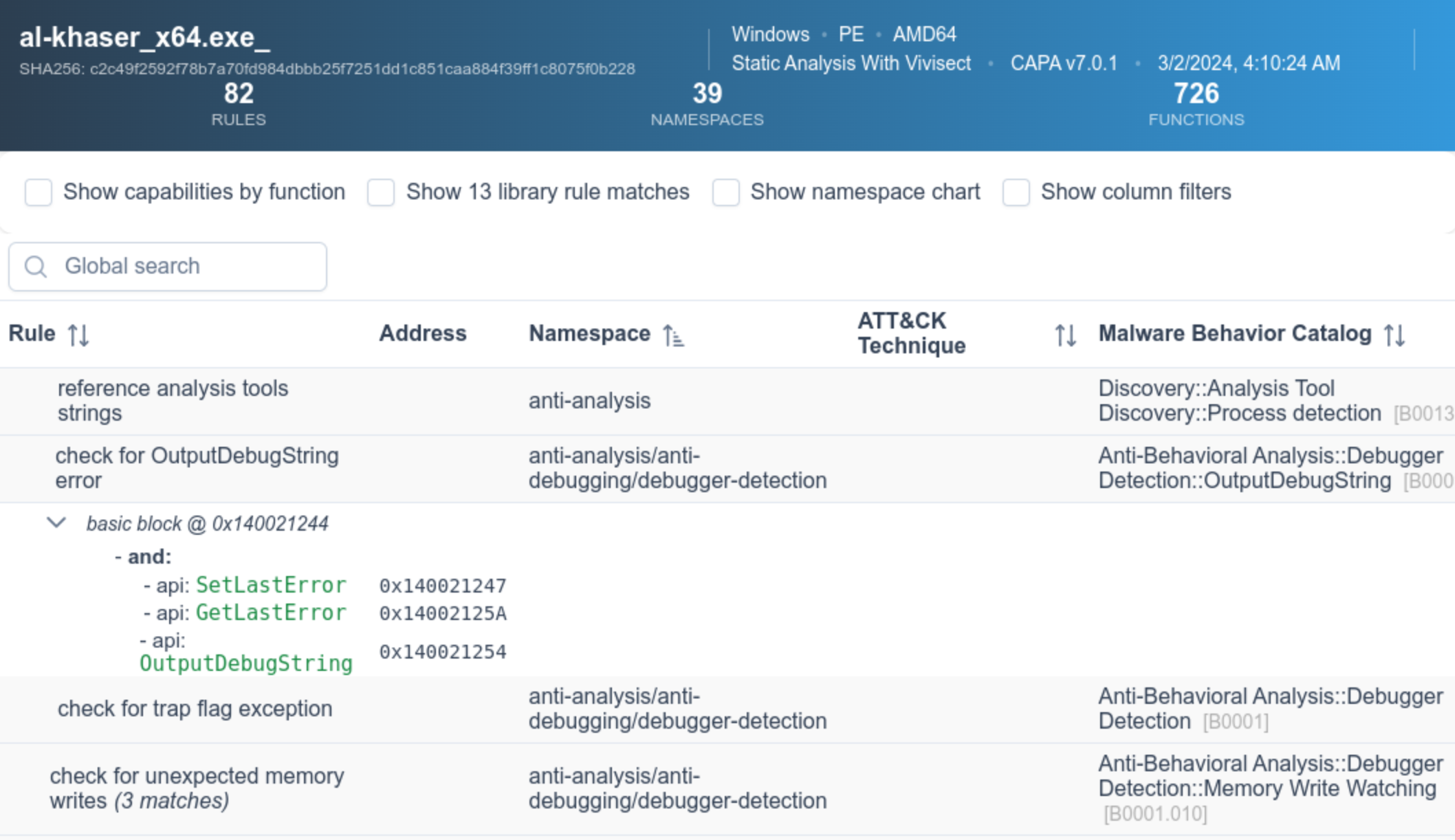
More details on the web UI is available in the capa Explorer Web README.
In the above sample output, we run capa against an unknown binary (suspicious.exe),
and the tool reports that the program can send HTTP requests, decode data via XOR and Base64,
install services, and spawn new processes.
Taken together, this makes us think that suspicious.exe could be a persistent backdoor.
Therefore, our next analysis step might be to run suspicious.exe in a sandbox and try to recover the command and control server.
By passing the -vv flag (for very verbose), capa reports exactly where it found evidence of these capabilities.
This is useful for at least two reasons: