 lkarlslund/deploy-goad
Script to install prerequisites for deploying GOAD on Ubuntu Linux 22.04

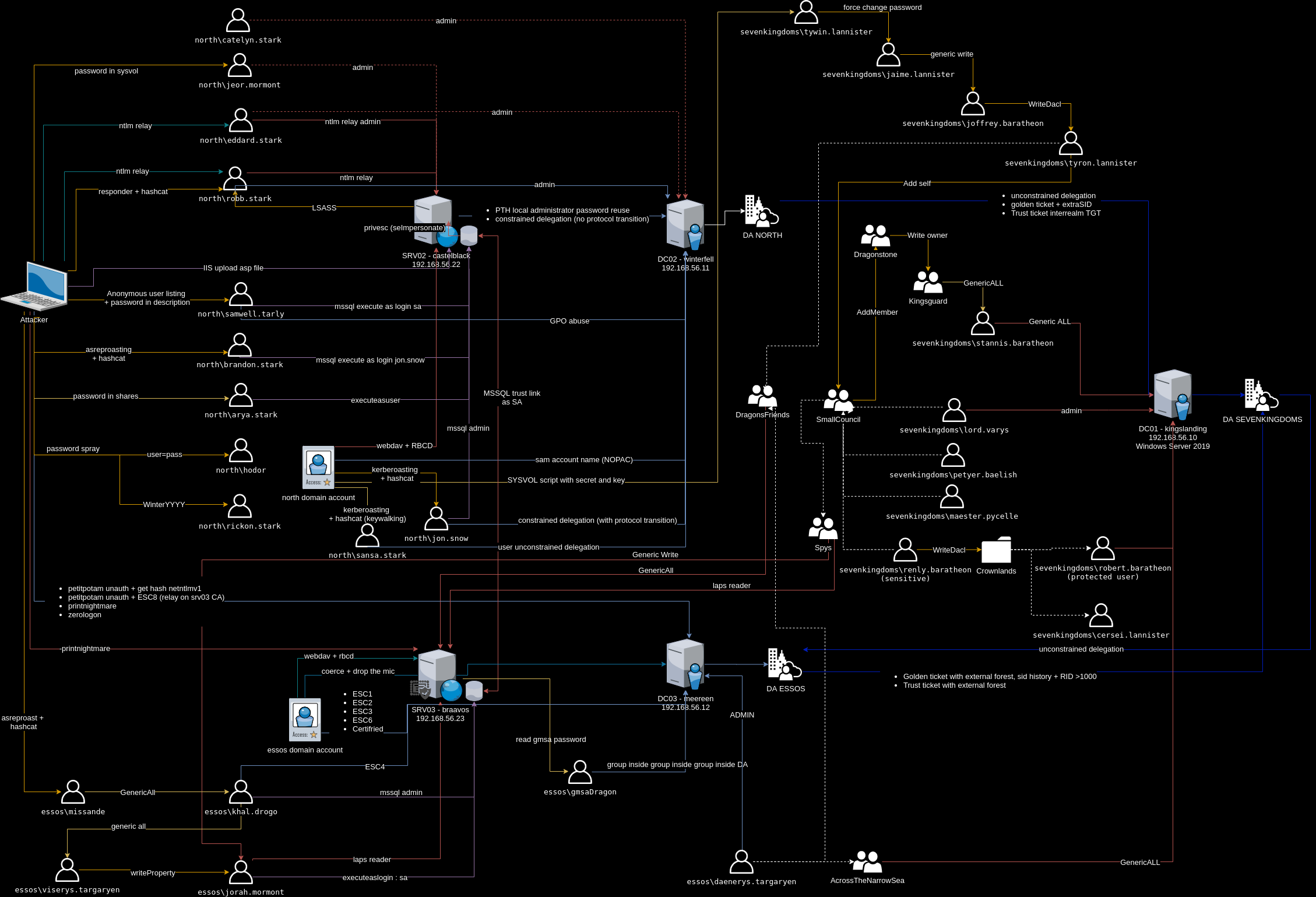
This script streamlines the prerequisites needed when deploying the Active Directory lab provided by https://github.com/Orange-Cyberdefense/GOAD
Really simple:
For a deployment using Windows 10/11 as your host computer:
To deploy, you will grab this repo, launch screen do you can reconnect if your connection drops while deployingg, and start the process. It takes quite a while to run, but it does spin up a complete environment without any intervention on your part.
Type this into the Ubuntu host:
sudo su (give it your password)
apt install git
git clone https://github.com/lkarlslund/deploy-goad
screen -DDR
cd deploy-goad
./deploy-goad.sh
Get coffee, this is the longest part. Should you get an error while the deployment is running, try re-running the script again, this can fix download problems, timeouts etc. The GOAD script only does the work that is needed, and it's OK to run it multiple times.
After running the script you have the GOAD repository available in /opt/goad, and the VMs are deployed and running. Follow the instructions in on the GOAD repository https://github.com/Orange-Cyberdefense/GOAD/blob/main/ad/GOAD/README.md
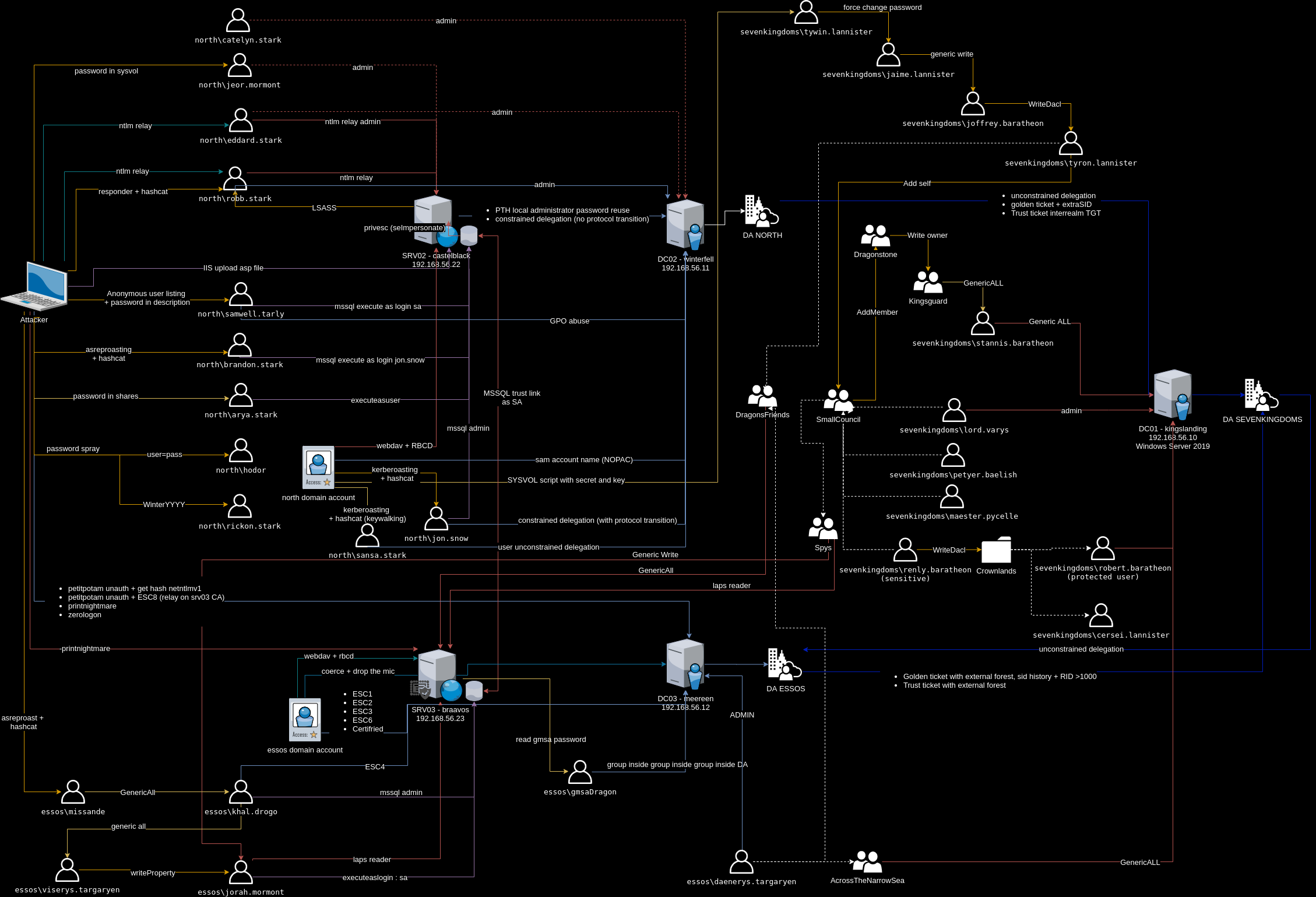
The script enables IPv4 forwarding on the Ubuntu machine, so you can add a route on your "attack" workstation that points at the Ubuntu machine:
ROUTE -P ADD 192.168.56.0 MASK 255.255.255.0 <ip-of-your-ubuntu> METRIC 1
ip route add 192.168.56.0/24 via <ip-of-your-ubuntu>
Have fun!
