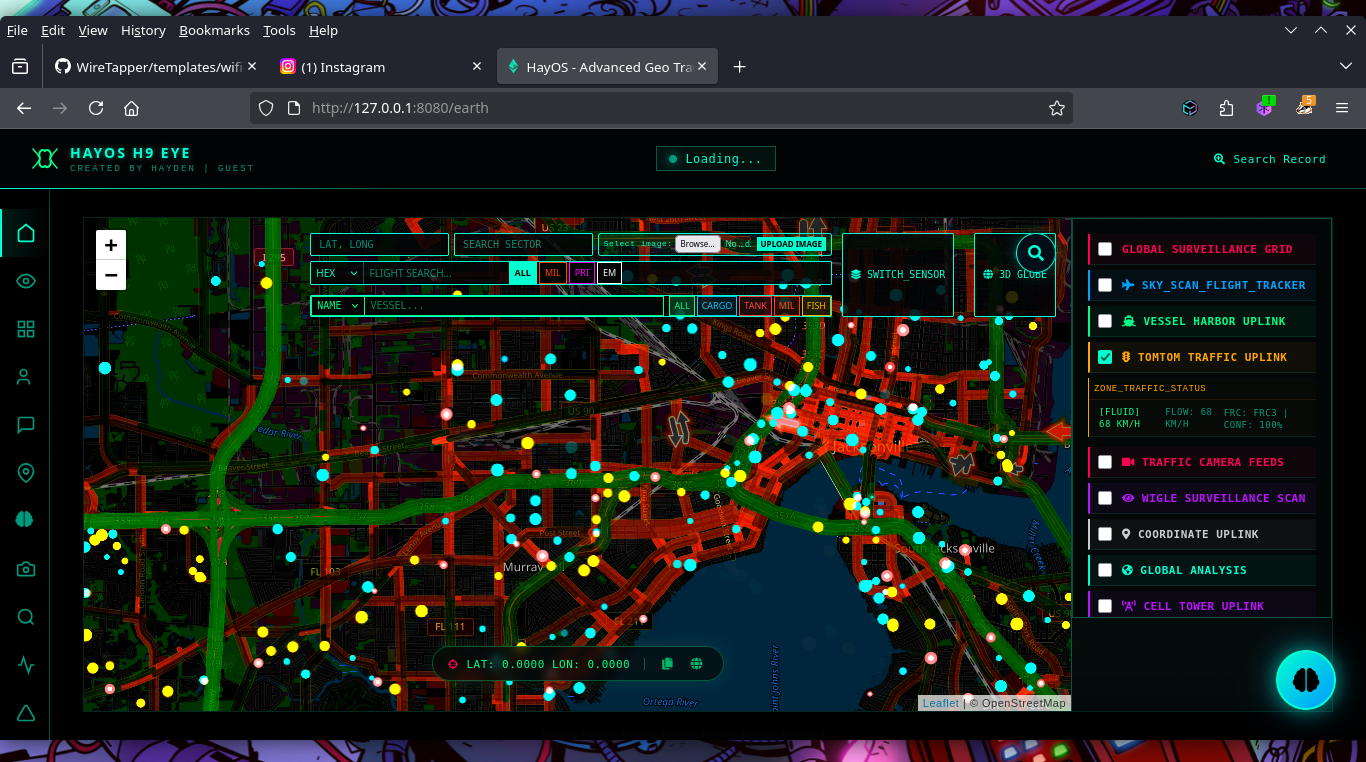

Real-time geospatial OSINT platform aggregating flight, vessel, and satellite data with dark web search, social media dorking, and AI-powered analysis for threat intelligence and reconnaissance.




GeoSentinel is a geospatial monitoring platform that tracks global movement in real time.
It aggregates ship and flight routes, live coordinates, and geodata into a unified system, providing clear geographic and geopolitical awareness for analysis, visualization, and decision-making. . 🚀
[!TIP]
- 🚀 Visit the Blog (Geo Sentinel Updates & Insights) [🌐 Open Blog]
- 🚀 Official Website [🌍 Visit Site]
- 🚀 Official Website [🌍 Visit Site]
[!CAUTION]
- 🚨 Geo Sentinel AI Updates — Stay updated with the latest Geo Sentinel AI releases and announcements. [📝 Subscribe Here]
- 🎥 Video Tutorial — Learn how to use Geo Sentinel AI. [▶️ Watch Video]
- 🎥 Video Tutorial — Geo Sentinel AI: Overview of the Platform. [▶️ Watch Video]
[!NOTE]
Detailed guides on how to use GeoSentinel's advanced features:
[!Note]
🛰️ SocioSential — Social Media OSINT
📡 EthiFi — WiFi Deauther (New Version)
| Feature | Preview | Feature | Preview |
|---|---|---|---|
| 🔎 Criminal Search | 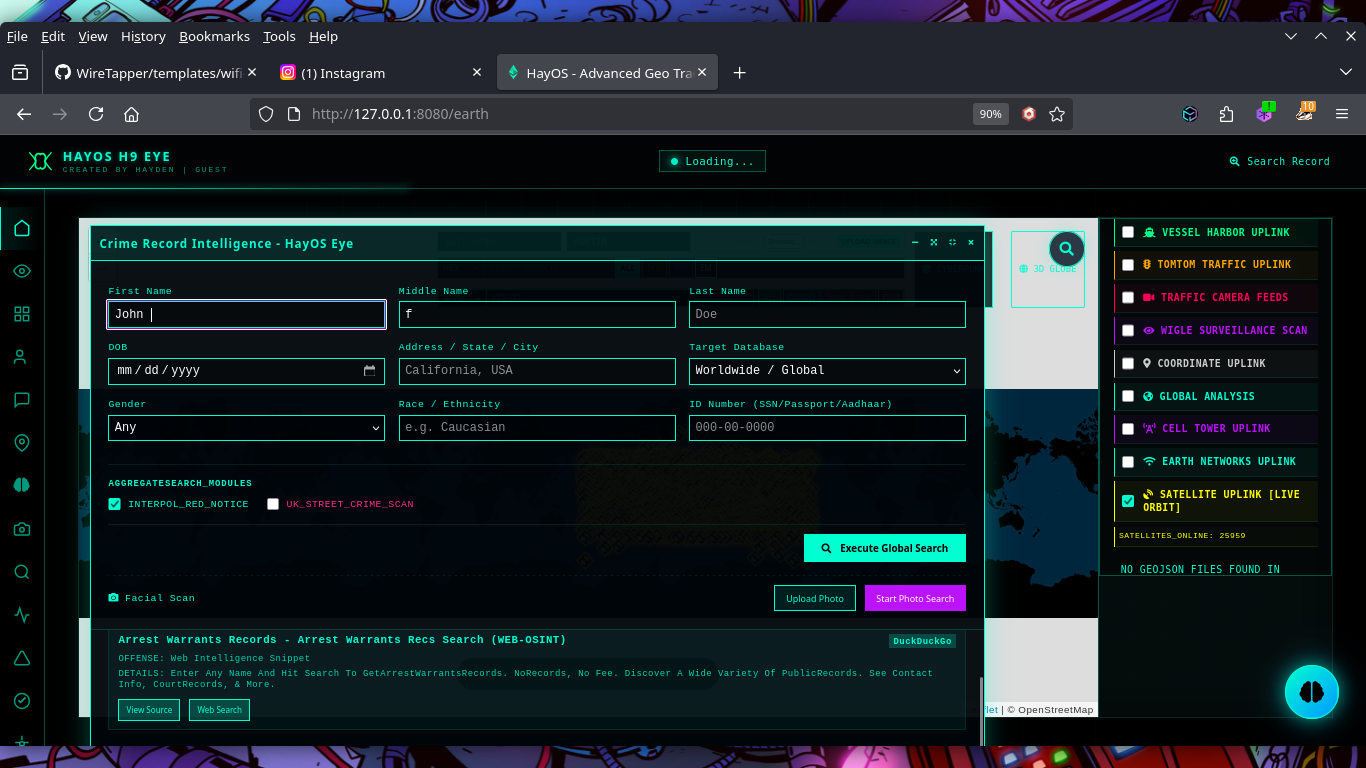 | 🌍 3D Earth Support | 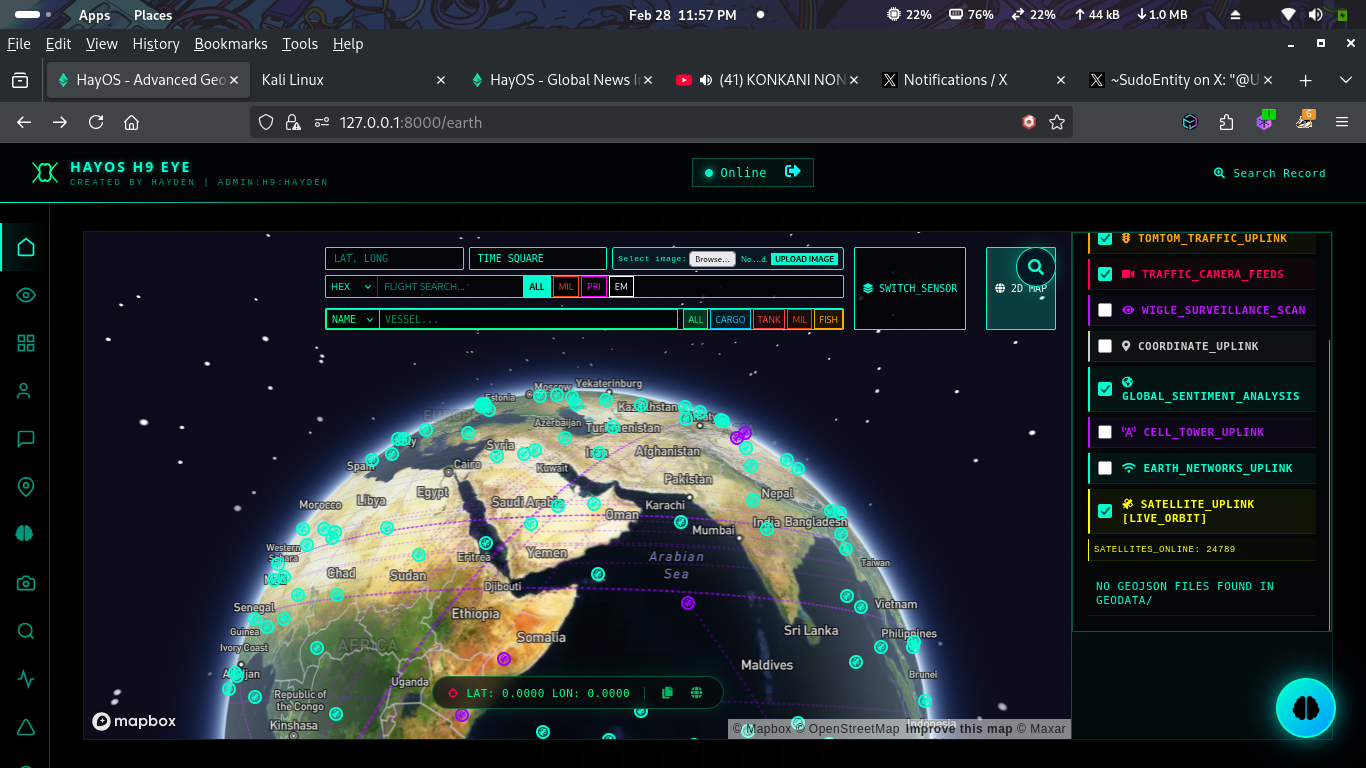 |
| 📡 Live CCTV Over Globe | 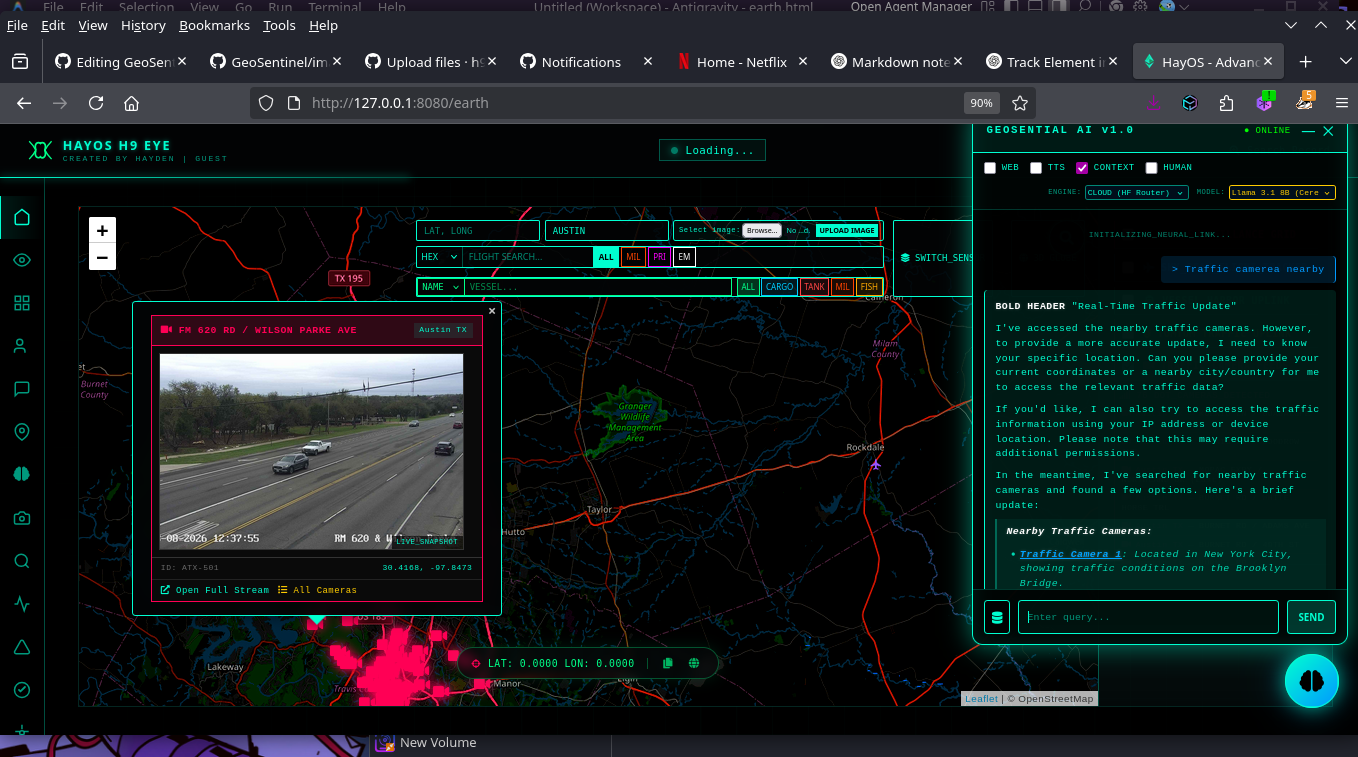 | 🛰️ Track Satellites | 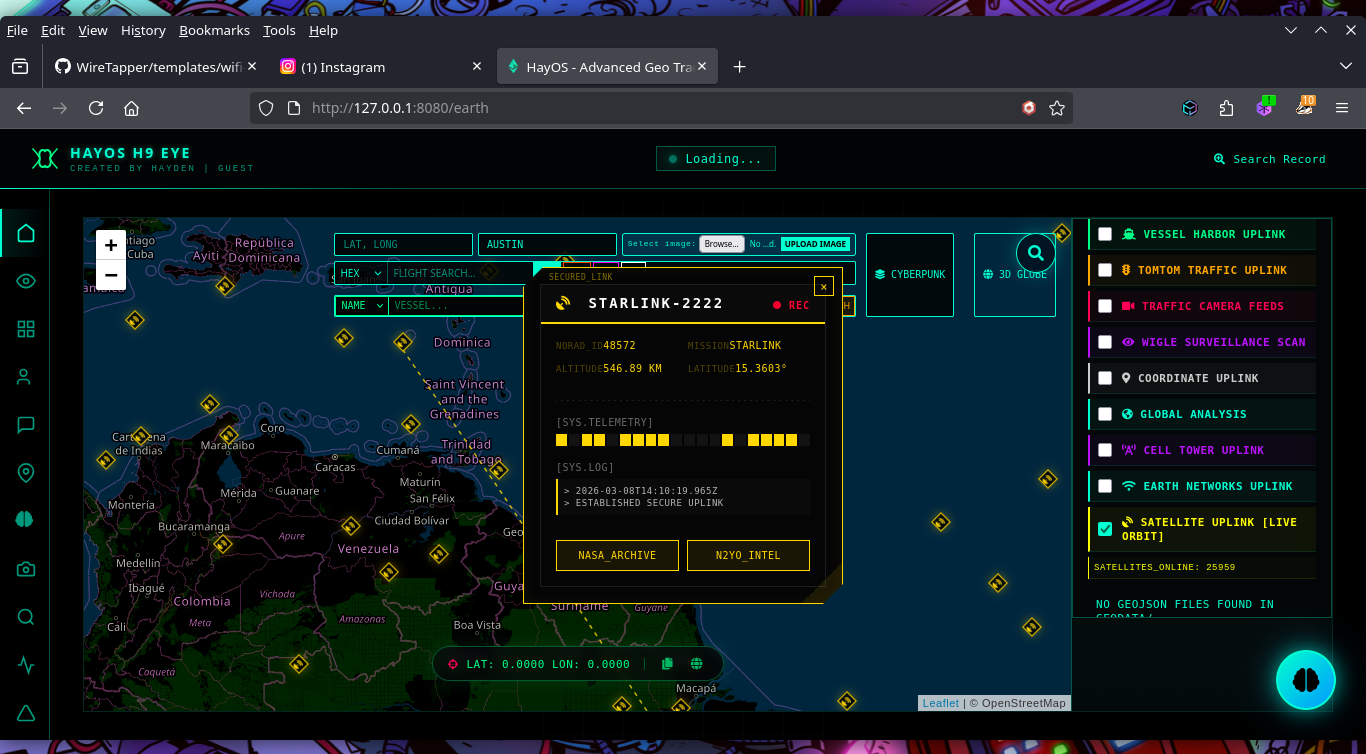 |
| 🚦 Traffic Updates with Particle Simulation | 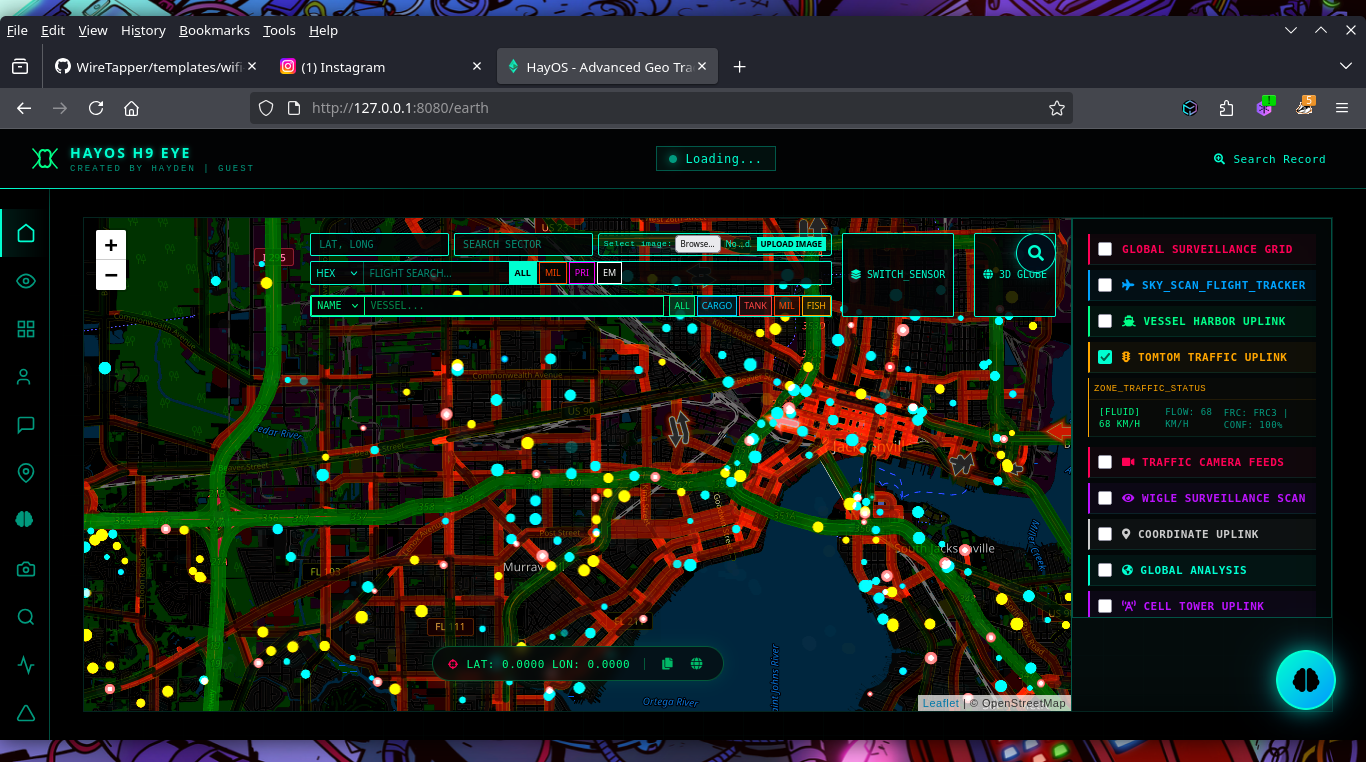 | 📰 Live News Feeds | Coming Soon |
geodata Folder to Root DirectoryTomTom Maps API: Add your key in templates/earth.html (line ~1850)
const tomtomApiKey = 'YOUR_TOMTOM_API_KEY';
Other APIs: Add relevant API keys in app.py api are nned across the file.
git clone https://github.com/h9zdev/GeoSentinel.git
https://github.com/h9zdev/GeoSentinel/fork
Then clone your fork:
git clone https://github.com/<your-username>/GeoSentinel.git
cd GeoSentinel
pip install -r requirements.txt
(Optional but recommended)
python -m venv venv
source venv/bin/activate   # Linux / macOS
venv\Scripts\activate      # Windows
python app.py
Earth View
https://127.0.0.1:8000/earth
News Dashboard https://127.0.0.1:8000/news
WIFI AND BLUETOOTH LOACTER Dashboard https://127.0.0.1:8000/map-w
# Ubuntu/Debian
sudo apt-get update
sudo apt-get install tor torbrowser-launcher -y

# Fedora/RHEL
sudo dnf install tor torbrowser-launcher -y
# Download TOR
cd /tmp
wget https://archive.torproject.org/tor-package-archive/tor-latest.tar.gz
tar -xzf tor-latest.tar.gz
cd tor-*

# Compile and install
./configure
make
sudo make install
# Start TOR daemon
sudo systemctl start tor
sudo systemctl enable tor  # Enable on boot

# Or run manually
tor

# Verify TOR is running
curl --socks5 127.0.0.1:9050 https://check.torproject.org/api/ip




