 gainsec/autoprober
Hardware hacker’s flying probe automation stack for agent-driven target discovery, microscope mapping, safety-monitored CNC motion, probe review, and controlled pin probing.

AutoProber is the hardware hacker's flying probe automation stack for giving your agent everything it needs to go from "there's a new target on the plate" to probing individual pins in a safe way.
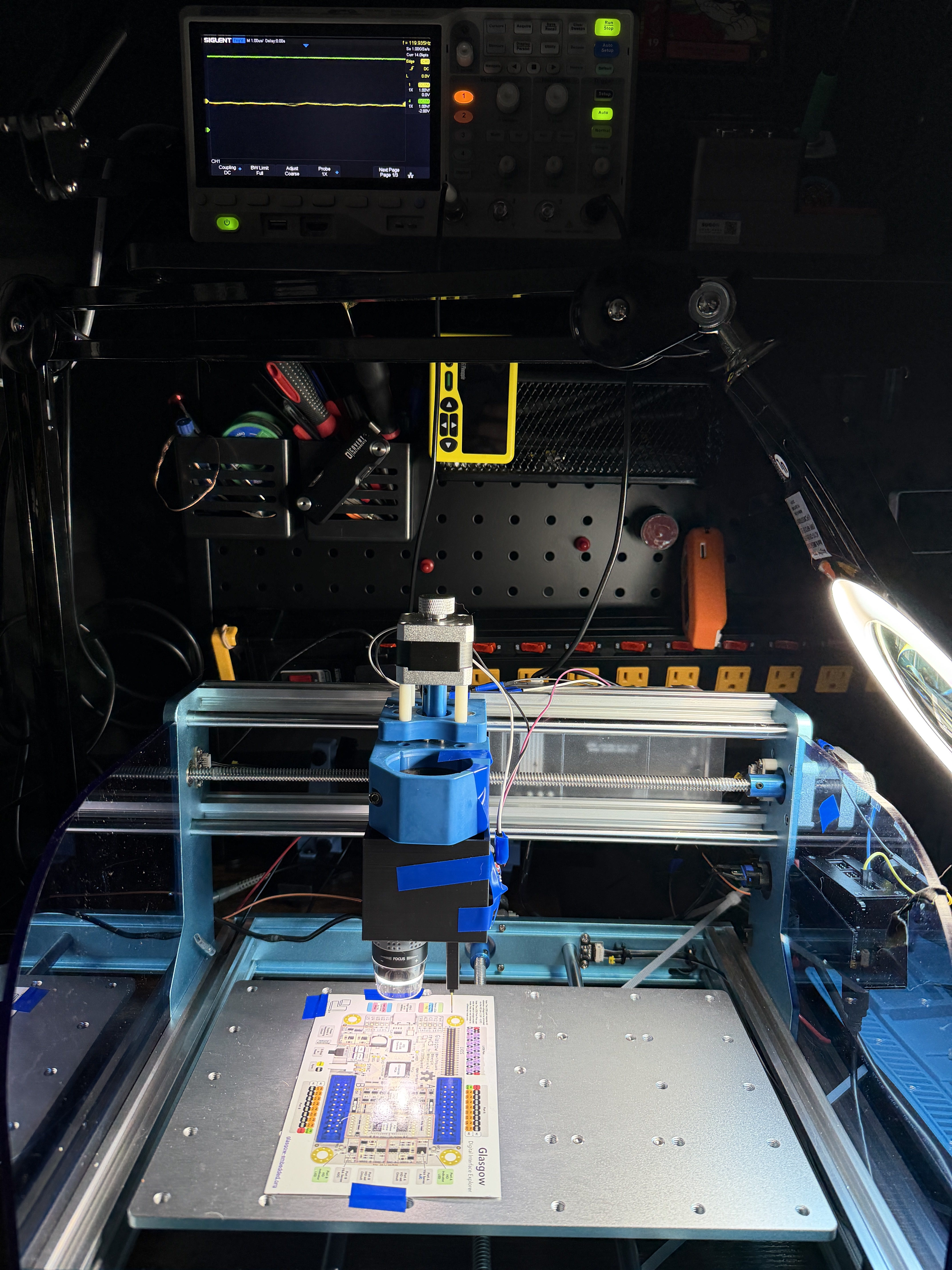
Demo video: https://gainsec.com/autoprober-demo-mp4/
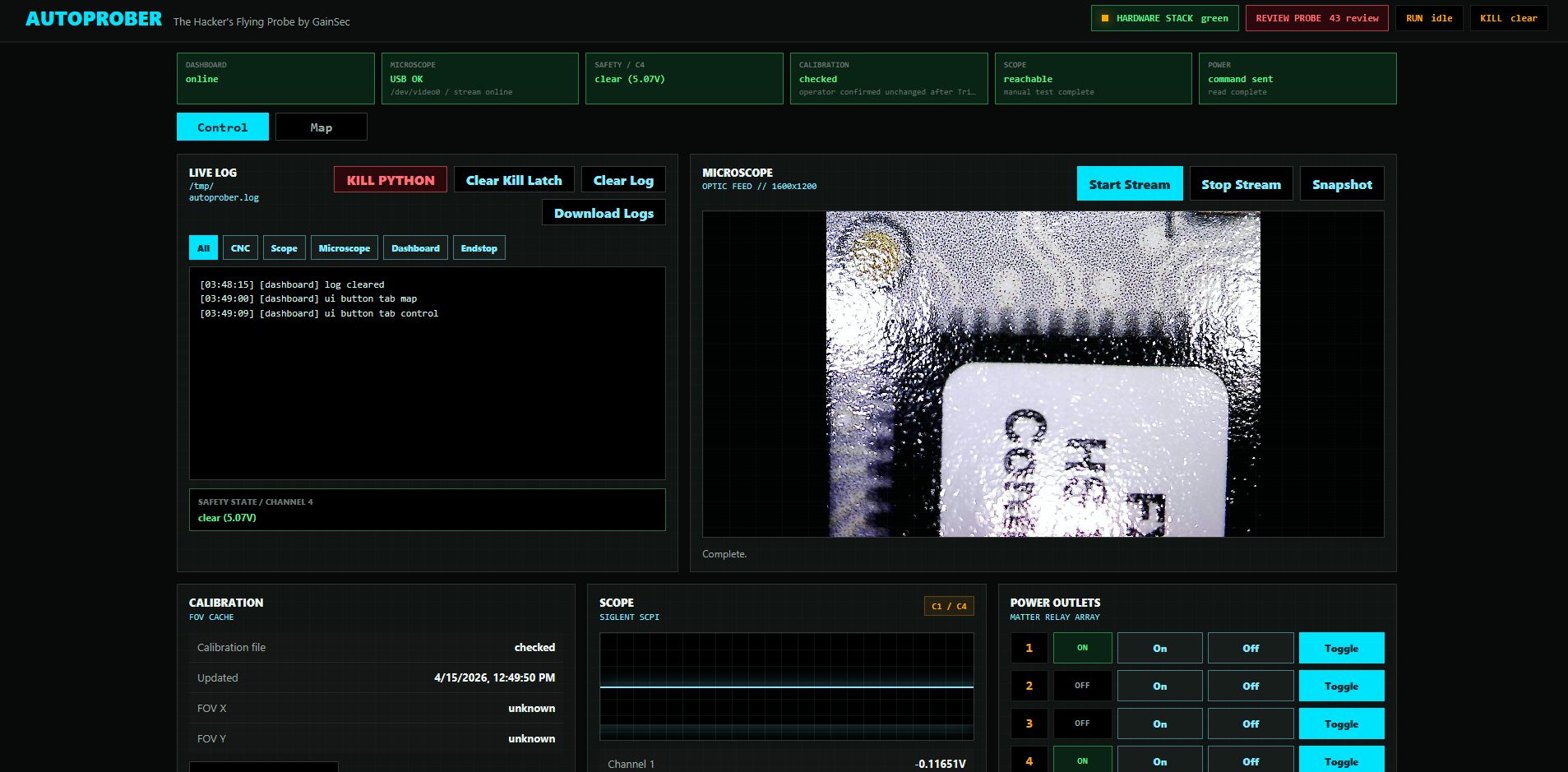
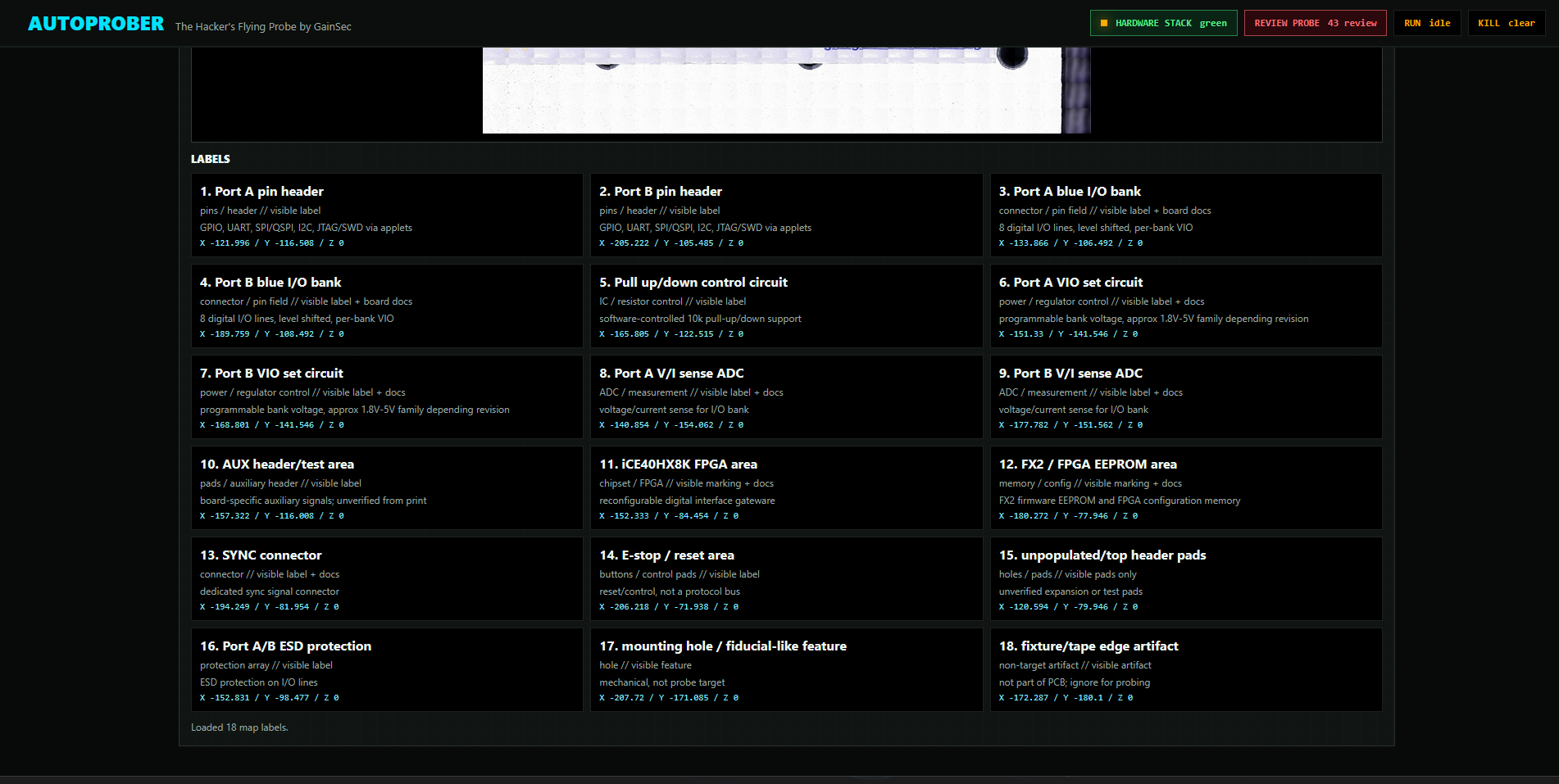
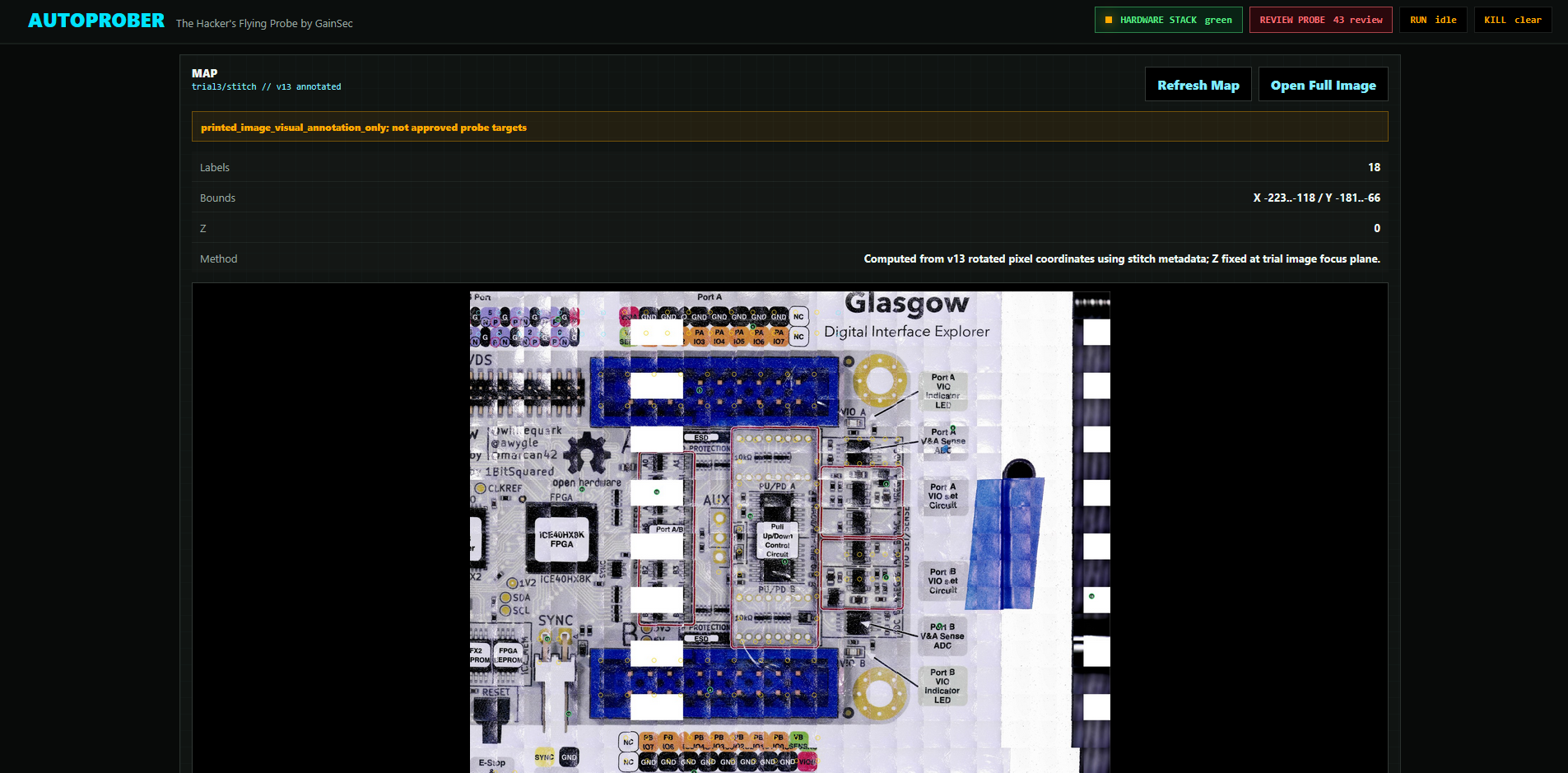
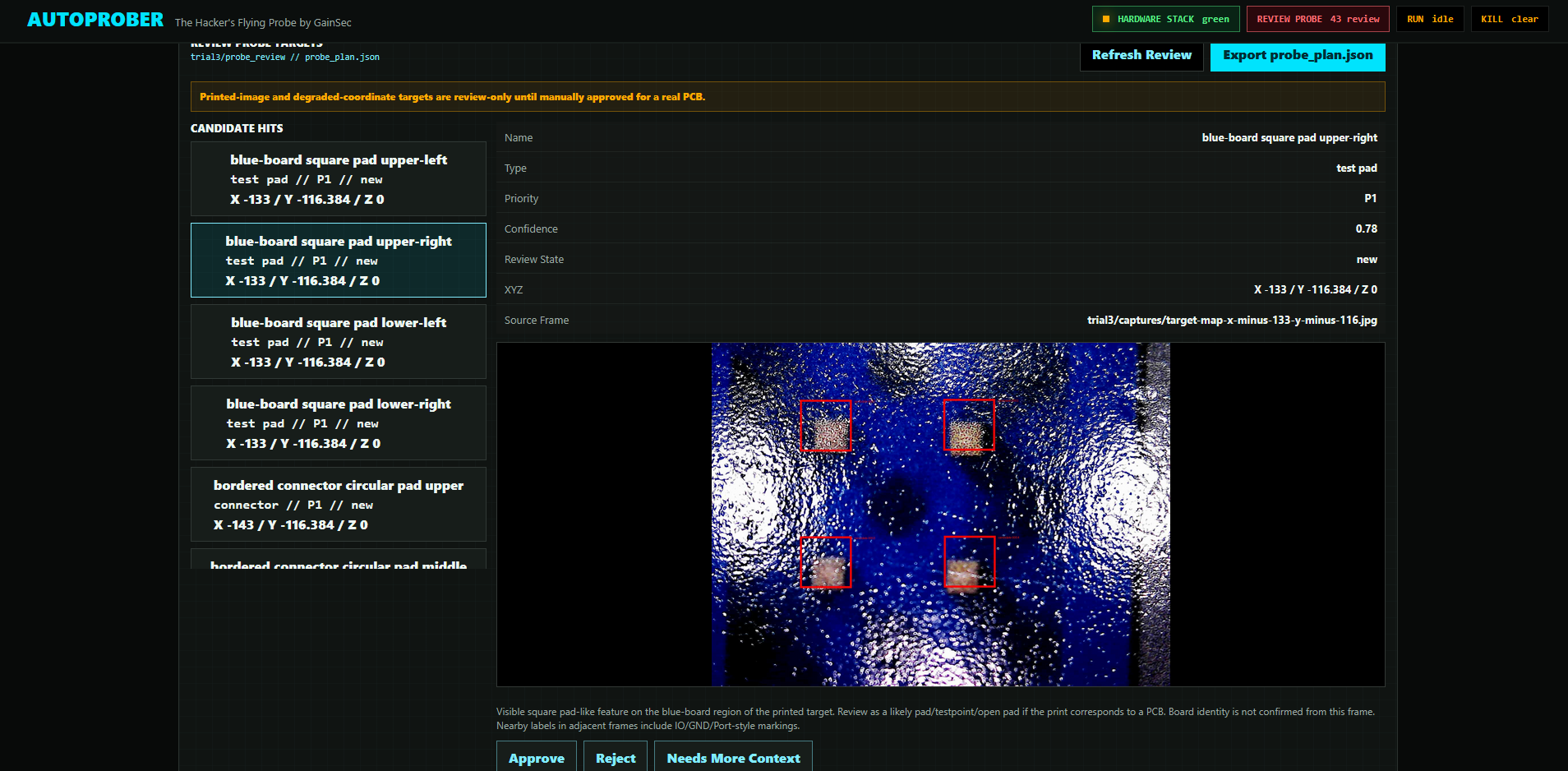
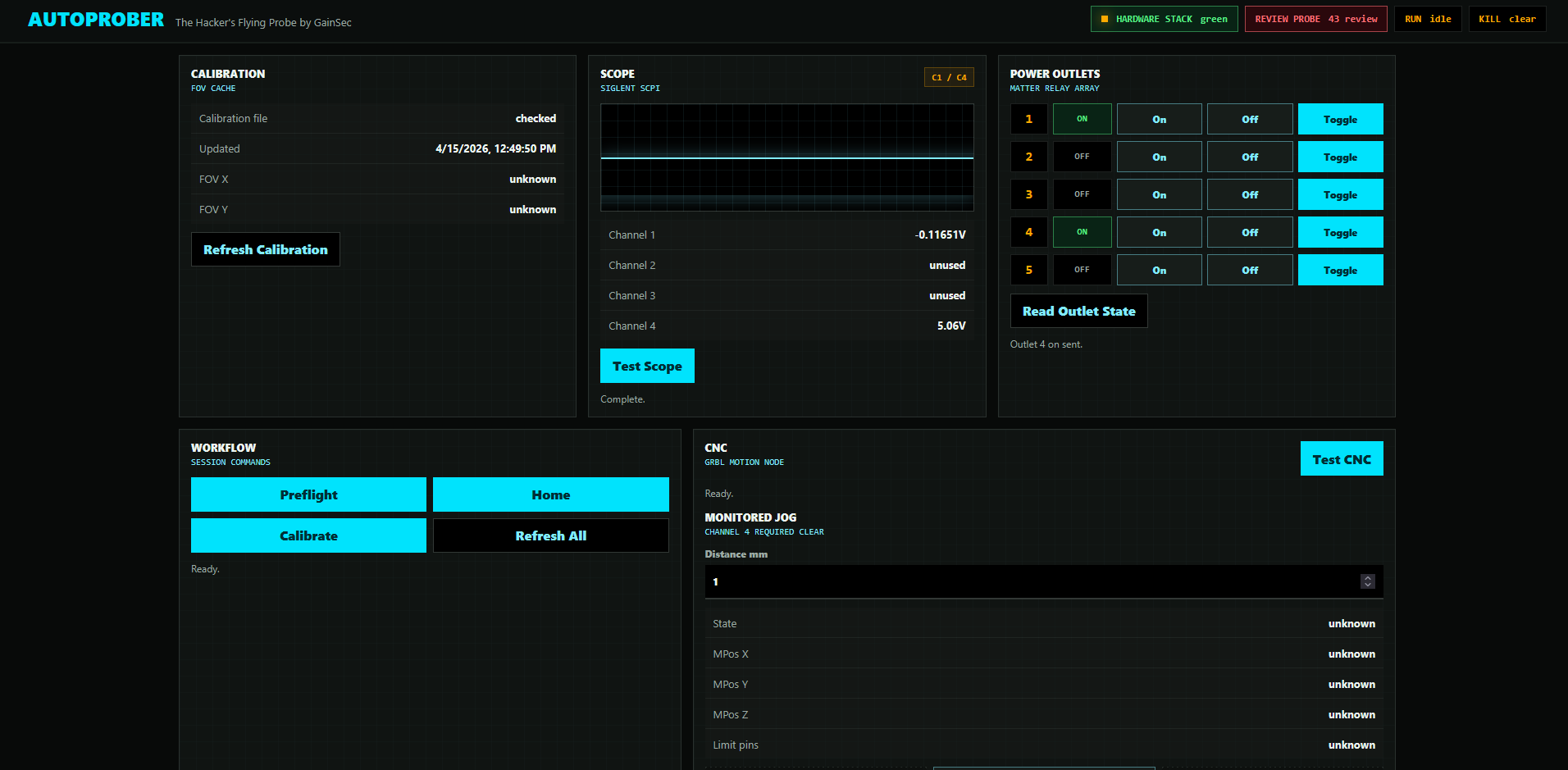
All hardware can be controlled through the web dashboard, Python scripts, or by the agent itself.
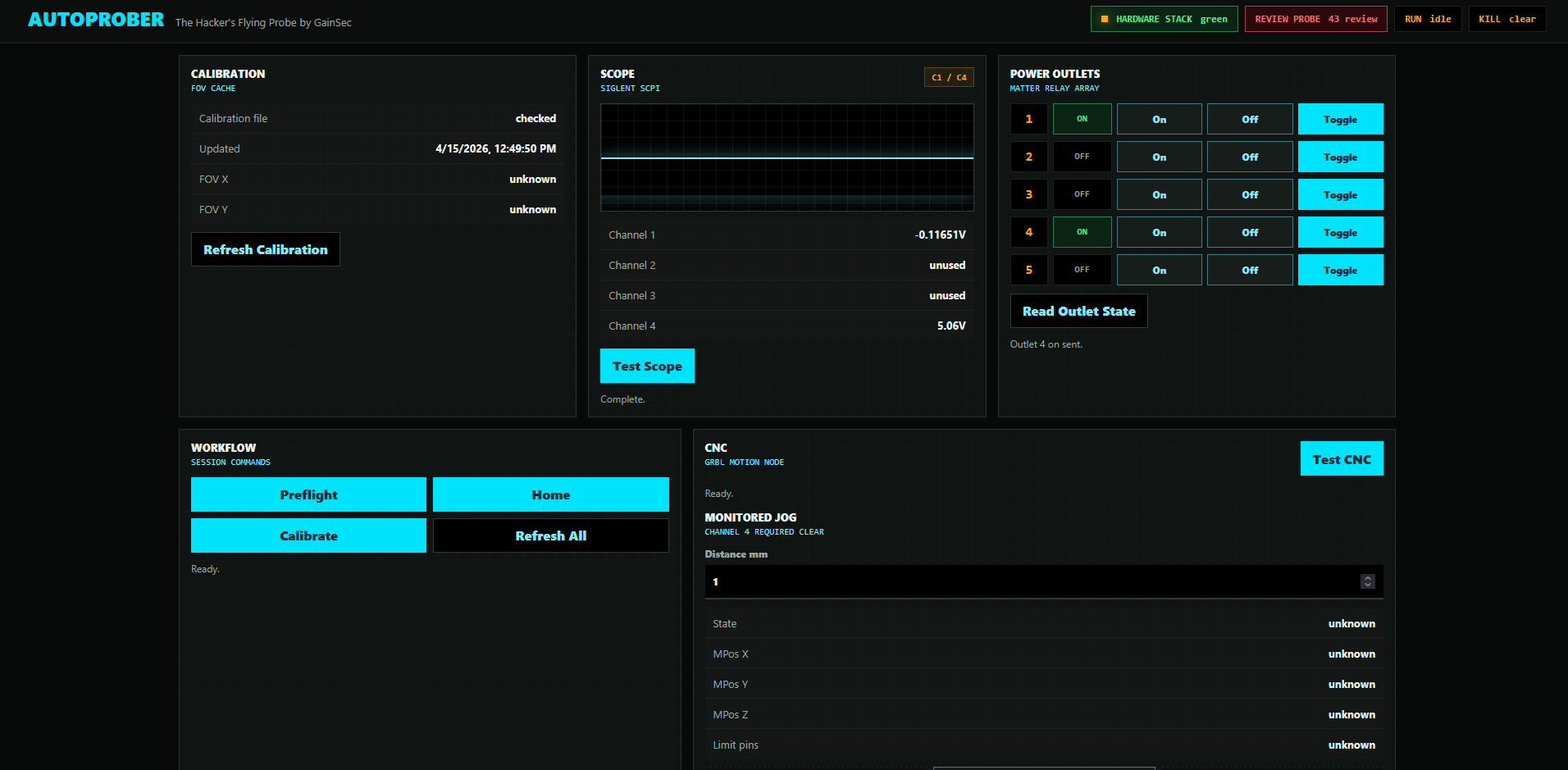
This repo is a self-contained source-available release candidate. It contains the Python control code, dashboard, CAD files, and documentation needed to create your own AutoProber.
This project can move physical hardware. Treat it as a machine-control system, not a normal web app.
The required safety design is:
Pn:P is ignored. The CNC probe pin is not a trusted endstop.Read docs/safety.md and docs/operations.md before running hardware.
apps/                 Operator-facing scripts and Flask dashboard entrypoint
autoprober/           Reusable Python package for CNC, scope, microscope, logging, safety
dashboard/            Single-page web dashboard
docs/                 Architecture, device references, operations, and safety guidance
cad/                  Printable STL files for the current custom toolhead
config/               Example environment/configuration files
AGENTS.md             Agent/operator safety rules
LICENSE               PolyForm Noncommercial 1.0.0 license and commercial contact
pyproject.toml        Python project metadata
uv.lock               Locked Python dependency resolution
The tested project architecture uses:
mjpg_streamercad/Default runtime assumptions are documented in the device docs. Replace them with your own lab settings before use.
For a shopping-oriented hardware list, see docs/BOM.md.
These are the specific parts or part classes used for the prototype release. Verify current listings, dimensions, voltage, and connector compatibility before buying.
My build:
cad/Optional / interchangeable:
flowchart LR
    Operator[Operator] --> Dashboard[Web Dashboard]
    Dashboard --> Apps[Python Apps]
    Apps --> CNC[GRBL CNC over USB serial]
    Apps --> Microscope[USB Microscope via mjpg-streamer]
    Apps --> Scope[Oscilloscope over LAN / SCPI]
    Apps --> Outlet[Optional LAN Power Outlet]

    Endstop[Optical Endstop] --> ScopeC4[Scope C4 Safety Voltage]
    Pogo[Pogo Measurement] --> ScopeC1[Scope C1 Measurement]
    ScopeC4 --> Apps
    ScopeC1 --> Apps
flowchart TD
    Preflight[Preflight] --> SafetyCheck{Channel 4 clear?}
    SafetyCheck -- no --> Stop[STOP State]
    SafetyCheck -- yes --> Motion[Monitored Motion]
    Motion --> Monitor[EndstopMonitor thread >= 10 Hz]
    Monitor --> C4{C4 clear?}
    C4 -- yes --> Capture[Microscope Capture]
    C4 -- no --> FeedHold[Immediate feed hold]
    FeedHold --> Stop
    Capture --> Stitch[Stitch / Map]
    Stitch --> Review[Manual Probe Review]
    Review --> Approved{Approved target and measured probe offset?}
    Approved -- no --> Stop
    Approved -- yes --> Probe[Bounded probe motion]
stateDiagram-v2
    [*] --> Running
    Running --> STOP: C4 triggered / C4 fault / CNC alarm / real limit pin
    STOP --> Report: log voltage, status, action
    Report --> WaitForOperator: no automatic recovery motion
    WaitForOperator --> Running: operator explicitly clears condition
Install dependencies:
uv sync
Start the dashboard on a configured hardware host:
PYTHONPATH=. python3 apps/dashboard.py
The dashboard defaults to port 5000.
Start from config/autoprober.example.env. Do not publish lab-specific IPs, hostnames, credentials, calibration files, or captured target images unless you intend to release them.
Important runtime values are configurable:
AUTOPROBER_LOG_PATH: runtime log pathAUTOPROBER_RUNTIME_ROOT: calibration, flat-field, and runtime state directoryAUTOPROBER_MICROSCOPE_SNAPSHOT_URL: microscope snapshot endpointAUTOPROBER_SCOPE_HOST / AUTOPROBER_SCOPE_PORT: oscilloscope SCPI endpoint5000Do not commit local environment files that contain lab-specific hosts, paths, or target data.
