
Skip to content
KitploitKITPLOIT
ToolsExploitsBlog
Log in
Submit
ToolsExploitsBlog
Submit

Hacking, PenTest, and Cybersecurity Tools for Your Security Arsenal!

Kitploit is a directory of hacking, cybersecurity, and pentesting tools. Discover the latest project updates to find vulnerabilities, analyze systems, automate testing, and strengthen your security.

FeedsContactPrivacy© 2026 Kitploit

Tool Directory

Categories

View all categories
Loading categories
zizzania — Automated DeAuth attack | Kitploit
Tools/GitHubGitHub/cyrus-and/zizzania
Wi-Fi AuditingInformation GatheringWireless SecurityPenetration Testing
GitHubcyrus-and/zizzania

zizzania

Automated DeAuth attack

View Repository
32142422 years agoReviewed by Kitploit
Share

zizzania

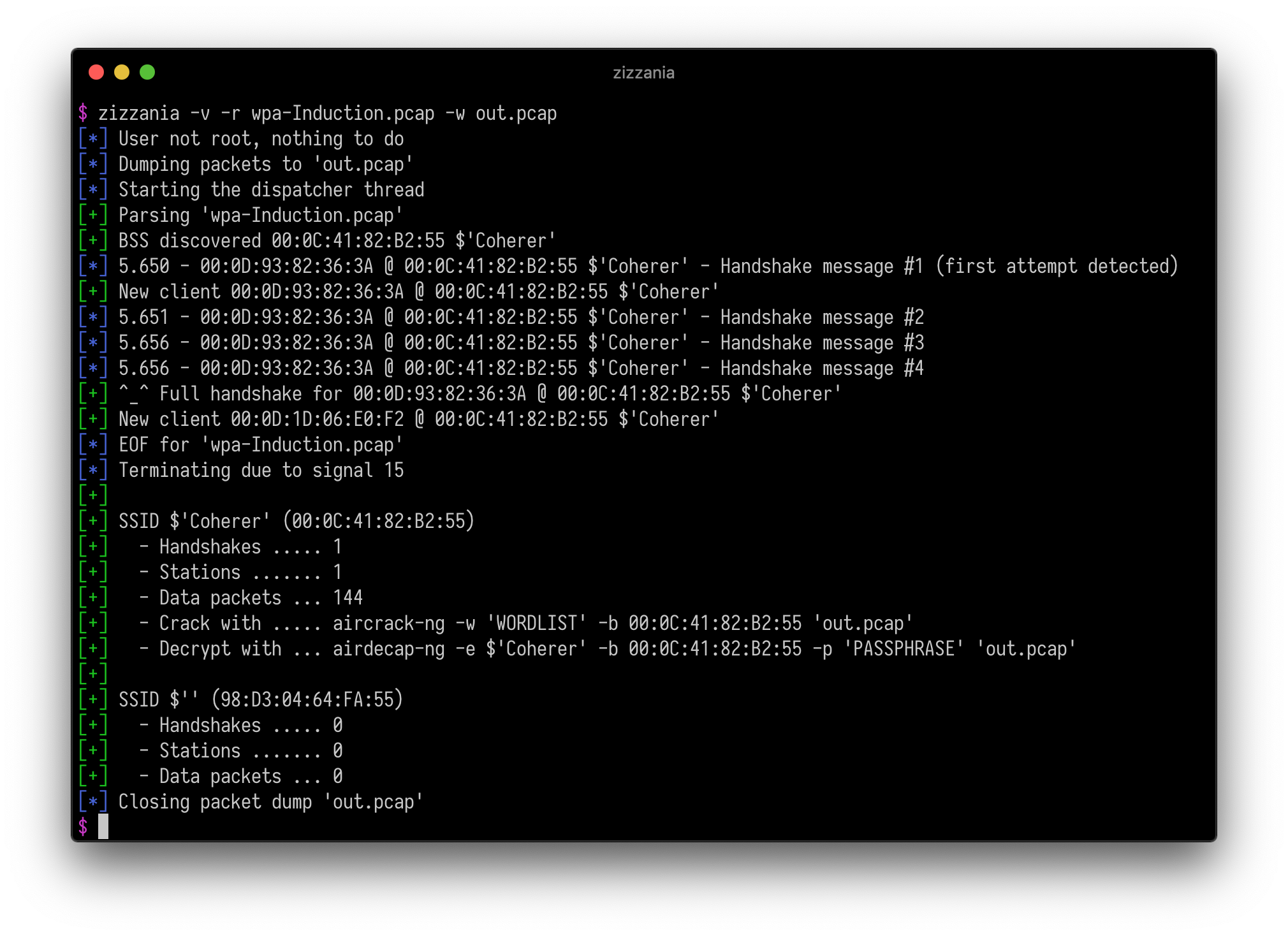
zizzania sniffs wireless traffic listening for WPA handshakes and dumping only those frames suitable to be decrypted (one beacon + EAPOL frames + data). In order to speed up the process, zizzania sends IEEE 802.11 DeAuth frames to the stations whose handshake is needed, properly handling retransmissions and reassociations and trying to limit the number of DeAuth frames sent to each station.
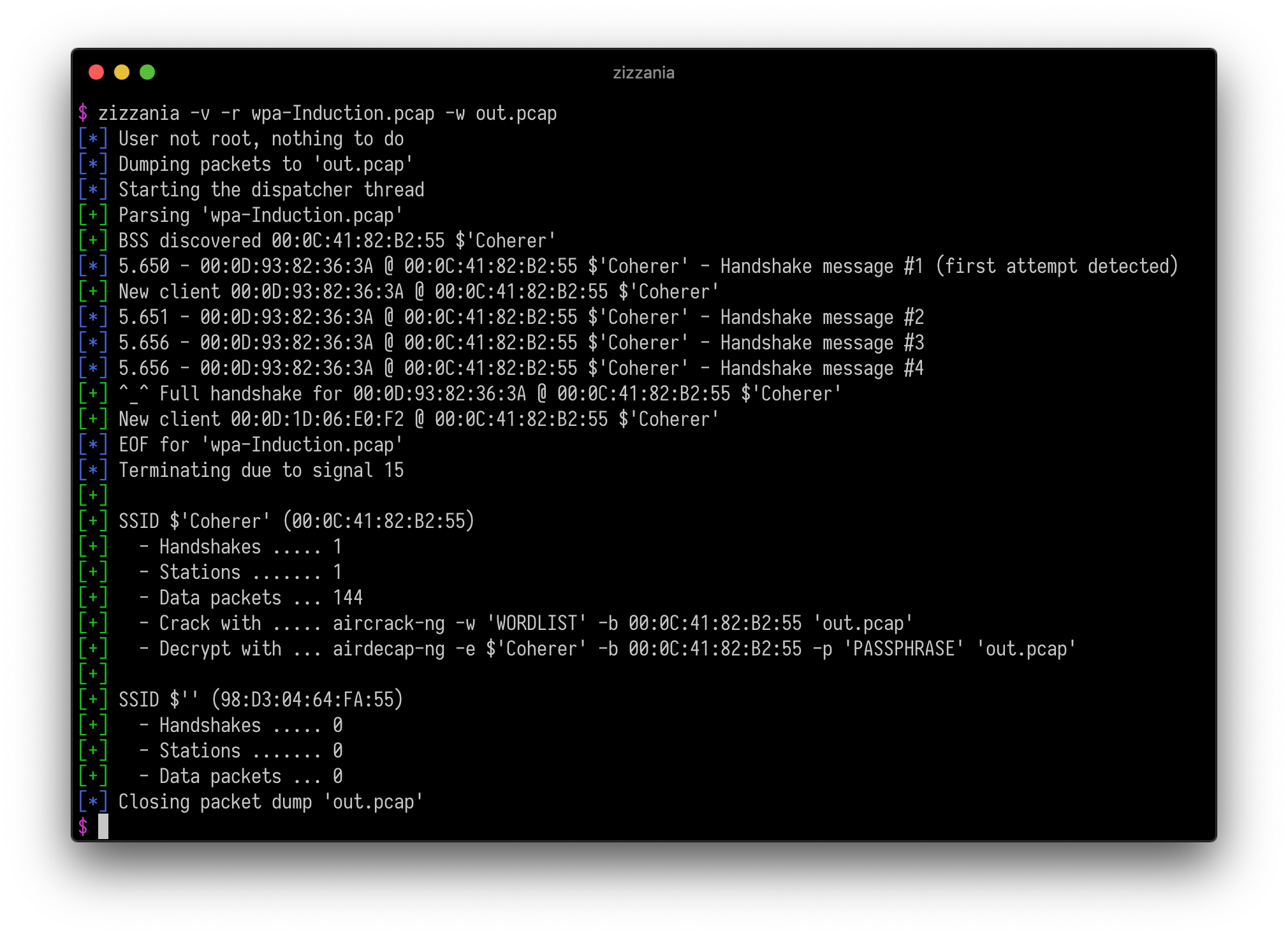
Screenshot

Examples

Put the network interface in RFMON mode on channel 6 and save the traffic gathered from the stations associated to a specific access point excluding those whose MAC address starts with 00:11:22:

zizzania -i wlan0 -c 6 -b AA:BB:CC:DD:EE:FF -x 00:11:22:33:44:55/ff:ff:ff:00:00:00 -w out.pcap

Passively analyze the traffic generated by any station on the current channel assuming that the network interface is already RFMON mode:

zizzania -i wlan0 -n

Strip unnecessary frames from a pcap file (excluding altogether the traffic generated by one particular station) considering an handshake complete after just the first two messages (which should be enough for unicast traffic decryption):

zizzania -r in.pcap -x 00:11:22:33:44:55 -w out.pcap

Setup

Dependencies

For Debian-based systems:

sudo apt-get install libpcap-dev

For macOS systems (Homebrew):

brew install libpcap wget

Building

make -f config.Makefile
make

Installation

The installation process is not mandatory, zizzania can be run from the src directory. Just in case:

make install
make uninstall

macOS support

Channel switching must be performed manually:

ln -s /System/Library/PrivateFrameworks/Apple80211.framework/Versions/Current/Resources/airport /usr/local/bin/airport
sudo airport --disassociate
sudo airport --channel=<channel>

Download Tool

Most Popular

View all →

Discover the most used tools by our community.

  • 1

    OsintHunter

    letox4/osinthunter

    🎯 The ultimate OSINT toolkit: investigation graph, confidence scoring, alias families, map, timeline and reports. 49 modules, 400+ sites, no API keys required.

    772
  • 2

    ghostlock-app

    yukonga/ghostlock-app

    GhostLock One-Tap Execution App (CVE-2026-43499)

    505
  • 3

    ARTEX

    baarai/artex

    LLM multi-agent autonomous penetration testing platform with planner/worker agents, asset and exploration graphs, MITM traffic recording, and vulnerability retesting.

    420
  • 4

    redforge

    cybersecurity91/redforge

    Browser-side red team toolkit with 102 offline tools for recon, payload generation, credential attacks, crypto, encoding and engagement reporting.

    345
  • 5

    CyberStrikeAI

    ed1s0nz/cyberstrikeai

    The system of action for AI-native cybersecurity—where intent becomes governed execution, evidence becomes operational memory, and every operation improves the next.

    260
  • 6

    antifox

    antifox-ai/antifox

    AI multi-agent autonomous penetration testing platform that runs recon, attack-surface discovery, exploitation validation and evidence-backed report delivery.

    251

Explore all tools

Browse our collection of tools

View all tools →






