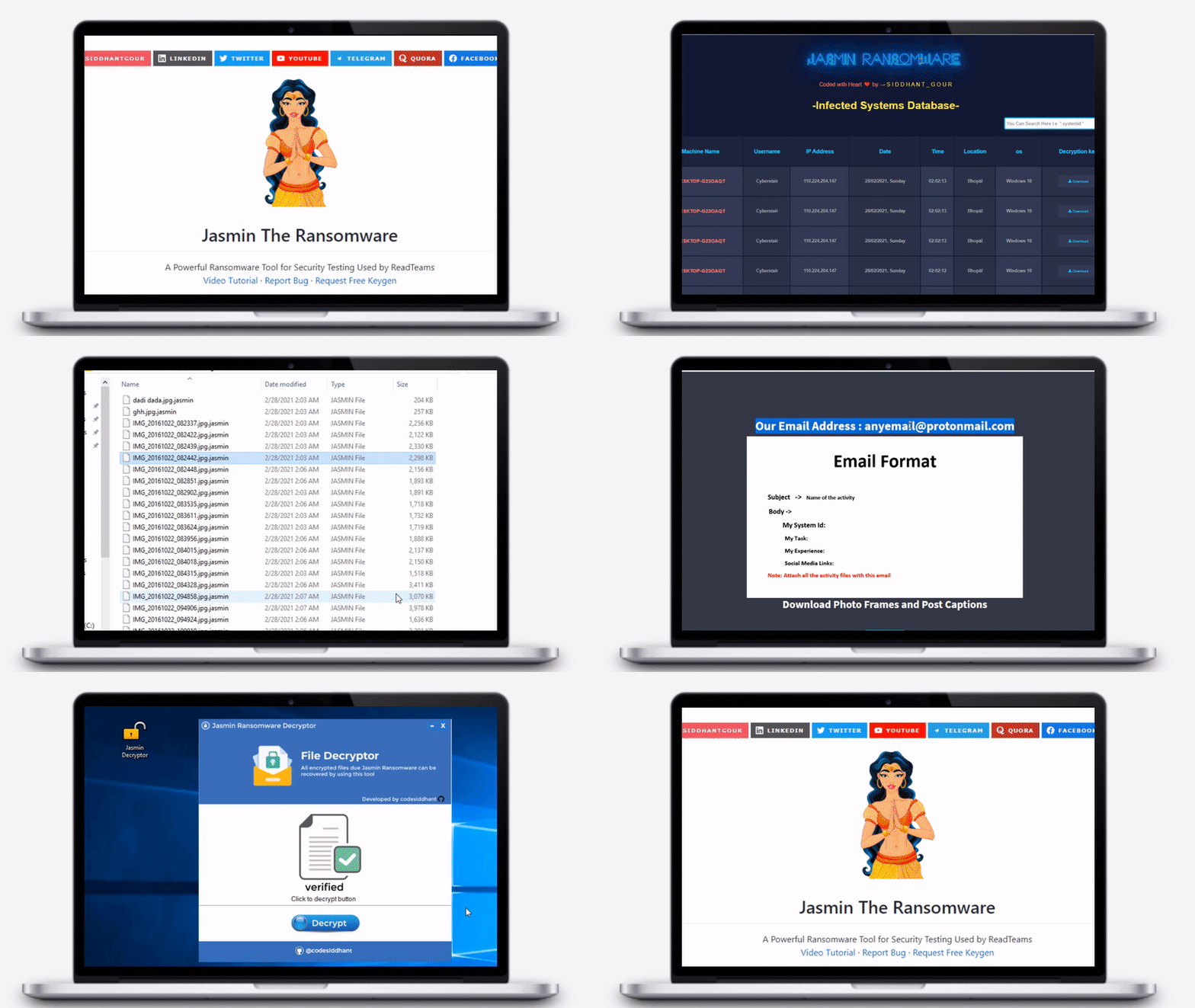

Jasmin Ransomware is an advanced red team tool (WannaCry Clone) used for simulating real ransomware attacks. Jasmin helps security researchers to overcome the risk of external attacks.

[![Siddhantgour][Instagram-shield]][Instagram-url] [![LinkedIn][linkedin-shield]][linkedin-url] [![Siddhantgour][Twitter-shield]][Twitter-url] [![Youtube][Youtube-shield]][Youtube-url] [![Telegram][Telegram-shield]][Telegram-url] [![Quora][Quora-shield]][Quora-url] [![Facebook][Facebook-shield]][Facebook-url]

A Powerful Ransomware Tool for Security Testing Used by ReadTeams
Video Tutorial
·
Report Bug
·
Request Free Keygen
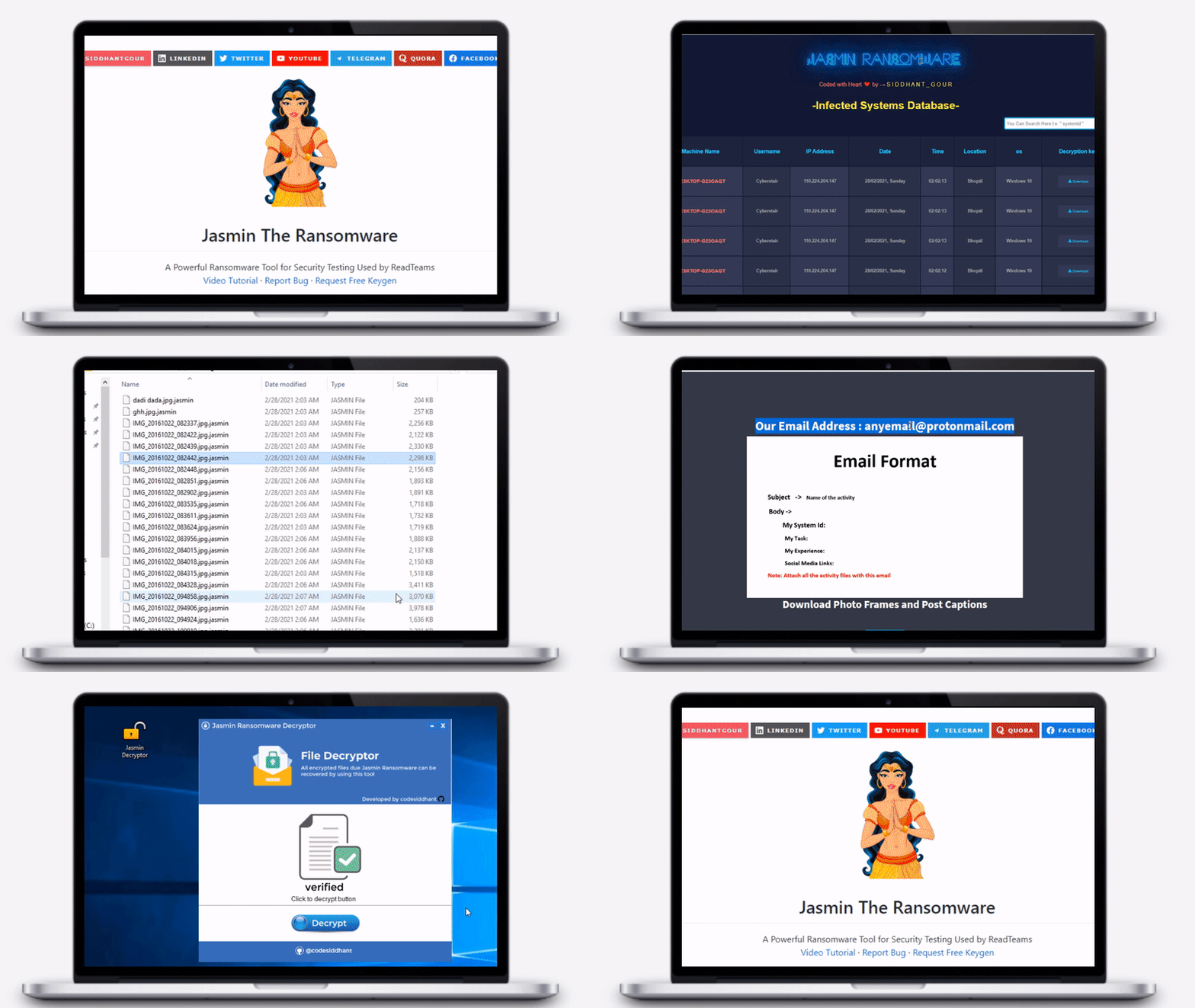
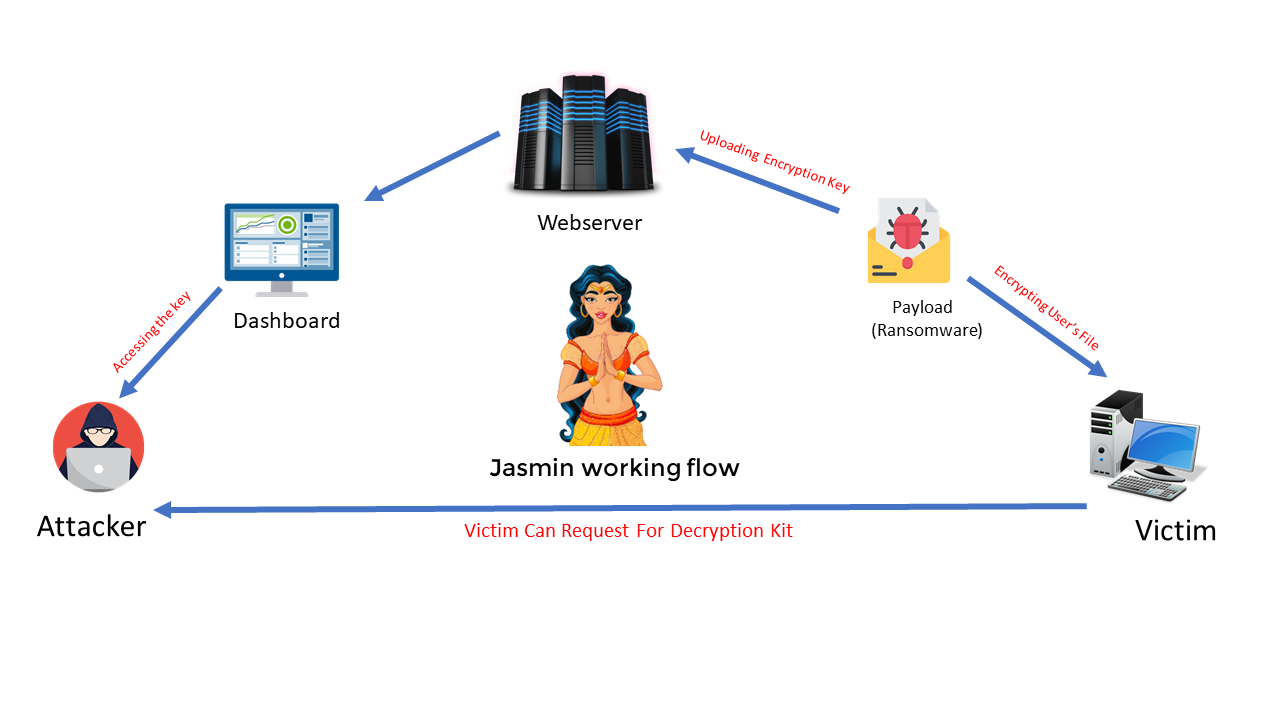
Jasmin is a different kind of ransomware worm by which many of your documents, photos, videos, database and other important files are no longer accessible because they have been encrypted and it becomes impossible for users to access their files without decryption tool and valid key.
This Tool is Developed to help Red teams and ethical hackers simulating a real ransomware attack.
There is really no shortcut for something like this. It's not enough to just know what files could be encrypted, and you certainly don't need a tool to tell you that.
This is a ransomware simulator that can safely encrypt some files on your computer, to let you know if your defenses are actually working. Jasmin Ransomware is developed by security researcher siddhant gour.
Why use Jasmin for security testing ?: ?:
[![Payload][c#-shield]][c#-url] [![Dashboard][bootstrap-shield]][bootstrap-url] [![Server][php-shield]][php-url] [![Database][mysql-shield]][mysql-url]
Visual Studio 2019 or later
Xampp Server (Windows) or LAMP Server(Linux)
Ngrok for port forwarding
