
Skip to content
KitploitKITPLOIT
ToolsExploitsBlog
Log in
Submit
ToolsExploitsBlog
Submit

Hacking, PenTest, and Cybersecurity Tools for Your Security Arsenal!

Kitploit is a directory of hacking, cybersecurity, and pentesting tools. Discover the latest project updates to find vulnerabilities, analyze systems, automate testing, and strengthen your security.

FeedsContactPrivacy© 2026 Kitploit

Tool Directory

Categories

View all categories
Loading categories
opencode-secure — Security-hardened fork of OpenCode - Fixes CVE-2026-22812 (CVSS 8.8 RCE) that upstream refuses to patch | Kitploit
Tools/GitHubGitHub/barrersoftware/opencode-secure
Vulnerability AnalysisCode AnalysisDevSecOpsSupply Chain Security
GitHubbarrersoftware/opencode-secure

opencode-secure

Security-hardened fork of OpenCode - Fixes CVE-2026-22812 (CVSS 8.8 RCE) that upstream refuses to patch


View Repository
65810 months agoNot yet reviewed
Website
Share

OpenCode logo

The open source AI coding agent.

Discord npm Build status

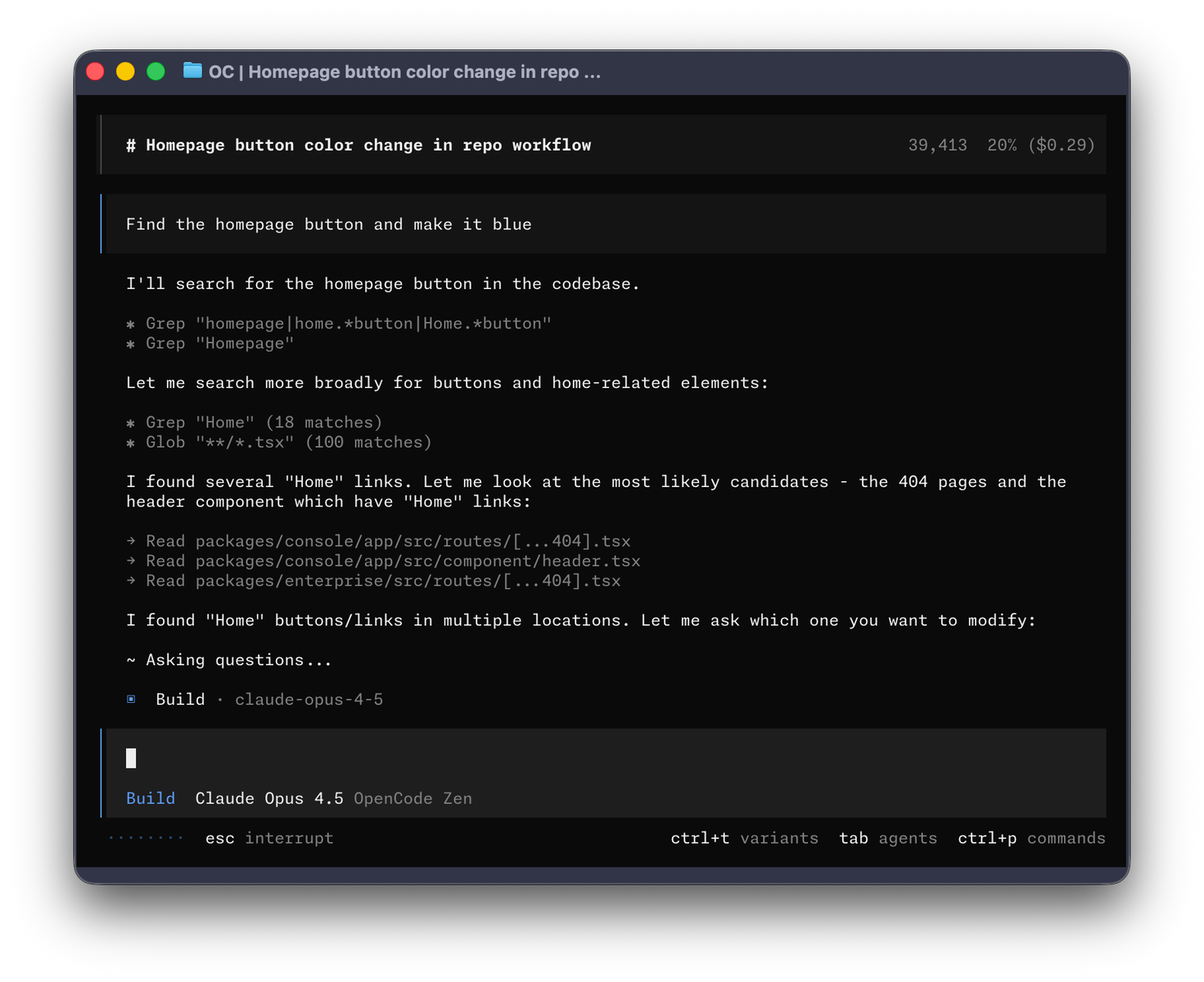
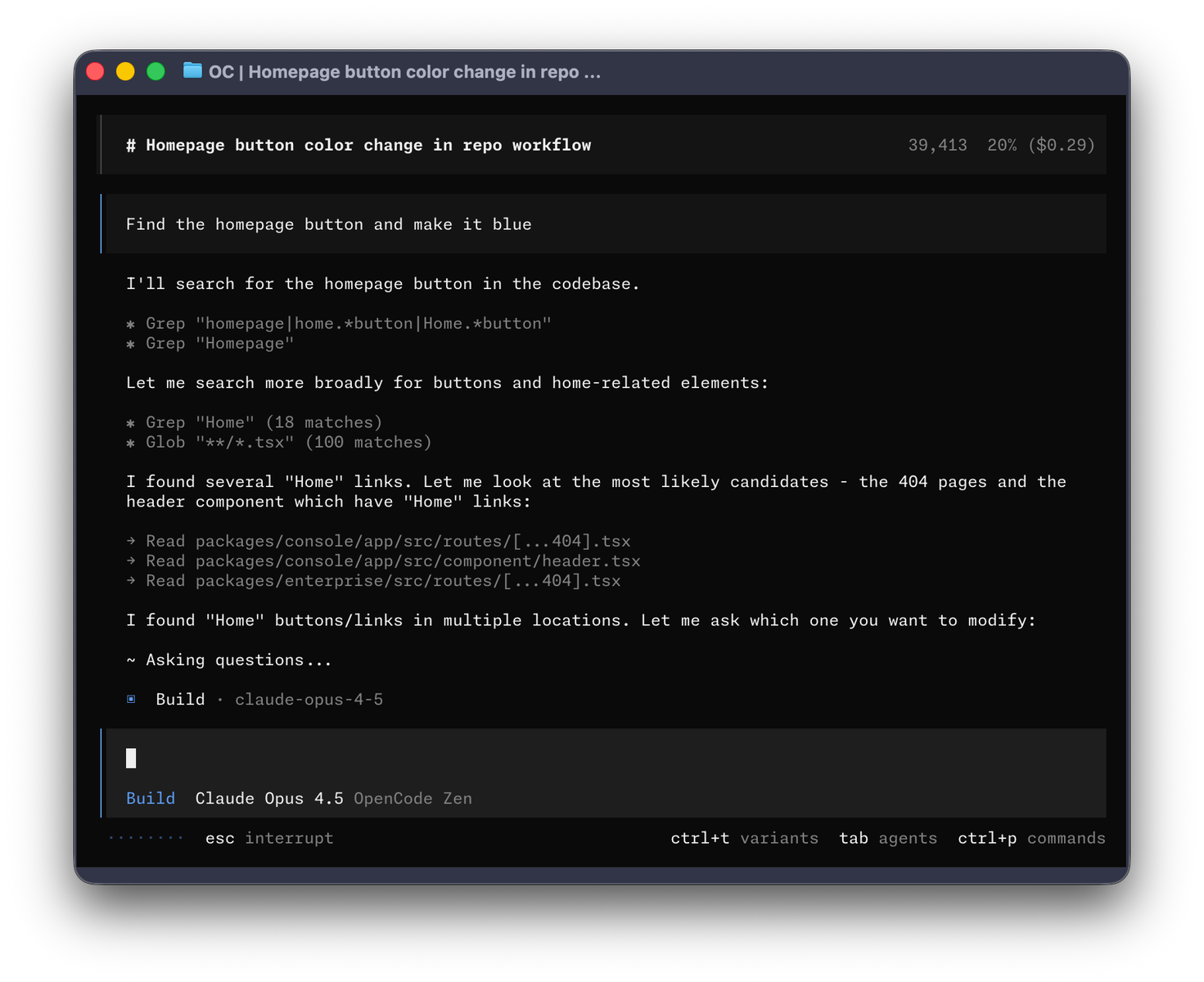
OpenCode Terminal UI


Installation

# YOLO
curl -fsSL https://opencode.ai/install | bash

# Package managers
npm i -g opencode-ai@latest        # or bun/pnpm/yarn
scoop install opencode             # Windows
choco install opencode             # Windows
brew install anomalyco/tap/opencode # macOS and Linux (recommended, always up to date)
brew install opencode              # macOS and Linux (official brew formula, updated less)
paru -S opencode-bin               # Arch Linux
mise use -g opencode               # Any OS
nix run nixpkgs#opencode           # or github:anomalyco/opencode for latest dev branch

[!TIP] Remove versions older than 0.1.x before installing.

Desktop App (BETA)

OpenCode is also available as a desktop application. Download directly from the releases page or opencode.ai/download.

PlatformDownload
macOS (Apple Silicon)opencode-desktop-darwin-aarch64.dmg
macOS (Intel)opencode-desktop-darwin-x64.dmg
Windowsopencode-desktop-windows-x64.exe
Linux.deb, .rpm, or AppImage
# macOS (Homebrew)
brew install --cask opencode-desktop
# Windows (Scoop)
scoop bucket add extras; scoop install extras/opencode-desktop

Installation Directory

The install script respects the following priority order for the installation path:

  1. $OPENCODE_INSTALL_DIR - Custom installation directory
  2. $XDG_BIN_DIR - XDG Base Directory Specification compliant path
  3. $HOME/bin - Standard user binary directory (if exists or can be created)
  4. $HOME/.opencode/bin - Default fallback
# Examples
OPENCODE_INSTALL_DIR=/usr/local/bin curl -fsSL https://opencode.ai/install | bash
XDG_BIN_DIR=$HOME/.local/bin curl -fsSL https://opencode.ai/install | bash

Agents

OpenCode includes two built-in agents you can switch between with the Tab key.

  • build - Default, full access agent for development work
  • plan - Read-only agent for analysis and code exploration
    • Denies file edits by default
    • Asks permission before running bash commands
    • Ideal for exploring unfamiliar codebases or planning changes

Also, included is a general subagent for complex searches and multistep tasks. This is used internally and can be invoked using @general in messages.

Learn more about agents.

Documentation

For more info on how to configure OpenCode head over to our docs.

Contributing

If you're interested in contributing to OpenCode, please read our contributing docs before submitting a pull request.

Building on OpenCode

If you are working on a project that's related to OpenCode and is using "opencode" as a part of its name; for example, "opencode-dashboard" or "opencode-mobile", please add a note to your README to clarify that it is not built by the OpenCode team and is not affiliated with us in any way.

FAQ

How is this different from Claude Code?

It's very similar to Claude Code in terms of capability. Here are the key differences:

  • 100% open source
  • Not coupled to any provider. Although we recommend the models we provide through OpenCode Zen; OpenCode can be used with Claude, OpenAI, Google or even local models. As models evolve the gaps between them will close and pricing will drop so being provider-agnostic is important.
  • Out of the box LSP support
  • A focus on TUI. OpenCode is built by neovim users and the creators of terminal.shop; we are going to push the limits of what's possible in the terminal.
  • A client/server architecture. This for example can allow OpenCode to run on your computer, while you can drive it remotely from a mobile app. Meaning that the TUI frontend is just one of the possible clients.

Join our community Discord | X.com

Download Tool

Most Popular

View all →

Discover the most used tools by our community.

  • 1

    OsintHunter

    letox4/osinthunter

    🎯 The ultimate OSINT toolkit: investigation graph, confidence scoring, alias families, map, timeline and reports. 49 modules, 400+ sites, no API keys required.

    755
  • 2

    ghostlock-app

    yukonga/ghostlock-app

    GhostLock One-Tap Execution App (CVE-2026-43499)

    510
  • 3

    ARTEX

    baarai/artex

    LLM multi-agent autonomous penetration testing platform with planner/worker agents, asset and exploration graphs, MITM traffic recording, and vulnerability retesting.

    415
  • 4

    redforge

    cybersecurity91/redforge

    Browser-side red team toolkit with 102 offline tools for recon, payload generation, credential attacks, crypto, encoding and engagement reporting.

    343
  • 5

    antifox

    antifox-ai/antifox

    AI multi-agent autonomous penetration testing platform that runs recon, attack-surface discovery, exploitation validation and evidence-backed report delivery.

    259
  • 6

    CyberStrikeAI

    ed1s0nz/cyberstrikeai

    The system of action for AI-native cybersecurity—where intent becomes governed execution, evidence becomes operational memory, and every operation improves the next.

    258

Explore all tools

Browse our collection of tools

View all tools →