
Skip to content
KitploitKITPLOIT
ToolsExploitsBlog
Log in
Submit
ToolsExploitsBlog
Submit

Hacking, PenTest, and Cybersecurity Tools for Your Security Arsenal!

Kitploit is a directory of hacking, cybersecurity, and pentesting tools. Discover the latest project updates to find vulnerabilities, analyze systems, automate testing, and strengthen your security.

FeedsContactPrivacyΒ© 2026 Kitploit

Tool Directory

Categories

View all categories
Loading categories
darkfox β€” CTI Cyber Threat Intelligence OSINT Dark Web Deep Web Research. Ransomware gang information gathering tool. | Kitploit
Tools/GitHubGitHub/aryanguenthner/darkfox
OSINT (Open Source Intelligence)ReconnaissanceScripting & AutomationForensicsInformation GatheringPrivacyThreat IntelligenceRed TeamingCrawler
GitHubaryanguenthner/darkfox

darkfox

CTI Cyber Threat Intelligence OSINT Dark Web Deep Web Research. Ransomware gang information gathering tool.

19033271 month agoReviewed by Kitploit

Most Popular

View all β†’

Discover the most used tools by our community.

Explore all tools

Browse our collection of tools

View all tools β†’
Share
View Repository

🦊 DarkFox 09/15/2026

Darkweb CTI & OSINT Investigation Framework 1aDarkfox
License Platform Bash

⚠️ LEGAL DISCLAIMER: DarkFox is designed for authorized security research, cyber threat intelligence (CTI), and lawful OSINT investigations only. Users are responsible for complying with all applicable laws and regulations. Unauthorized access to computer systems is illegal.

🎯 What is DarkFox?

1darkfox

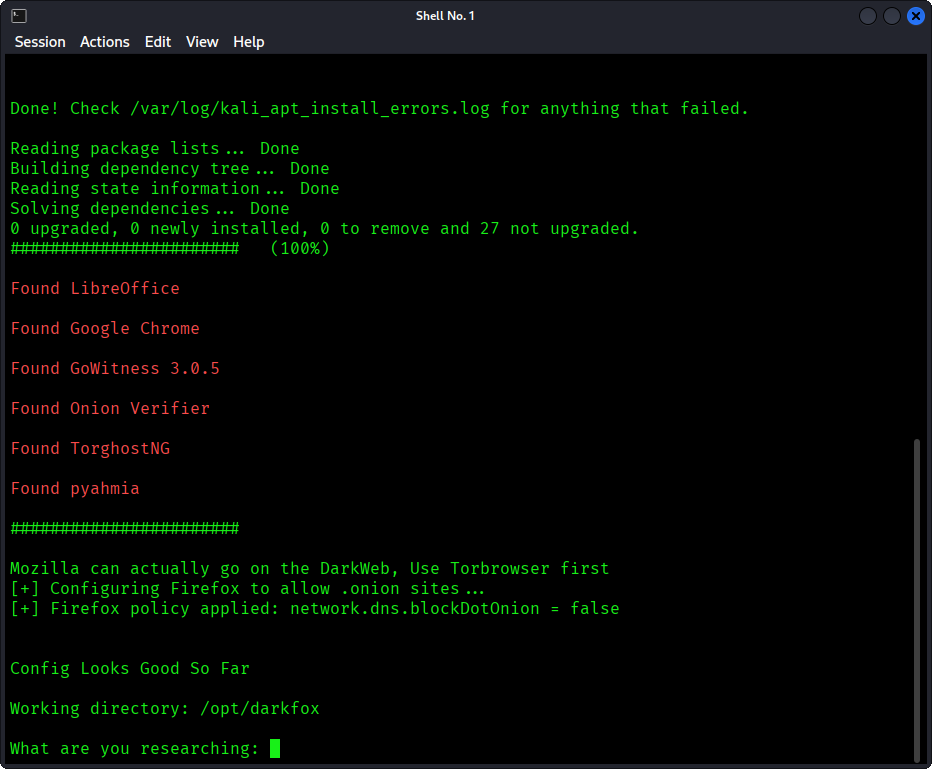
🦊 DarkFox is an automated Dark Web investigation framework that streamlines the OSINT/CTI workflow: 2darkfox
  • πŸ” Discover - Search for .onion sites using Ahmia
  • βœ… Verify - Validate discovered onion addresses
  • πŸ“Έ Document - Capture screenshots and forensic metadata without visiting the darkweb site!
  • πŸ“Š Report - Document and organize findings in a LibreOffice spreadsheet
  • πŸ”’ Secure - Route all traffic through Tor network

Perfect for:

  • Cyber Threat Intelligence (CTI) analysts
  • Security researchers
  • Law enforcement (authorized)
  • OSINT investigators
  • Red team operations
  • Blue team operations 4darkfox

✨ Features

5darkfox

Core Capabilities

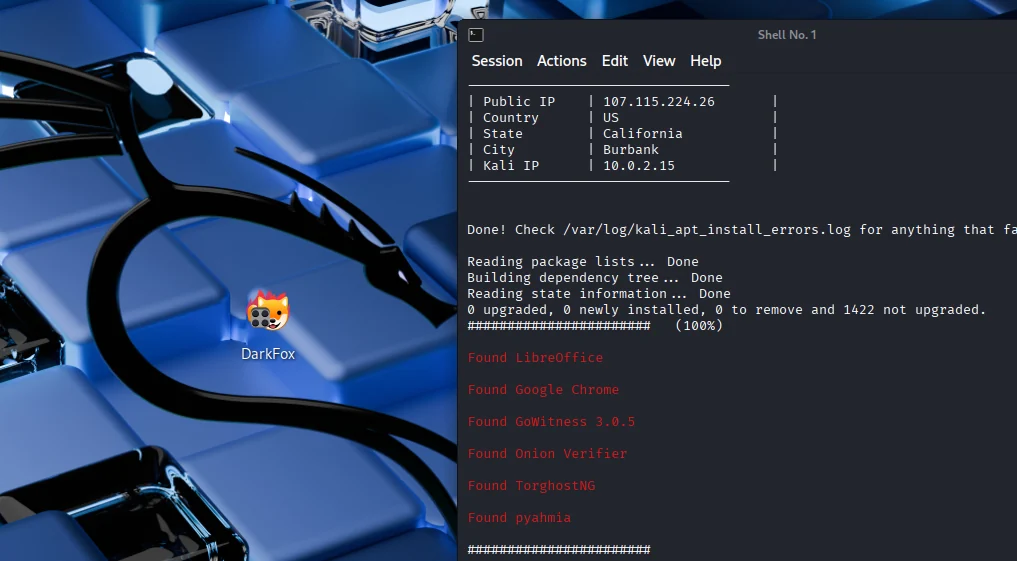
  • 🌐 Automated Tor Integration - Connect via TorGhostNG with country selection
  • πŸ”Ž Dark Web Search - pyAhmia powered onion discovery
  • πŸ–ΌοΈ Screenshot Capture - GoWitness automated site screenshots
  • πŸ“ Investigation Documentation - LibreOffice Calc worksheets
  • πŸ”„ Real-time Verification - Check onion site availability
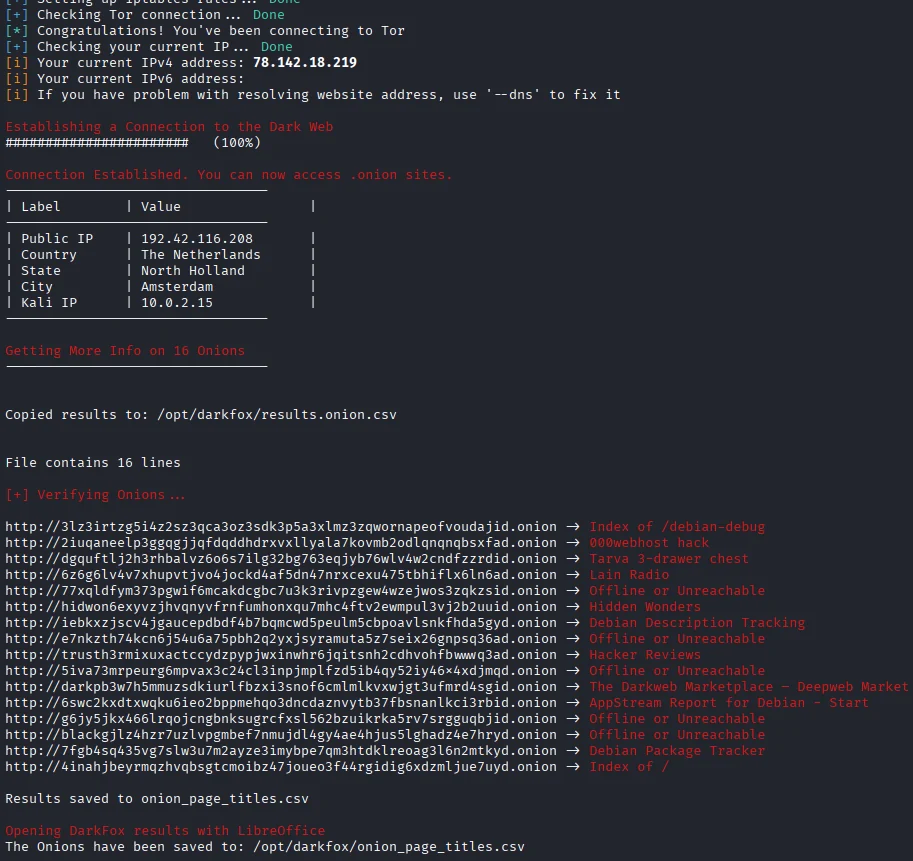
  • πŸ—ΊοΈ Network Mapping - Track your IP changes (clearnet vs Tor) 10Screenshot_2025-12-18_17_09_02

Security Features

  • βœ… Input sanitization to prevent command injection
  • βœ… Proper permission management (no 777 permissions)
  • βœ… Process cleanup on exit
  • βœ… Tor connection verification
  • βœ… Isolated Python virtual environments 6darkfox

πŸš€ Quick Start

Prerequisites

11Screenshot_2025-12-18_17_09_02

Required:

  • Kali Linux XFCE (or Debian-based distro)
  • 4GB to 16GB RAM, 4 CPU
  • Root/sudo access
  • Active internet connection

DarkFox Requirements:

  • Tor & TorGhostNG
  • pyAhmia
  • GoWitness 3.0.5
  • LibreOffice Calc
  • Firefox ESR
  • Python 3 + dependencies

Installation

# Clone the repository
sudo git clone https://github.com/aryanguenthner/darkfox /opt/darkfox

# Navigate to directory
cd /opt/darkfox

# Make scripts executable
sudo chmod +x darkfox.sh

# Run DarkFox
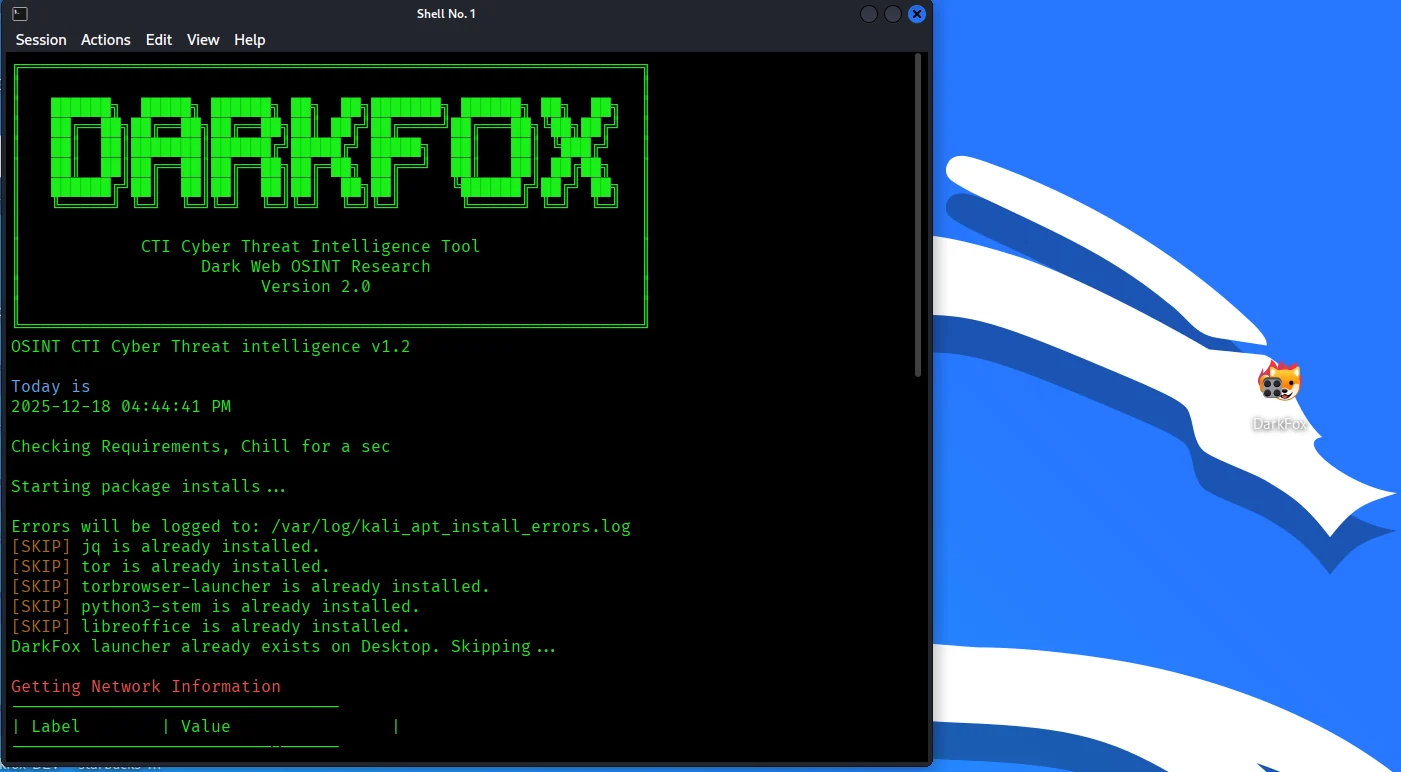
sudo bash darkfox.sh

First Investigation

  1. Run the tool:

    sudo bash darkfox.sh
    
  2. Enter your search query:

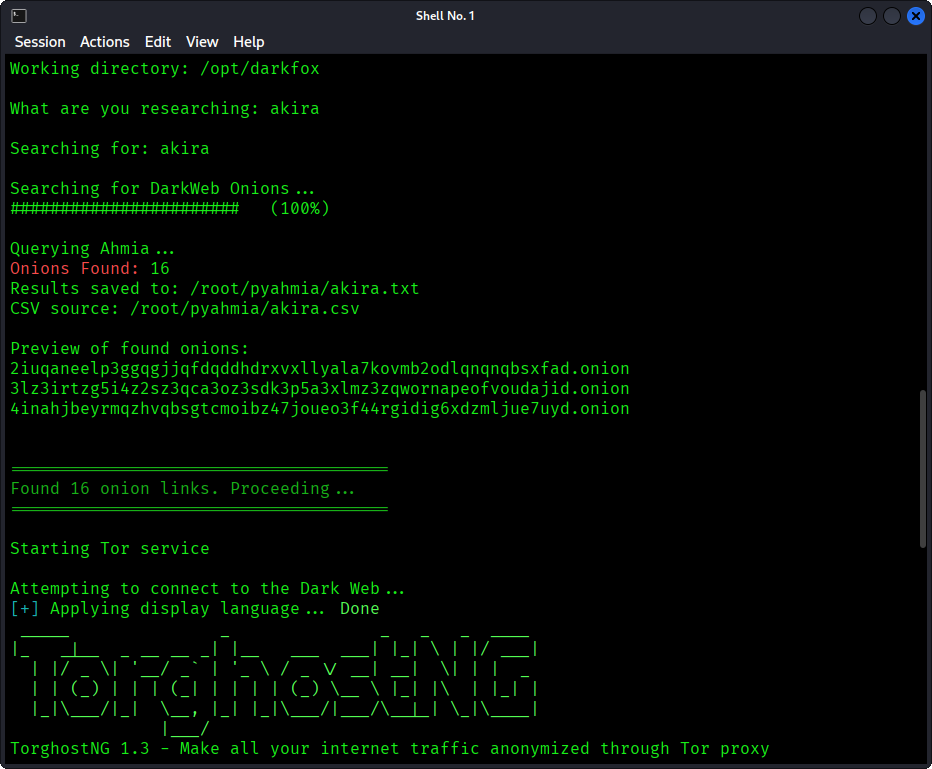
    What are you researching: cybercrime forums
    
  3. Wait for results:

    • Tool searches for .onion sites
    • Connects to Tor network
    • Verifies discovered sites
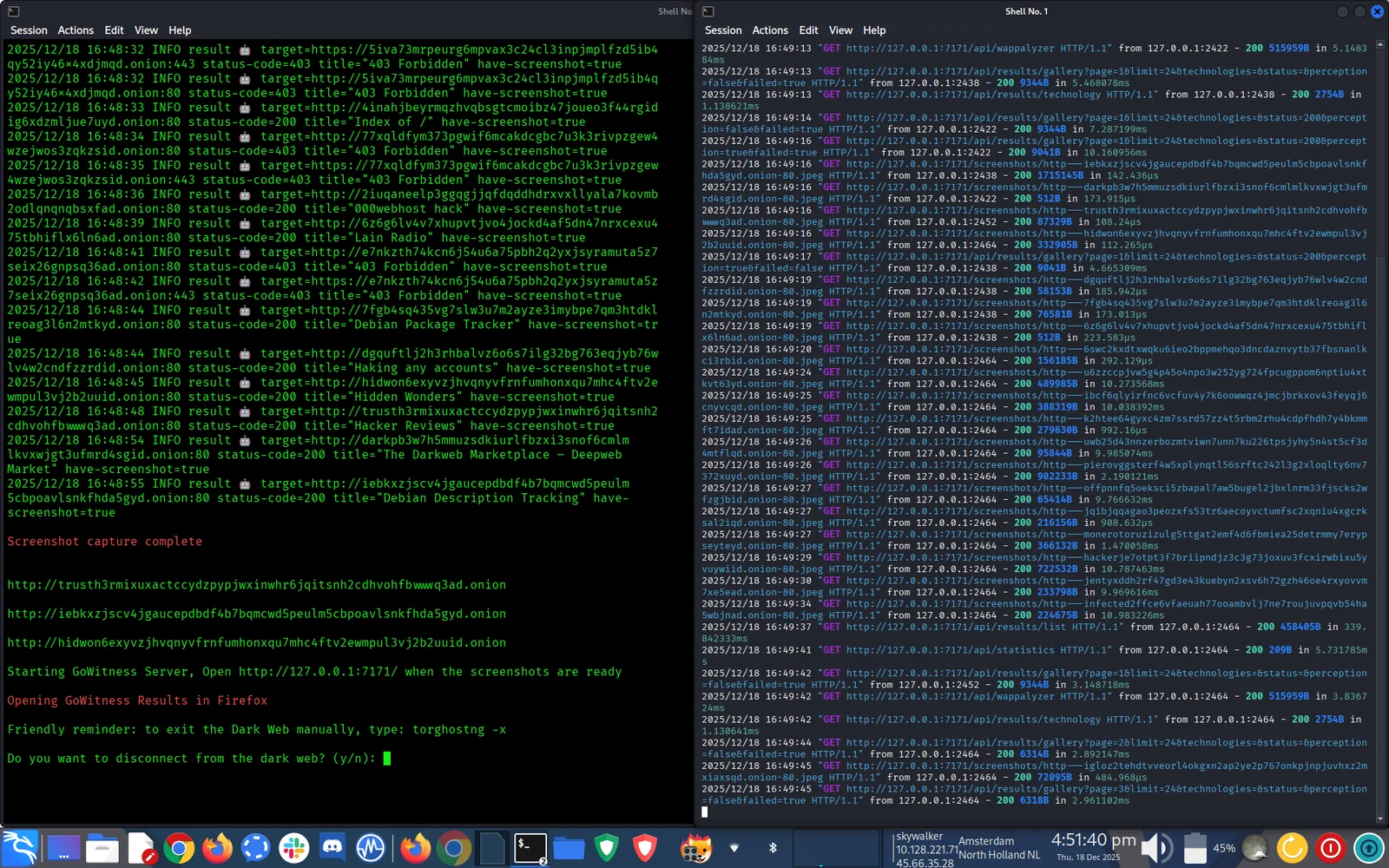
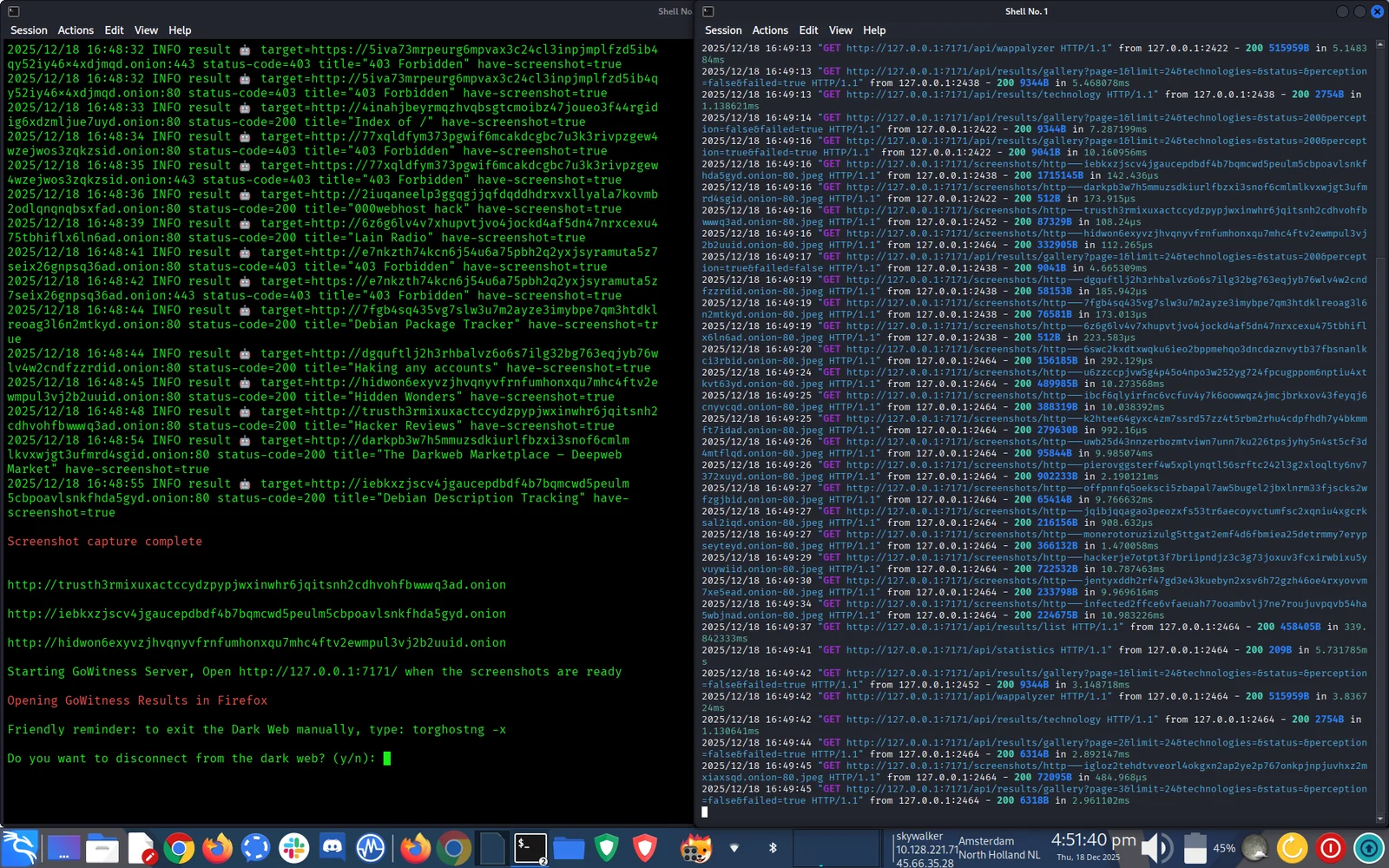
    • Captures screenshots
    • Opens workspace 12Screenshot_2025-12-18_17_09_02
  4. Review CTI findings:

    • LibreOffice opens a spreadsheet with results (Great for taking notes and keeping track of your investigation)
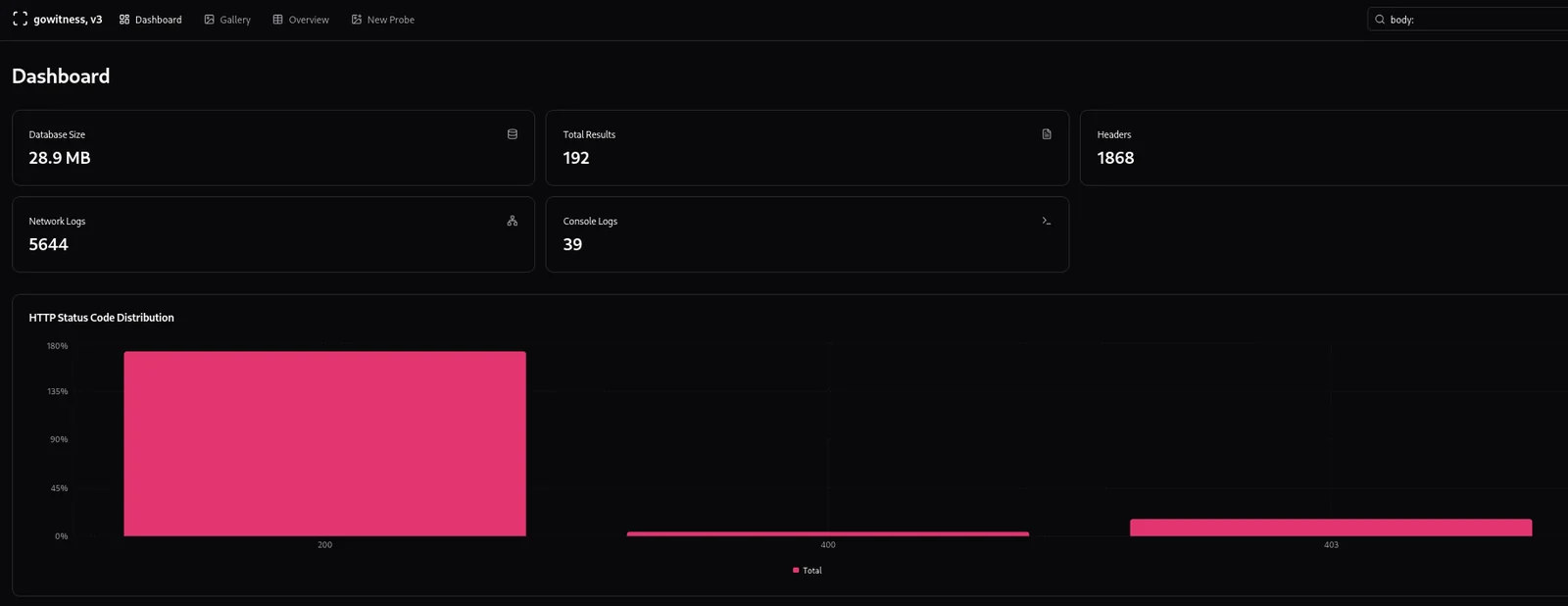
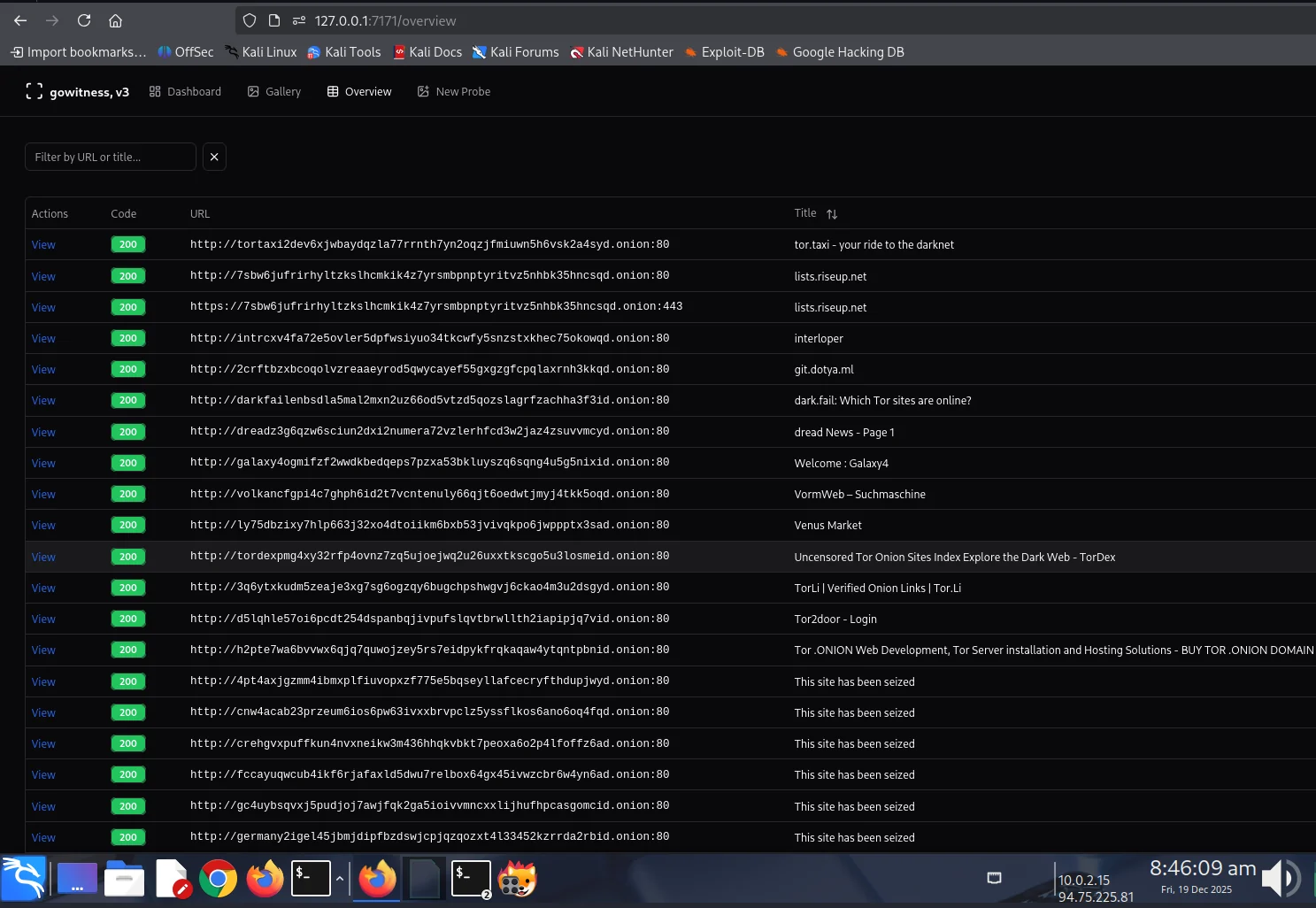
    • Firefox opens a visual gallery using gowitness (Examine the darkweb deepweb target without visiting the site)
    • Top relevant sites open automatically

πŸ“– Usage

Basic Investigation

sudo bash darkfox.sh

Follow the interactive prompts:

  1. Enter research topic
  2. Wait for onion discovery
  3. Review results in workspace
  4. Document findings in spreadsheet
  5. Investigate findings in a visual format

Advanced Options

Custom Tor Exit Country: Edit darkfox.sh and modify:

connect_tor_network "nl"  # Netherlands (default)
# Options: nl, cz, de, us, ca, mx, ru, br, gb, fr, etc.
# Exit the Tor: torghostng -x --dns

Adjust Screenshot Threads:

# In darkfox.sh, find GoWitness command:
--threads 10  # Increase for faster scanning (use with caution)

πŸ“‚ Directory Structure

After installation, DarkFox creates:

/opt/darkfox/
β”œβ”€β”€ investigations/              # All investigation results
β”‚   └── [topic_name_timestamp]/  # Individual investigation
β”‚       β”œβ”€β”€ results.onion.csv    # Raw search results
β”‚       β”œβ”€β”€ onion_page_titles.csv # Verified sites with titles
β”‚       β”œβ”€β”€ screenshots/         # GoWitness captures
β”‚       └── gowitness.db        # Screenshot database
β”œβ”€β”€ tools/
β”‚   β”œβ”€β”€ gowitness              # Screenshot tool
β”‚   └── onion_verifier.py      # Verification script
β”œβ”€β”€ logs/
β”‚   β”œβ”€β”€ tor_connection.log     # Tor connection logs
β”‚   β”œβ”€β”€ verification.log       # Onion verification logs
β”‚   └── gowitness.log         # Screenshot capture logs
└── venv/                      # Python virtual environment

πŸ”§ Components

Integrated Tools

ToolPurposeVersion
AhmiaDark web search engine0.7.3
GoWitnessScreenshot capture3.0.5
TorGhostNGTor routing & anonymityLatest
LibreOffice CalcDocumentation & reportingLatest
Firefox ESR.onion site browsingLatest

Custom Scripts

  • darkfox.sh - Main orchestration script
  • onion_verifier.py - Validates .onion addresses
  • Installation automation for all dependencies

πŸ›‘οΈ Security Considerations

Best Practices

  1. Use a Dedicated VM: Run DarkFox in an isolated virtual machine
  2. No Personal Info: Never use personal accounts while investigating
  3. VPN + Tor: Consider additional VPN layer before Tor
  4. NoScript: Install NoScript addon in Firefox (blocks malicious JS)
  5. Regular Updates: Keep Kali Linux and tools updated

Threat Model

Download Tool