
AndroSH v26.08.23
AndroSH No-Root Multi-Distro Linux on Android via Shizuku/ADB - Run Arch, Fedora, Alpine, Debian, Ubuntu, Kali, Void, Manjaro, OpenSUSE & Chimera with full system integration, proot isolation & Termux:X11 GUI.
AndroSH - Run Linux Distributions on Android (No Root, ADB/Shizuku Powered)
Run and manage full Linux distributions on your Android device - no root required.
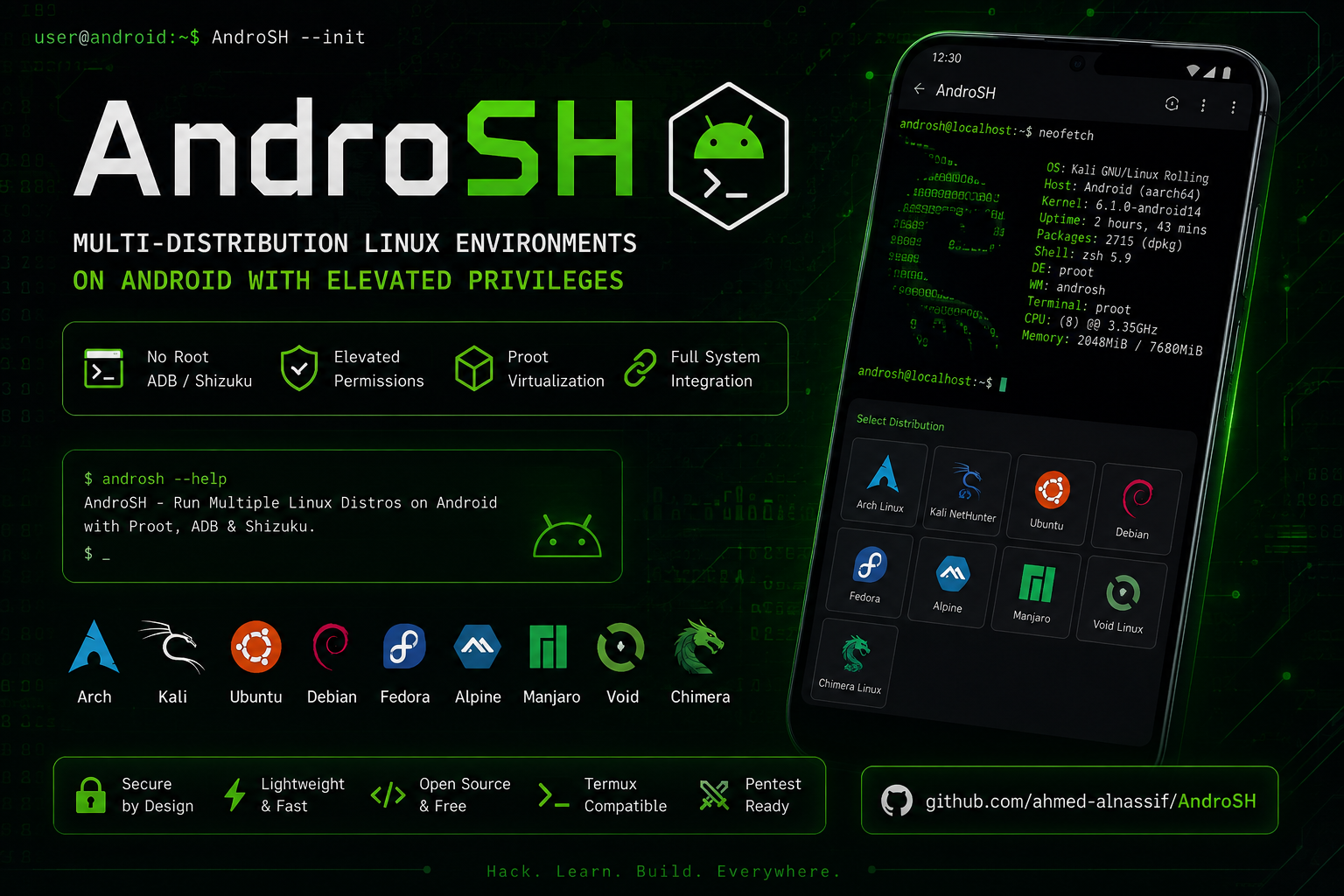






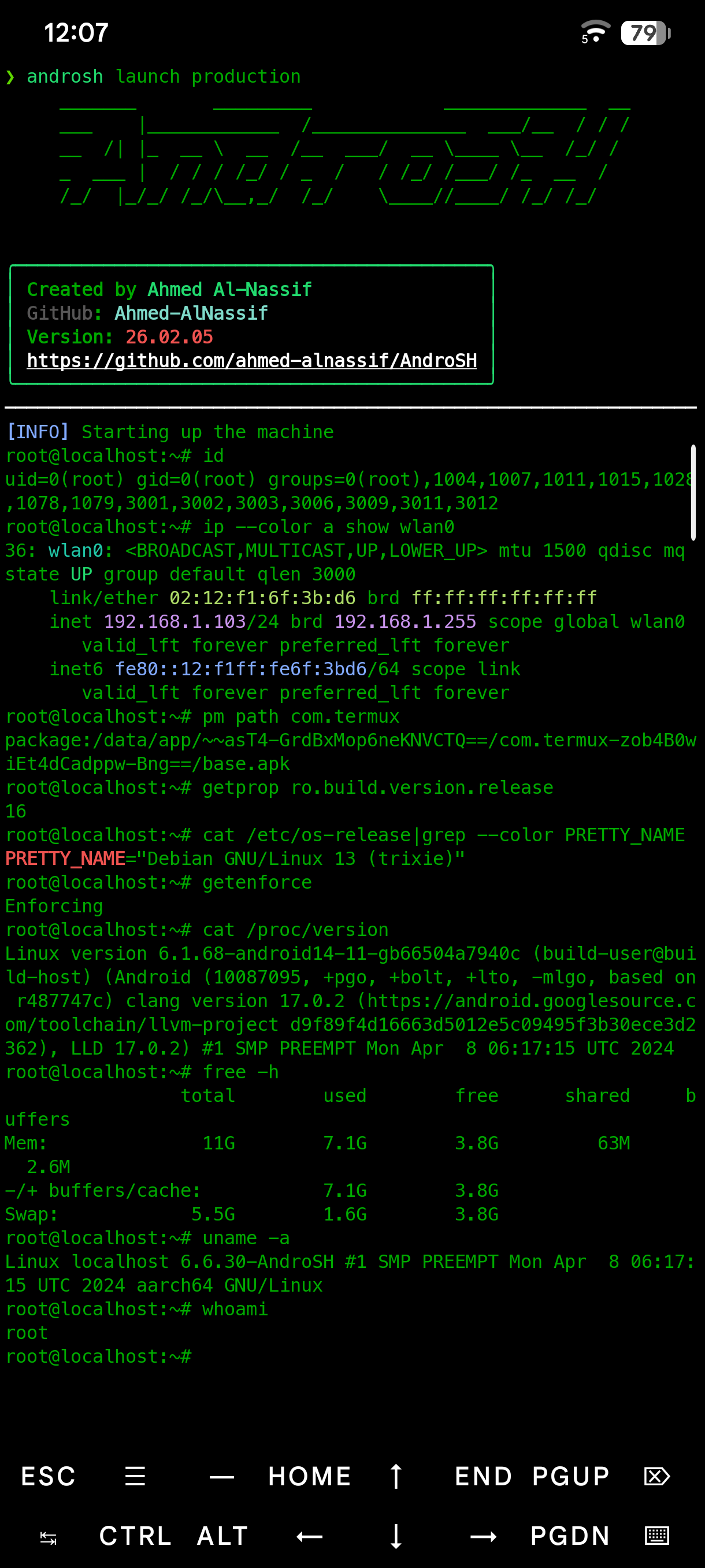
Table of Contents
- Quick Start
- Features
- Supported Distributions
- Overview
- Screenshots
- Architecture
- Installation
- Updating
- Usage
- Use Cases
- Security & Privacy
- Components & Sources
- Troubleshooting
- Contributing
- License
- Author
- Support
Quick Start
[!Important] Before you start: install and run Shizuku first. If you're new to AndroSH, read the full Installation section below - it covers Shizuku setup and troubleshooting.
# In Termux
apt update && apt install -y python git
git clone --depth 1 https://github.com/ahmed-alnassif/AndroSH.git
cd AndroSH
pip install -r requirements.txt
python main.py install

androsh setup demo --distro debian --type stable
androsh launch demo
Features
- Multi-distro: run several Linux distributions side by side (Arch, Fedora, Alpine, Debian, Ubuntu, Kali, Void, Manjaro, Chimera, openSUSE)
- ADB/Shizuku-powered Linux: run full Linux distributions through Android's elevated Shell layer, with direct Android system integration - no root required
- SQLite-backed: fast, reliable tracking of your environments
- Isolated: each Linux environment runs through PRoot with userspace filesystem/process isolation
- GUI support: works with Termux:X11 for a full desktop environment - setup guide
Supported Distributions










Every distribution above ships from a verified rootfs source and runs in an isolated proot environment - no root required.
Overview
AndroSH lets you deploy and manage multiple full Linux distributions on Android by running PRoot through the ADB/Shizuku execution layer. This provides elevated Android-side execution without root while retaining direct Android system integration from inside the Linux environments.
| Capability | AndroSH | Typical Alternatives |
|---|---|---|
| Multiple distros at once | Yes | Usually one distro only |
| Environment management | SQLite + CLI | Manual file handling |
| Android system integration | ADB/Shizuku execution | Varies by solution |
| Multiple isolated instances | Yes | Single instance |
| Root required | No (ADB/Shizuku) | Often requires bootloader unlock |
Screenshots
| Command | Preview | What it shows |
|---|---|---|
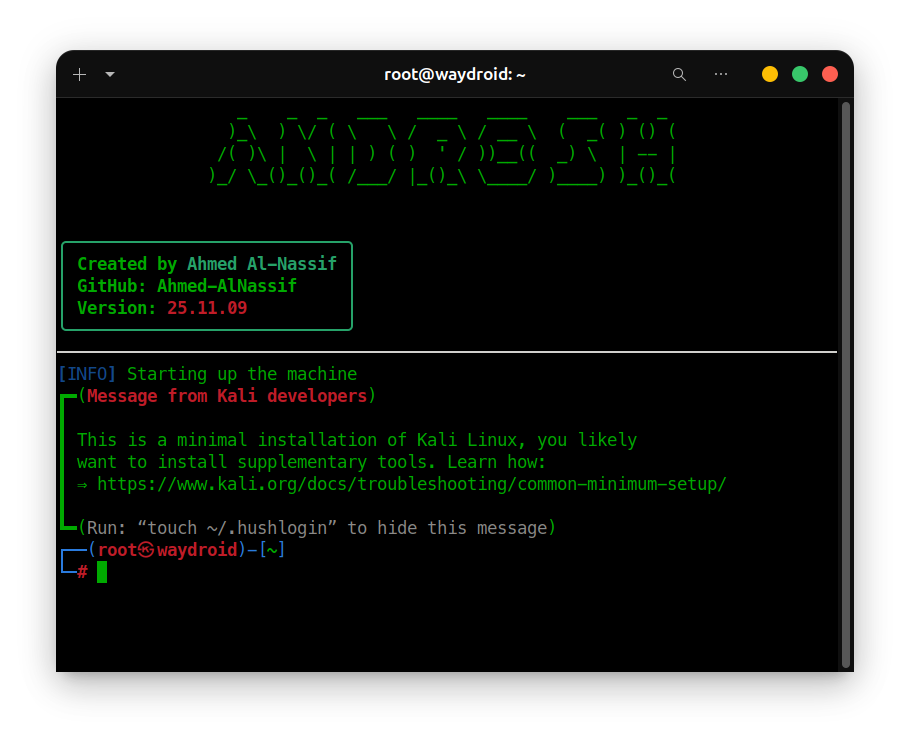
androsh launch kali | View | Launching the Kali NetHunter environment |
androsh list | View | All available distributions |
androsh lsd | View | Environments you've already installed |
Architecture
Android Device → ADB/Shizuku Execution Context→ Proot Virtualization → Linux Environment(s)
graph TD
    A[Android Device] --> B[ADB / Shizuku]
    B --> C[Android Shell Execution Context]
    C --> D[PRoot]

    D --> E[Alpine]
    D --> F[Debian]
    D --> G[Ubuntu]
    D --> H[Kali NetHunter]

    E --> I[Android System Integration]
    F --> I
    G --> I
    H --> I

    I --> K[Android Command Execution]
    I --> L[Android Filesystem Access]
    I --> M[Android Network Access]

    style D fill:#FF6B00,color:white
    style I fill:#4CAF50,color:white
From inside any distro, you can reach into the Android system directly:
# List installed Android packages
pm list packages -f

# Kernel info
cat /proc/version

# Android system properties
getprop | grep version

# Network routes
ip route show
Installation
Requirements
- Android device with Shizuku installed and running
- Python 3.8+
- Termux or a compatible terminal emulator
- At least 2 GB free storage
Setup
# Install prerequisites in Termux
apt update && apt install -y python git

# Get AndroSH
git clone --depth 1 https://github.com/ahmed-alnassif/AndroSH.git
cd AndroSH

# Install dependencies
pip install -r requirements.txt

# Make the `androsh` command available globally
python main.py install
[!Tip] when you run
androsh setup, AndroSH automatically checks whether Shizuku is configured correctly and walks you through fixing it if not.
Updating
cd AndroSH
git pull
pip install -r requirements.txt
Usage
Deploy an environment
androsh setup production --distro debian --type stable
Launch it
androsh launch production
# You're now root inside the Debian environment
root@localhost:~# apt update && apt install python3 git
Manage environments
androsh list                       # See what's available to install
androsh lsd                        # See what's already installed
androsh clean production           # Free up space / remove temp files
androsh remove production --force  # Delete an environment
Manage distributions directly
androsh distro list                                              # List available distros
androsh distro info ubuntu                                       # Get details on a distro
androsh distro download alpine --type alpine-minirootfs --file alpine-edge.tar.gz