 monad-developers/ultrafuzz
End-to-end agentic smart contract fuzzing and threat hunting


Ultrafuzz is an agentic orchestrator for smart contract fuzzing and threat hunting
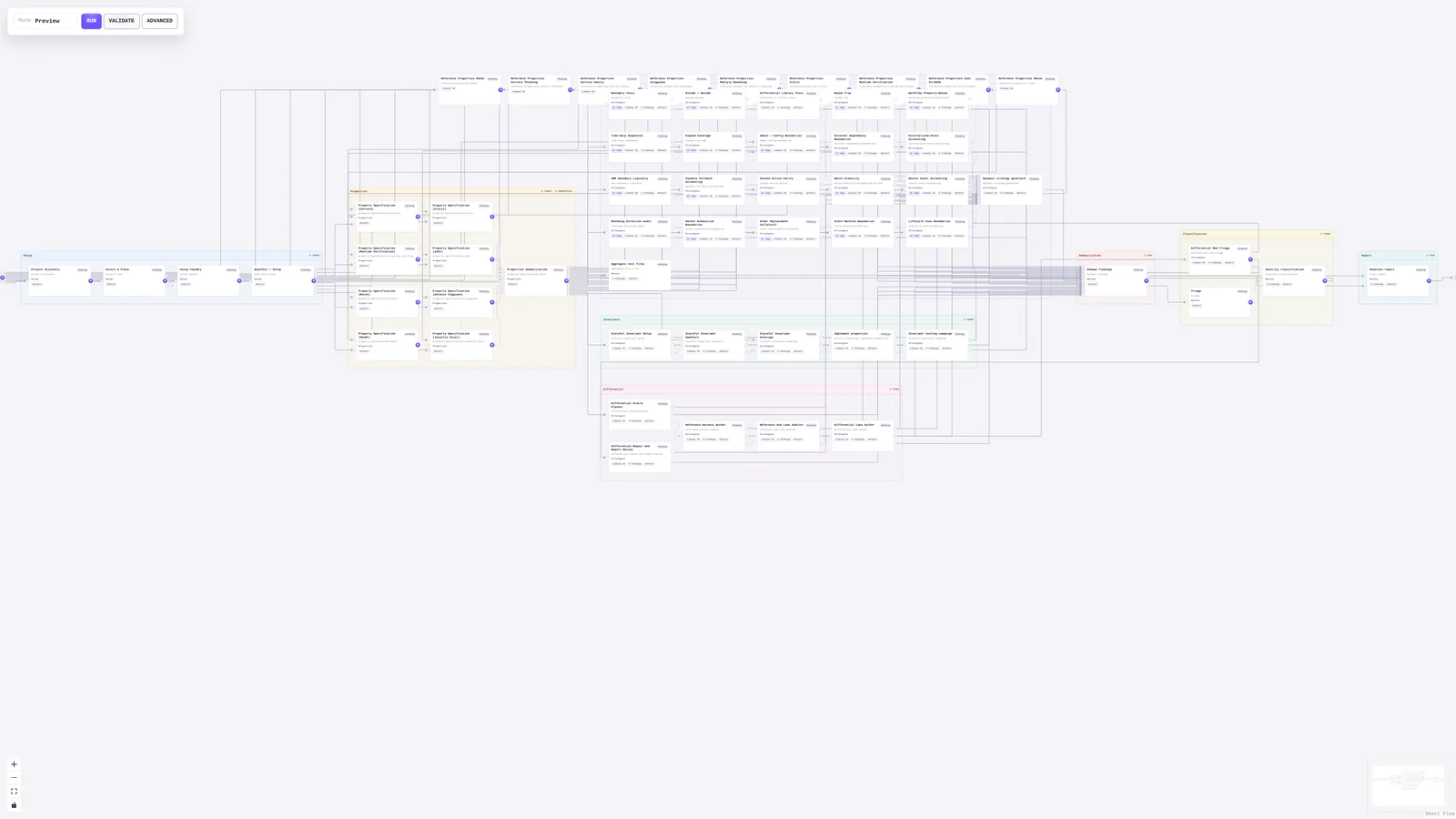
This tool initializes a protocol repository with editable prompts and topology, runs specialized agents, collects generated fuzz tests and findings, and serves a local dashboard plus final report for review.
Security note
We strongly recommend running Ultrafuzz only on ephemeral, isolated virtual machines that can be safely discarded after use. Agents run in an unrestricted, skip-permissions workflow, which means they may unintentionally install or access dangerous tooling or sensitive credentials. Prompts, model choices, and target behavior can influence the actions agents take on the host and may result in unintended or destructive consequences. Do not run Ultrafuzz on a developer workstation, persistent environment, or any machine containing valuable data or credentials. Ultrafuzz is still under active development and has not necessarily undergone a complete security audit. Its implementation may contain unknown or undiscovered vulnerabilities.
For campaigns, we recommend using a published release that has been available for some time, for example at least seven days, rather than the
unstablebranch. Check out the release tag and review its source and prompts before installing dependencies or running Ultrafuzz.Review the checked-in
.ultrafuzz/prompts/before launching a campaign. See Security for the full posture.
Tell your agent:
Your task is to launch an Ultrafuzz campaign on this project and make sure it
succeeds from start to finish.
Use a published Ultrafuzz release that has been available for some time, for
example at least seven days, rather than the unstable branch. Check out its tag
and tell me which release you selected.
Show me the available audit profiles and explain the tradeoffs. Recommend the
best fit for this target.
Before installing any dependencies, ask for my confirmation.
After the campaign starts, use the CLI to monitor its progress. Keep monitoring
until it finishes. If a node fails, inspect its diagnostics and explain the
cause and the selected release's documented retry or reset options before
proceeding. An ordinary resume does not retry failed nodes.
Ultrafuzz is licensed under the MIT License. Copyright (c) 2026 Monad Foundation.
