 k2/ehtrace
ATrace ist ein Tool zur Verfolgung der Ausführung von Binärdateien unter Windows.

EhTrace (ausgesprochen "ATrace") ist ein leistungsfähiges Framework zur binären Ablaufverfolgung und Instrumentierung für Windows. Es ermöglicht eine tiefgehende Laufzeitanalyse von Windows-Executables, ohne dass Quellcode, binäre Modifikationen oder traditionelles Debugging erforderlich sind.
EhTrace nutzt die Windows Vectored Exception Handling (VEH) und Block-Stepping-Techniken, um eine umfassende Ausführungsverfolgung mit minimalem Overhead zu bieten. Im Gegensatz zu herkömmlichen Debugging- oder Instrumentierungswerkzeugen arbeitet EhTrace vollständig prozessintern und erfordert keine Patches an den Zielbinaries.
flowchart TB
    subgraph Target["🎯 Zielprozess"]
        direction TB
        APP[Anwendungscode]
        VEH[Vectored Exception Handler]
        style APP fill:#e1f5ff,stroke:#01579b,stroke-width:3px,color:#000
        style VEH fill:#fff3e0,stroke:#e65100,stroke-width:3px,color:#000
    end

    subgraph EhTrace["⚡ EhTrace Engine"]
        direction TB
        BLOCK[Block-Stepper]
        DISASM[Capstone Disassembler]
        FIGHTERS[BlockFighters]
        CTX[Kontext-Manager]
        style BLOCK fill:#f3e5f5,stroke:#4a148c,stroke-width:3px,color:#000
        style DISASM fill:#e8f5e9,stroke:#1b5e20,stroke-width:3px,color:#000
        style FIGHTERS fill:#ffebee,stroke:#b71c1c,stroke-width:3px,color:#000
        style CTX fill:#e0f2f1,stroke:#004d40,stroke-width:3px,color:#000
    end

    subgraph Output["📊 Analyseausgabe"]
        direction TB
        SHMEM[Shared Memory Log]
        GRAPHS[Visuelle Graphen]
        REPORTS[Abdeckungsberichte]
        style SHMEM fill:#fce4ec,stroke:#880e4f,stroke-width:3px,color:#000
        style GRAPHS fill:#f1f8e9,stroke:#33691e,stroke-width:3px,color:#000
        style REPORTS fill:#fff8e1,stroke:#f57f17,stroke-width:3px,color:#000
    end

    APP -->|Exception| VEH
    VEH -->|Single Step| BLOCK
    BLOCK -->|Instruction| DISASM
    DISASM -->|Analyse| FIGHTERS
    FIGHTERS -->|Zustand| CTX
    CTX -->|Ereignisse| SHMEM
    SHMEM -->|Daten| GRAPHS
    SHMEM -->|Daten| REPORTS

    style Target fill:#e3f2fd,stroke:#0d47a1,stroke-width:4px
    style EhTrace fill:#f3e5f5,stroke:#6a1b9a,stroke-width:4px
    style Output fill:#e8f5e9,stroke:#2e7d32,stroke-width:4px
EhTrace arbeitet über eine anspruchsvolle Pipeline:
Das Framework verwaltet den Ausführungszustand pro Thread mithilfe spezialisierter Kontextstrukturen und bietet Hooks für anpassbare Instrumentierung.
graph LR
    subgraph Traditional["🐌 Traditioneller Debugger"]
        T1[Einzelschritt]
        T2[Kontextwechsel]
        T3[Kernel-Modus]
        T4[~1M Ereignisse/s]
        style T1 fill:#ffcdd2,stroke:#c62828,stroke-width:2px,color:#000
        style T2 fill:#ffcdd2,stroke:#c62828,stroke-width:2px,color:#000
        style T3 fill:#ffcdd2,stroke:#c62828,stroke-width:2px,color:#000
        style T4 fill:#ef5350,stroke:#b71c1c,stroke-width:3px,color:#fff
    end

    subgraph EhTrace["⚡ EhTrace"]
        E1[Block-Sprung]
        E2[Prozessintern]
        E3[Benutzermodus]
        E4[~43M Ereignisse/s]
        style E1 fill:#c8e6c9,stroke:#2e7d32,stroke-width:2px,color:#000
        style E2 fill:#c8e6c9,stroke:#2e7d32,stroke-width:2px,color:#000
        style E3 fill:#c8e6c9,stroke:#2e7d32,stroke-width:2px,color:#000
        style E4 fill:#66bb6a,stroke:#1b5e20,stroke-width:3px,color:#fff
    end

    T1 --> T2 --> T3 --> T4
    E1 --> E2 --> E3 --> E4

    style Traditional fill:#ffebee,stroke:#d32f2f,stroke-width:3px
    style EhTrace fill:#e8f5e9,stroke:#388e3c,stroke-width:3px
EhTrace erreicht hohe Leistung durch mehrere Optimierungen:
📊 Benchmark: 428.833.152 Ereignisse (jeweils 32 Bytes) in 10 Sekunden aufgezeichnet = ~43M Ereignisse/s
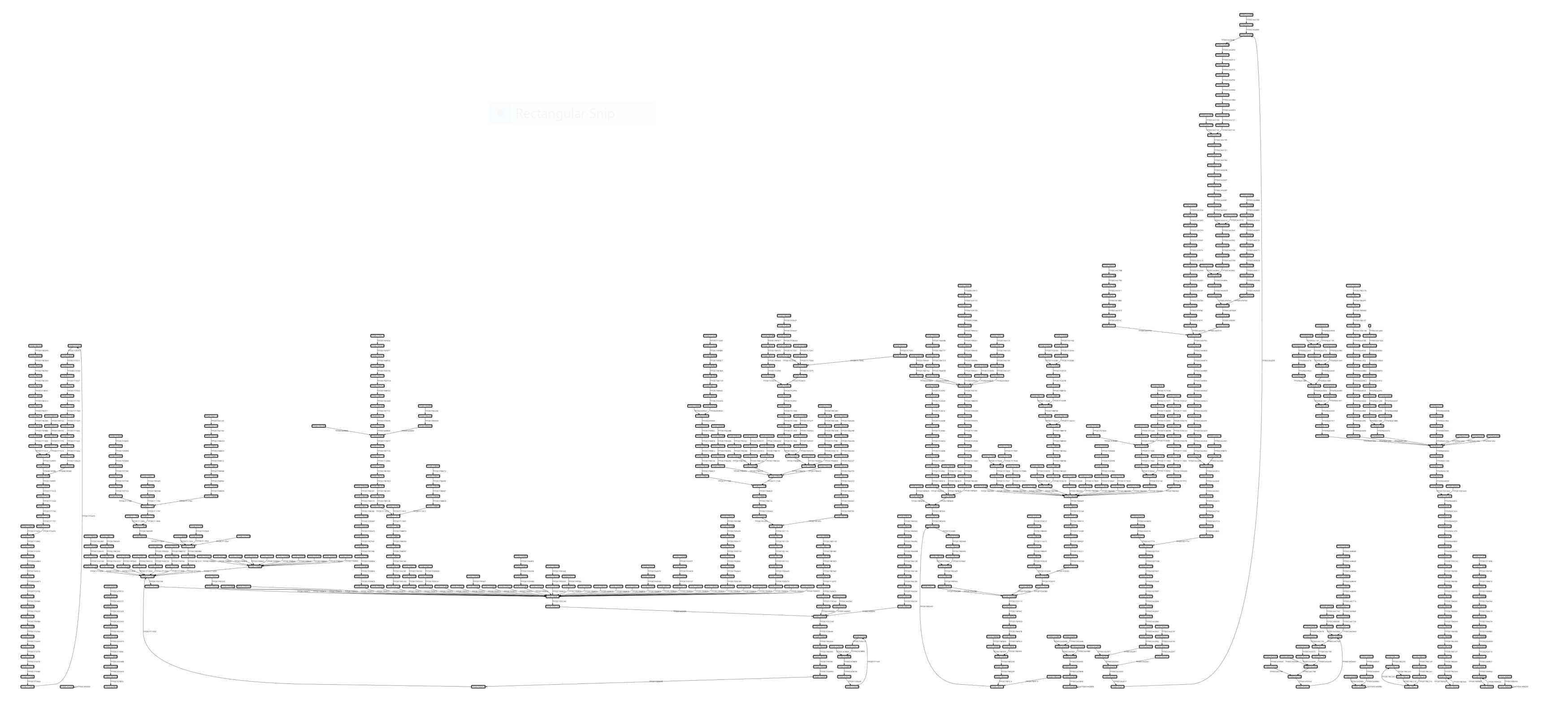
CSW16-Demo-Tracing von notepad.exe ohne Symbole:
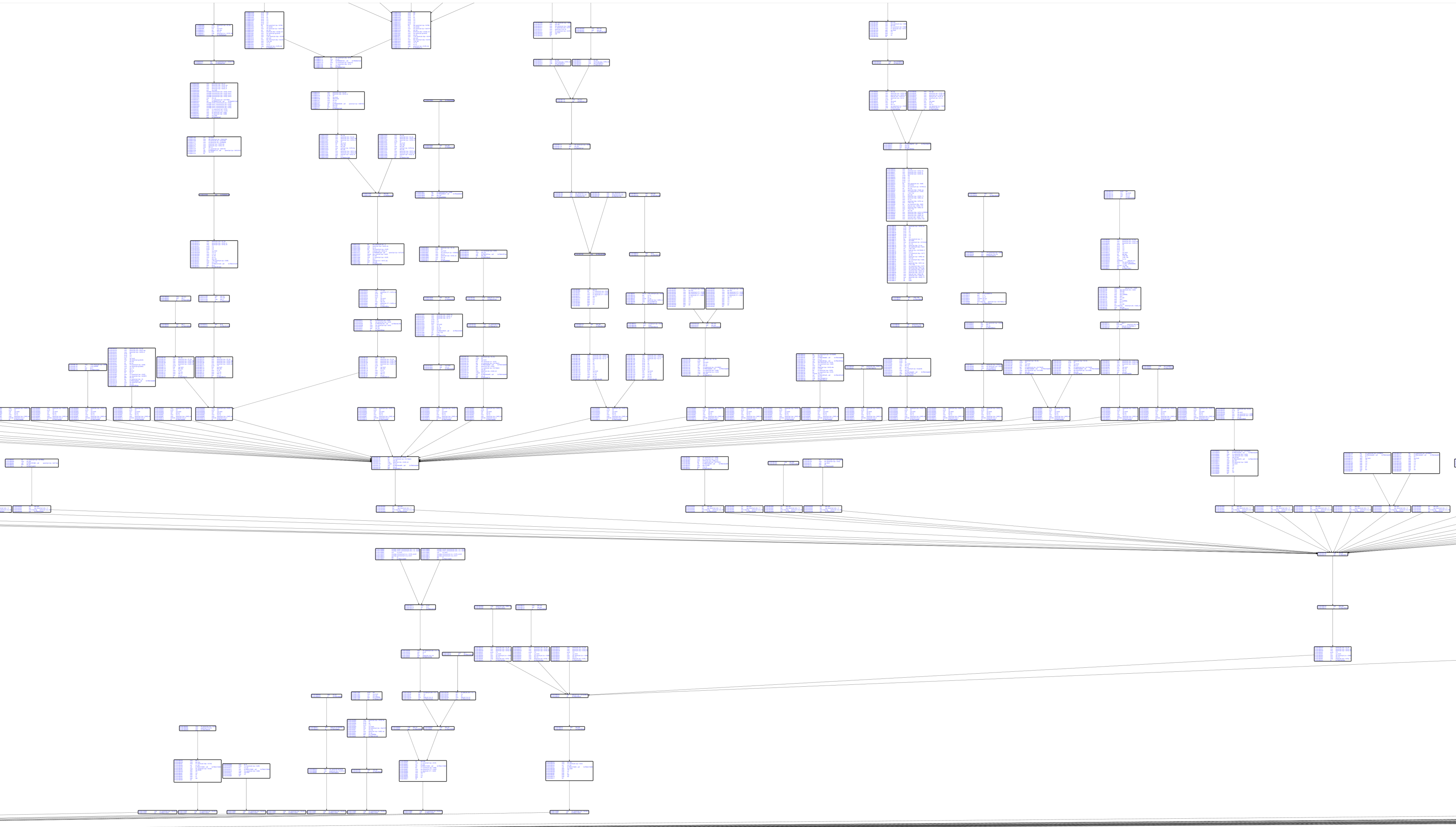
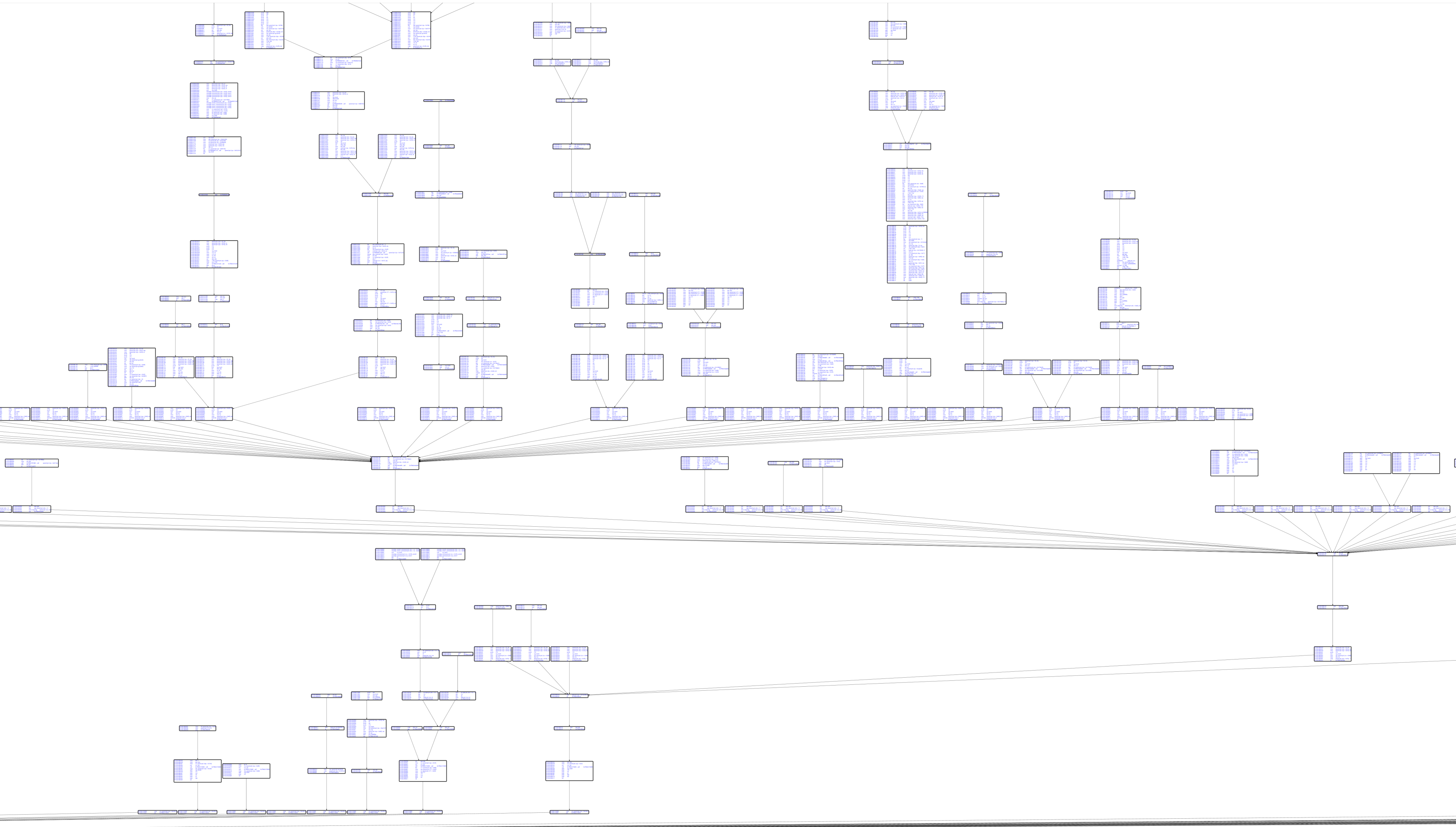
Basisblock-Graph mit Capstone-Disassemblierung:
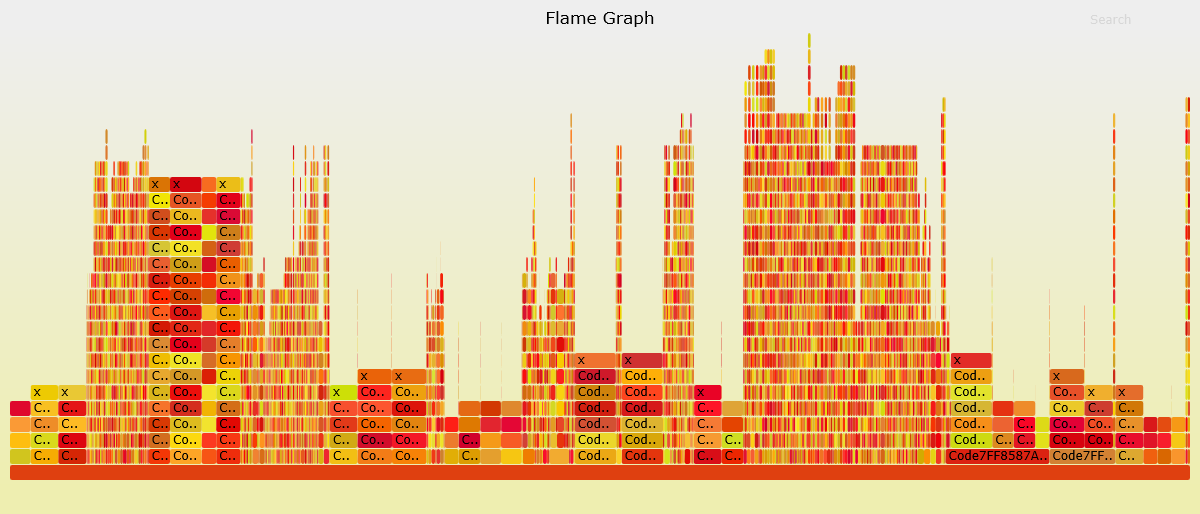
Codeabdeckungsvisualisierung: