
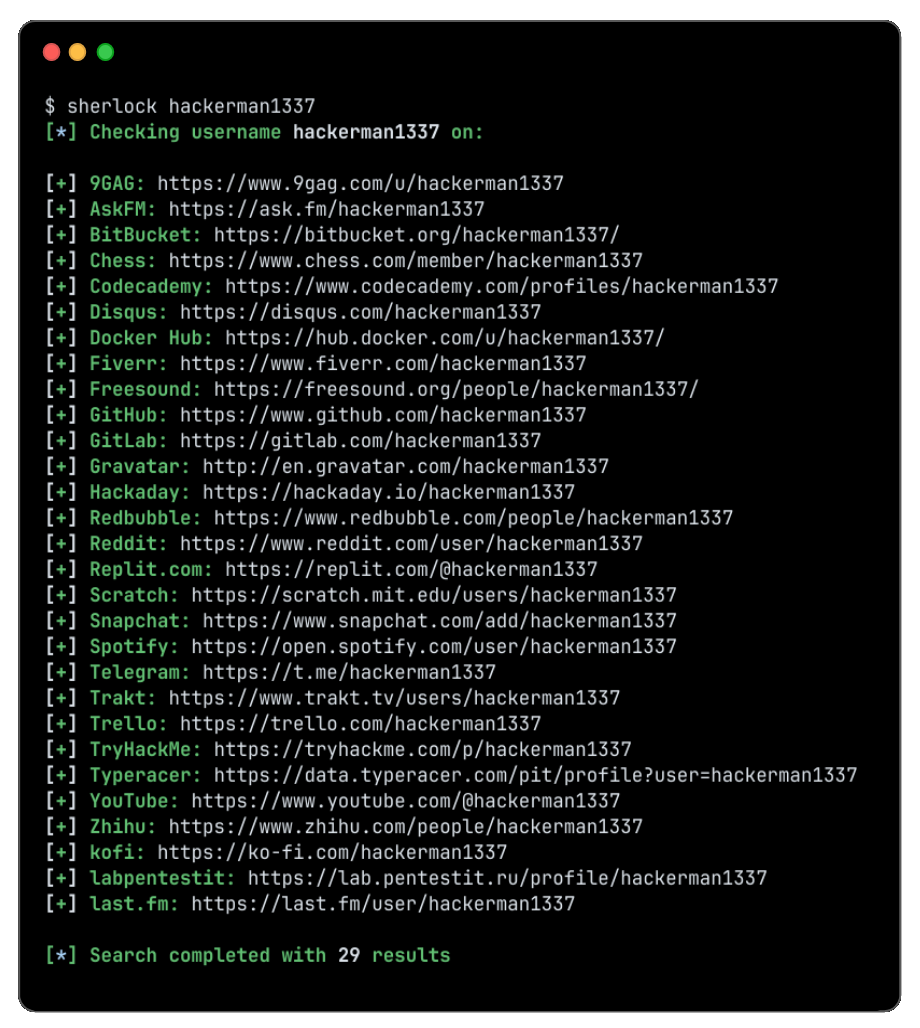
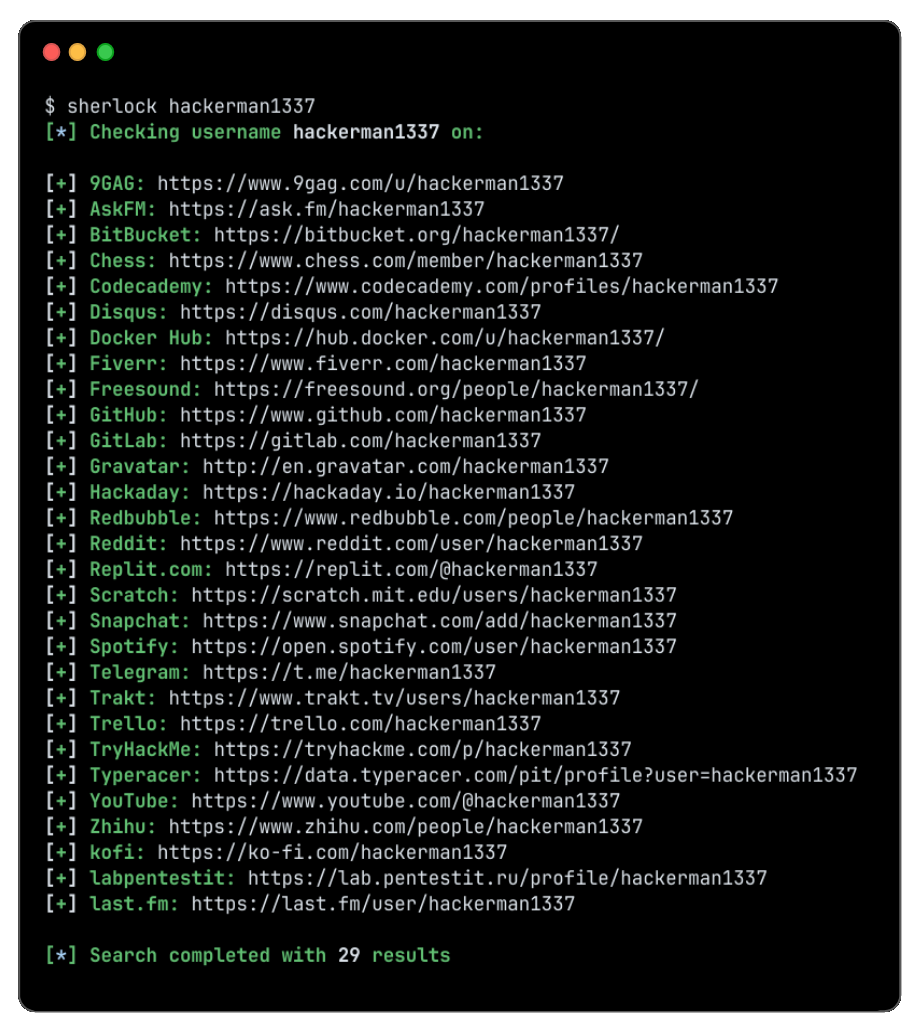
sherlock v0.16.2
Soziale Medien-Konten anhand von Benutzernamen über soziale Netzwerke hinweg aufspüren

Spüre Social-Media-Konten anhand des Benutzernamens über 400+ soziale Netzwerke auf
Installation • Verwendung • Mitwirken
Installation

[!WARNING]
Die von einem Drittanbieter gepflegten Pakete für ParrotOS und Ubuntu 24.04 scheinen defekt zu sein.
Nutzer dieser Systeme sollten stattdessen aufuv/pipx/pipoder Docker zurückgreifen.
| Methode | Hinweise |
|---|---|
pipx install sherlock-project | pip oder uv können anstelle von pipx verwendet werden |
docker run -it --rm sherlock/sherlock | |
dnf install sherlock-project |
Von der Community gepflegte Pakete sind für Debian (>= 13), Ubuntu (>= 22.10), Homebrew, Kali und BlackArch verfügbar. Diese Pakete werden nicht direkt vom Sherlock Project unterstützt oder gepflegt.
Alle alternativen Installationsmethoden finden Sie hier.
Allgemeine Verwendung
Um nur nach einem einzigen Benutzer zu suchen:
sherlock user123
Um nach mehr als einem Benutzer zu suchen:
sherlock user1 user2 user3
Gefundene Konten werden in einer separaten Textdatei mit dem entsprechenden Benutzernamen gespeichert (z. B. user123.txt).
$ sherlock --help
usage: sherlock [-h] [--version] [--verbose] [--folderoutput FOLDEROUTPUT] [--output OUTPUT] [--csv] [--xlsx] [--site SITE_NAME] [--proxy PROXY_URL] [--dump-response]
                [--json JSON_FILE] [--timeout TIMEOUT] [--print-all] [--print-found] [--no-color] [--browse] [--local] [--nsfw] [--txt] [--ignore-exclusions]
                USERNAMES [USERNAMES ...]

Sherlock: Find Usernames Across Social Networks (Version 0.16.0)

positional arguments:
  USERNAMES             One or more usernames to check with social networks. Check similar usernames using {?} (replace to '_', '-', '.').

options:
  -h, --help            show this help message and exit
  --version             Display version information and dependencies.
  --verbose, -v, -d, --debug
                        Display extra debugging information and metrics.
  --folderoutput FOLDEROUTPUT, -fo FOLDEROUTPUT
                        If using multiple usernames, the output of the results will be saved to this folder.
  --output OUTPUT, -o OUTPUT
                        If using single username, the output of the result will be saved to this file.
  --csv                 Create Comma-Separated Values (CSV) File.
  --xlsx                Create the standard file for the modern Microsoft Excel spreadsheet (xlsx).
  --site SITE_NAME      Limit analysis to just the listed sites. Add multiple options to specify more than one site.
  --proxy PROXY_URL, -p PROXY_URL
                        Make requests over a proxy. e.g. socks5://127.0.0.1:1080
  --dump-response       Dump the HTTP response to stdout for targeted debugging.
  --json JSON_FILE, -j JSON_FILE
                        Load data from a JSON file or an online, valid, JSON file. Upstream PR numbers also accepted.
  --timeout TIMEOUT     Time (in seconds) to wait for response to requests (Default: 60)
  --print-all           Output sites where the username was not found.
  --print-found         Output sites where the username was found (also if exported as file).
  --no-color            Don't color terminal output
  --browse, -b          Browse to all results on default browser.
  --local, -l           Force the use of the local data.json file.
  --nsfw                Include checking of NSFW sites from default list.
  --txt                 Enable creation of a txt file
  --ignore-exclusions   Ignore upstream exclusions (may return more false positives)
Danksagungen
Vielen Dank an alle, die zu Sherlock beigetragen haben! ❤️
Star-Verlauf
Lizenz
MIT © Sherlock Project
Ersteller - Siddharth Dushantha