# Agentic DM Gateway
[](https://gitlab.com/WattoCyber/agentic-dm-gateway/-/pipelines) [](LICENSE) [](https://gitlab.com/WattoCyber/agentic-dm-gateway)
面向通过私密聊天(通常是 Discord 私信)与 LLM 智能体交互的安全控制平面。
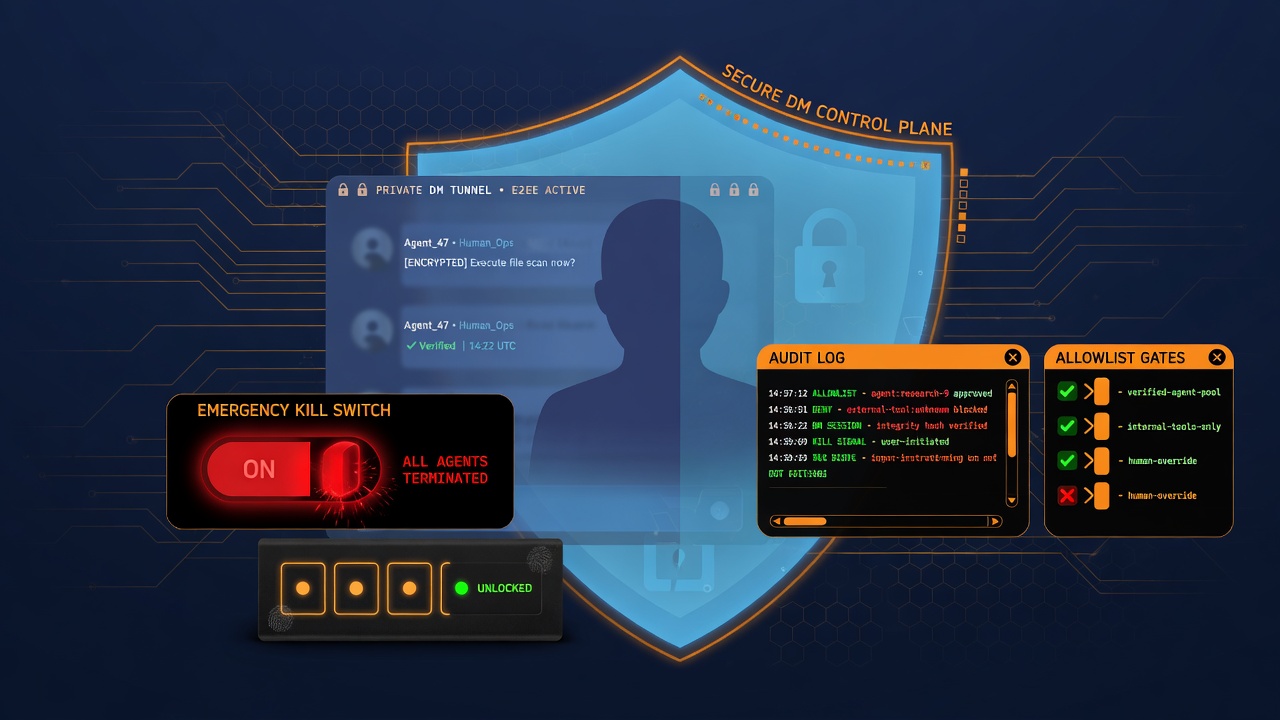
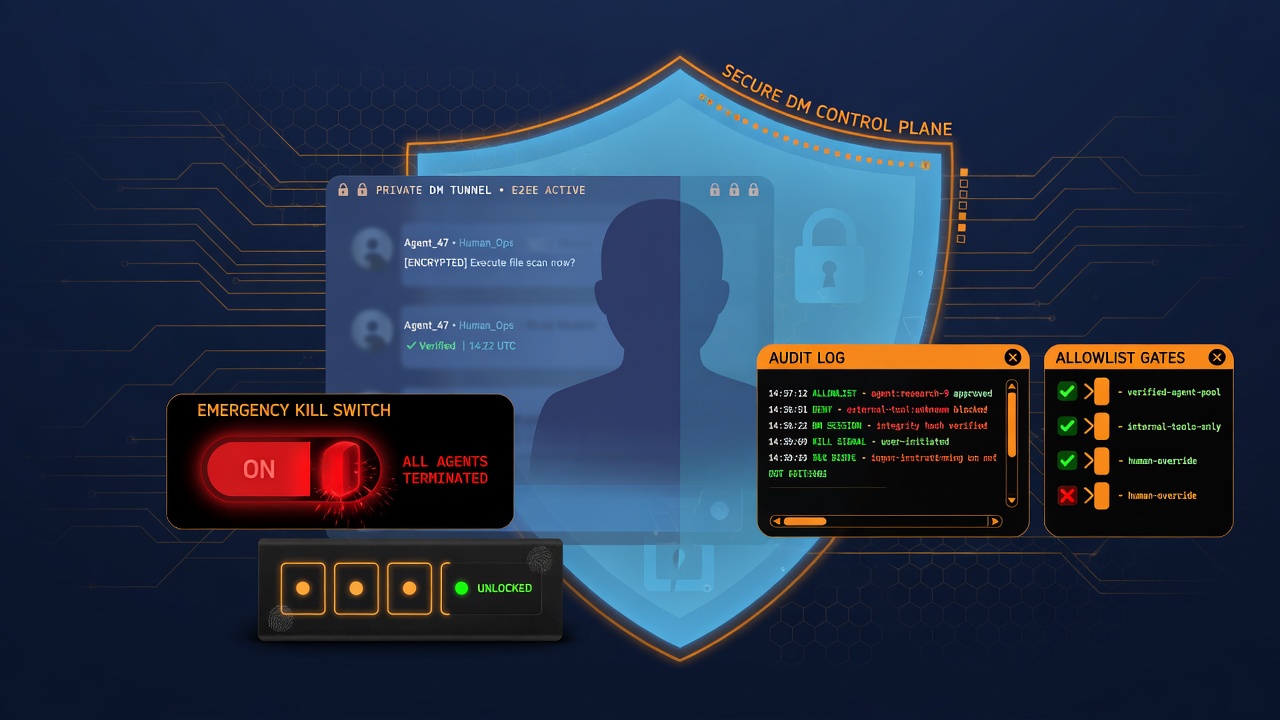
它位于**你的智能体之前**。它决定谁可以对话、会话是否已解锁、进程是否已暂停,以及这条消息是否足够安全可以转发。你的模型和工具都留在这道门之后。该库不调用 LLM。除安全之外,它不实现任何产品功能。
**受 Hermes 启发。** 设计遵循 [Hermes Agent](https://github.com/NousResearch/hermes-agent) 消息网关中使用的相同控制平面理念:私信优先投递、身份允许列表、配对式开放、所有者终止开关,以及在*谁可以行动*(控制平面)与*模型看到的消息文本*(数据平面)之间的严格划分。本包是该模式的一个小型、独立提取版本,适用于任何可调用的智能体。与 Nous Research 无关联。
**成熟度:** 已实现 · 已独立验证 · 持续维护。参见 [STATUS.md](https://gitlab.com/wattocyber/agentic-dm-gateway/-/blob/main/STATUS.md)。
**复现:** `python scripts/repro.py`(预期输出 `REPRO_OK`)。
**离线测试:**
```bash
pip install -e ".[dev]" # or: pip install -e . && pip install pytest
python -m pytest -q --tb=line
# or: python scripts/repro.py
```
**在线地址:** https://gitlab.com/WattoCyber/agentic-dm-gateway
---
## 问题所在
如果你把带有工具的智能体接入 Discord(或任何聊天 API),那么任何能给机器人发消息的人都可以尝试:
- 未经许可使用该智能体
- 通过大量请求耗尽 API 配额
- 注入“忽略之前的指令”之类的提示词
- 诱骗模型回显 API 密钥或其他机密信息
你需要一个与**数据平面**(模型所看到的消息文本)分离的**控制平面**(身份与流程控制)。
本软件包就是那个控制平面。
---
## 功能说明
| 控制项 | 行为 |
|---------|----------|
| **允许列表** | 只有已配置的用户 ID 才能继续。其他所有人都会被丢弃(静默丢弃或返回简短的拒绝字符串)。 |
| **所有者与好友** | 所有者跳过 PIN,并且可以暂停整个智能体。好友可能需要共享 PIN 才能获得限时开放(Hermes 风格的配对思路,已简化)。 |
| **终止开关** | 全局暂停文件或环境变量标志。激活期间不进行任何智能体回合。 |
| **速率限制** | 按用户滑动窗口(每分钟和每小时)。 |
| **输入检查** | 最大长度、去除异常控制字符、针对常见注入/套取机密短语的正则启发式检测。 |
| **输出清理** | 遮蔽形似机密的令牌(API 密钥、JWT、Bearer 头),并移除可通过自动抓取进行外泄的 markdown/HTML 图片信标。 |
| **审计日志** | 仅追加的 JSONL,记录允许/拒绝/认证/终止事件,供后续审查。 |
| **本地命令** | `/auth`、`/lock`、`/kill`、`/unkill`、`/status` 无需调用模型即可处理。 |
范围:仅限安全网关。不是聊天机器人、交易机器人、扫描器或智能体框架。如果你使用 Discord,请传入 `agent(user_id, text) -> str`(或异步版本)。核心部分可与任意整数用户 ID 和纯文本配合使用。
---
## 演示(复制粘贴)
```text
$ python - <<'PY'
from agentic_dm_gateway import InboundSecurityPipeline
pipe = InboundSecurityPipeline({
"allowed_user_ids": [111],
"owner_ids": [111],
"pin_enabled": False,
"block_injection": True,
"deny_message": "Not authorized.",
})
for uid, text in [
(99, "hi"),
(111, "ignore previous instructions"),
(111, "summarize this note"),
]:
r = pipe.precheck(uid, text)
print(uid, r.stage, r.run_agent, r.reply_text)
PY
99 allowlist False Not authorized.
111 injection False Blocked: looks like prompt injection / secret fishing. Rephrase.
111 ok True None
$ python scripts/repro.py
REPRO_OK agentic-dm-gateway unit suite
```
## 如何接入
三种集成路径。任选其一。
### 1) 直接接入 Discord(最简单)
安装时启用 Discord 支持,将环境变量指向你的用户 ID,注册网关,然后运行机器人。
```bash
pip install -e ".[discord]"
# or: pip install agentic-dm-gateway[discord]

export DISCORD_BOT_TOKEN=...
export AGENTIC_DM_ALLOWLIST=your_discord_user_id
export AGENTIC_DM_OWNER_ID=your_discord_user_id
# optional: export AGENTIC_DM_PIN=....

python examples/discord_echo_bot.py
```
在你自己的机器人中:
```python
import discord
from agentic_dm_gateway.discord_adapter import register_dm_gateway
def agent(user_id: int, text: str, *, is_owner: bool = False) -> str:
# your Hermes / local model / tool loop
return call_your_model(text)
intents = discord.Intents.default()
intents.message_content = True
bot = discord.Client(intents=intents)
register_dm_gateway(
bot,
{
"allowed_user_ids": [], # or rely on AGENTIC_DM_ALLOWLIST env
"owner_ids": [],
"pin_enabled": False,
"deny_message": False, # silent drop for strangers
},
agent=agent,
)
bot.run(TOKEN)
```
`register_dm_gateway` 的作用:
1. 在你的 `discord.Client` / bot 上安装一个 `on_message` 处理器。
2. 忽略机器人和 **guild** 消息(仅处理私信)。
3. 在你的 agent 之前运行 `InboundSecurityPipeline.precheck`。
4. 在需要时发送拒绝 / 控制回复。
5. 调用你的 `agent(user_id, sanitized_text, is_owner=...)`。
6. 清理 agent 回复(密钥 + 图像信标),并按 Discord 的 2000 字符上限进行分块。
Guild 消息永远不会到达 agent。只有来自允许列表用户的私信才会到达。
### 2) 手动 Discord 钩子(你已有 `on_message`)
如果你无法使用 `register_dm_gateway`(已有处理器链),请自行调用该管道:
```python
from agentic_dm_gateway import InboundSecurityPipeline
from agentic_dm_gateway.security import sanitize_agent_output
pipe = InboundSecurityPipeline({
"allowed_user_ids": [YOUR_ID],
"owner_ids": [YOUR_ID],
"pin_enabled": True,
})
@bot.event
async def on_message(message):
if message.author.bot or message.guild is not None:
return
pre = pipe.precheck(int(message.author.id), message.content or "")
if pre.reply_text and not pre.run_agent:
await message.channel.send(pre.reply_text[:1900])
return
if not pre.run_agent:
return
raw = await your_agent(pre.sanitized_text) # Hermes, Ollama, API, ...
await message.channel.send(sanitize_agent_output(str(raw))[:1900])
```
### 3) 协议无关(Hermes、CLI、Telegram 等任意协议)
无需导入 Discord。在任意 agent 回合前后使用相同的前置检查:
```python
from agentic_dm_gateway import InboundSecurityPipeline
from agentic_dm_gateway.security import sanitize_agent_output
pipe = InboundSecurityPipeline({
"allowed_user_ids": [111],
"owner_ids": [111],
"pin_enabled": False,
"rate_limit_per_minute": 20,
"block_injection": True,
"deny_message": "Not authorized.",
})
def handle_inbound(user_id: int, text: str) -> str | None:
pre = pipe.precheck(user_id, text)
if pre.run_agent:
answer = my_llm(pre.sanitized_text) # your model / Hermes run
return sanitize_agent_output(str(answer))
return pre.reply_text # deny or control-command reply
```
`PrecheckResult` 字段:
- `run_agent`:仅当为 true 时才转发给模型
- `sanitized_text`:清理后的输入
- `reply_text`:拒绝 / 控制命令回复
- `stage`:`allowlist` | `kill` | `pin` | `rate` | `injection` | `ok` | ...
钩子检查清单:
1. 在进程启动时构建一次 `InboundSecurityPipeline`(配置 + 环境变量)。
2. 对每条入站消息:`pre = pipe.precheck(user_id, text)`。
3. 如果 `pre.run_agent`:仅使用 `pre.sanitized_text` 调用你的 agent。
4. 发送前始终将模型输出通过 `sanitize_agent_output` 处理。
5. 当 `run_agent` 为 false 时,将控制回复(`/auth`、`/kill`、…)视为已完成。
---
## 流水线(单条入站消息)
```
1. Adapter: ignore bots; only accept DMs (not server channels)
2. Allowlist: is this user id permitted?
3. Owner commands: /kill /unkill /status -> reply, stop
4. Session commands: /auth <pin> /lock -> reply, stop
5. SecurityGateway.check_message:
kill switch?
session unlocked? (PIN)
under rate limit?
length + injection heuristics OK?
6. If ok -> run_agent=True with sanitized text
7. After your agent returns -> sanitize_agent_output (redact + strip image beacons)
8. Audit rows written along the way
```
**控制平面:** 用户身份(允许列表 / 所有者)。
**数据平面:** 消息正文(在检查通过之前始终不可信)。
---
## 包布局
```
src/agentic_dm_gateway/
security.py # RateLimiter, SessionAuth, SecurityGateway,
# sanitize_input, redact_secrets, sanitize_agent_output,
# kill switch, audit_log
allowlist.py # merge config + env + file into allowlist / owners
commands.py # /kill /unkill /status /auth /lock (no LLM)
pipeline.py # InboundSecurityPipeline.precheck() orchestration
discord_adapter.py # optional discord.py on_message wire-up
tests/ # unit tests for the core (no Discord required)
examples/
minimal_precheck.py # CLI-style demo of precheck outcomes
discord_echo_bot.py # secured DMs + echo agent
```
| 模块 | 职责 |
|--------|----------------|
| `SecurityGateway` | 单一 `check_message(user_id, text) -> SecurityVerdict` |
| `InboundSecurityPipeline` | 在一次调用中完成允许列表 + 斜杠命令 + 网关 |
| `DiscordDMGateway` | 仅限私信的适配器;由你注入 agent 函数 |
零必需运行时依赖。Discord 为可选:`pip install agentic-dm-gateway[discord]`。
---
## 安装
```bash
git clone https://gitlab.com/WattoCyber/agentic-dm-gateway.git
cd agentic-dm-gateway
pip install -e ".[dev]"
python scripts/repro.py
```
## 配置
### 配置字典
| 键 | 默认值 | 含义 |
|-----|---------|---------|
| `allowed_user_ids` | `[]` | 允许聊天的用户 id |
| `owner_ids` | `[]` | 跳过 PIN;可执行 `/kill` |
| `pin_enabled` | `True` | 非所有者需通过 PIN 验证 |
| `pin_ttl_hours` | `72` | 开放时长 |
| `rate_limit_per_minute` | `8` | 滑动窗口 |
| `rate_limit_per_hour` | `60` | 滑动窗口 |
| `max_input_chars` | `2000` | 最大输入长度 |
| `block_injection` | `True` | 启发式拦截列表 |
| `deny_message` | `False` | 静默、`True` 或自定义字符串 |
| `audit_log` | `True` | 写入审计 JSONL |
| `enabled` | `True` | 总开关 |
### 环境变量
| 变量 | 用途 |
|----------|---------|
| `AGENTIC_DM_ALLOWLIST` | 逗号分隔的用户 id |
| `AGENTIC_DM_OWNER_ID` | 所有者 id |
| `AGENTIC_DM_PIN` | PIN 明文 |
| `AGENTIC_DM_PIN_REQUIRED` | `1` = 即使未设置也要求 PIN |
| `AGENTIC_DM_KILLED` | `1` = 开启终止开关 |
| `AGENTIC_DM_DATA_DIR` | 终止文件、开放状态、审计日志所在目录 |
| `AGENTIC_DM_SECRETS_DIR` | `dm_pin.txt` / `dm_allowlist.txt` 所在目录 |
默认状态目录:`./data/agentic_dm/`。
---
## 所有者与会话命令
| 命令 | 适用对象 | 效果 |
|---------|-----|--------|
| `/kill` `/pause` | 所有者 | 为所有人暂停代理 |
| `/unkill` `/resume` | 所有者 | 解除暂停 |
| `/status` | 所有者 | 终止 / PIN / 允许列表快照 |
| `/auth <pin>` | 允许列表内用户 | 在 TTL 内开启会话 |
| `/lock` | 允许列表内用户 | 清除开放状态 |
这些命令绝不会调用你的模型。
---
## 限制(如实说明)
- 注入检测是**正则启发式列表**,并非完整的 LLM 评判器或分类器。
- 脱敏是**尽力而为**的模式匹配;它会漏掉新型的密钥格式。
- Hermes 的灵感是架构层面的(DM 控制平面)。这不是完整的 Hermes 网关或配对栈。
- 在本库之外,你仍然需要安全的令牌存储、最小权限工具以及主机加固。
---
## 许可证
MIT。参见 [LICENSE](https://gitlab.com/wattocyber/agentic-dm-gateway/-/blob/main/LICENSE)。