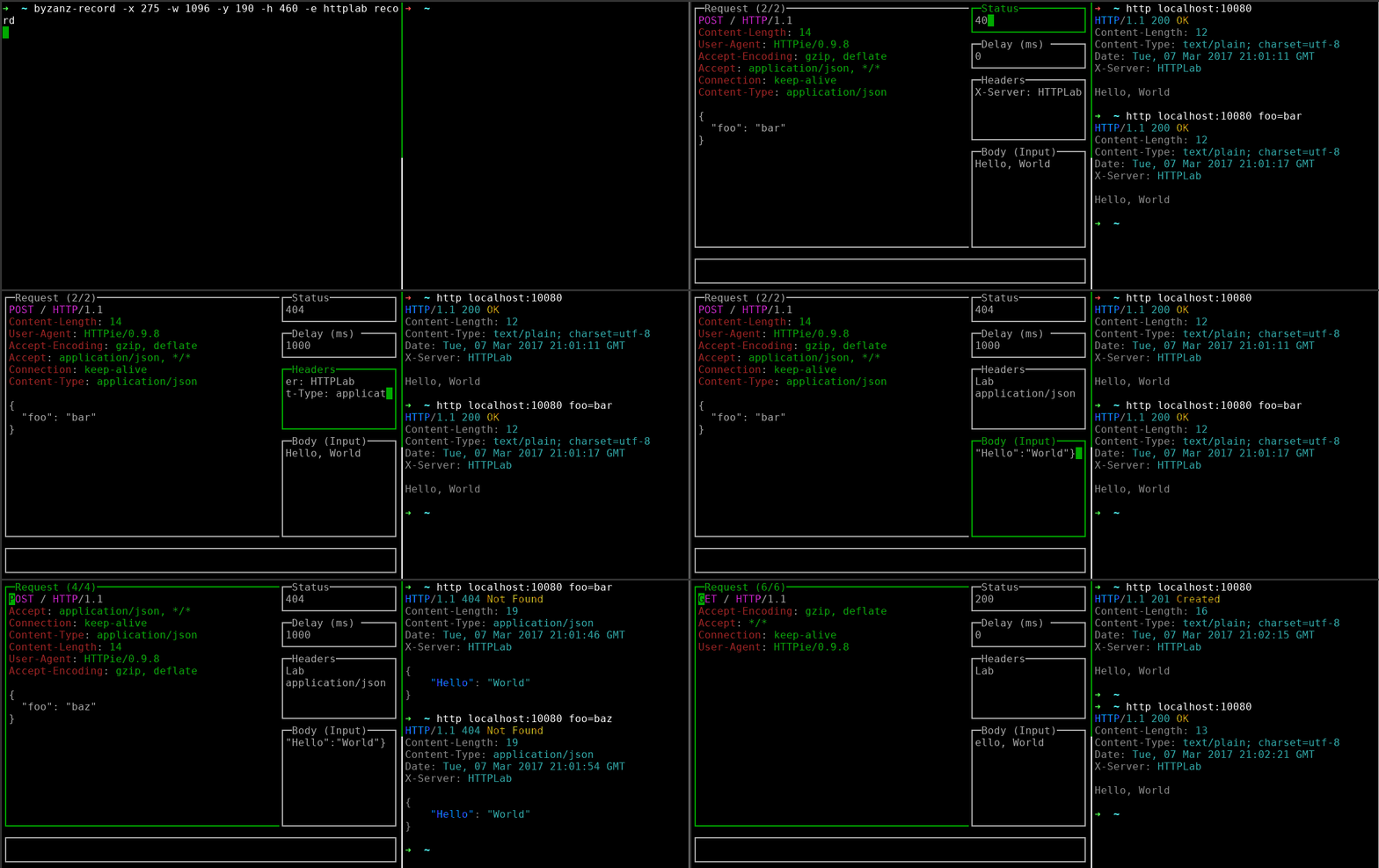


交互式 Web 服务器。
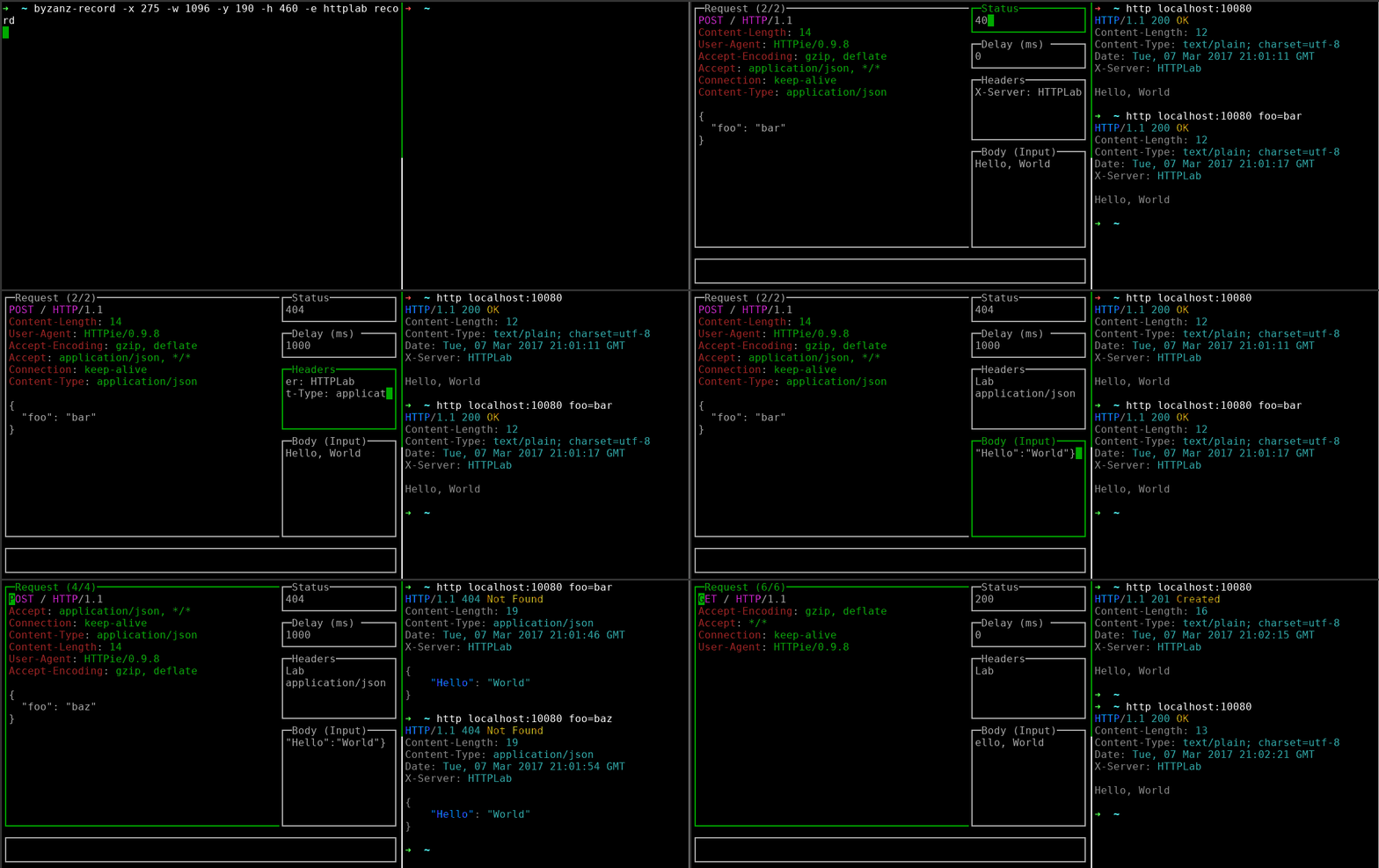
HTTPLab 让你可以检查 HTTP 请求并伪造响应。
go install github.com/gchaincl/httplab/cmd/httplab@latest
yaourt httplab
在支持 snap 的系统上:
snap install httplab
每个发布版本都提供了预编译的二进制文件,适用于不同架构,你可以在此下载:https://github.com/gchaincl/httplab/releases/latest
Usage of httplab:
  -a, --auto-update       Auto-updates response when fields change. (default true)
  -b, --body string       Specifies the inital response body. (default "Hello, World")
  -c, --config string     Specifies custom config path.
      --cors              Enable CORS.
      --cors-display      Display CORS requests. (default true)
  -d, --delay int         Specifies the initial response delay in ms.
  -H, --headers strings   Specifies the initial response headers. (default [X-Server:HTTPLab])
  -p, --port int          Specifies the port where HTTPLab will bind to. (default 10080)
  -s, --status string     Specifies the initial response status. (default "200")
  -v, --version           Prints current version.
| 键 | 描述 |
|---|---|
| Tab | 下一个输入框 |
| Shift+Tab | 上一个输入框 |
| Ctrl+a | 应用响应更改 |
| Ctrl+r | 重置请求历史 |
| Ctrl+s | 将响应另存为 |
| Ctrl+f | 将请求另存为 |
| Ctrl+l | 切换响应列表 |
| Ctrl+t | 切换响应构建器 |
| Ctrl+o | 打开请求体文件 |
| Ctrl+b | 切换请求体模式 |
| Ctrl+h | 切换帮助 |
| Ctrl+w | 切换换行 |
| q | 关闭弹窗 |
| PgUp | 上一条请求 |
| PgDown | 下一条请求 |
| Ctrl+c | 退出 |
HTTPLab 使用文件来存储预构建的响应,它会在当前目录中查找名为 .httplab 的文件,如果未找到则回退到 $HOME。
示例文件参见此处。
HTTPLab 深受 wuzz 启发