projectdiscovery/subfinder
快速被动子域名枚举工具。





功能特性 • 安装 • 使用方法 • API 配置 • 库 • 加入 Discord
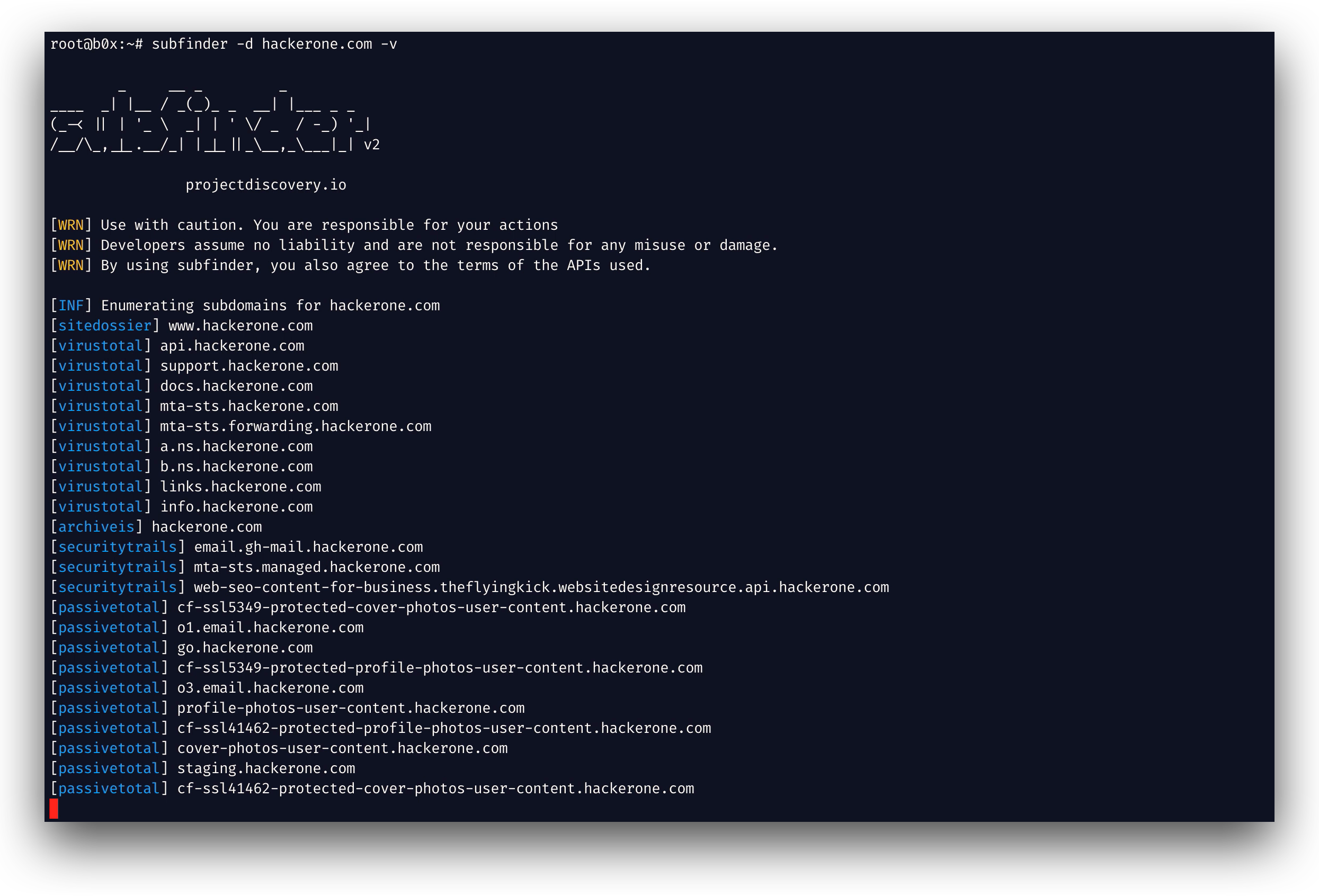
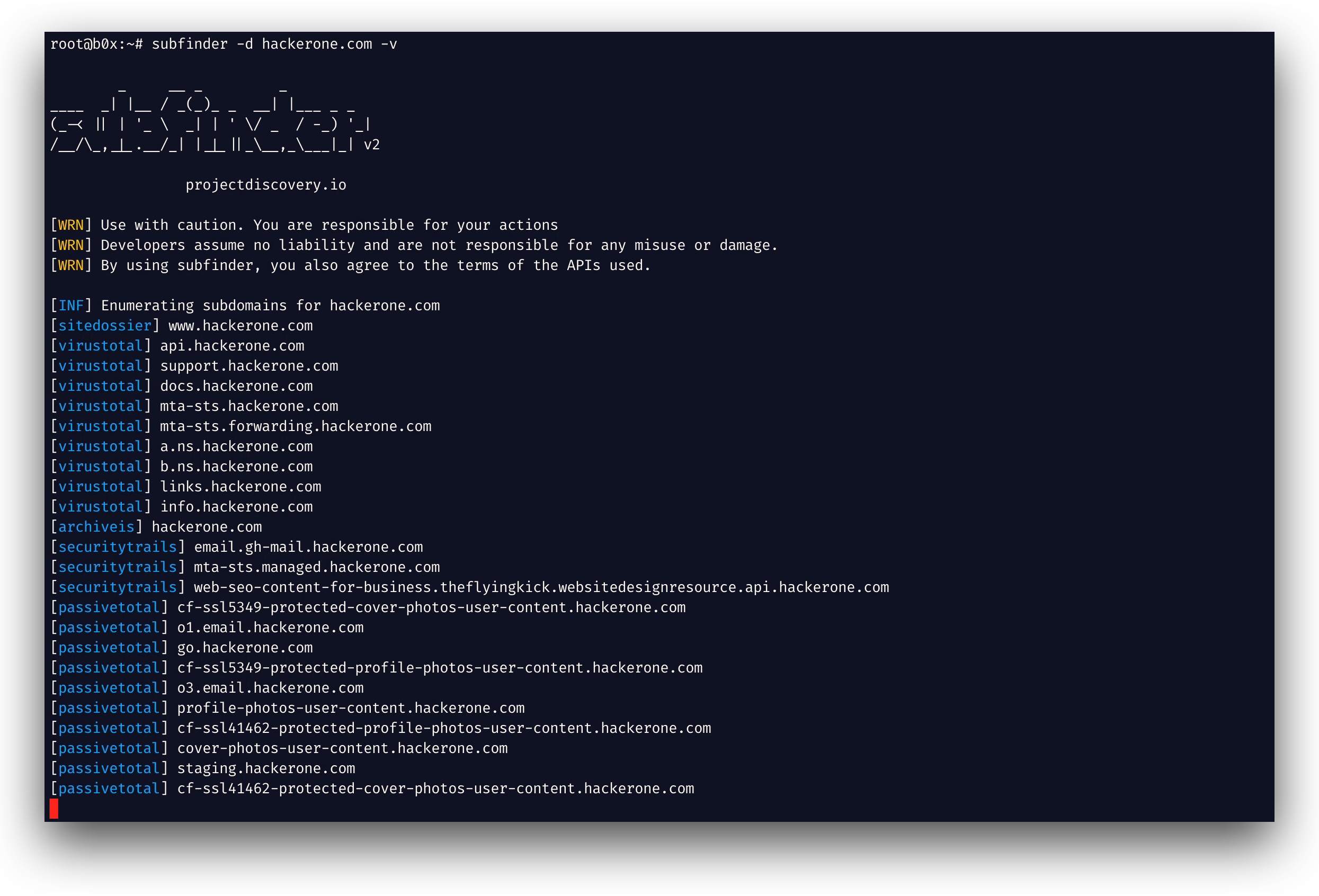
subfinder 是一款子域名发现工具,利用被动在线数据源为网站返回有效的子域名。它具有简单、模块化的架构,并针对速度进行了优化。subfinder 专为
只做一件事而构建——被动子域名枚举,并且做得非常出色。
我们使其符合所有所用被动数据源的许可证和使用限制。被动模式保证了速度和隐蔽性,可同时被渗透测试人员和漏洞赏金 猎人利用。
subfinder -h
这将显示该工具的帮助信息。以下是它支持的所有开关。
Usage:
  ./subfinder [flags]

Flags:
INPUT:
  -d, -domain string[]  domains to find subdomains for
  -dL, -list string     file containing list of domains for subdomain discovery

SOURCE:
  -s, -sources string[]           specific sources to use for discovery (-s crtsh,github). Use -ls to display all available sources.
  -recursive                      use only sources that can handle subdomains recursively (e.g. subdomain.domain.tld vs domain.tld)
  -all                            use all sources for enumeration (slow)
  -es, -exclude-sources string[]  sources to exclude from enumeration (-es alienvault,zoomeyeapi)

FILTER:
  -m, -match string[]     subdomain or list of subdomain to match (file or comma separated)
  -f, -filter string[]     subdomain or list of subdomain to filter (file or comma separated)
  -match-regex string[]   regex or list of regex to match on output subdomain (cli, file)
  -filter-regex string[]  regex or list of regex to filter on output subdomain (cli, file)

RATE-LIMIT:
  -rl, -rate-limit int  maximum number of http requests to send per second
  -rls value            maximum number of http requests to send per second for providers in key=value format (-rls "hackertarget=10/s,shodan=15/s")
  -t int                number of concurrent goroutines for resolving (-active only) (default 10)

UPDATE:
  -up, -update                 update subfinder to latest version
  -duc, -disable-update-check  disable automatic subfinder update check

OUTPUT:
  -o, -output string       file to write output to
  -oJ, -json               write output in JSONL format
  -oD, -output-dir string  directory to write output (-dL only)
  -cs, -collect-sources    include all sources in the output (-json only)
  -oI, -ip                 include host IP in output (-active only)

CONFIGURATION:
  -config string                flag config file (default "$CONFIG/subfinder/config.yaml")
  -pc, -provider-config string  provider config file (default "$CONFIG/subfinder/provider-config.yaml")
  -r string[]                   comma separated list of resolvers to use
  -rL, -rlist string            file containing list of resolvers to use
  -nW, -active                  display active subdomains only
  -proxy string                 http proxy to use with subfinder
  -ei, -exclude-ip              exclude IPs from the list of domains
  -mr, -max-results int         limit the number of results per source (0 = unlimited; honored by paginating sources)

DEBUG:
  -silent             show only subdomains in output
  -version            show version of subfinder
  -v                  show verbose output
  -nc, -no-color      disable color in output
  -ls, -list-sources  list all available sources (-oJ for JSON)

OPTIMIZATION:
  -timeout int                  seconds to wait before timing out (default 30)
  -max-time int                 minutes to wait for enumeration results (default 10)
  -rsr, -response-size-read int max response body size to read in bytes from passive sources (0 = unlimited)
Subfinder 支持通过环境变量指定配置文件的 custom 路径:
SUBFINDER_CONFIG - config.yaml 文件的路径(覆盖默认的 $CONFIG/subfinder/config.yaml)SUBFINDER_PROVIDER_CONFIG - provider-config.yaml 文件的路径(覆盖默认的 $CONFIG/subfinder/provider-config.yaml)subfinder 需要 go1.26 才能成功安装。运行以下命令安装最新版本:
go install -v github.com/projectdiscovery/subfinder/v2/cmd/subfinder@latest
在此了解安装 subfinder 的更多方式:https://docs.projectdiscovery.io/tools/subfinder/install。
subfinder 安装后即可直接使用,但许多数据源需要 API 密钥才能工作。在此了解更多:https://docs.projectdiscovery.io/tools/subfinder/install#post-install-configuration。
在此了解如何运行 Subfinder:https://docs.projectdiscovery.io/tools/subfinder/running。
-match-regex 和 -filter-regex 接受 Go 正则表达式,可重复使用或从文件读取(每行一个),并与 -match 和 -filter 组合使用:
subfinder -d example.com -match-regex '^(api|web)[0-9]{1,3}\.' -filter-regex '(^|\.)dev\.'
Subfinder 也可作为库使用,使用 subfinder SDK 的最小示例可在此处获取
subfinder 由 projectdiscovery 团队用 🖤 打造。社区贡献成就了这个项目。详情请参阅
THANKS.md 文件。
请阅读 DISCLAIMER.md 中的使用免责声明,并联系我们以进行任何 API 移除。