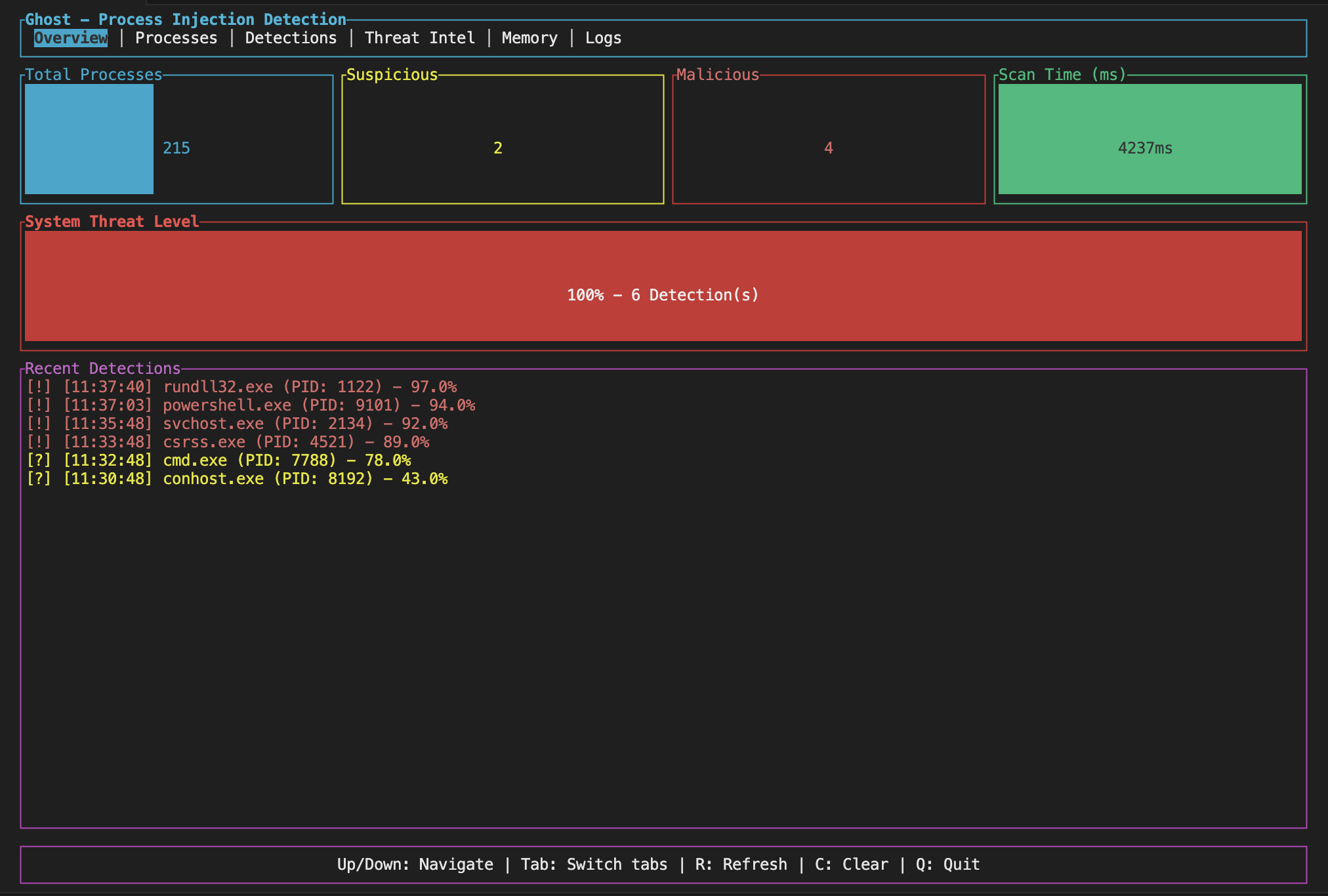
Ghost 是一款用 Rust 编写的进程注入检测工具。它监视正在运行的进程,并尝试捕获可疑行为,如代码注入、内存操纵以及恶意软件用来隐藏自身的其他伎俩。
核心理念很简单:扫描进程并查找异常内存模式、被挂钩的函数、shellcode 以及其他表明某些东西被篡改的迹象。它支持 Windows、Linux 和 macOS(尽管目前 Windows 支持最为完善)。
它可以检测到的一些东西:
它还将检测到的行为映射到 MITRE ATT&CK 框架,这对记录威胁或撰写报告很有帮助。
你需要安装 Rust(1.70 或更高版本)。然后:
cargo build --release
在 Windows 上,你还需要 MSVC 构建工具。Linux 需要基本的开发工具(gcc 等)。macOS 需要 Xcode 命令行工具。
有两个界面:一个命令行工具和一个交互式终端 UI。
CLI:
# Scan all processes
cargo run --bin ghost-cli --release

# Target one process
cargo run --bin ghost-cli --release -- --pid 1234

# Output results as JSON
cargo run --bin ghost-cli --release -- --format json

# Use a config file
cargo run --bin ghost-cli --release -- --config ghost.toml

# Continuous monitoring mode
cargo run --bin ghost-cli --release -- --watch

# Watch with custom interval (10 seconds)
cargo run --bin ghost-cli --release -- --watch --interval 10
TUI:
cargo run --bin ghost-tui --release
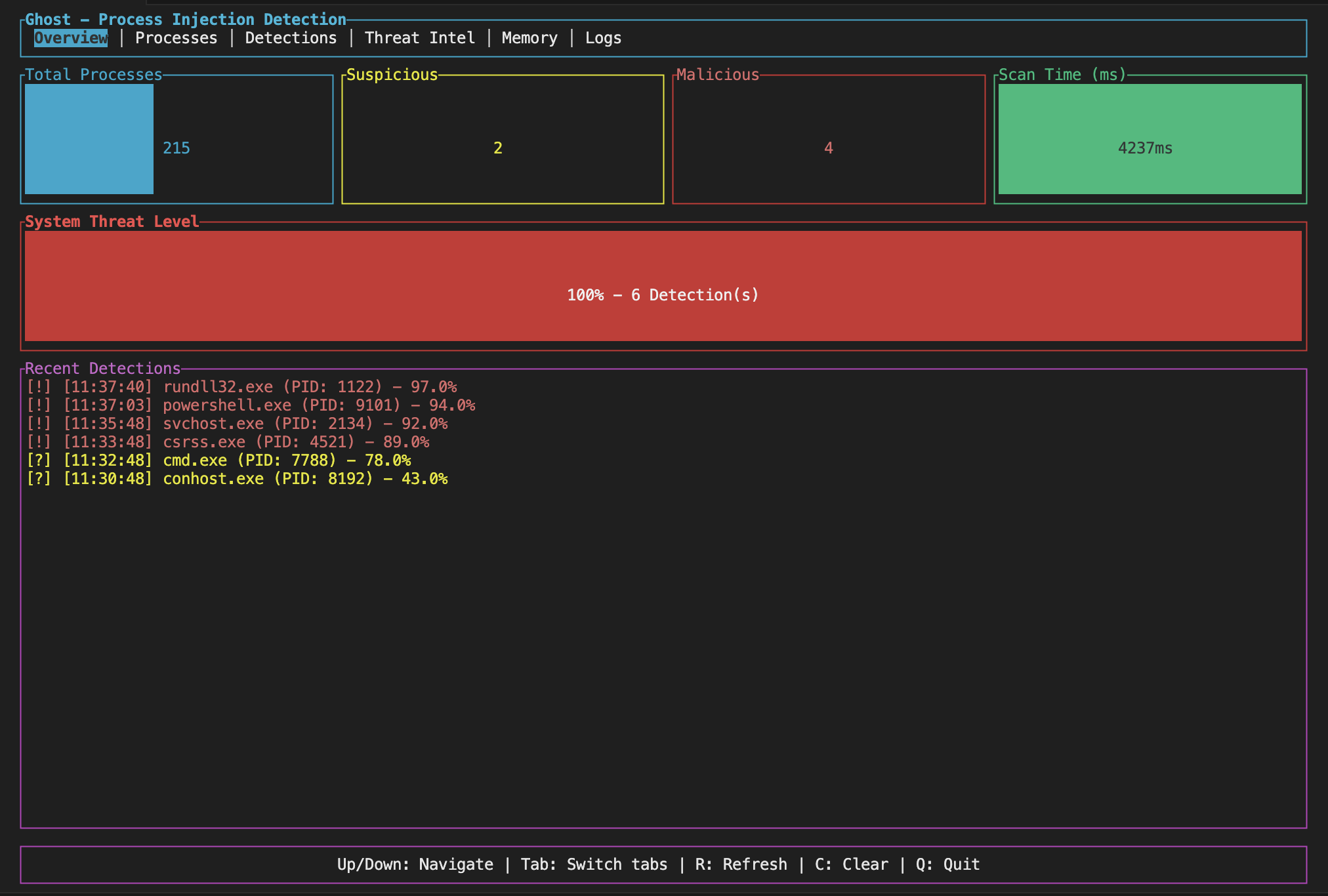
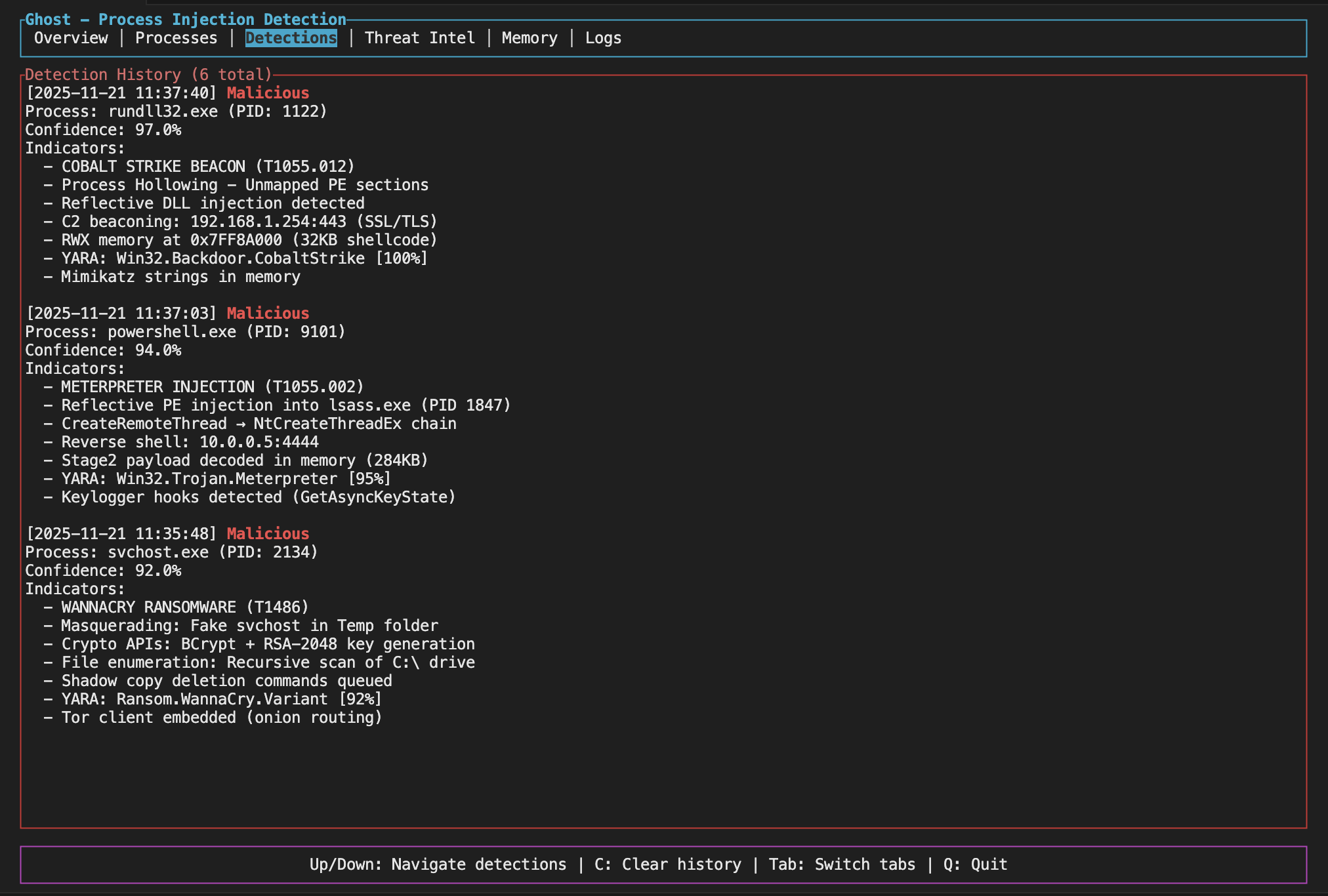
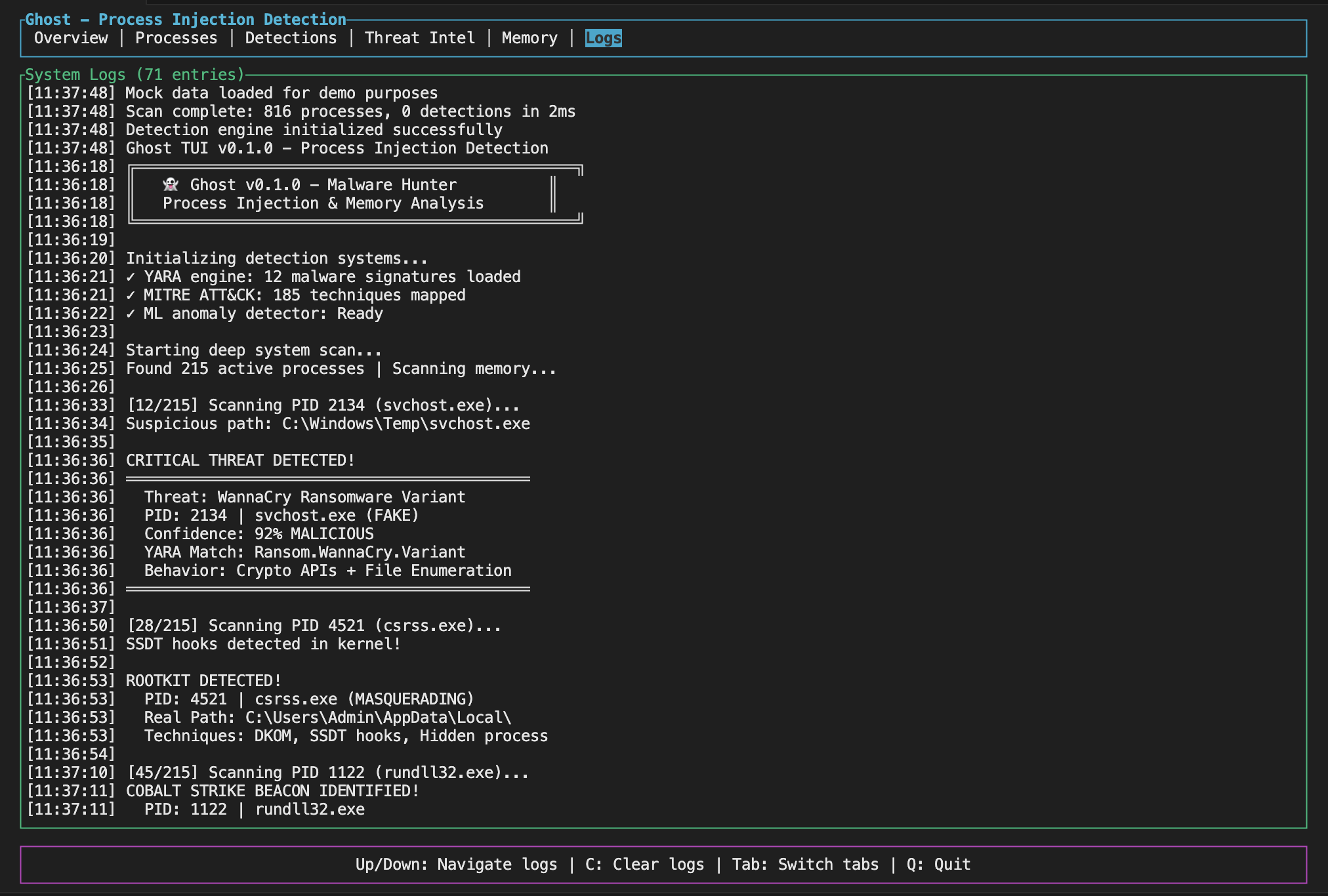
TUI 为你提供一个带实时统计和检测历史记录的仪表板,你可以使用键盘快捷键进行导航(Tab 切换视图,Q 退出)。
Ghost 支持 Bash、Zsh、Fish、PowerShell 和 Elvish 的 Tab 补全。
# Generate completions for your shell
ghost completions bash > /etc/bash_completion.d/ghost
ghost completions zsh > ~/.zfunc/_ghost
ghost completions fish > ~/.config/fish/completions/ghost.fish

# Or use the install script
./completions/install.sh
详细的安装说明请参阅 completions/README.md。
Ghost 支持在构建时启用的可选功能:
# YARA rule scanning (requires libyara)
cargo build --features yara-scanning

# Neural ML integration (requires Python and trained models)
cargo build --features neural-ml

# eBPF detection (Linux only, currently stub implementation)
cargo build --features ebpf-detection
注意:机器学习功能需要训练好的模型才能运行。训练说明请参阅 ghost_ml/README.md。
你可以通过 TOML 配置文件调整行为。查看 examples/ghost.toml 作为起点。你可以启用/禁用特定的检测方法、设置置信度阈值、跳过系统进程,以及控制扫描频率。
配置示例片段:
shellcode_detection = true
hollowing_detection = true
hook_detection = true
confidence_threshold = 0.3
skip_system_processes = true
scan_interval_ms = 2000
默认情况下,Ghost 将每次检测的输出限制为 10 个指标,并对相似结果进行去重。对于大规模扫描,你可以进一步减少输出:
命令行选项:
# Summary mode - outputs statistics instead of full details
ghost-cli --summary

# Limit indicators per detection
ghost-cli --max-indicators 5

# Only report malicious detections
ghost-cli --min-threat-level malicious

# Combine for minimal output
ghost-cli --summary --quiet
配置文件:
[output]
verbosity = "minimal"          # minimal, normal, or verbose
max_indicators_per_detection = 5
min_threat_level = "suspicious"
deduplicate_indicators = true
summary_mode = true
这在扫描大量进程或运行持续监控时很有用,否则输出文件会变得过大。
监控模式让你无需手动运行扫描即可持续监控系统。它有助于在注入尝试发生时实时捕获。
# Start watching (default: 5 second interval)
ghost-cli --watch

# Custom interval
ghost-cli --watch --interval 10

# Watch specific process
ghost-cli --watch --pid 1234

# Quiet mode - only alerts on new detections
ghost-cli --watch --quiet
在监控模式下运行时,Ghost 会:
示例输出:
[14:32:15] Scan #1: clean (142 processes, 89ms)
[14:32:20] Scan #2: 2 NEW detections! (2 total, 142 processes, 91ms)
  [MALICIOUS] suspicious.exe (PID: 4521) - 87% confidence
  [SUSPICIOUS] helper.dll (PID: 2201) - 54% confidence
[14:32:25] Scan #3: 2 known threats (142 processes, 88ms)
基线模式会捕获系统当前状态的快照。后续扫描可以将此基线作为对比,以检测变化 - 对于无需排查已知问题即可发现新威胁非常有用。
# Save current state as baseline
ghost-cli --save-baseline baseline.json

# Later: compare against baseline
ghost-cli --baseline baseline.json

# Combine with watch mode
ghost-cli --watch --baseline baseline.json
与基线对比时,Ghost 会报告:
示例输出:
3 changes from baseline:

  New threats (1):
    injector.exe (PID: 8821) - Malicious

  Escalated threats (1):
    helper.dll (PID: 2201): Suspicious -> Malicious

  New indicators (1):
    svchost.exe (PID: 1024):
      - RWX memory region detected
      - Shellcode pattern match
检测到变化时退出码为 1,干净时为 0。
Ghost 可以在检测到威胁时向 Slack、Discord 或任何 HTTP 端点发送实时警报。非常适合 SOC 集成或在手机上接收通知。
# Slack webhook
ghost-cli --watch --webhook "https://hooks.slack.com/services/XXX/YYY/ZZZ"

# Discord webhook
ghost-cli --watch --webhook "https://discord.com/api/webhooks/123/abc"

# Generic HTTP POST (JSON payload)
ghost-cli --watch --webhook "https://your-siem.example.com/api/alerts"

# Override auto-detected type
ghost-cli --webhook "https://custom.url" --webhook-type slack
Ghost 会根据 URL 自动检测 webhook 类型:
hooks.slack.com → Slack 格式(带附件)discord.com/api/webhooks → Discord 格式(带嵌入内容)Slack 警报包含颜色编码的附件,带有威胁级别、置信度分数和主要指标:
🚨 Ghost detected suspicious activity on *prod-server-01*
━━━━━━━━━━━━━━━━━━━━━━━━━━━━━━━━━━
🚨 suspicious.exe (PID: 4521)
• RWX memory region detected at 0x7ff...
• Shellcode pattern: NOP sled
Threat Level: Malicious | Confidence: 87%
Discord 警报使用包含相同信息的富嵌入,界面简洁。
通用 webhook 发送 JSON 载荷:
{
  "event": "ghost.detection",
  "timestamp": "2024-12-06T14:32:15Z",
  "hostname": "prod-server-01",
  "process_name": "suspicious.exe",
  "pid": 4521,
  "threat_level": "Malicious",
  "confidence": 0.87,
  "indicators": ["RWX memory region detected", "..."]
}
当 Ghost 发现可疑内容时,它会分配一个威胁级别:干净(Clean)、低(Low)、中(Medium)、高(High)或严重(Critical)。这基于它发现的指标数量及其严重程度。
高置信度并不总是意味着恶意软件 - 一些合法软件也会对内存做奇怪的操作。请自行判断,如有需要请进一步调查。
Windows: 功能完整。进程枚举、内存读取、钩子检测、进程镂空检测、PE 验证和线程分析均可正常工作。
Linux: 核心功能可用。通过 procfs(/proc)进行进程枚举、内存读取、LD_PRELOAD 检测和基于 ptrace 的注入检测均可正常工作。eBPF 支持需要 ebpf-detection 功能标志,目前为桩实现。
macOS: 部分支持。使用 mach VM API 进行进程枚举、内存区域枚举、内存读取和线程枚举。钩子检测包括 DYLD_INSERT_LIBRARIES 检测和内联钩子检测框架。
它的设计目标是足够快以支持持续监控。完整的系统扫描(200 个进程)通常只需不到 5 秒。每个进程的内存枚举约为 50-100 毫秒。检测引擎本身每次分析增加约 5-10 毫秒。
该工具包含 YARA 规则集成。规则存储在 rules/ 目录中,覆盖常见恶意软件家族,如 Metasploit、Cobalt Strike、通用 shellcode 模式和规避技术。你可以添加自己的规则 - 只需将 .yar 文件放入该文件夹即可。
这是一款用户态工具,具有以下局限性:
docs/ 文件夹中有更多详细信息:
DETECTION_METHODS.md - 解释每种检测技术的工作原理MITRE_ATTACK_COVERAGE.md - 列出覆盖的 ATT&CK 技术PERFORMANCE_GUIDE.md - 性能调优技巧如果你想贡献代码,还可以查看 CONTRIBUTING.md,以及查看 SECURITY.md 了解安全策略。
MIT。请参阅 LICENSE 文件。
此工具用于安全研究、测试你自己的系统以及捕获真实威胁。不要将其用于你不拥有或未经许可测试的系统。请负责任地使用。
此外,如果你正在调查真实事件,请记住恶意软件可以检测到正在被分析,并可能表现异常或自行关闭。Ghost 会尽量保持隐蔽,但无法保证高级恶意软件不会注意到它。